Explore the Features of Magiclight AI Script to Video Generator
An AI script-to-video generator only works when it follows your original script. Magiclight AI turns pasted text into a full video while keeping your message.

Magiclight AI turns the script into a professional video, with no editing skills required.
Create Video From Script for Free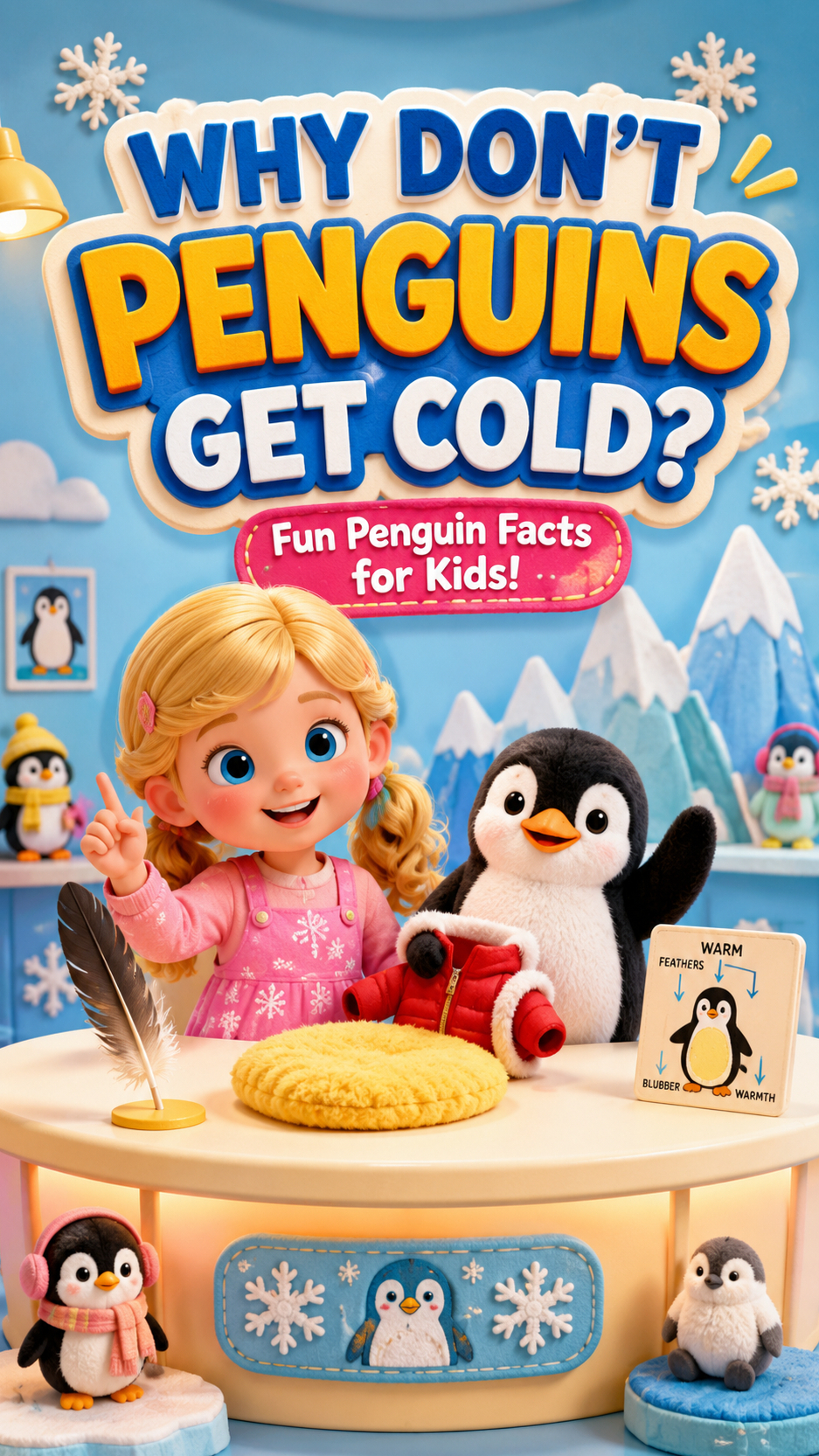
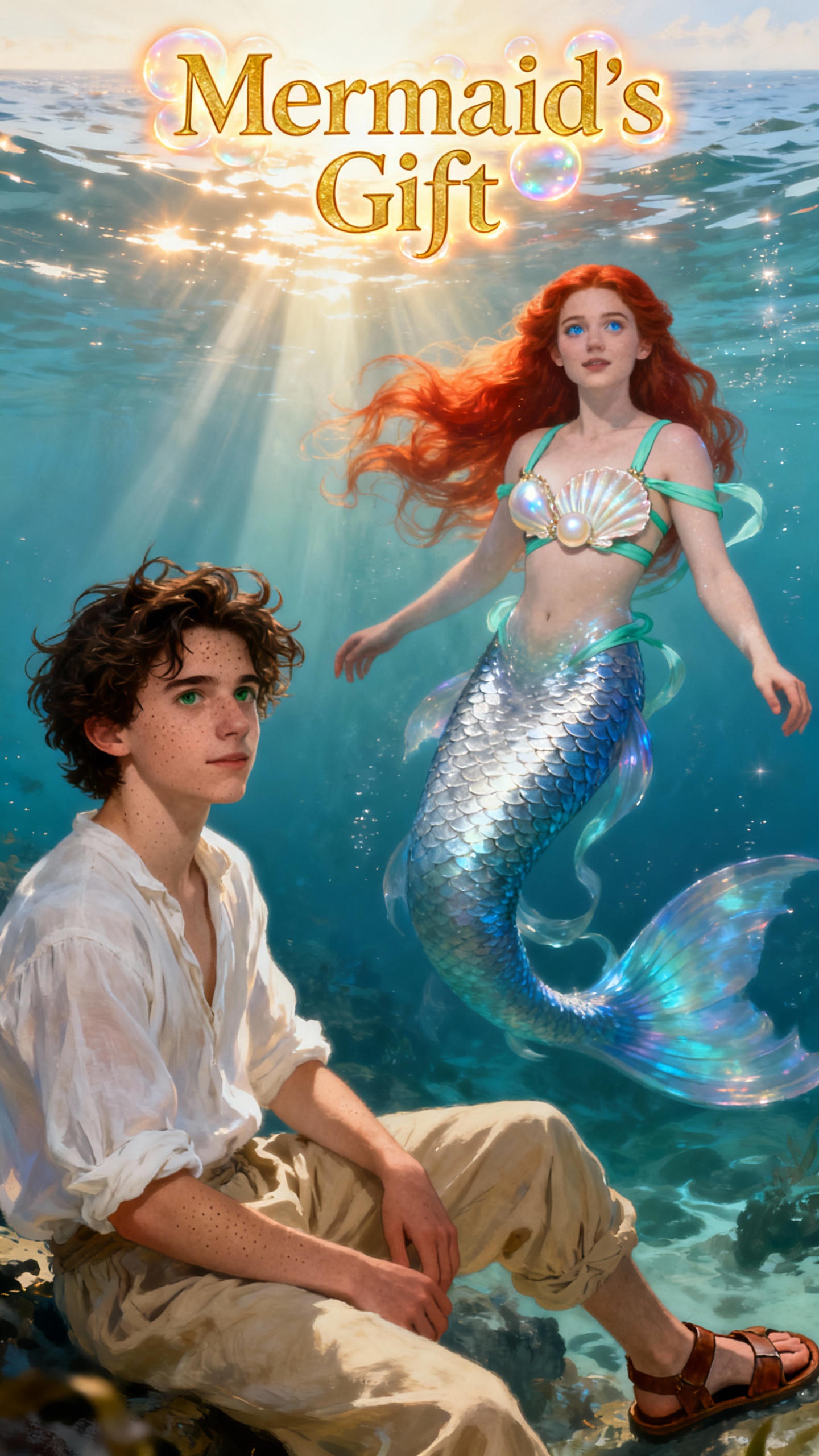
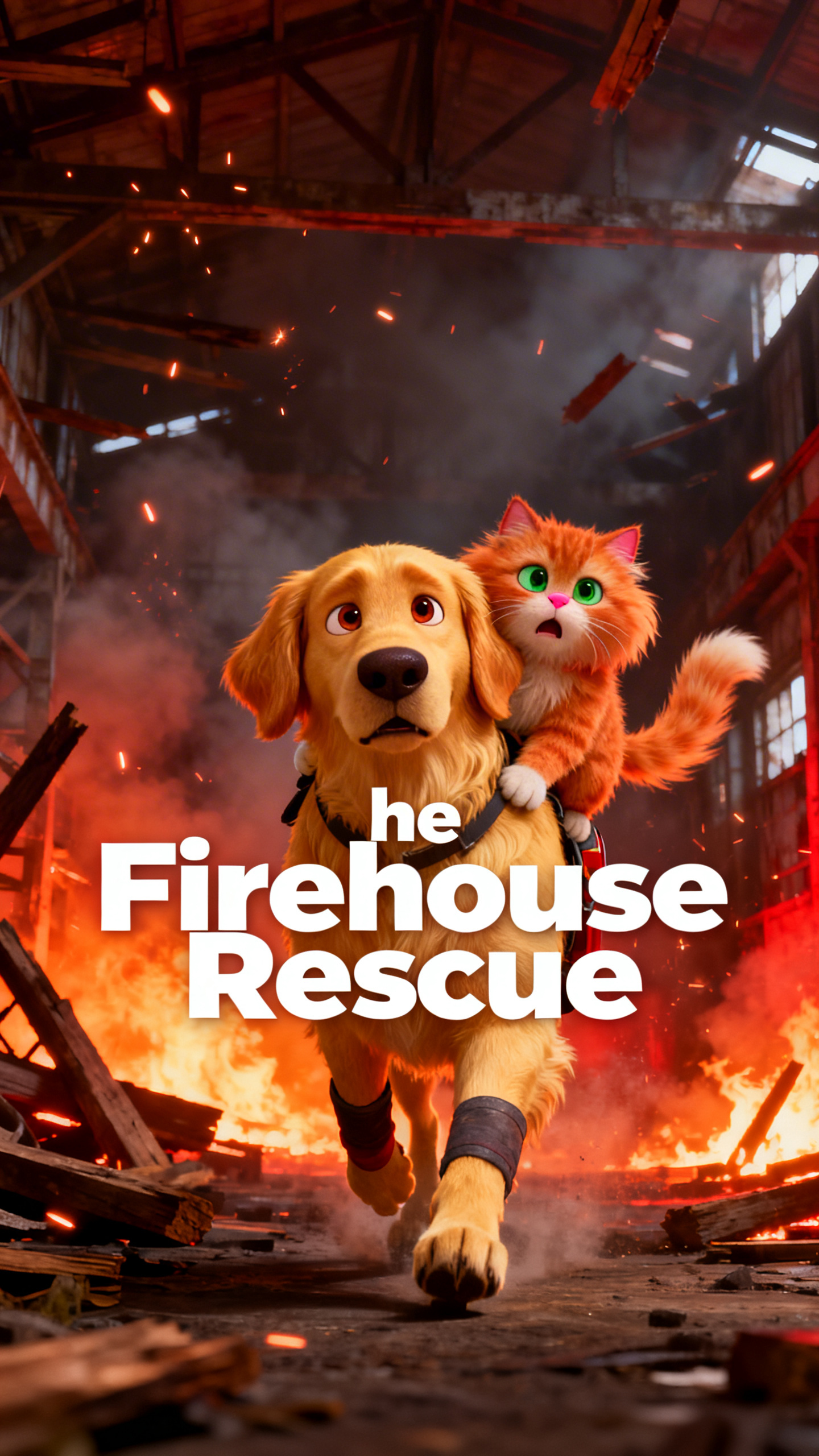
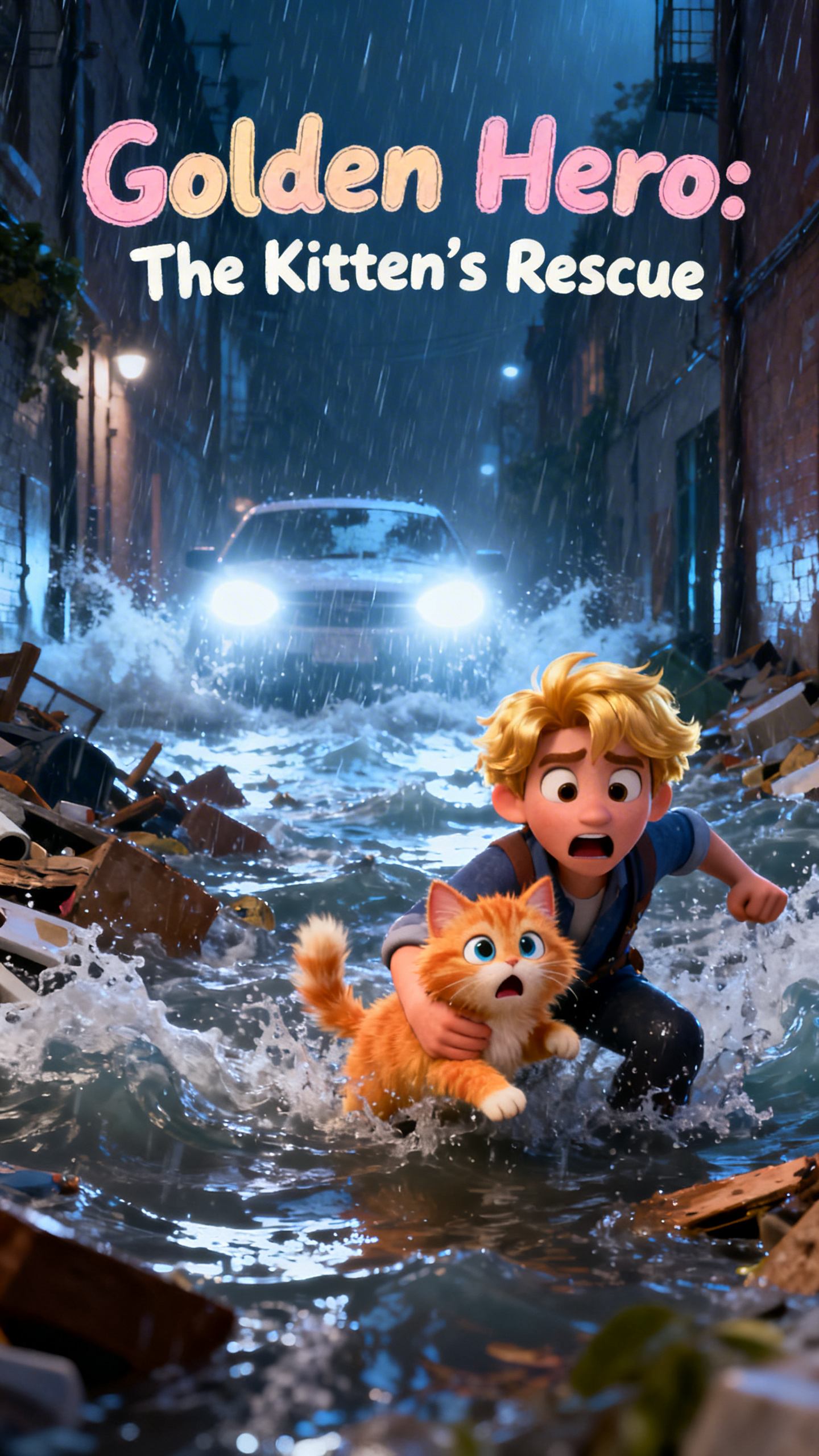
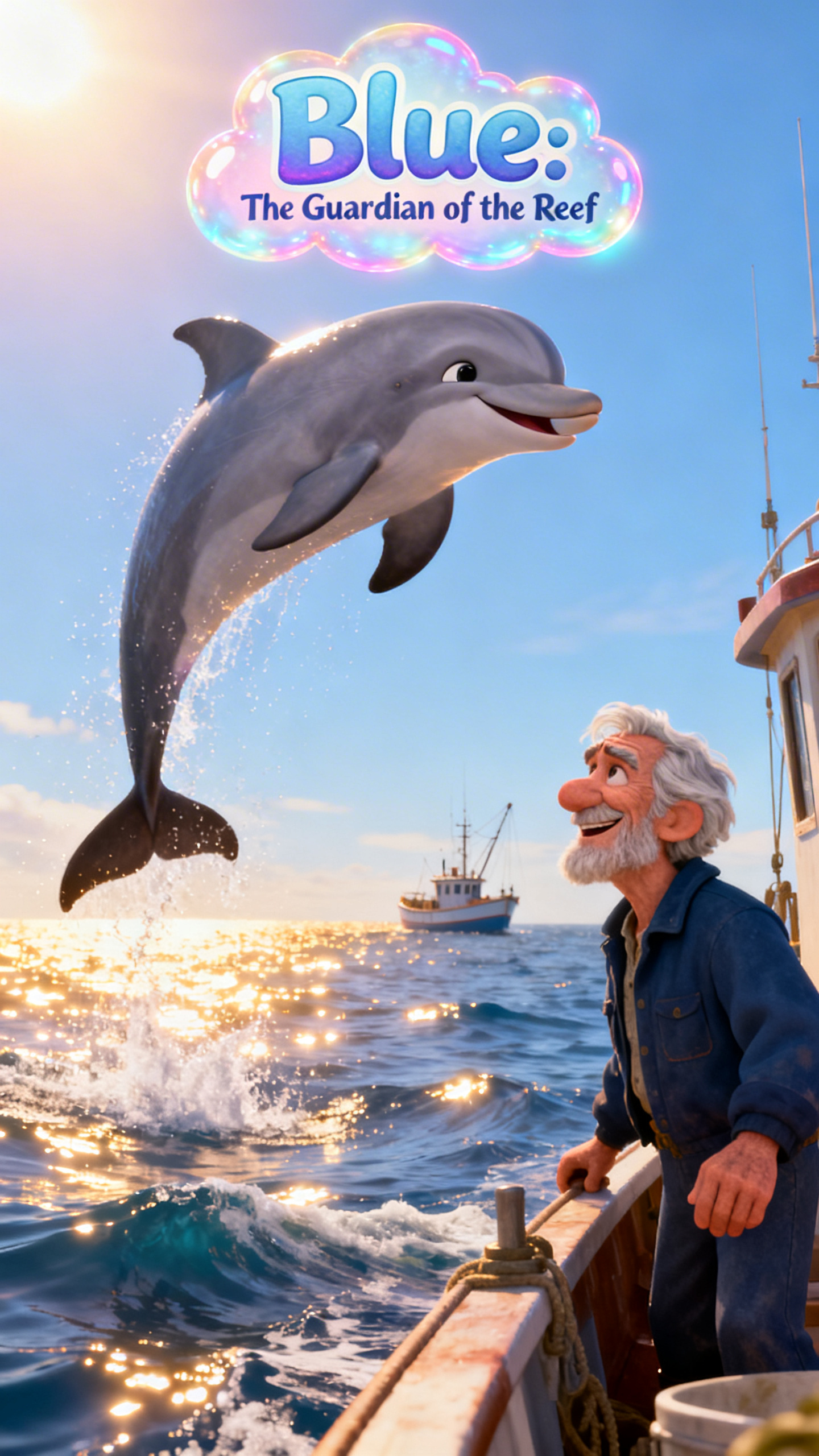
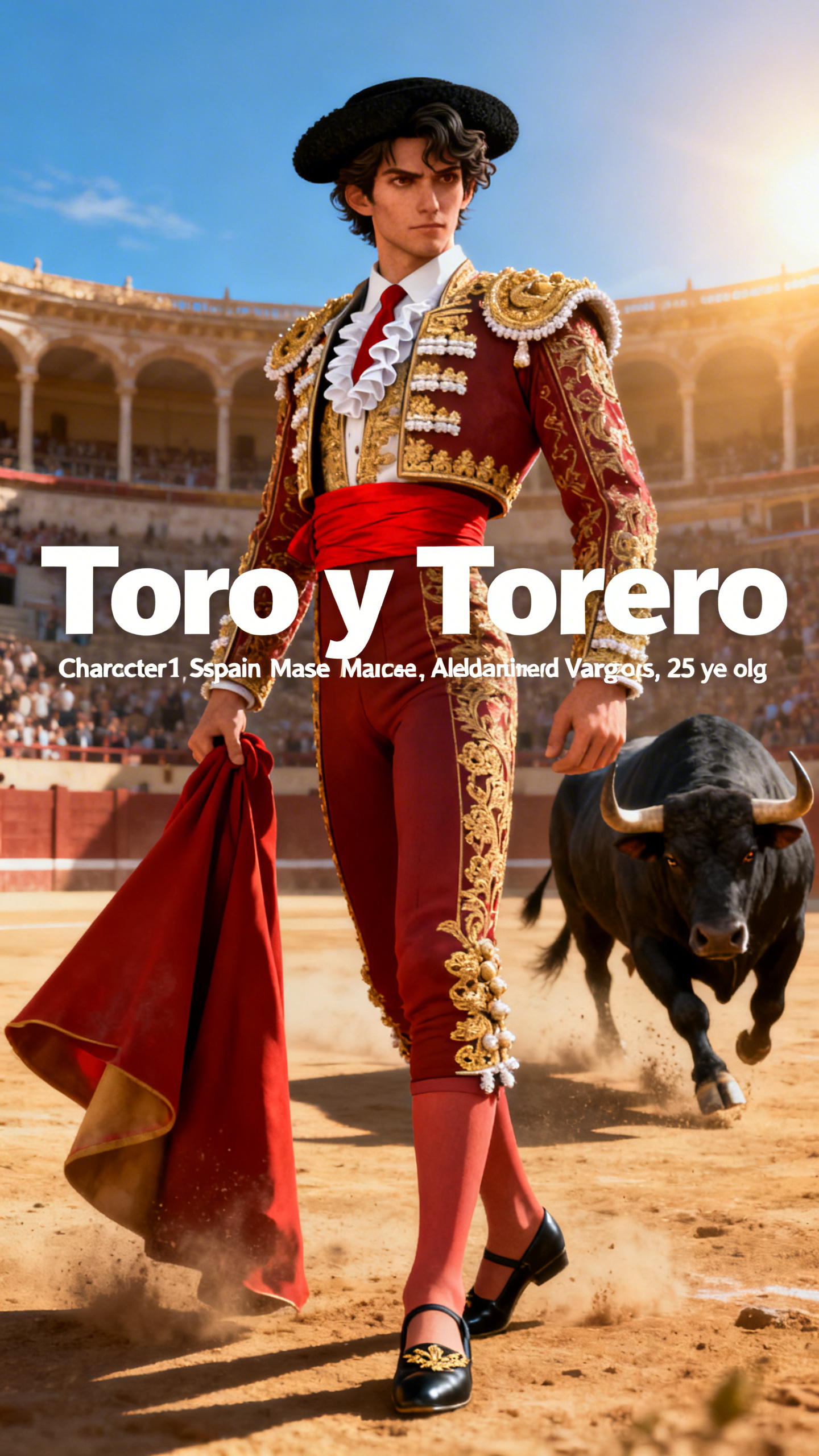
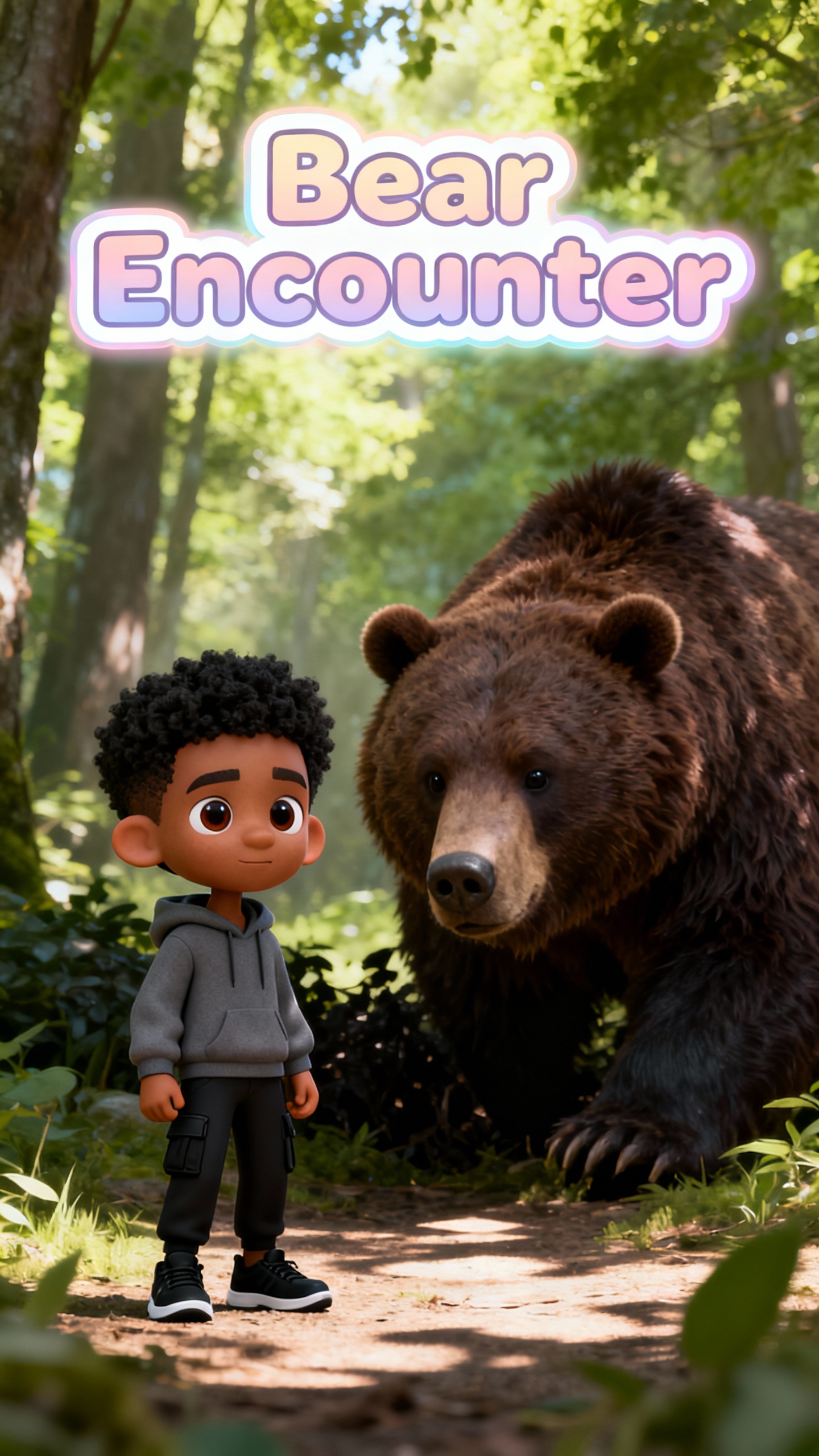
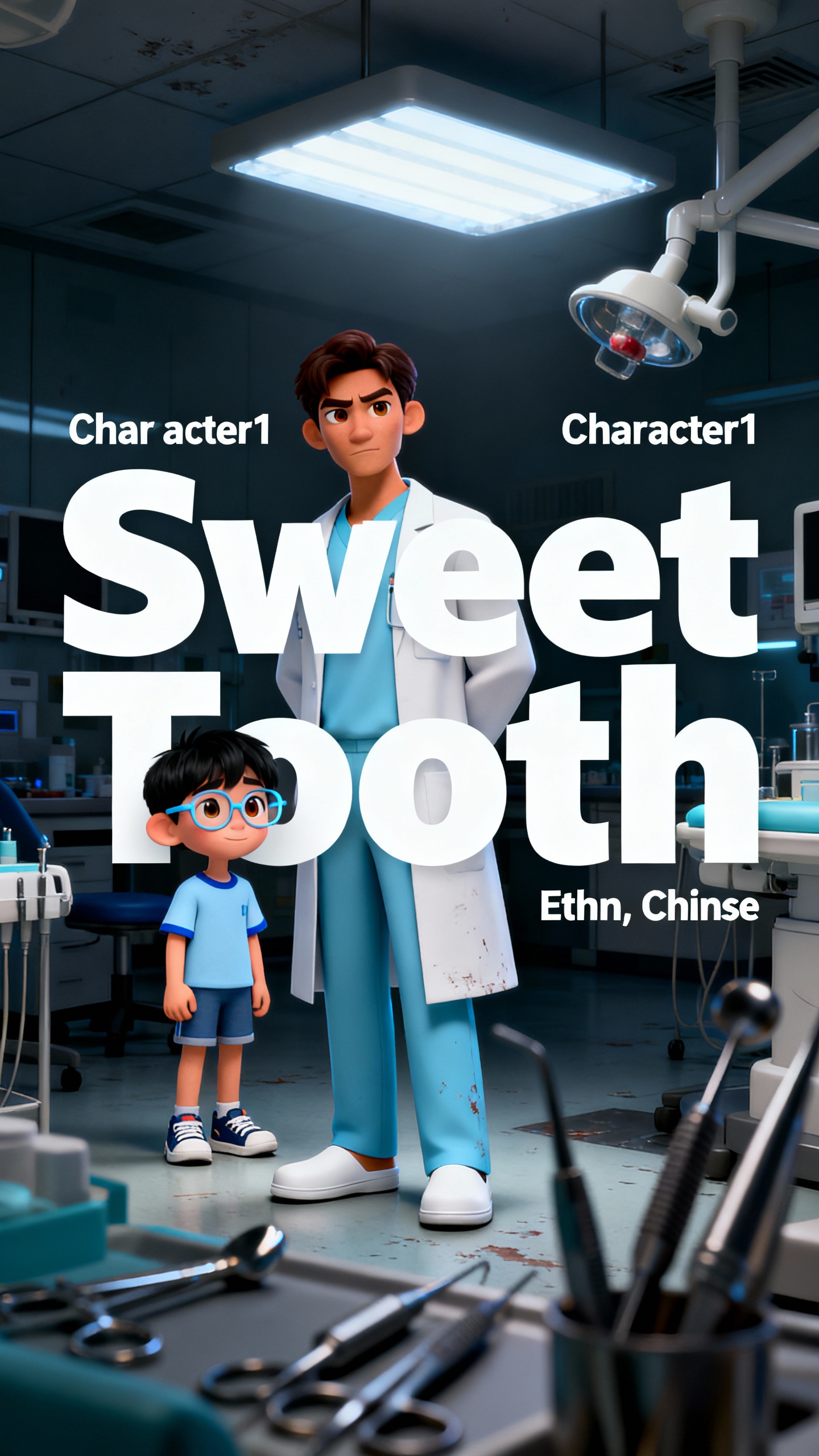
An AI script-to-video generator only works when it follows your original script. Magiclight AI turns pasted text into a full video while keeping your message.

Add prompts containing up to 12,000 characters and generate videos lasting up to 50 minutes within one project.
Upload your completed script and generate a polished video with one simple click. Magiclight AI converts scripts into videos using 14 animation models without complex editing.
Assign one of 37 voices to each speaking part, so a script with several characters doesn't sound like one narrator.
Magiclight AI narrates and subtitles the same script in 11 languages. A script written once can reach an audience it was not originally written for.


Transforming scripts into videos requires only four clear steps from start to finish. Magiclight AI's script-to-video AI generator makes every production stage straightforward.
Paste your completed script into Magiclight AI to begin the video creation process. Pick the story model best suited to your script's storytelling approach.
Choose visual styles, character appearances, voices, and animation settings matching your script. Every selected element stays consistent throughout the generated video.
Use Nano Storyboard to adjust visuals, timing, camera angles, and scene transitions. Fine-tune each sequence until the video matches your intended storytelling.
Preview the completed project before exporting it in your preferred output format. Download or share the finished video once every scene looks perfect.
Yes. Paste a script from any source into Magiclight AI, and it will turn text into scene-based video content while preserving your original message.
A script-to-video AI generator turns written scripts into narrated scenes, characters, subtitles, music, and complete videos. Magiclight AI handles these stages automatically.
Yes. You can assign different voices to characters, while Magiclight AI keeps their appearance consistent across scenes.
Magiclight AI offers a script-to-video generator workflow you can explore online without downloading separate video editing software.
Yes, Magiclight AI provides a free option for testing its script, storyboard, character, voice, and video creation workflow.
Its long-form support, editable storyboards, multiple voices, visual styles, and consistent characters make Magiclight AI suitable for complete productions.



The script is already written. This free script-to-video AI session just needs you to paste it in.