Everything you need to know about Veo 3.1 Lite
Veo 3.1 Lite Features That Make Video Creation Easy
Generate Text & Image-Based Videos for Social Media, Marketing, and Product Demos with Veo 3.1 Lite. No setup or API work required.
Try Veo 3.1 Lite Now

Whether you're a content creator, marketer, or business owner, Veo 3.1 Lite helps you generate videos directly from text and images. No editing skills required.




Veo 3.1 Lite Features That Make Video Creation Easy
Simply type a description or upload reference images, and Magiclight with Veo 3.1 Lite converts them into a ready-to-use video — no complicated setup required.
Create videos quickly and handle multiple projects at once — ideal for social media posts, marketing content, or product highlights.
Magiclight helps fine-tune your input so the scenes, actions, and style look smooth and natural.
Veo 3.1 Lite on Magiclight lets you create videos quickly and handle multiple projects at once — perfect for social media posts, marketing content, or product highlights.
Export videos in standard sizes (16:9 or 9:16) for social media, ads, or demos — horizontal or vertical, whichever you need.
Watch static imagery evolve into fluid, cinema-grade video using our breakthrough engine.
Provide a script, description, or reference images.
Add details like mood, style, or actions.
Choose resolution, length, and aspect ratio (16:9 or 9:16).
AI renders the video in seconds — ready to share.
Stories made with MagicLight reach millions of views every week across the internet
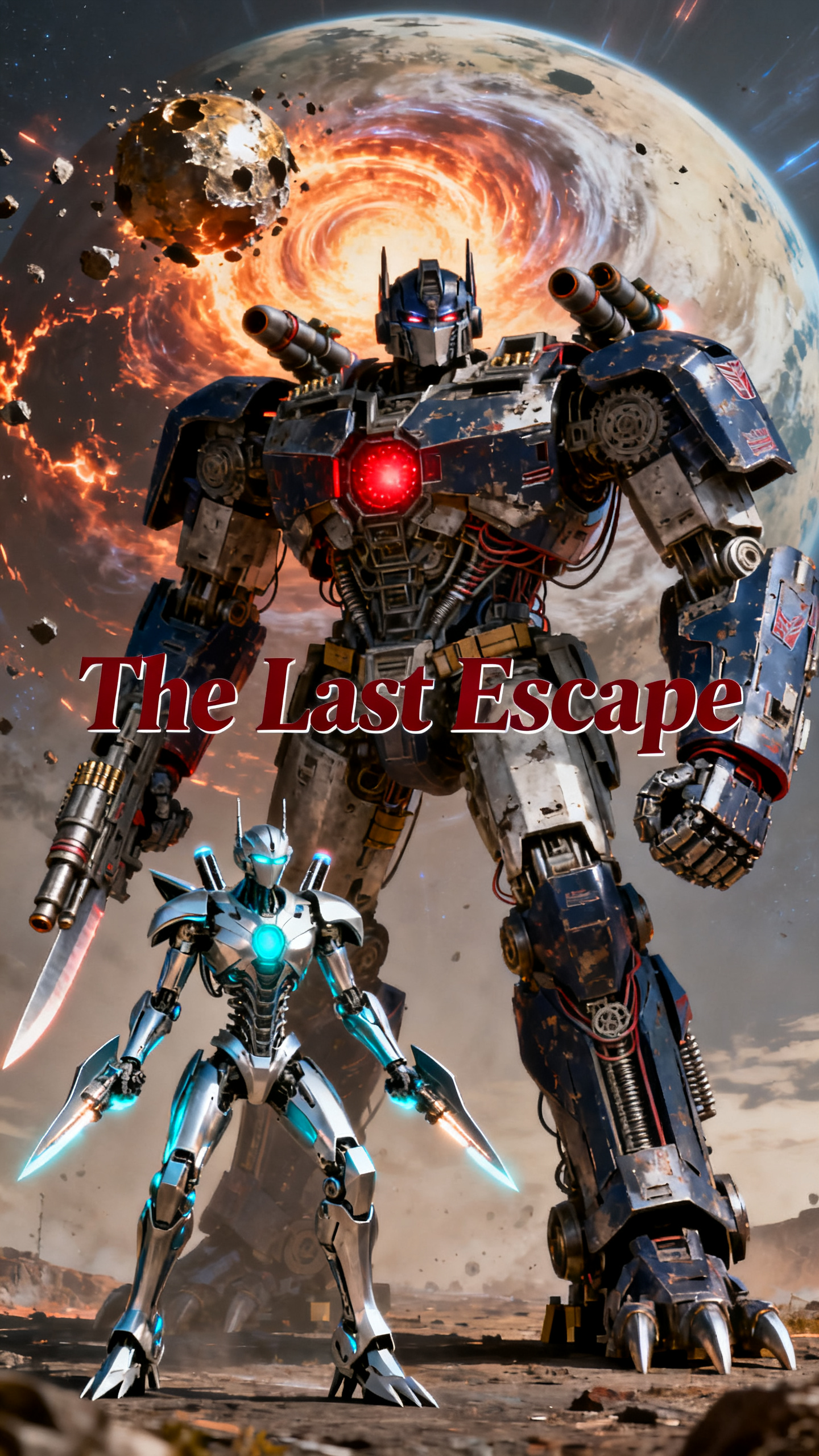
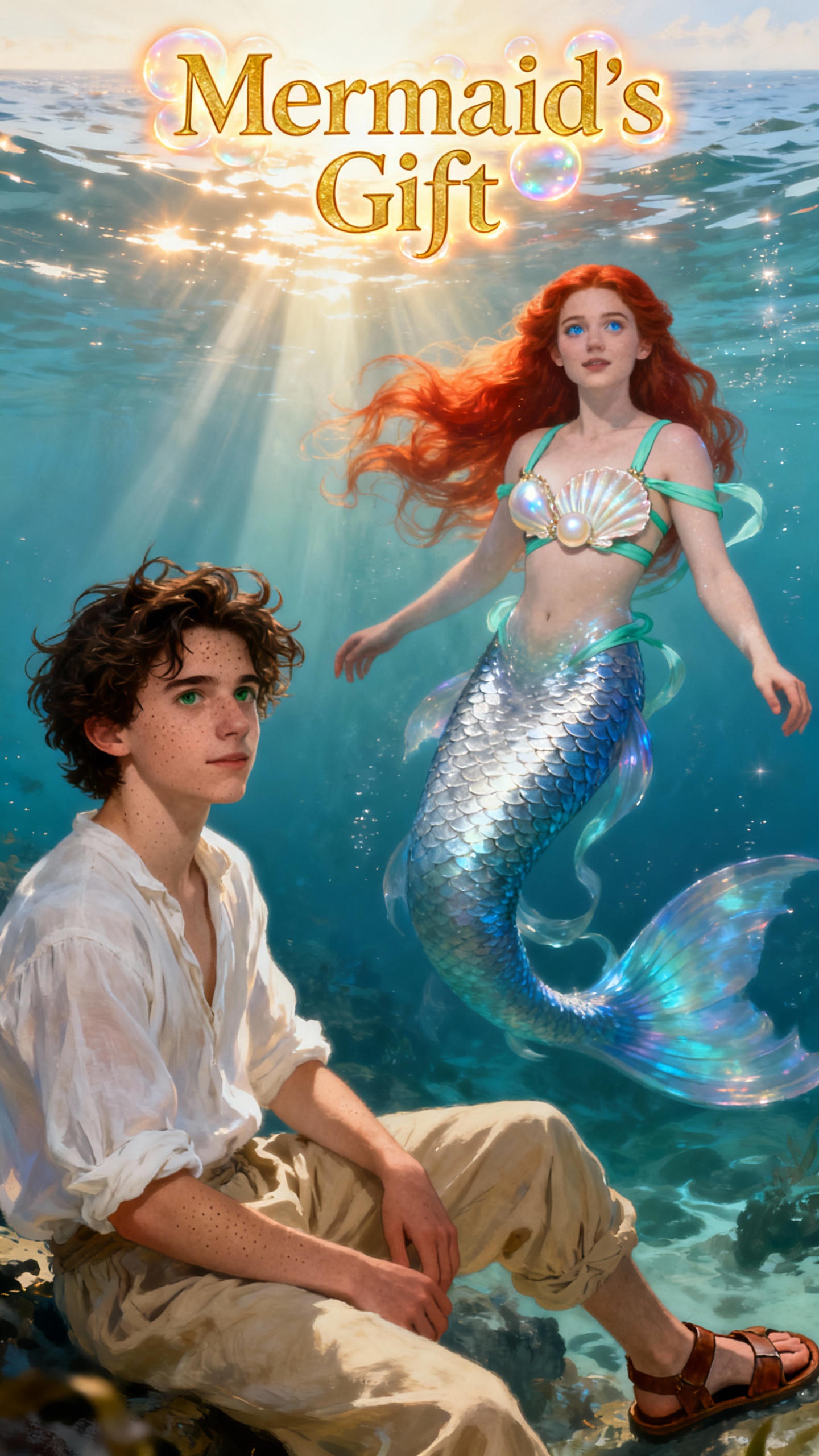

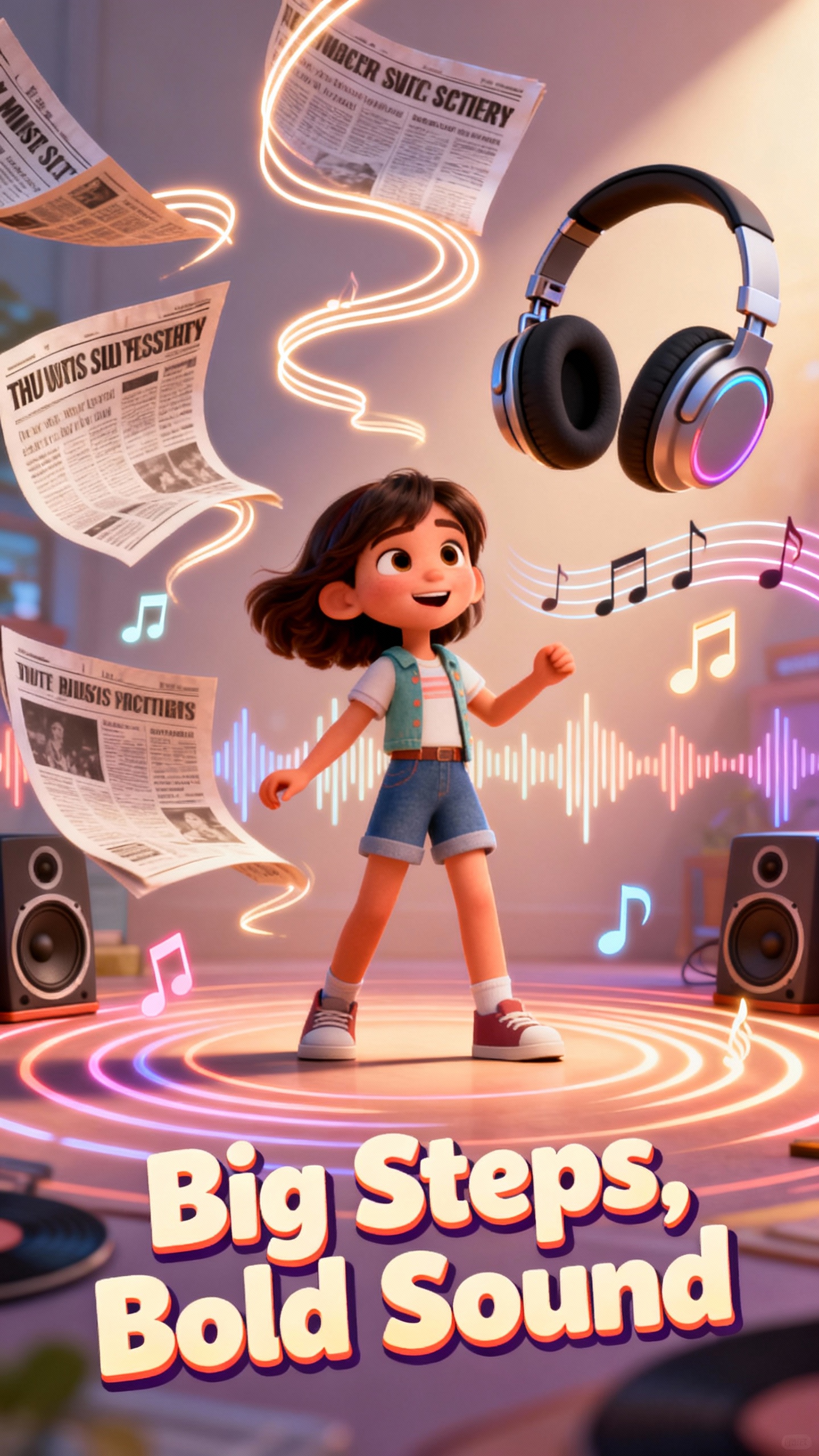


Veo 3.1 Lite is a lightweight video model integrated into Magiclight. It allows you to quickly turn text and images into short, ready-to-use videos without any setup or coding.
No. Magiclight makes Veo 3.1 Lite easy to use. Just type your idea or upload images, and the video is ready to download. No technical knowledge is required.
Veo 3.1 Lite on Magiclight is designed for short clips, usually 4–8 seconds per segment — perfect for social media posts, marketing, or product highlights.
Veo 3.1 Lite on Magiclight is designed for short clips, usually 4–8 seconds per segment — perfect for social media posts, marketing, or product highlights.
Magiclight supports standard formats and aspect ratios like 16:9 or 9:16, so your videos are ready for social media, ads, or demos — horizontal or vertical.
Yes. Videos created with Veo 3.1 Lite on Magiclight can be used for social media, marketing campaigns, ads, and product promotions.



Turn Your Ideas into Short Videos with Veo 3.1 Lite Today