Hero background

URL to Video AI Generator

Turn an image URL into a video with Magiclight AI. Paste the URL, describe the movement you want, and bring the image to life. No editing experience needed.

Create a Video from URL for Free
Url to video ai generator creating a crystal butterfly
Url to video ai generator creating a jade bamboo forest
Url to video ai generator creating a cosmic carousel
Url to video ai generator creating a jellyfish castle
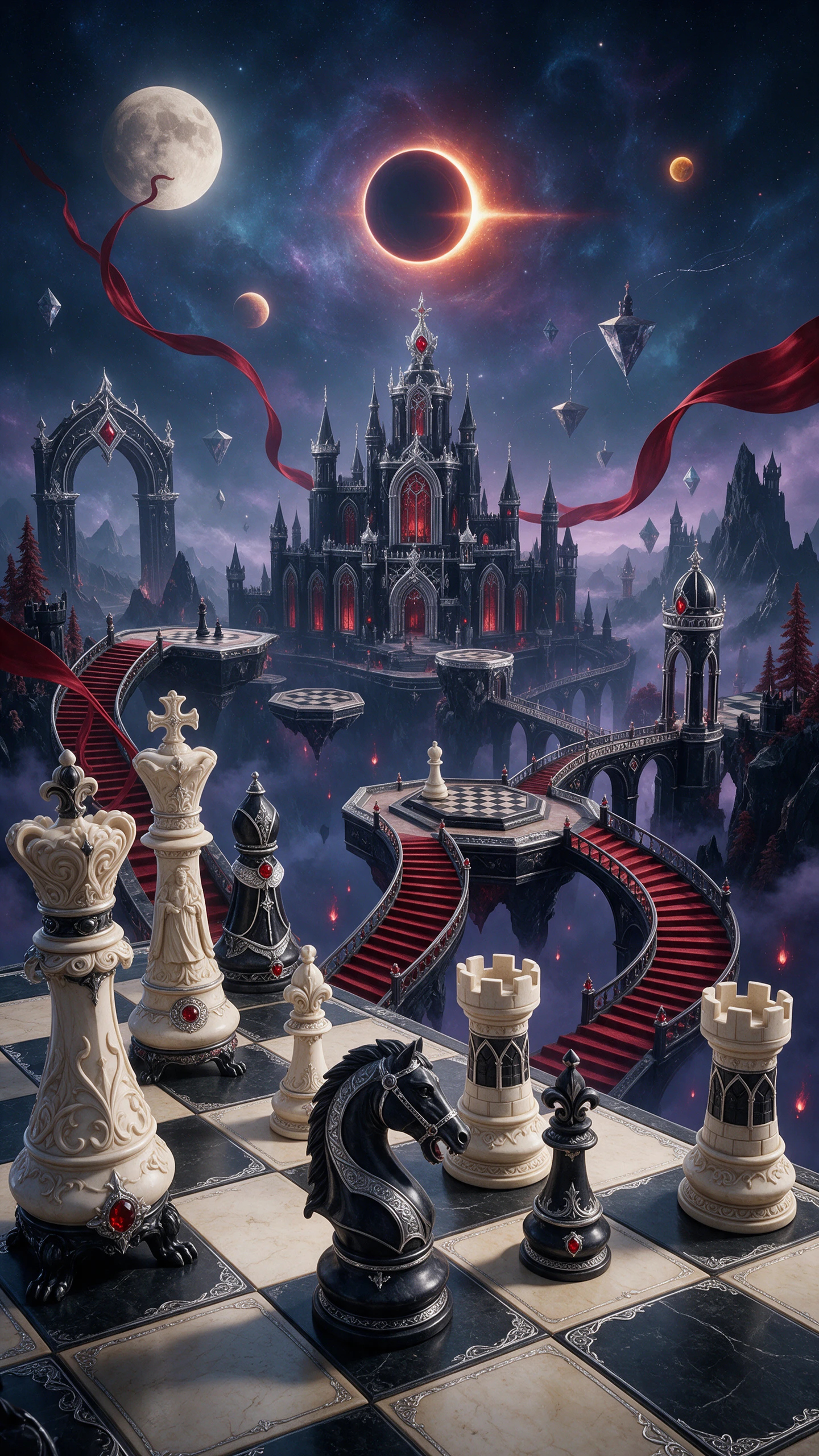
Url to video ai generator creating a chess kingdom
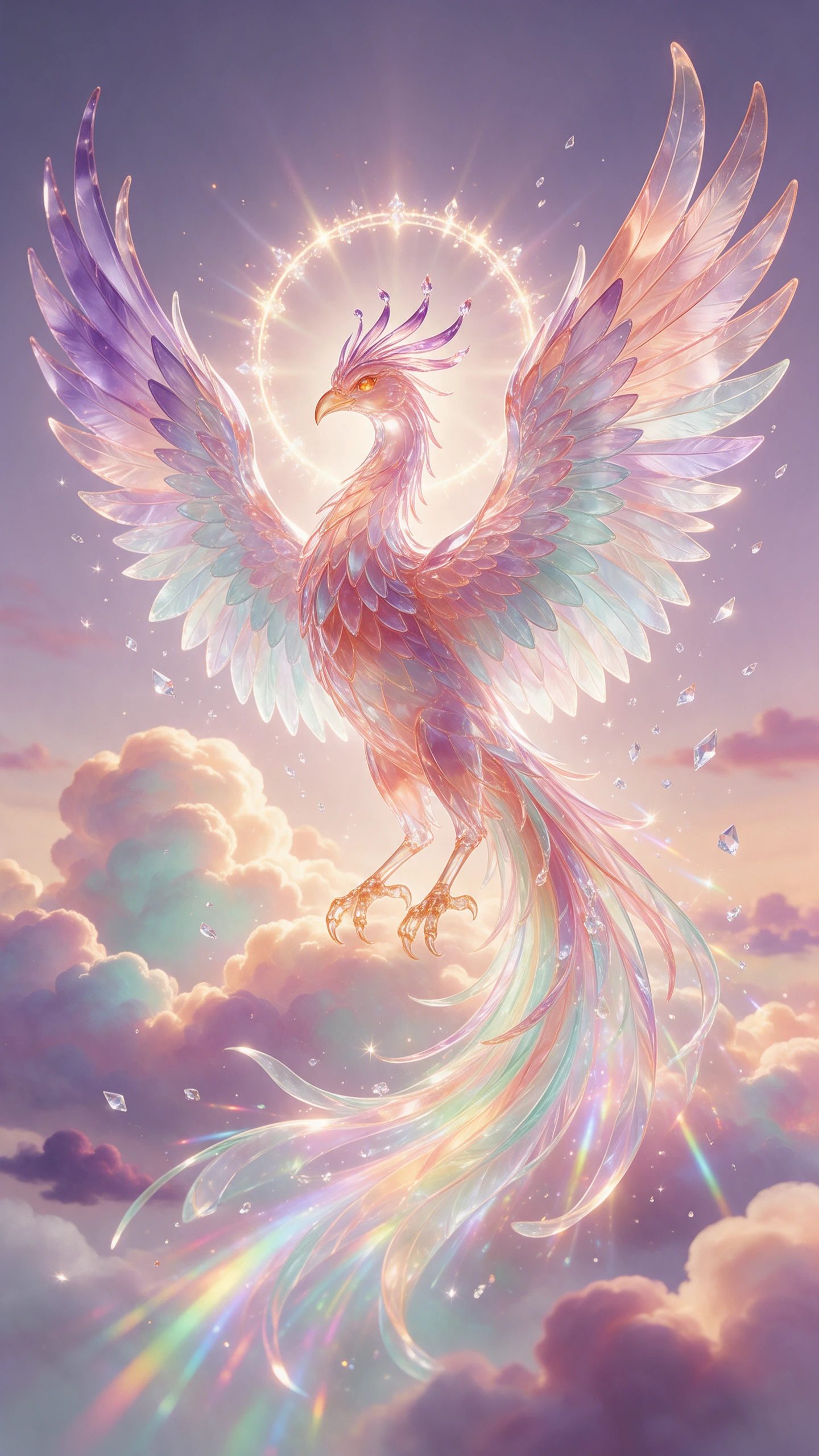
Url to video ai generator creating a crystal phoenix
Url to video ai generator creating a pearl castle
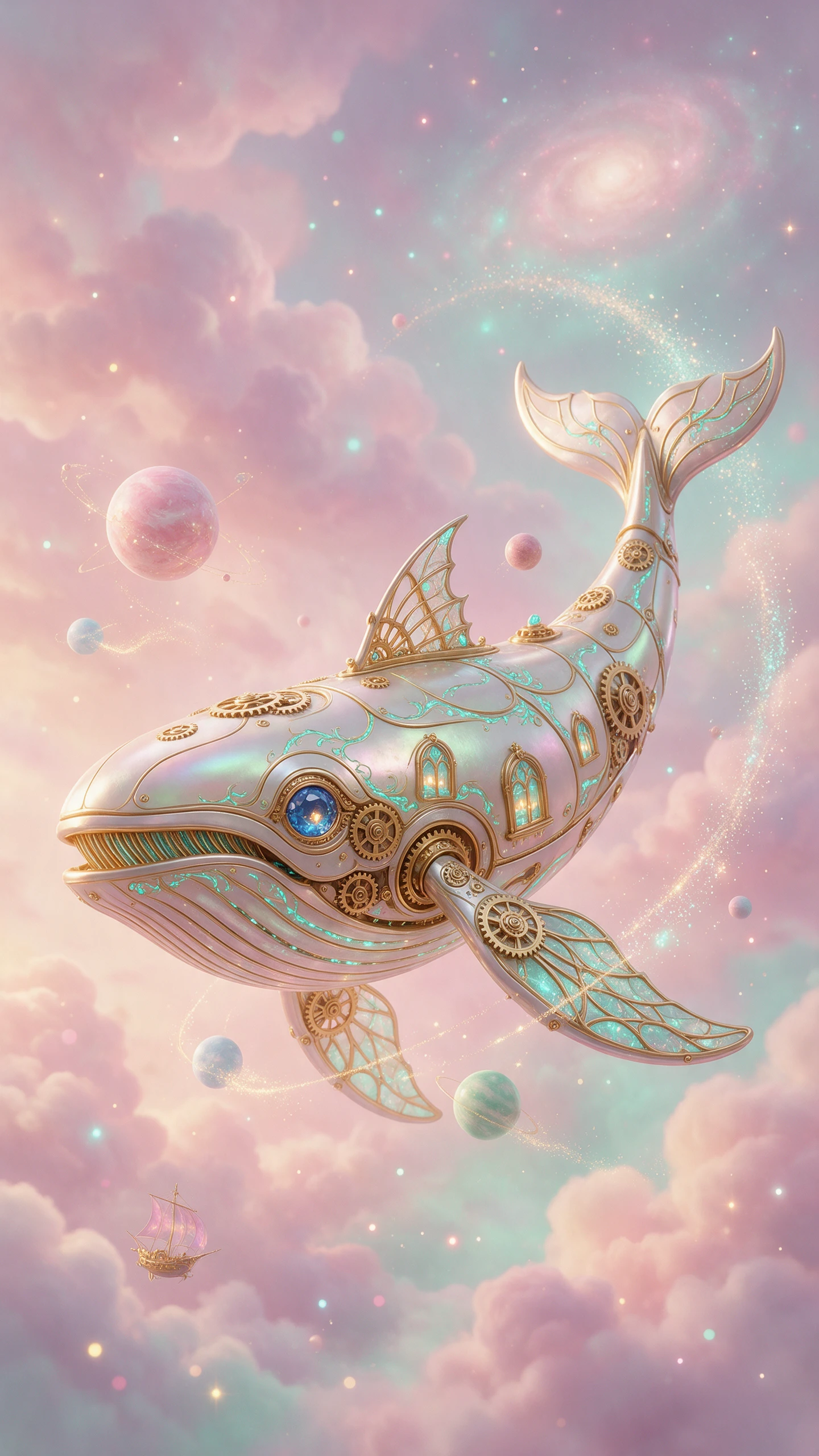
Url to video ai generator creating a mechanical whale

Top Features of the Magiclight AI URL to Video Maker

Create a moving view of a product without setting up another photo shoot. Magiclight AI URL to Video lets you focus on the action you want people to see in the finished video clip.

Create a Video from URL for Free

3D decoration

1 Link as The Only Input

Find your image online and copy its public link into Magiclight AI. Magiclight AI opens the image directly from the link. You can start making your video without downloading the picture.

1500 Characters to Direct the Motion

Describe the movement you want in 1500 characters using details like steam rising from a coffee cup. Magiclight AI uses your instructions to create the action in each shot.

20 Video Models for Different Motion

The same picture can look quite different depending on the video model you use. Magiclight AI has 20 AI video models to try, giving you a chance to compare the results and pick the one that suits your idea.

Original Look Kept Intact

Magiclight AI adds movement without changing how your image looks. The finished clip keeps the original colors, right down to the small details that help people recognize the picture you started with.

Who Can Use the Magiclight AI URL to Video
Give product photos and website images a fresh purpose with Magiclight AI URL to Video. Create short clips for store pages, social posts, articles and property listings.
Online store owners using URL to Video
For Online Store Owners
Show a product turning slowly using the photo from your online shop.
Bring catalog pictures to life without saving them to your device.
Place a moving product preview where shoppers usually see photos.
Social media managers creating videos from image URLs
For Social Media Managers
Pull campaign artwork straight from your shared cloud image folder.
Find the right movement for your campaign with 20 AI video models.
Keep your brand image recognizable when making a clip for Reels.
Bloggers and publishers animating article images
For Bloggers and Publishers
Make a short social clip using the main picture from your blog post.
Give an article header a little movement to catch readers in feeds.
Explain the action in 1500 characters for an image in your data story.
Real estate agents creating animated property previews
For Real Estate Agents
Guide the camera into a room using a link from your property listing.
Produce a 30 second video to give buyers a quick look at a home.
Share a moving property preview on Facebook to attract local buyers.
Why Choose Magiclight AI URL to Video Maker
Give Magiclight AI URL to Video the link to your picture and describe the movement you want. Once the clip is ready, you can adjust the action and save the finished video.
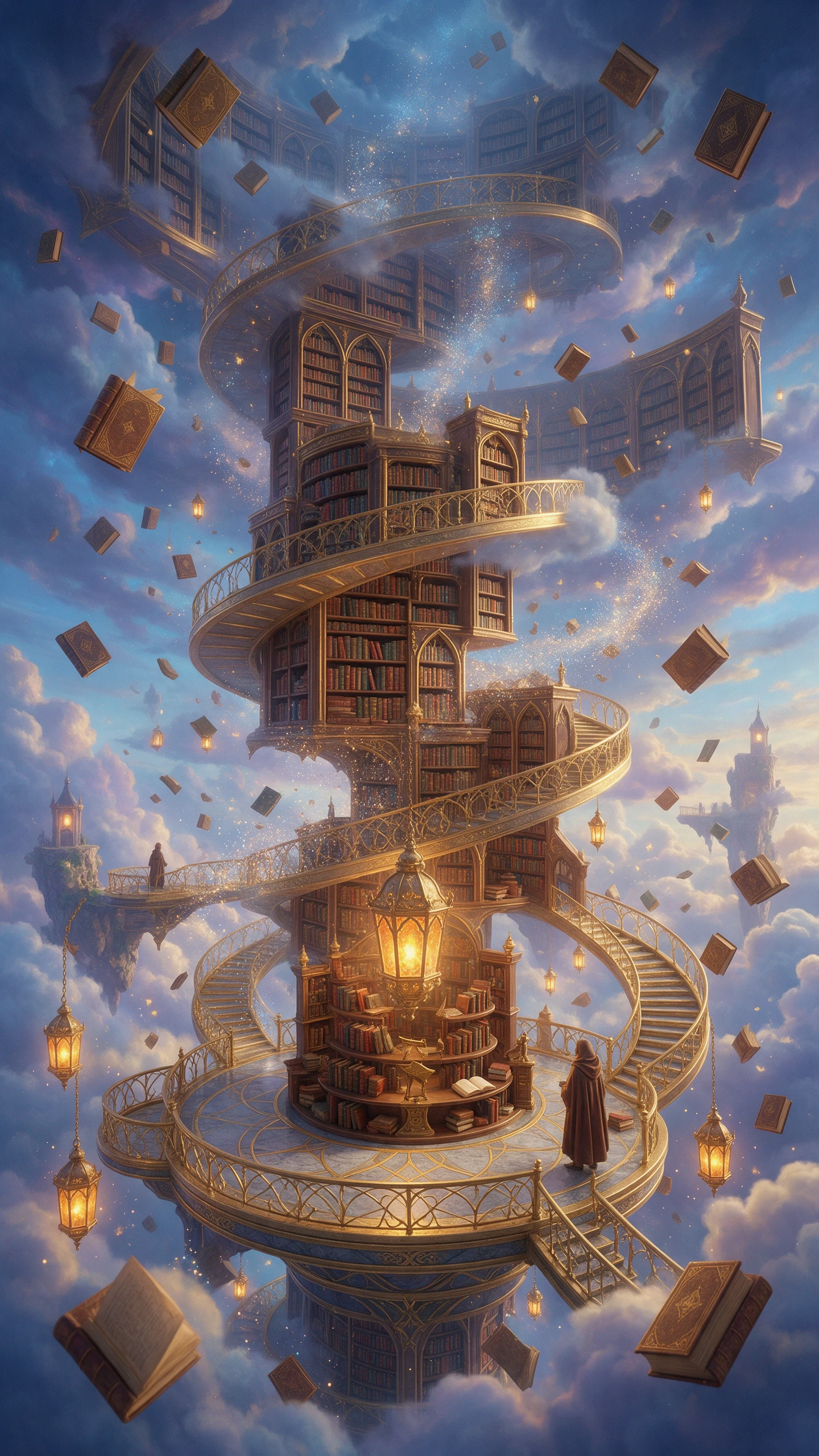
Url to video ai generator creating a cloud library
No Storage Space Needed
Enter the web address of your image and Magiclight AI will open it directly. Even with a large product catalog, you can work on each picture without filling your device with downloads.
Url to video ai generator creating an ice arch
Videos for Social Media
Make a moving clip from your website images and share it with your followers. The finished video can go straight onto Instagram and TikTok to show your content in a different way.
Url to video ai generator creating emerald stairs
Create 30-Second Videos
Make a 30-second video from one single image link in Magiclight AI. Show a product turning on screen or take viewers through a room with a slow camera movement across that photo.
Url to video ai generator creating a magic mirror
Change the Motion
Download your video in HD quality once you have finished editing. Magiclight AI keeps the picture details clear enough for viewers to see them on your website and social media pages.
Url to video ai generator creating a feather vortex
Handle Large Product Catalogs
Use a new image link for each product without creating a folder of saved pictures. Magiclight AI lets you work through a large catalog from the images posted on the online store.
Url to video ai generator creating a white cat
Export Videos in 1080p HD
Export your finished clip in HD quality through Magiclight AI. The higher resolution lets the product details stay clear when you share the video on a website or social media feed.

How to Use URL to Video in Magiclight AI

The Magiclight AI URL to Video feature converts images hosted online into animated clips through 4 steps. A detailed motion prompt helps determine how the final video develops.

1.

Enter the Direct Image Address

Locate your image online and copy its direct URL into Magiclight AI. Confirm that the address points to the image file itself rather than the page displaying it.

2.

Review the Image

Magiclight AI extracts the image from its online source and displays a preview. Check the loaded picture before proceeding to make sure the correct visual has been selected.

3.

Specify the Motion

Explain the intended movement and camera behavior. Describe the action clearly so the video follows your instructions.

4.

Generate and Export the Clip

Start the video generation process and wait for the completion. Check whether the movement follows your instructions before downloading the completed clip.

FAQs on URL to Video

What kind of link works with URL to Video?

Magiclight AI accepts direct image URLs that anyone can access online. The link must open the actual picture since images stored behind private accounts cannot be retrieved.

Can I paste a blog post or article link?

Magiclight AI URL to Video works with image links rather than complete articles. For written content, use the Story to Video feature to create a video from your text.

Do I need permission to animate an online image?

Yes. You need permission from the image owner before using their work with Magiclight AI. Images you own and those covered by suitable licenses can be used for animation.

How long are the videos made from a link?

A single image link can produce a video lasting 30 seconds in Magiclight AI. Longer projects can be made by generating clips from several images and combining them in an editor.

Will the video change how my product looks?

Magiclight AI is designed to preserve the appearance of your original product image. Clear motion instructions help maintain the intended look throughout the clip.

Is the URL to the video free to try?

New Magiclight AI accounts receive free credits without requiring a payment card. You can explore the feature before choosing a paid plan for animated product advertisements.


Create Complete Videos From Image URLs With Magiclight AI

Paste an image link, describe the movement, and generate a video with Magiclight AI. Turn your online images into clips that grab attention.