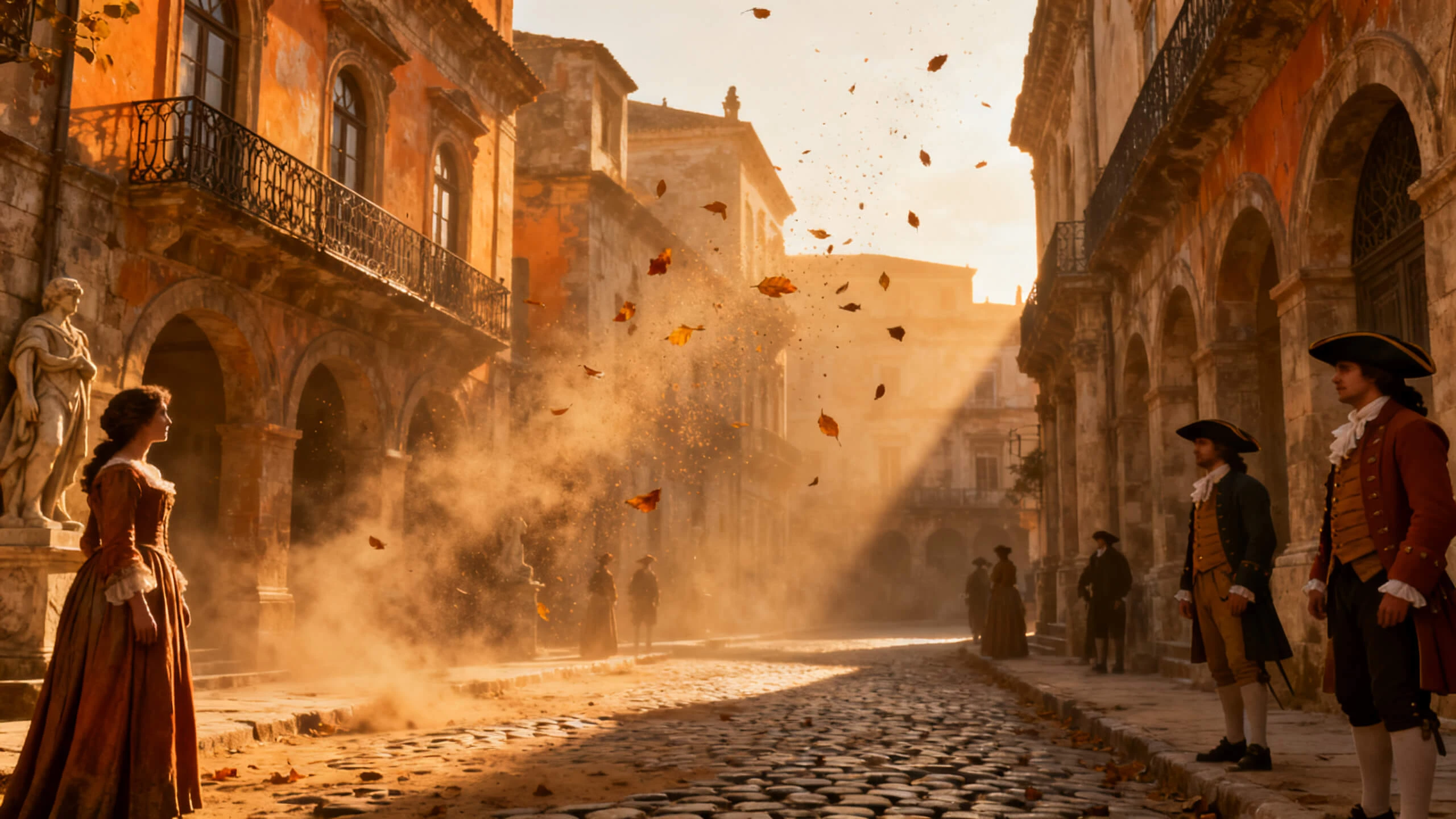
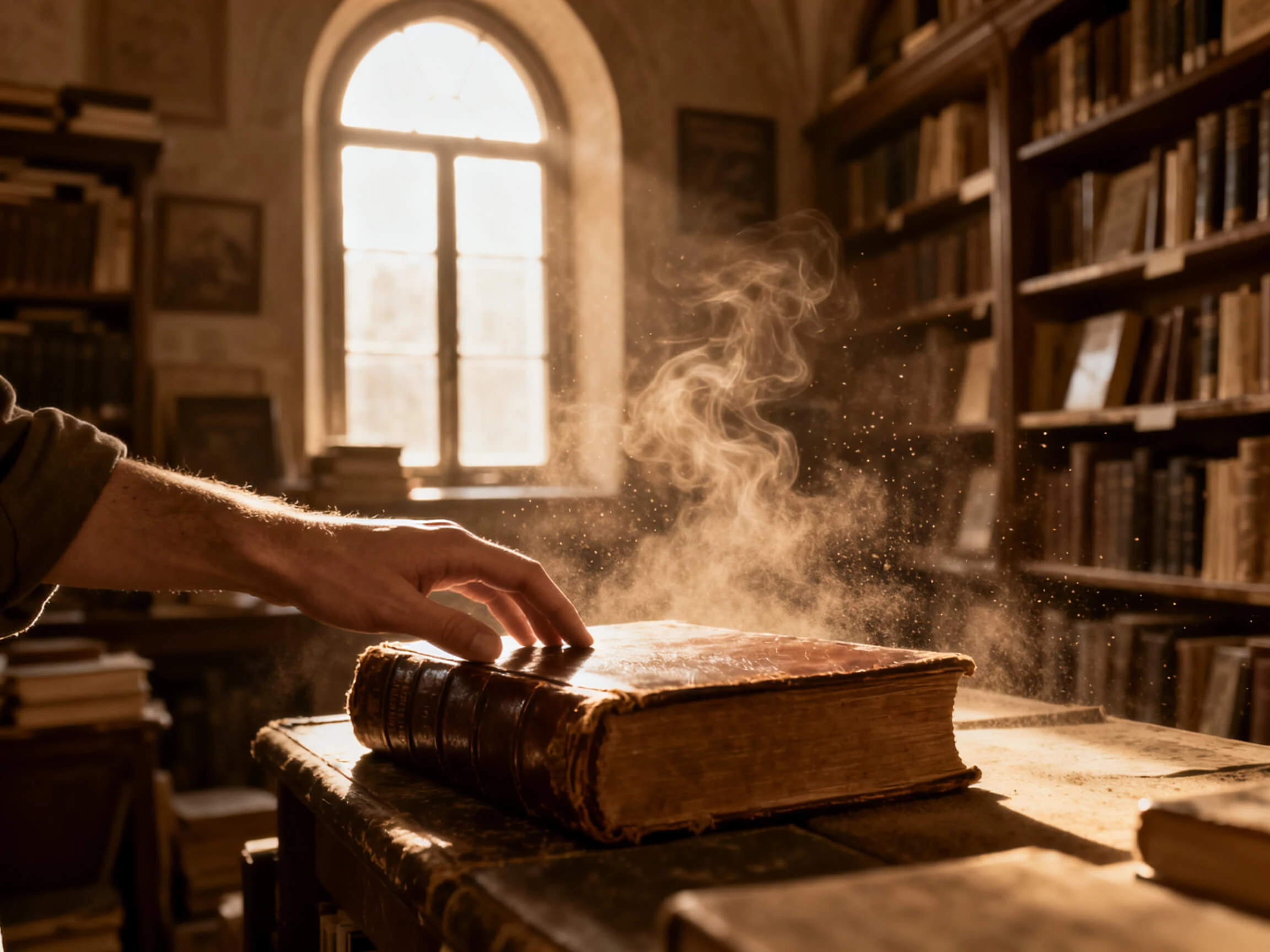
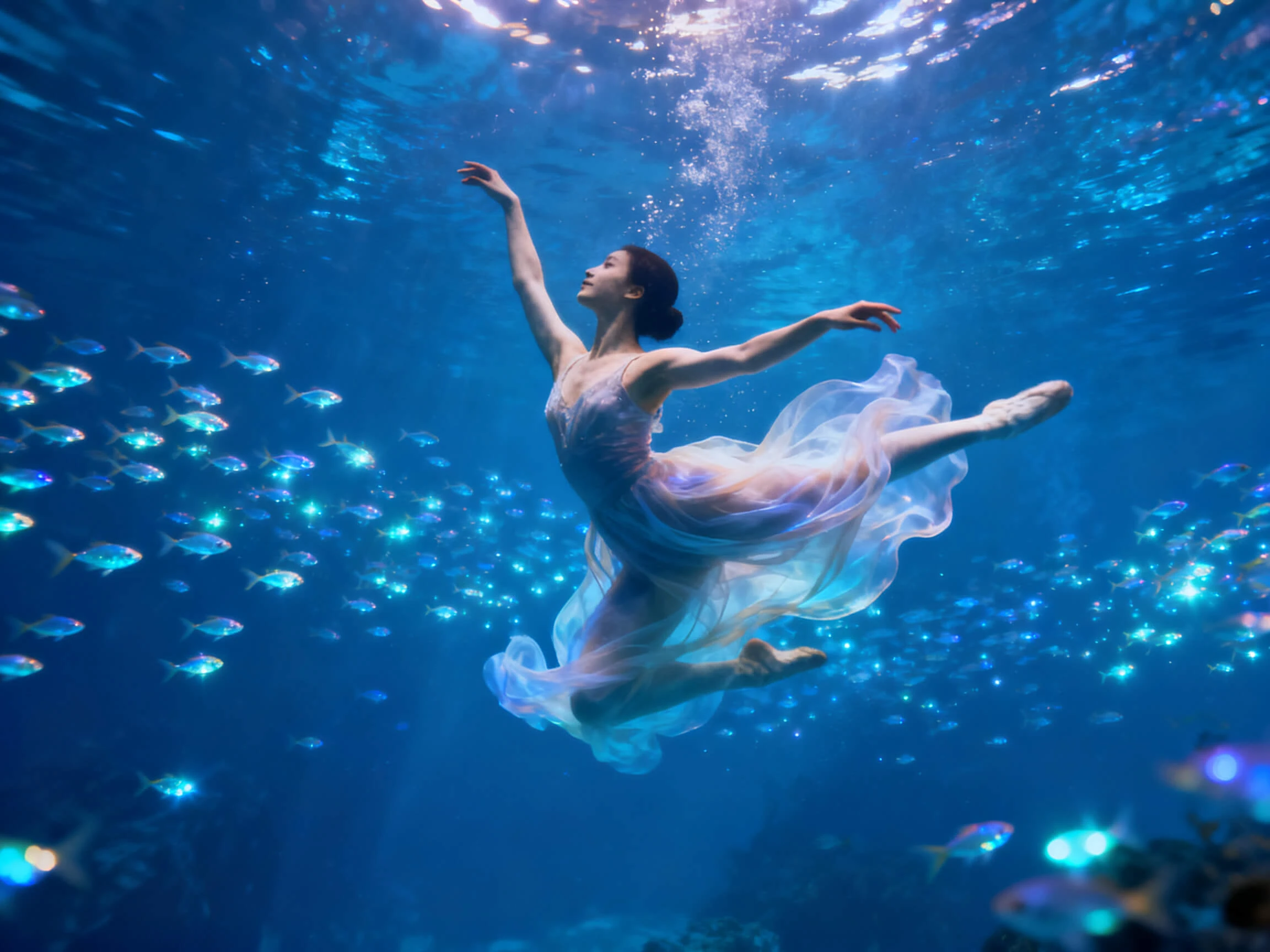
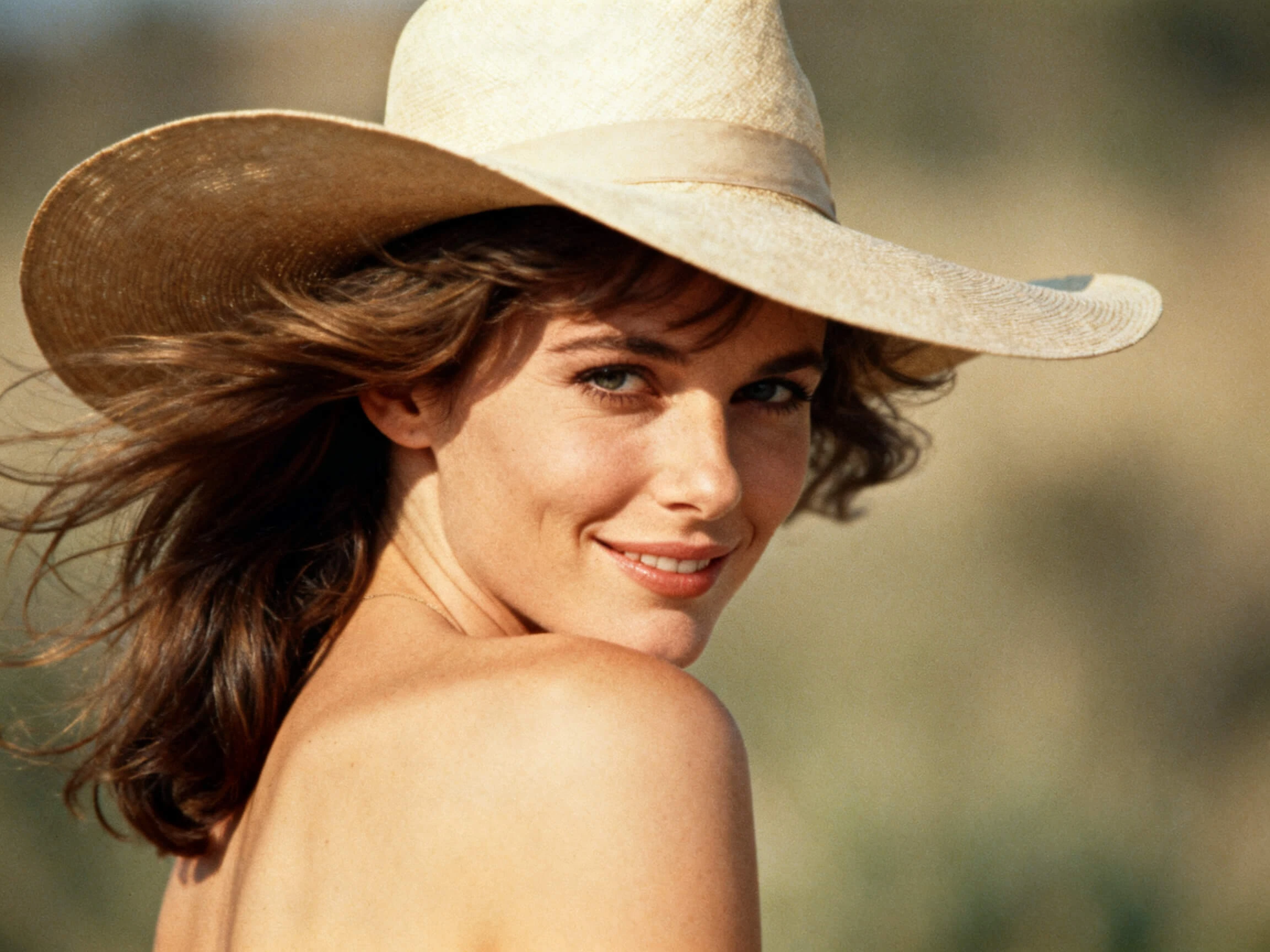
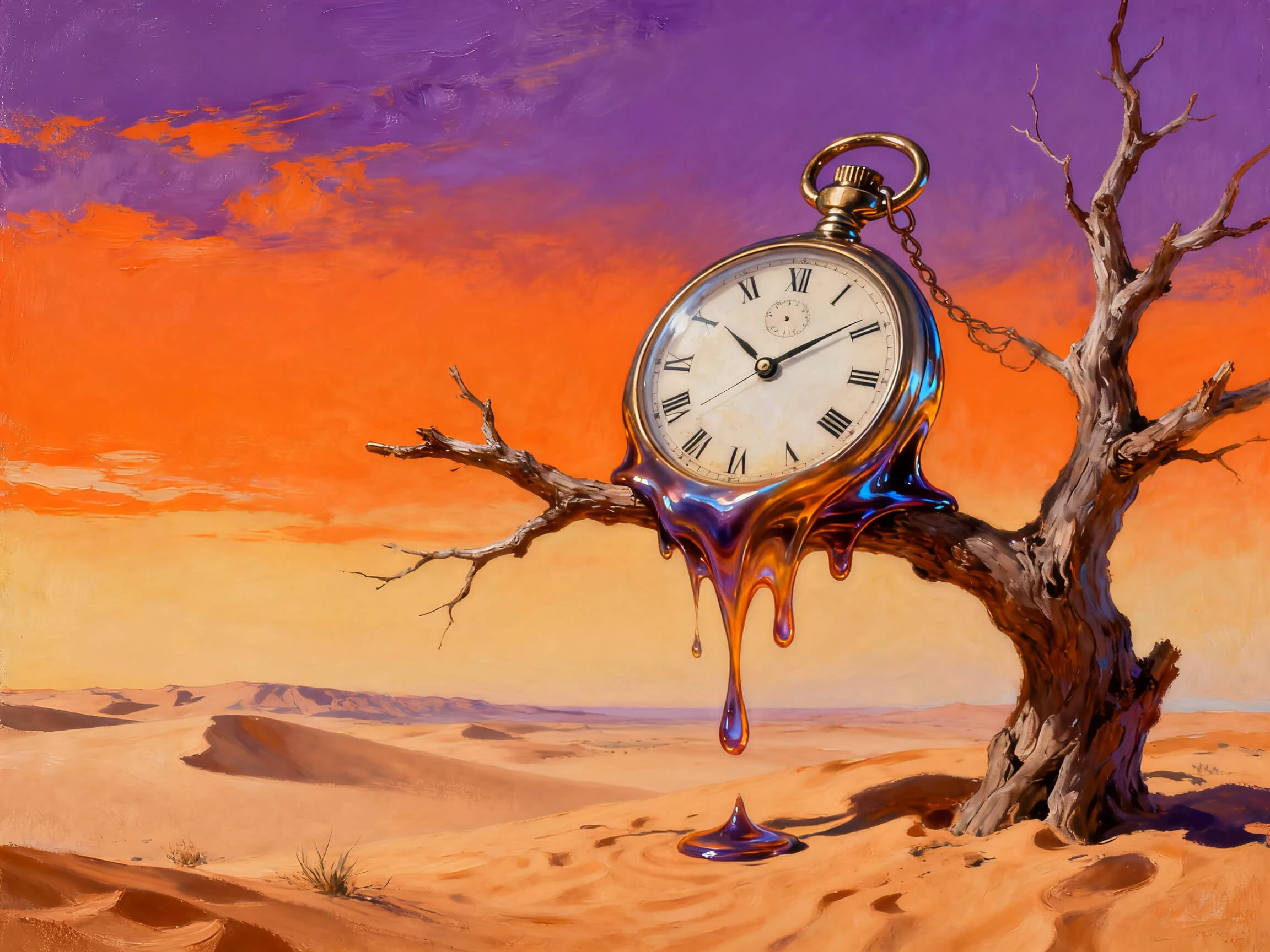
Magiclight AI works out how a still image should move, then animates it while holding the faces and objects exactly where they were. No editing required.
Discover the Features of Magiclight AIImage to Video Generator
Nothing in a still picture is moving yet, so the real question is what should move and how far. Magiclight image to video AI answers that from the image itself, not from a preset.
20 Video Models to Try
The same photo can animate differently depending on the model you choose. There are 20 video models available, from gentle movement to fast action, and you can change the model or prompt during generation instead of starting over.
Magiclight AI reads what is in the frame and predicts movement trajectories from it. Hair falls, and water runs the way physics says they should, so a portrait animates as a portrait rather than dissolving into the drifting distortion that gives cheaper tools away.
This image-to-video creation facility allows users to generate 10-15 seconds of short videos with a simple image. A prompt is provided, and the tool generates a share-worthy video in no time.
Type up to 1500 characters describing how the subject should move and where the camera should go. A slow zoom, a head turn, or a pan across a landscape can all be described in one sentence instead of using keyframes or learning a complex editing timeline.
Who Can Use Magiclight AI Image to Video Generator
Your best photos do not have to stay still. Turn existing images into engaging videos that are ready to share, promote, and bring your ideas to life with this image to video AI for free:
For Photographers
Turn 1 portrait into a 15-second clip a client can actually share.
Add blinks and small head turns without booking a second shoot.
Use JPG or PNG files up to 10MB straight from the camera roll.
For Ecommerce Sellers
Create a social campaign with a single photo and 1500-character prompt.
Test 20 different AI video models on one image without any hesitation.
Export in either 16:9 or 9:16 depending on where the listing runs.
For Illustrators and Concept Artists
Bring a piece of character art to life without any keyframing.
Automatically add in sounds that support the illustration or concept.
Describe the camera move in up to 1500 characters of plain text.
For Social Media Managers
Pull archive photos into motion instead of shooting anything new.
Make re-edits to generate videos instead of starting again at zero.
Hold full commercial rights on every clip made under a paid plan.
How to Use Image to Video Free on Magiclight AI
Animating a photograph does not need keyframes or an editing timeline. Magiclight AI image to video free takes in an image and hands back a finished clip.
1.
Upload the Image For Processing
Magiclight AI accepts images in JPG, PNG, or JPEG, with a max size of 10MB. The image should be a clear portrait or a clean piece of artwork.
2.
Describe The Prompt For the Image
Insert a prompt of 1500 characters, focusing on what needs to be done with the image. Include details like the camera movement and the video mood for better results.
3.
Pick a Video Model and Adjust
Pick one of the 19 models to decide how gentle or forceful the movement reads, then swap it out if the first pass is not right.
4.
Review and Export Video
Check the generated video and make a re-edit if needed. If not, export the video for wherever it is going.
What Users Say About Magiclight AI'sImage to Video Generator
Marisol Quintero
Portrait Photographer
Clients kept asking for something they could post as a reel, and I had nothing to give them. Magiclight AI turns a gallery pick into a clip in the time it takes to make coffee.
Ravi Deshpande
Ecommerce Seller
Our product shots were flat stills, and the ad platform kept punishing us for it. Magiclight AI gave the whole catalog motion without a single new photography day.
Elke Brandt
Concept Artist
I was braced for my linework to smear the moment when anything moved. I was able to hold the face steady the whole way through with MagicLight AI, which is the part I did not expect.
Owen Fitzgerald
Social Media Manager
Being able to fix a prompt while the clip is still building saved me hours a week. Nothing else I tried before Magiclight AI let me change course partway through.
How does artificial intelligence image to video actually work?
It looks at the provided image and predicts how each part should be animated. Magiclight AI assesses and creates the motion while keeping the original detail, so the picture comes to life without changes.
What image files can I upload?
Add images of up to 10MB each in the format of JPG, PNG, or JPEG. The image should be a clear portrait with sharp artwork so that it animates better.
How long is the clip I get back?
Generated clips are usually 10 to 15 seconds long, making them suitable for reels, product videos, and social posts. For longer videos, you can combine several clips instead of generating one long scene.
Can I animate more than one image at a time?
Yes. You can turn multiple uploaded images into one smooth sequence instead of creating separate clips and joining them later in an editor.
Will the video still look like my original image?
That is where feature locking helps. It keeps the original style and details during animation, so the subject remains recognizable from the first frame to the last.
Is image to video free to use on Magiclight AI?
There is a free entry point, and you can generate sample clips before paying anything. Full commercial rights sit with the paid plans, so check the plan details before you use a clip in client or campaign work.
Convert Images to Dynamic Videos With Magiclight AI
One photo is enough to start. Magiclight AI image to video will work out the movement, hold the detail steady, and hand back a clip you can post instantly.