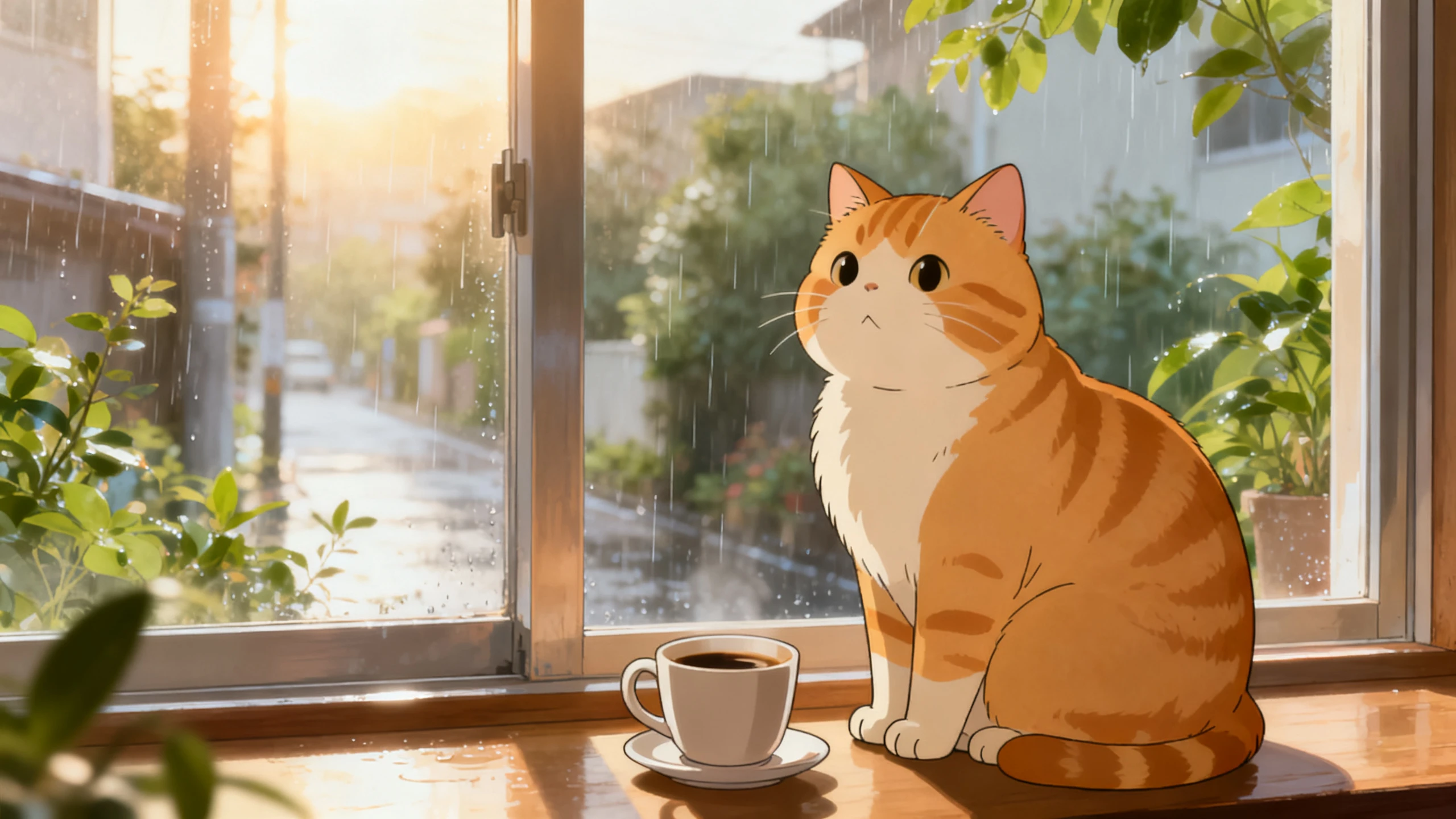
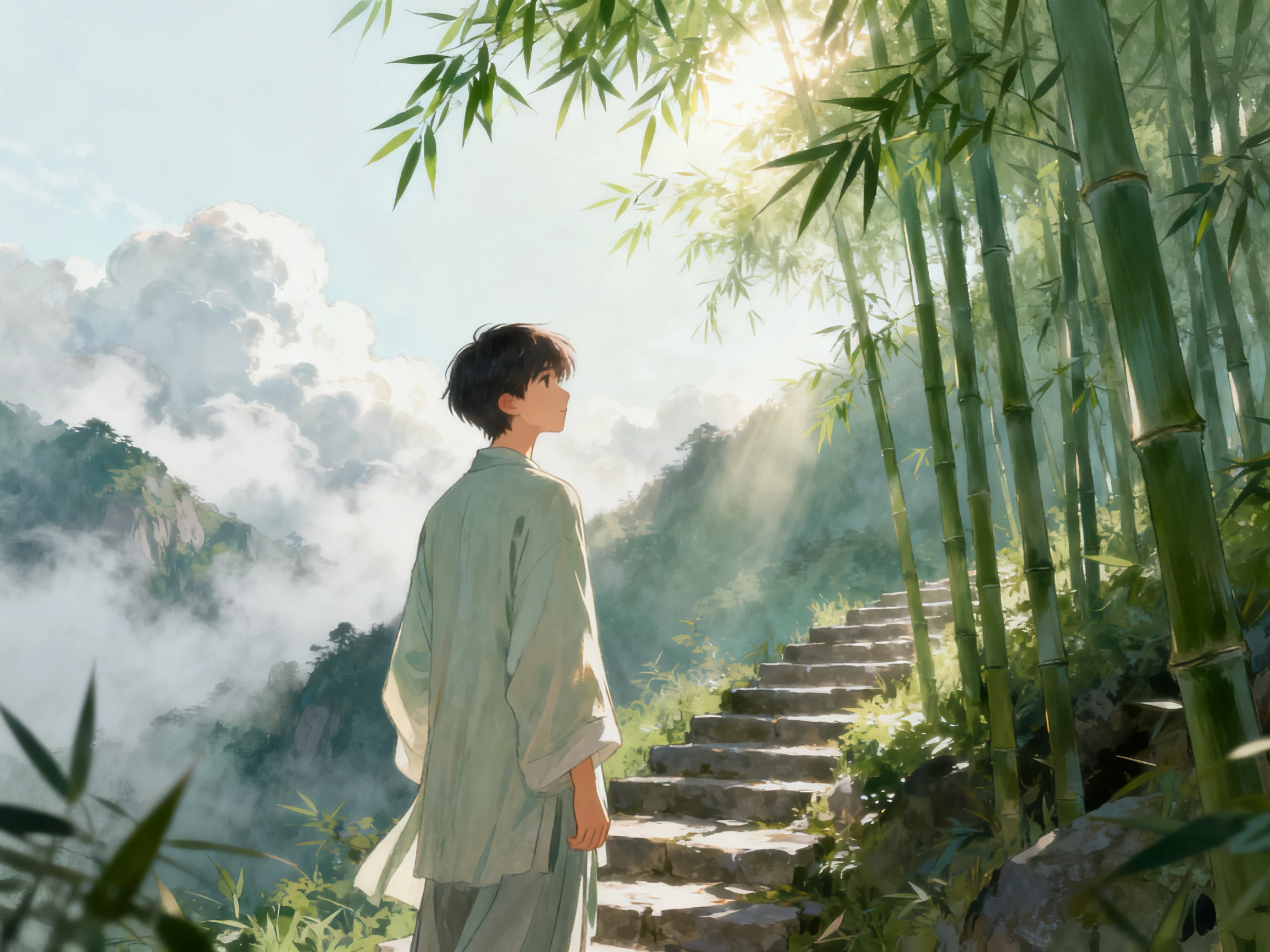
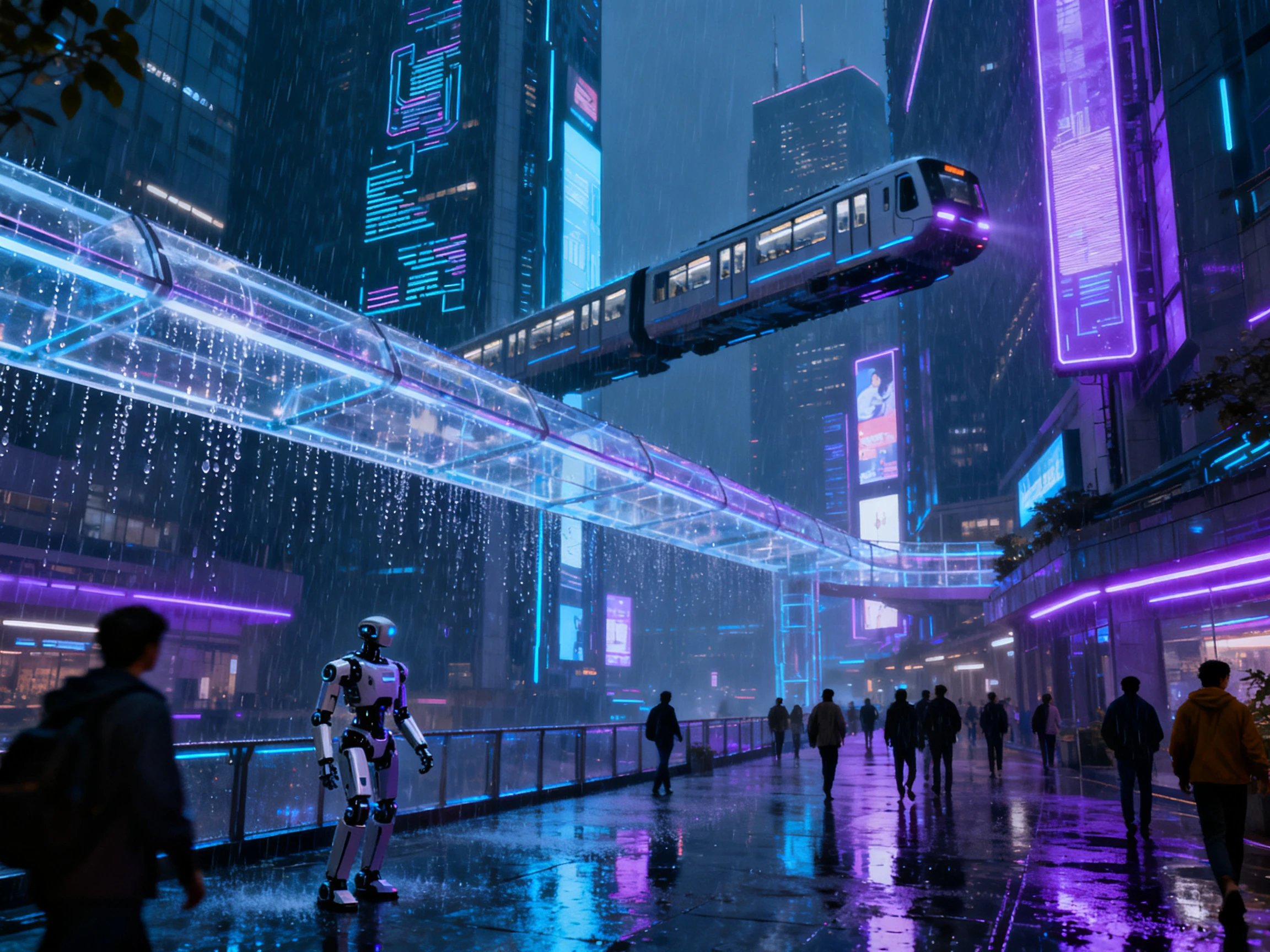
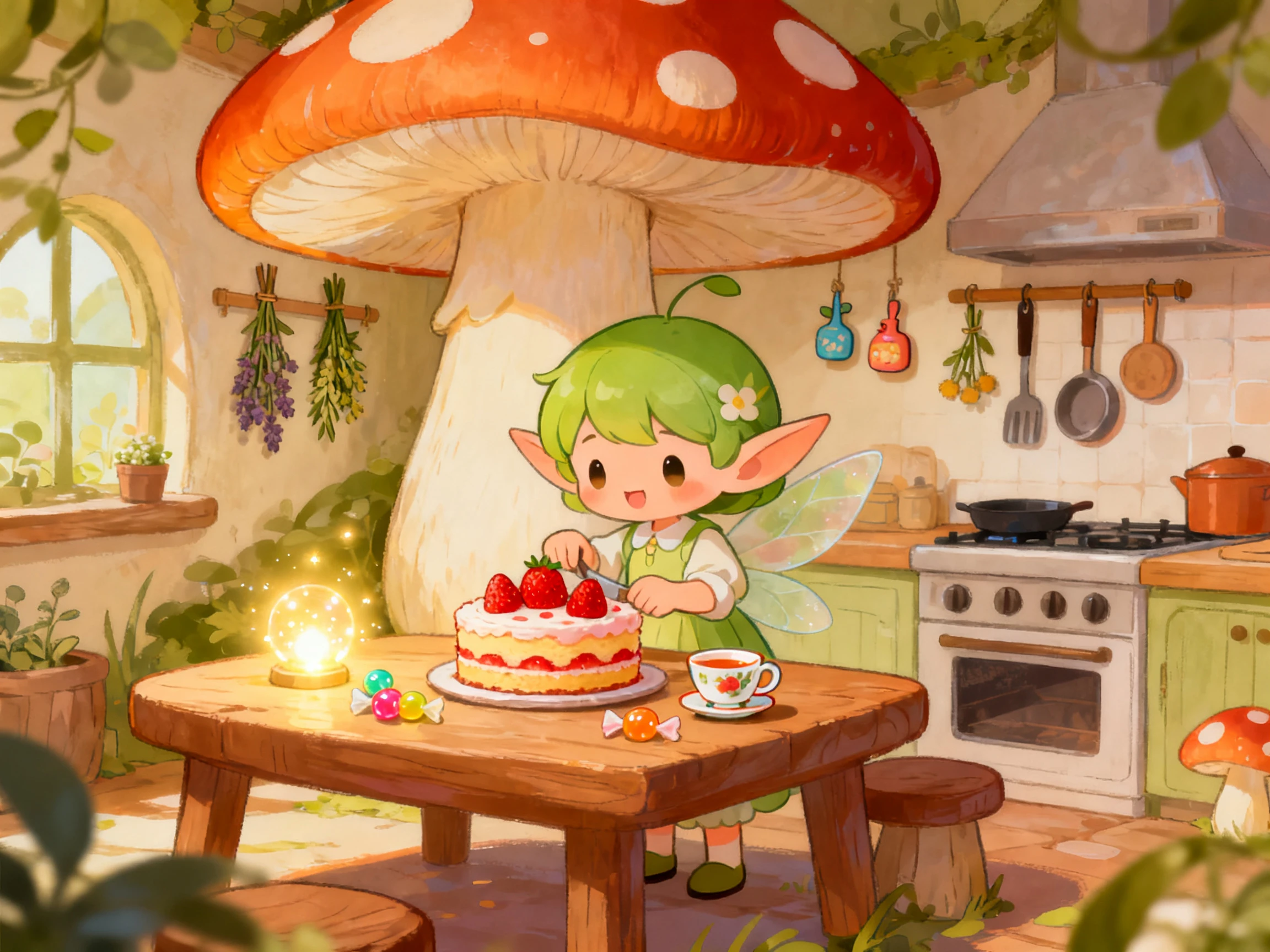
Explore the Features of Magiclight AI Animation Generator
Start with text, a script, an image, or an idea. Our free AI animation video generator turns your content into a finished animated video.
12,000 Characters and 50 Minutes Generation
Paste a script or enter a simple idea, and Magiclight AI can process up to 12,000 characters. It can turn that input into an animation up to 50 minutes long while keeping the story, characters, and pacing consistent.
Upload an image up to 10MB and describe the movement in up to 1,500 characters. Magiclight AI follows your instructions for motion, speed, and camera direction based on the image itself.
Create a character from a prompt of up to 1,000 characters or upload a photo. Magiclight AI saves the character, so the same face, outfit, and voice can appear in future animations.
Choose from cartoon, cinematic, comic, realistic, and other styles before generating your video. You can export in widescreen or vertical format at 720p or 1080p, depending on where you plan to post it.
Animation should not require a full creative team. An animation AI generator gives creators, marketers, and businesses a simpler way to turn their ideas into animated content.
For Explainer Video Makers
Turn a 12,000-character brief into a full explainer in one pass.
Set the tone with any of the 9 story models before drafting.
Deliver in 1080p widescreen or vertical, whichever the client asked for.
For Church and Ministry Teams
Animate a parable from a written passage without any artwork.
Reach a mixed congregation in all 11 supported languages.
Add subtitles from 16 styles for the screens at the back.
For HR and Onboarding Teams
Replace a slide deck with a narrated animation in one afternoon.
Keep one presenter across all 12 modules of an induction.
Update a policy by editing the script rather than reshooting.
For Comic and Webtoon Creators
Animate a panel you already drew with a 1500-character prompt.
Hold a lead character steady from a 1000-character description.
Score a trailer from the 40 music tracks already included.
How to Make an AI Animation on Magiclight AI
The first decision is the one that really changes. Whatever you started from, a script, a line, or an image, the steps that follow are the same across this free AI animation generator:
1.
Step 1. Choose What You Are Starting From
Paste a script or type an idea for your animation video. Magiclight AI works from any of those as the opening move.
2.
Step 2. Choose a Story Model and a Style
Pick one of the 9 story models to shape the pacing, then set a visual style. Generate cast with AI or use an existing character.
3.
Step 3. Work Through the Storyboard
Reorder scenes, rewrite a line, or adjust a pose in the Nano storyboard. Nothing is fixed until you export.
4.
Step 4. Finalize and Export The Animation
Assign a subtitle style, then send the finished file out in 1080p, widescreen or vertical, to suit where it is going.
What Users Say About Magiclight AI's Animation Generator
Rhiannon Pryce
Explainer Video Producer
Clients want animation on a budget that is used to buy a stock clip. Magiclight AI closed that gap for us, and made us save much in that process.
Elias Mwangi
E-commerce Creative Lead
We already had polished product animations, but it stayed static across the campaigns. Magiclight AI turned these into animated promos without rebuilding.
Aiko Tanabe
Museum Education Producer
Our archive was full of maps, sketches, and historic illustrations that were not looked into by our audience. We changed this with Magiclight AI, which gave it the appropriate motion.
Marek Dvorak
Kids Animation Producer
Keeping children engaged means that every scene needs to have movement. Magiclight AI has helped me turn simple artwork into animated scenes.
Can I use the AI animation generator from image files I already own?
Yes, and that is often the cleanest route. Magiclight AI works out which parts of the picture ought to move, then holds faces and key details in place, so your original artwork survives the pass rather than being redrawn.
Can I create both 2D and 3D animations?
Both are available, since the style menu spans cartoon, comic, cinematic, and realistic looks. Magiclight AI applies the one you pick before generation, so a 2D explainer and a 3D story scene come out of the same workflow.
How long can a single animation run?
Magiclight AI can create videos up to 50 minutes long, depending on your plan, using scripts of up to 12,000 characters. You can use the same workflow for short social clips and longer episodes.
Is there an AI video animation generator free no sign up option?
Magiclight AI offers a free plan without requiring a credit card. You need to create an account to receive the free credits, so it is card-free but not login-free.
Can I regenerate the animation if the result isn’t what I expected?
You can edit the video without starting over. Magiclight AI lets you rewrite lines, reorder scenes, change the style, or recreate one shot while keeping the rest of the storyboard in place.
Create Your First Animation With Magiclight AI
Turn your ideas into engaging animated videos with Magiclight AI animation video generator built for everyone. Start creating for free today.