
37 Voices with Automatic Lip Sync
Choose from 37 AI voices or use a cloned voice for your character. Magiclight AI links the voice and mouth movement in the same pass, so the dialogue feels matched instead of patched in later.
Start Creating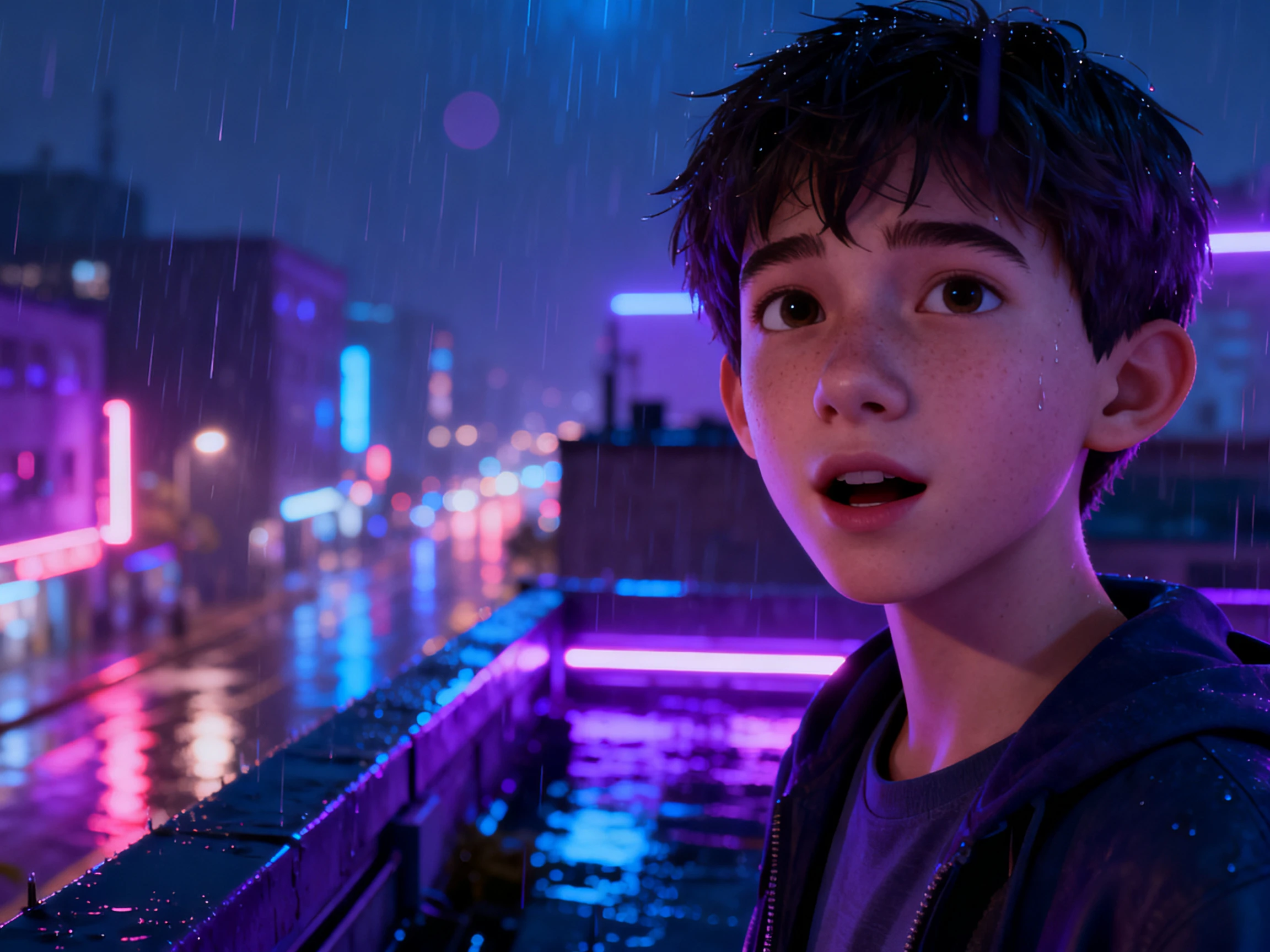

Turn scripts, voice lines, or dialogue into talking 3D character videos with Magiclight AI. Choose characters and voices, sync lip movements, and create without editing experience.
Create 3D Lip Sync Animations Now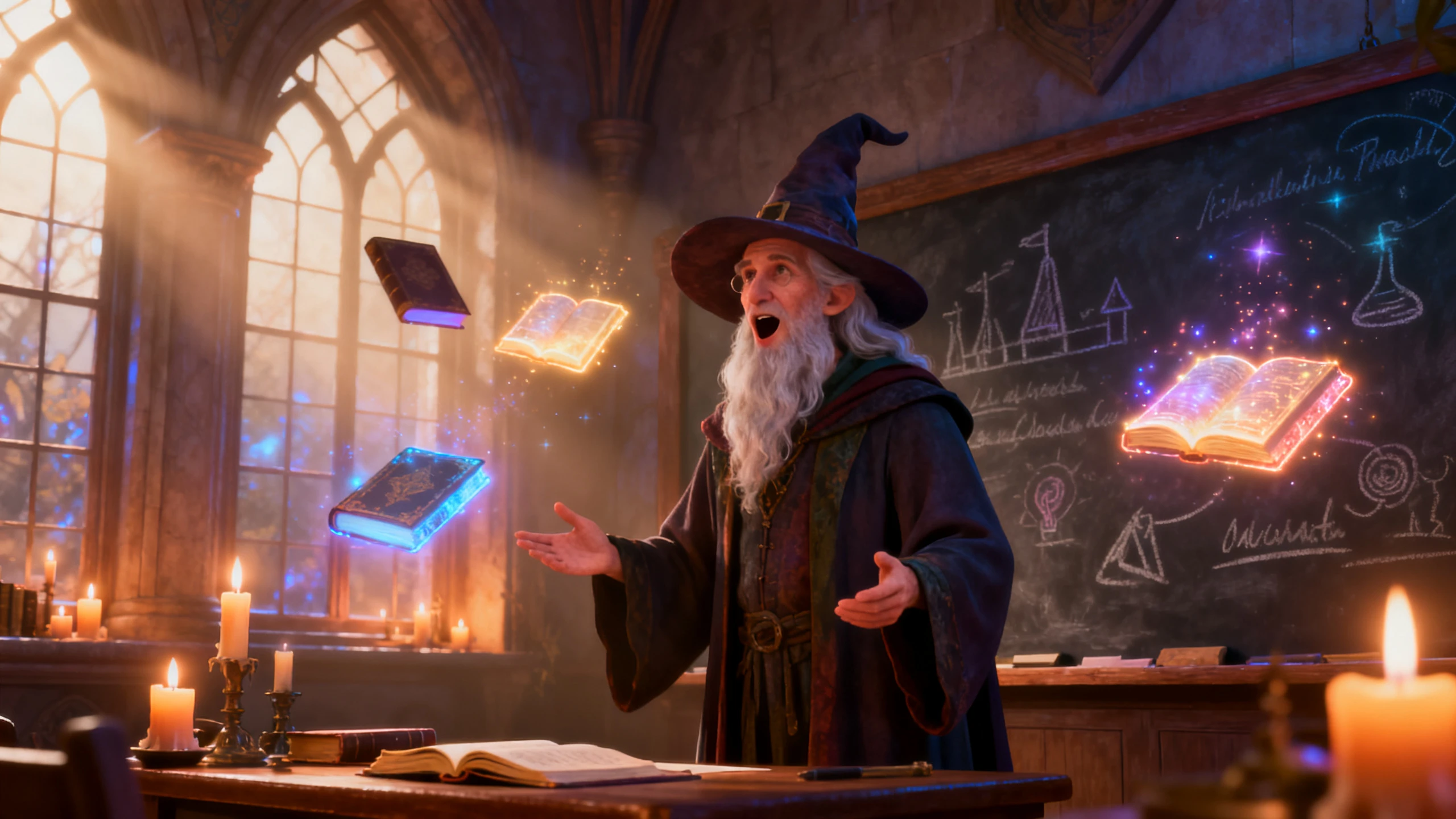









Magiclight AI lets you create talking 3D character scenes in one workflow, from cast and dialogue to scene creation and final refinement.
Choose from 37 AI voices or use a cloned voice for your character. Magiclight AI links the voice and mouth movement in the same pass, so the dialogue feels matched instead of patched in later.
Start CreatingBuild a full conversation, training clip, explainer, or story scene from up to 12,000 characters of dialogue. Magiclight AI reads the script as one flow, so longer scenes stay organized and easier to animate.
Start Creating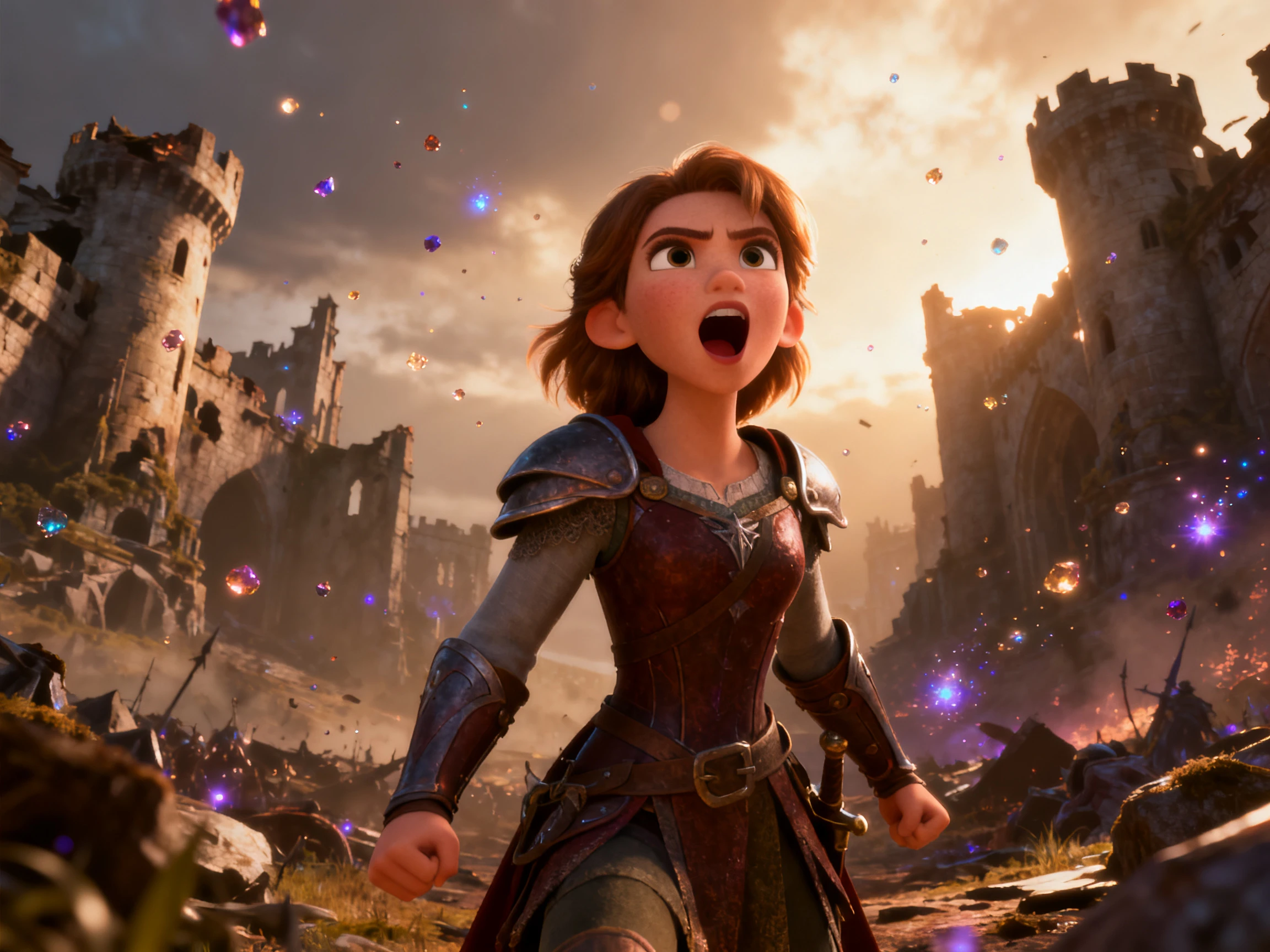
Localize one character scene into more than 11 languages without rebuilding the mouth timing from zero. Magiclight AI keeps the same character on screen while the new language version gets its own synced delivery.
Start Creating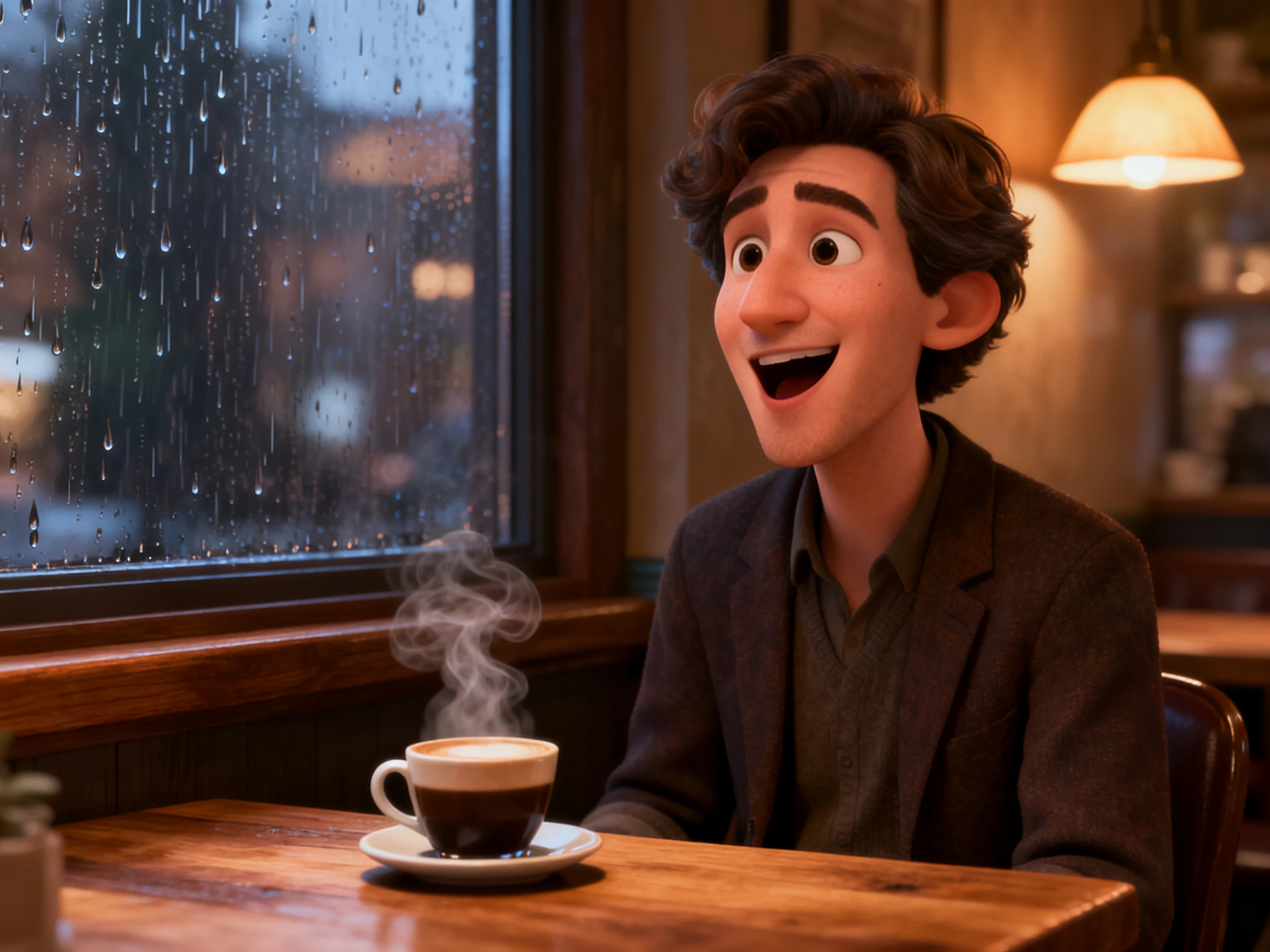
A talking head alone rarely feels finished. Use 50+ pose options, expressions, and scene controls in Magiclight AI so the body language supports the line instead of leaving the performance flat.
Start Creating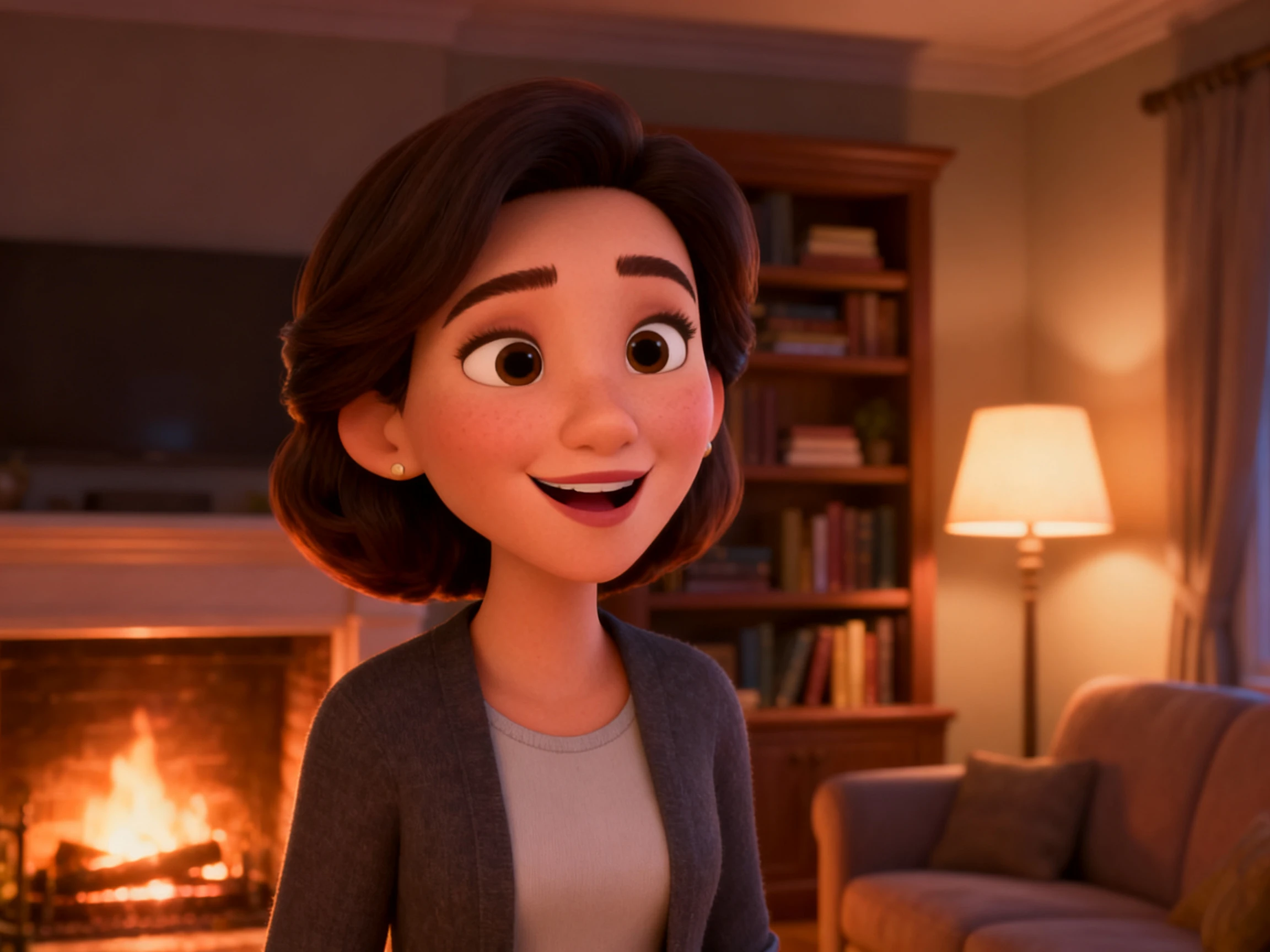


Getting started takes four steps. Add your dialogue, choose the voice, shape the character shot, and export the finished scene from Magiclight AI.
Paste up to 12,000 characters of dialogue or narration. Choose the voice you want the character to use, or clone a voice when the scene needs a familiar delivery.
Choose the 3D character setup, visual style, and scene direction. Magiclight AI gives you a place to shape the shot before the dialogue is rendered.
Review the generated shot in Nano Storyboard, then adjust the pose, expression, pacing, and timing if the scene needs a stronger performance.
Check the final talking scene, make any needed fixes, and export the video in a format ready to publish. Magiclight AI also keeps the broader production workflow in one place.
Storyboard Artist
When a line changes, I do not want to rebuild the whole scene. Magiclight AI lets me update the script and keep the 3D character synced without starting over.
Dubbing Editor
We release the same character in multiple languages, and the mouth timing now follows the new audio instead of being copied from the first version.
Screenwriter
Magiclight AI gives my dialogue a visual form. I can hear the line, see the character perform it, and revise the shot before it leaves the storyboard stage.
Film Student
I needed the character to feel like they were actually performing, not just speaking. Matching pose and expression inside Magiclight made the scene feel much more complete.
Yes. You can generate the voice in Magiclight AI or work from an existing line, then use the scene tools to keep the performance aligned with the audio.
No. Magiclight AI handles the lip sync in the workflow, so you can focus on the character setup, the scene, and the final performance instead of moving every mouth shape by hand.
Yes. Magiclight AI supports 11 languages, so you can recreate the same 3D talking scene in different languages without rebuilding the whole shot.
Yes. Magiclight AI supports up to 12,000 characters of dialogue, which makes it useful for longer conversations, lessons, explainers, and multi-line character scenes.
Yes. You can revise the script, adjust the pose or expression, change the voice, and regenerate the synced scene inside the same workflow.
Magiclight AI combines lip sync with character creation, scene planning, Nano Storyboard editing, AI voices, subtitles, covers, and export, so you can finish the whole talking scene in one product.



Add the dialogue, choose the voice, shape the performance, and let Magiclight AI match the mouth movement to the line.