
More Than a Faceless AI Video Generator to Build Faceless Videos
A strong faceless AI video generator should do more than hide the speaker. It should help the content feel clearer, steadier, and easier to finish well overall.

Need a faceless AI video generator free setup that does more than fill a timeline? MagicLight AI helps you shape structure, tighten scenes, and publish with less friction.
Create Your Faceless Video Free



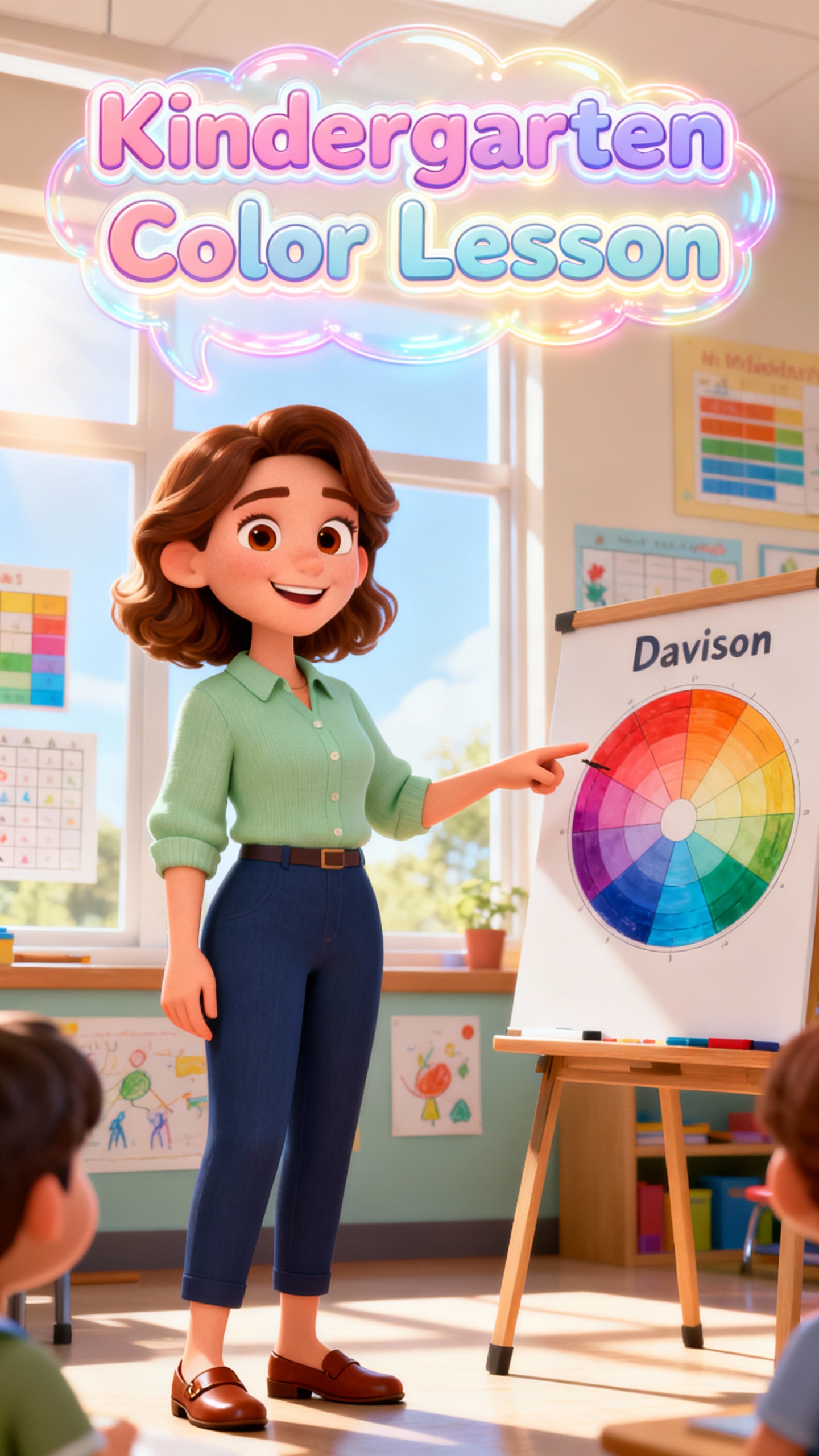



A strong faceless AI video generator should do more than hide the speaker. It should help the content feel clearer, steadier, and easier to finish well overall.

Turn topics, scripts, or outlines into faceless storyboards fast. With 7 templates and 9 story models, scene planning stays clear.
Create AI characters to create video without appearing in screen. MagicLight AI keeps videos visually consistent across scenes.
Add 37 voiceovers, cloning, 40 music options, and 16 subtitle settings to make faceless videos easier to follow.
Reuse the same AI characters across scenes and videos, helping faceless series feel connected and easy to recognize.







Create faceless videos with a workflow designed to keep scripting, editing, and publishing more organized as content moves from draft to final output.
Start with a script, outline, prompt, or core idea. Give the project a clear purpose before you shape the rest of the video.
Choose the scene feel, structure, and pacing. This helps the video look more unified before you begin refining the storyboard.
Review each scene and tighten weak spots. Small changes here can make the whole faceless video feel cleaner and easier to follow.
Finish the draft, pick the right format, and publish when ready. The path stays clear from the first idea to the final delivery.
MagicLight AI helps you build videos around scripts, visuals, and narration. That makes it easier to publish without appearing on camera.
Yes. MagicLight AI offers a useful starting point when you want to test ideas before moving into a bigger production workflow.
It depends on workflow, not hype alone. MagicLight AI fits creators who need clearer drafting, easier review, and smoother publishing more than raw speed.
Yes. MagicLight AI works well for explainers, list videos, short educational clips, and repeatable channel formats that do not need an on-camera host.
No. With MagicLight AI, you can start with a simple idea and improve the video step by step, rather than building everything manually.
Check the current export terms before you rely on them. That matters most when using MagicLight AI for public posts, client work, or branded content.



Transform simple concepts into polished faceless videos with clearer flow and flexible control.