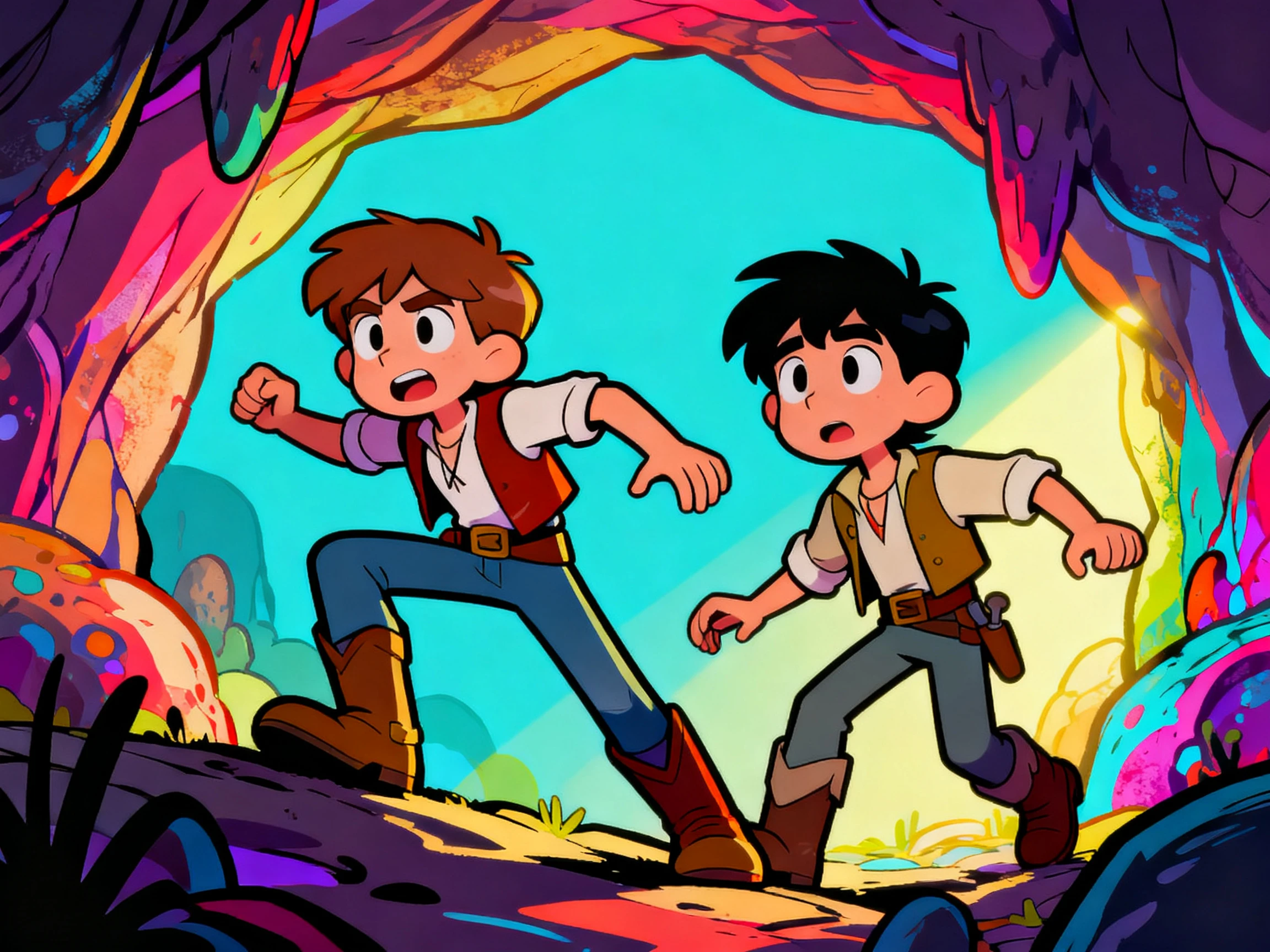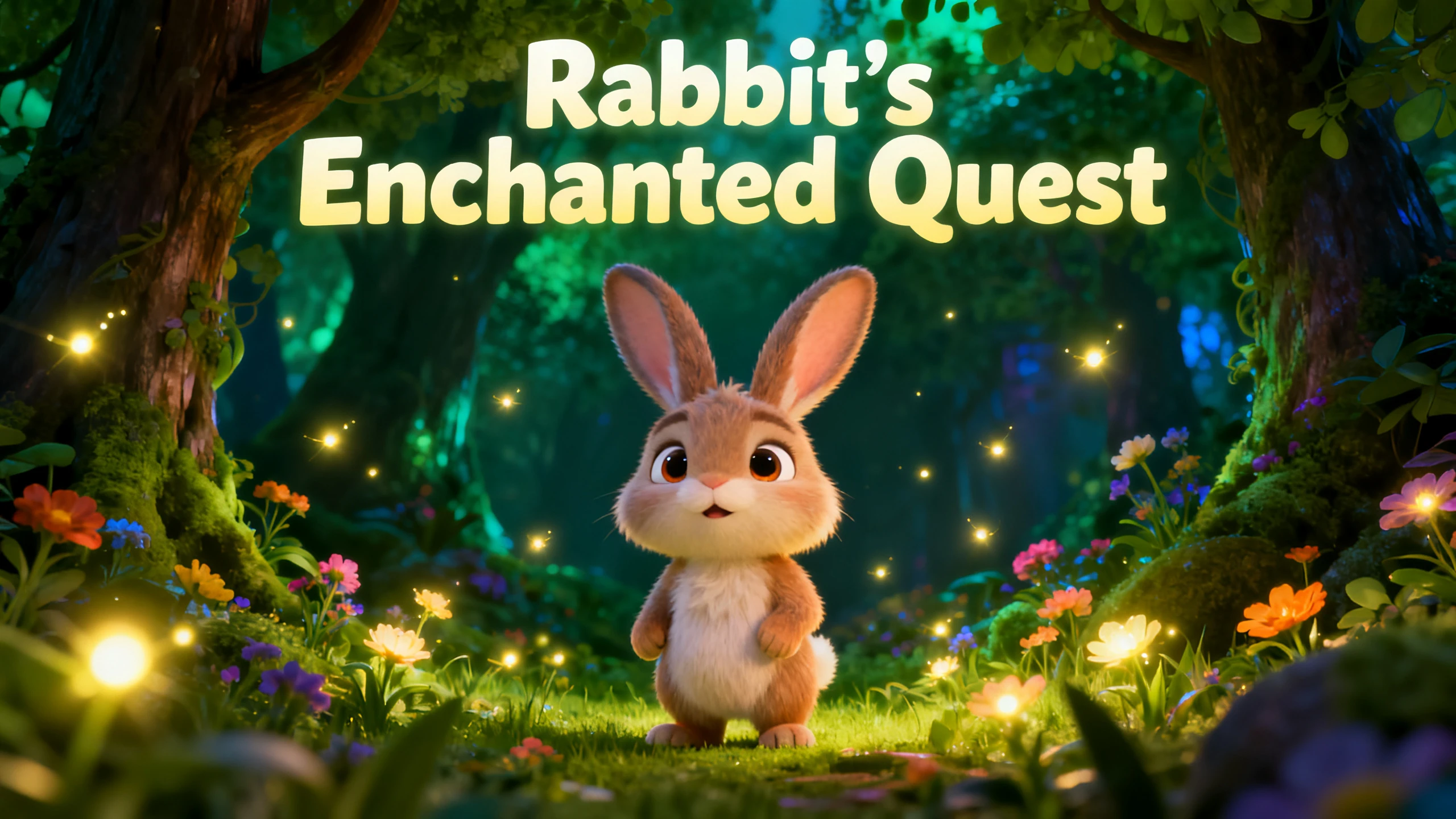









Hero background

Text to Cartoon Video Generator

Turn prompts, scripts, or short stories into cartoon videos with Magiclight AI. Create scenes, characters, voiceover, subtitles, and music with no editing skills required.

Create Cartoon Video Free
text to cartoon video generator
gemini
sora
seedance
hailuo
kling
midjourney
qwen
nano banana
veo3
gemini
sora
seedance
hailuo
kling
midjourney
qwen
nano banana
veo3
gemini
sora
seedance
hailuo
kling
midjourney
qwen
nano banana
veo3

Explore the Features of Magiclight AIText to Cartoon Video Generator

Magiclight AI turns text into cartoon videos. It splits stories into scenes, creates reusable characters, applies cartoon styles, and lets you refine the result before export.

Expand Text Into Cartoon Scenes

Start with a sentence, prompt, outline, short story, lesson idea, or rough script. Magiclight AI reads the text, finds scene changes, and turns it into a cartoon-style video structure instead of making you write scene headers first.

Start Creating
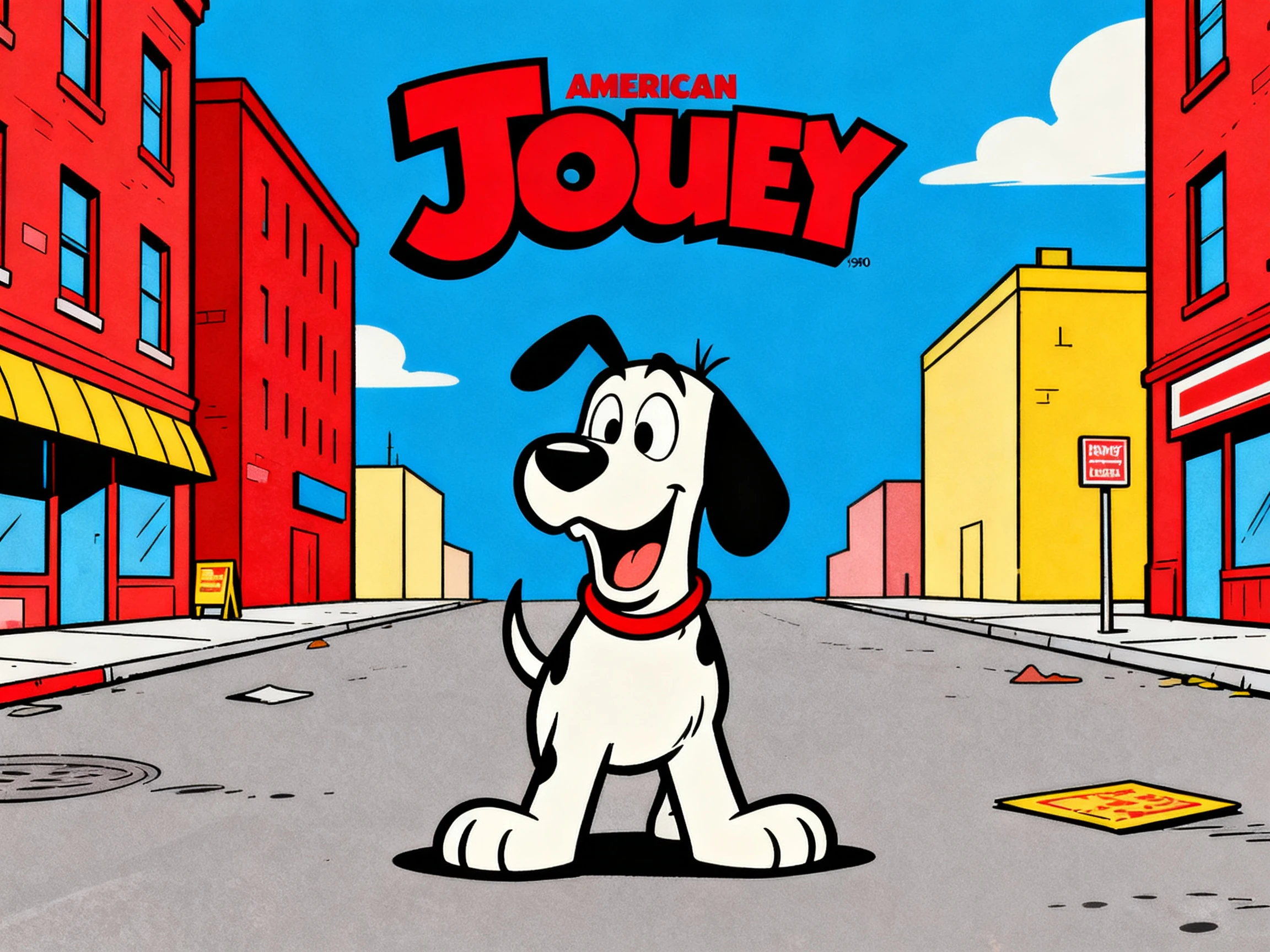
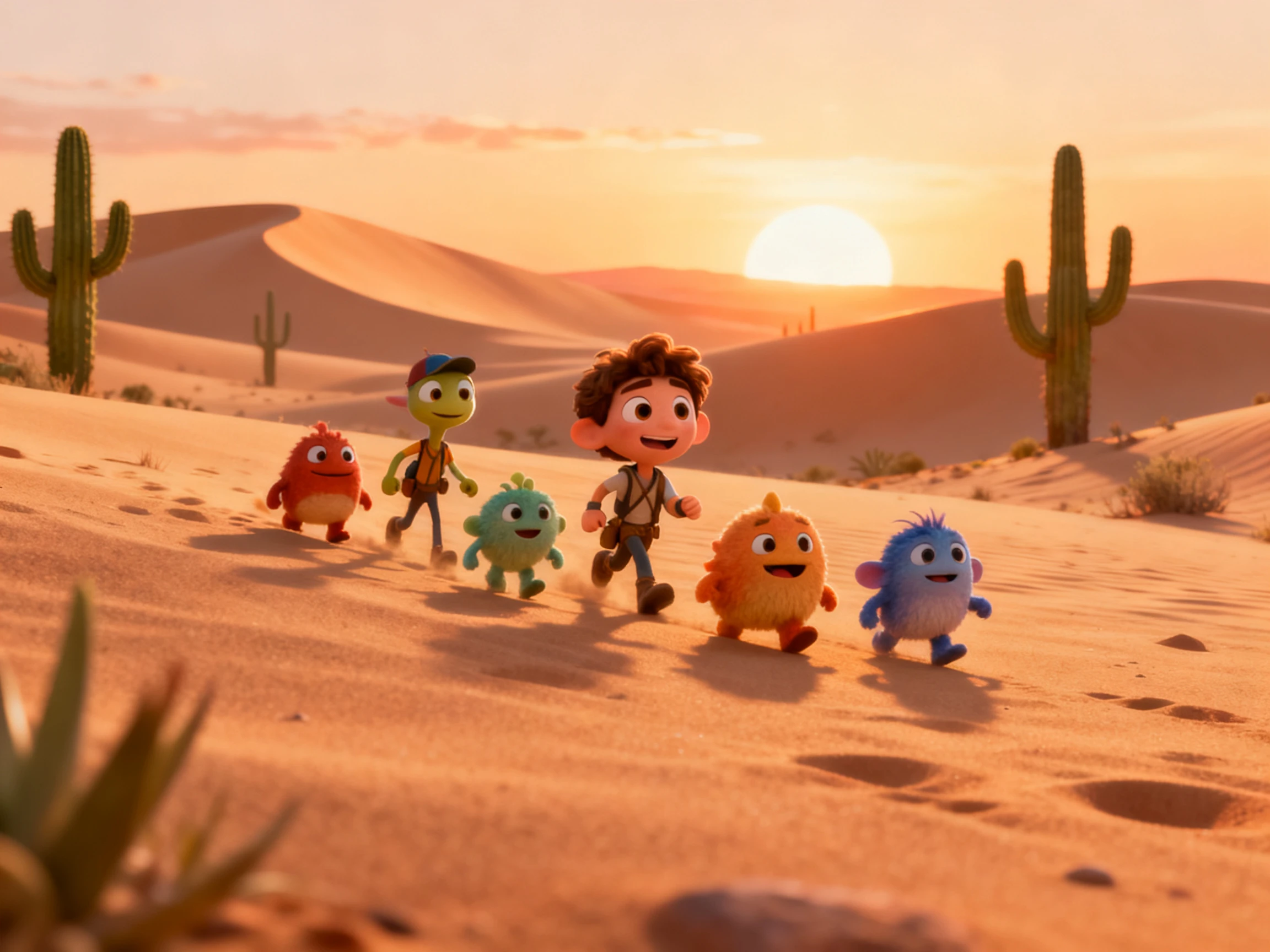
text to cartoon story generator

Build Cartoon Characters From the Brief

Define the cast with names, personality, appearance, and voice. Magiclight AI keeps the same character consistent across scenes, so a hero, mascot, narrator, or recurring cast can return in later videos without being rebuilt.

Start Creating
cartoon character generator from text

Choose a Cartoon Style That Fits the Content

Pick a visual direction that matches the text, whether the story should feel playful, classroom-friendly, emotional, colorful, or more cinematic. Magiclight AI supports style selection so the final video stays aligned with the topic instead of feeling generic.

Start Creating
cartoon style selection for text to video

Finish With Voiceover, Subtitles, and Covers

Add AI voices, subtitles, background music, and a cover image before export. Use Magiclight's storyboard tools to adjust timing, scene order, and pacing so the cartoon video feels complete and ready to publish.

Start Creating
cartoon video with subtitles and music
Who Can Use Magiclight AI Text to Cartoon Video Generator
The text to cartoon video generator is built for creators who want to turn writing into animated cartoon content without drawing every scene or editing the whole video manually.
Content Writers
For Content Writers
Turn prompts, outlines, or short scripts into animated cartoon videos.
Use Magiclight AI to split text into scenes automatically.
Test different styles and characters before exporting the video.
YouTube Story Channels
For YouTube Story Channels
Create cartoon episodes for faceless channels or story pages.
Use recurring characters, AI voices, and covers in one workflow.
Publish more often with less manual video production work.
Teachers and Education Teams
For Teachers and Education Teams
Turn lessons, reading passages, or explanations into cartoon videos.
Make classroom content easier to follow with narration and subtitles.
Use character-led scenes to keep the lesson visual and structured.
Brands and Social Creators
For Brands and Social Creators
Turn product ideas or campaign notes into cartoon-style videos.
Use animation when a static post is not enough.
Build branded visuals with covers, subtitles, and export-ready output.

How to Create a Text to Cartoon Video With Magiclight AI

Magiclight AI turns text into a production flow: story reading, scene splitting, character setup, Nano Storyboard editing, AI narration, background music, subtitles, cover generation, and export.

1.

Paste the Text You Have

Start with a short prompt, outline, story idea, lesson note, product concept, or rough script. The text does not need to be formatted into shot notes before you begin.

2.

Generate the Cartoon Cast and Scenes

Magiclight AI finds the scene beats, creates or reuses characters, and applies the selected cartoon style so the story starts taking shape as a visual sequence.

3.

Refine the Storyboard

Use Nano Storyboard to adjust scene order, character actions, camera direction, expressions, poses, pacing, subtitles, and music before the video is rendered.

4.

Add Audio and Export

Choose AI voice, subtitle style, cover image, and export settings. Preview the cartoon video, make final edits, then download or publish it from Magiclight AI.

What Users Say About Magiclight AI'sText to Cartoon Video Generator

Maya Whitmore

Story Creator

I can start from a rough idea and still end up with a cartoon video that feels structured. Magiclight AI handles the scene split and keeps the characters stable across the story.

Camille Rousseau

Teacher

For classroom content, this is much easier than building every visual myself. I paste the lesson text, choose a style, and the result becomes a cartoon story I can use right away.

Bo Nakamura

Channel Operator

The reusable characters matter a lot for my uploads. I can make a new story each time, but the cartoon cast still looks like it belongs to the same channel.

Greta Lindqvist

Brand Content Manager

When we want a more playful campaign asset, cartoon video works better than a standard product clip. Magiclight AI lets us keep the message clear while making the result more watchable.

FAQs on Text to Cartoon Video

What is a text to cartoon video generator?

A text to cartoon video generator turns a prompt, outline, story idea, lesson, or rough script into a cartoon-style video with scenes, characters, narration, music, subtitles, and a cover image.

Do I need to write a full script first?

No. You can begin with a short prompt, a few lines, or a rough concept. Magiclight AI helps organize the text into scenes and builds the cartoon video structure for you.

Can I keep the same characters across videos?

Yes. Magiclight AI supports reusable character creation, so you can keep the same cartoon cast across multiple videos or episodes without recreating them every time.

Can I change the cartoon style before exporting?

Yes. You can choose the visual direction, refine the style, edit the storyboard, and update the pacing before exporting the final video.

Can this be used for YouTube or social media?

Yes. Text to cartoon video works well for YouTube story channels, Shorts, TikTok, Reels, educational clips, brand content, and other social formats.

What makes Magiclight AI different from a generic text-to-video tool?

Magiclight AI adds scene splitting, consistent characters, Nano Storyboard editing, AI voices, subtitles, music, and covers, so the workflow is built for finished story videos rather than simple one-shot clips.

Create Your Text to Cartoon Video With Magiclight AI

Bring a prompt, outline, story, or idea. Magiclight AI turns it into cartoon scenes, AI voices, subtitles, and a ready-to-publish video.