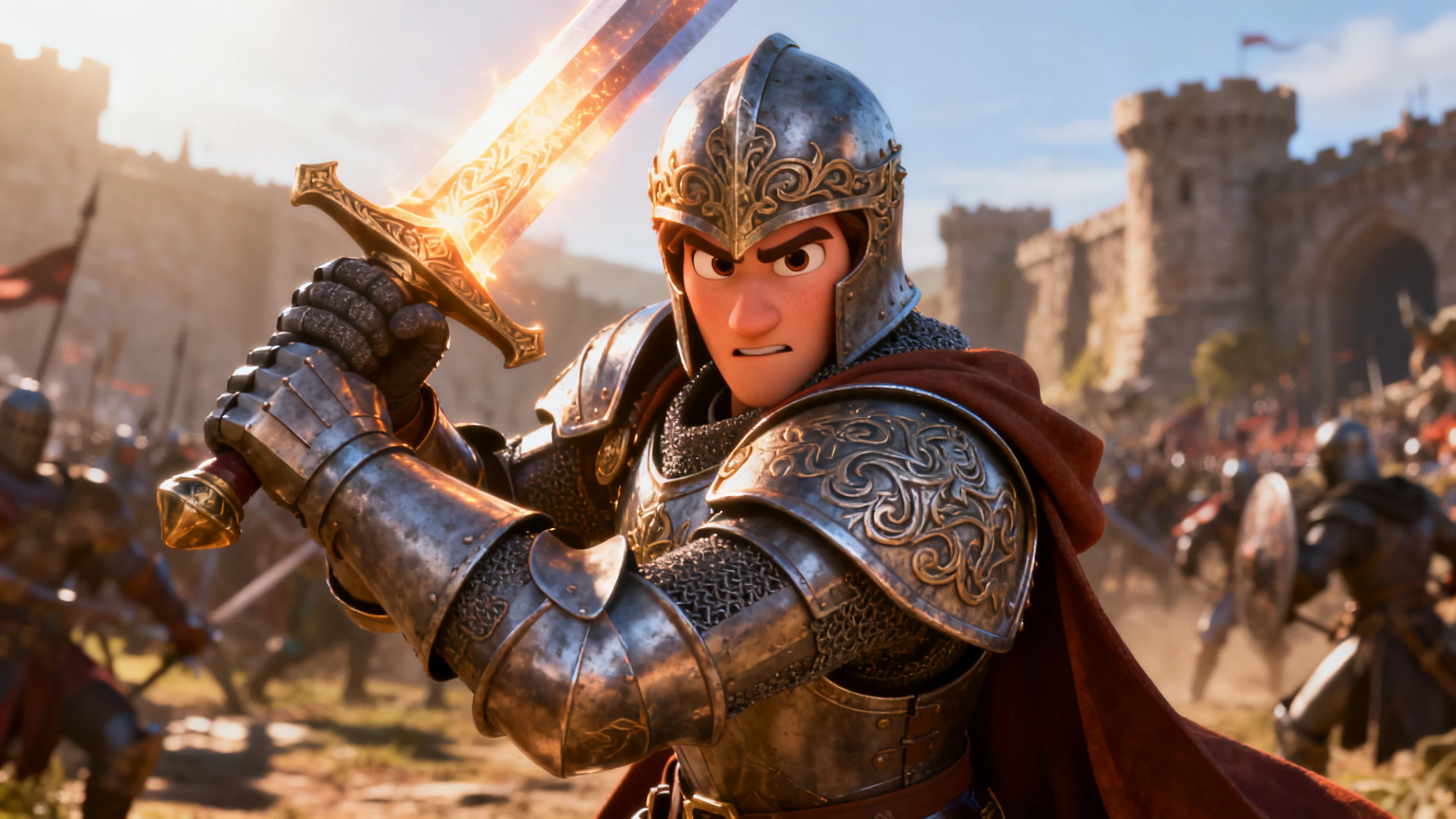









Hero background

Simple AI Video Generator

Turn a short prompt, script, image, or rough idea into a finished video with Magiclight AI. Start with what you already have, let the platform handle the scene setup, and keep the rest of the work in one place.

Create Videos For Free
simple ai video generator
gemini
sora
seedance
hailuo
kling
midjourney
qwen
nano banana
veo3
gemini
sora
seedance
hailuo
kling
midjourney
qwen
nano banana
veo3
gemini
sora
seedance
hailuo
kling
midjourney
qwen
nano banana
veo3

Explore the Features of Magiclight AISimple Video Generator

Magiclight AI is designed to keep the first step easy. Bring in text, an image, or a short idea, and the platform helps turn it into a structured video without asking for a full production plan.

Start From Text, Script, or Image

You do not need to build a storyboard first. Paste a prompt, a script, a note, or upload an image, then choose the model that fits your workflow, such as Seedance 2.5, Veo 3.1, or Wan 3.0, and Magiclight AI uses that starting point to set up the video flow.

Start Creating
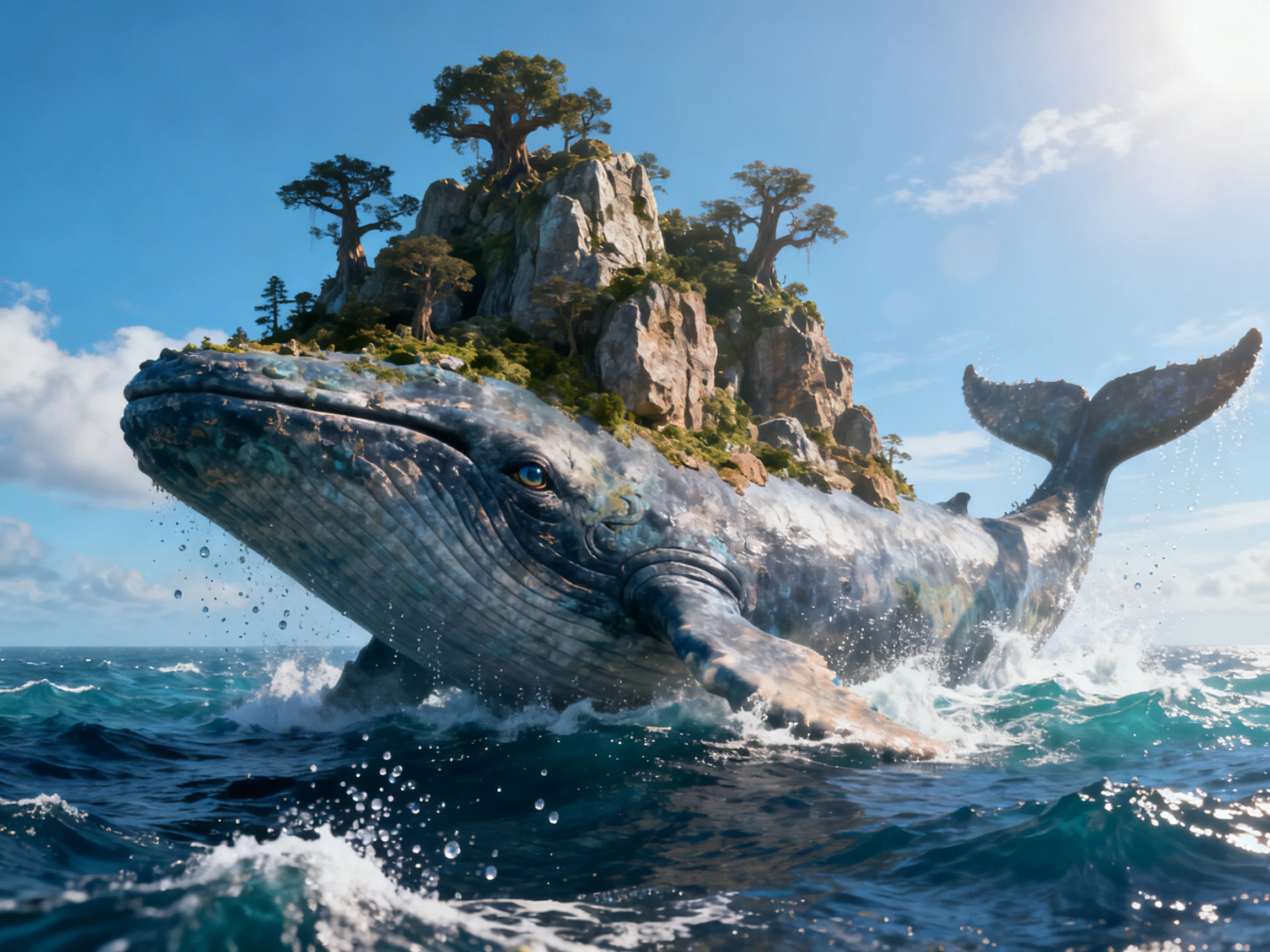
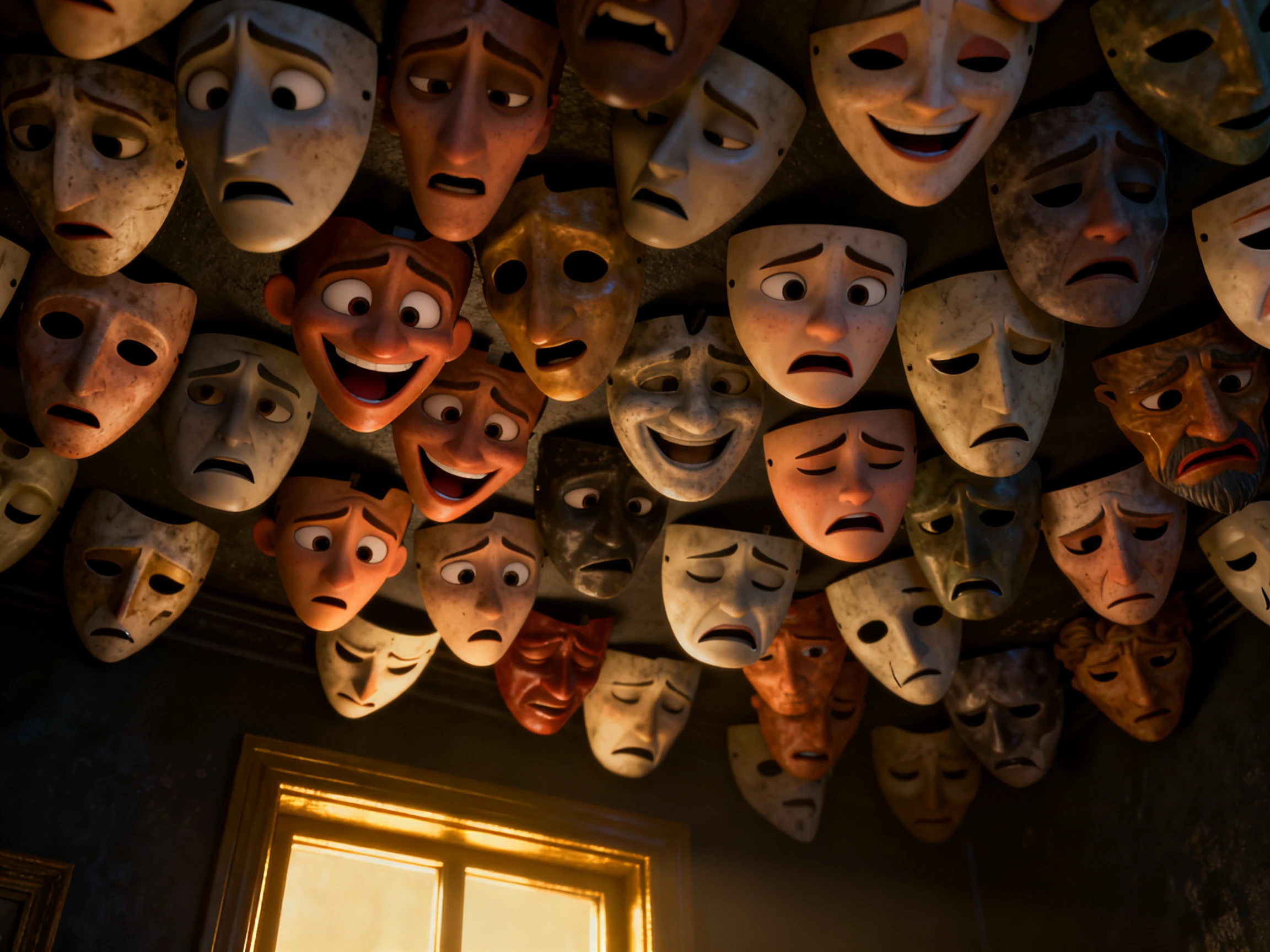
simple video from text and image

Automatic Scene Setup

Magiclight AI reads your idea, breaks it into scenes, and shapes the flow for you, so you can turn a rough concept into a polished video structure with less manual setup. It also supports long-form videos of up to 50 minutes, making it easier to build everything from short clips to extended stories in one place.

Start Creating
automatic scene setup in magiclight

Voices, Languages, and Styles in One Place

Choose from 37 AI voices, more than 11 languages, and 20+ visual styles, with familiar reference points like ElevenLabs for voice and Suno for music inspiration. That gives you room to match the video to the audience without opening separate tools for narration or design choices.

Start Creating
voices languages and styles in magiclight

Edit Before You Export

Use Nano Storyboard to adjust scene order, timing, character actions, poses, expressions, subtitles, music, and cover art before you publish the finished video or export it directly to your YouTube channel.

Start Creating
edit before export in magiclight
Who Can Use Magiclight AI Simple Video Generator
This tool fits creators who want a direct path from idea to video. It works well when the goal is to finish content quickly without managing a full editing stack.
Solo creators
For Solo Creators
Start from a prompt or image and move straight into a video draft.
Keep the process simple when you only need one person to handle the project.
Use a reusable voice and style when you want faster repeat content.
Small teams
For Small Teams
Create quick explainers, campaign videos, or internal updates without a long production cycle.
Use scene splitting to keep the project organized as more people touch it.
Edit one part of the video without rebuilding the whole thing.
Educators
For Educators
Turn a lesson topic or reading passage into a simple narrated video.
Choose a language and voice that fit the class or audience.
Use subtitles and clear scene changes to keep the video easy to follow.
Marketers
For Marketers
Create product clips, social ads, or launch videos from a brief or script.
Keep the workflow short when the message matters more than the setup.
Use covers, subtitles, and export controls to get a publishable result.

How to Make a Video With Magiclight AI

Magiclight AI keeps the workflow lean: add an idea, let the system organize the structure, refine the parts that matter, and export the result when it is ready.

1.

Add Your Starting Point

Paste a short prompt, a script, a rough concept, or upload an image. You can begin with whatever is already available instead of preparing a full production brief.

2.

Let Magiclight Build the Draft

The platform turns your input into scene blocks, character ideas, and a first video layout so the project has structure before you start editing it.

3.

Adjust the Look and Voice

Pick the visual style, voice, language, subtitles, and music that fit the project. Use Nano Storyboard to refine timing, actions, and scene order where needed.

4.

Export the Finished Video

Review the final cut, make small changes, and export the video for sharing, publishing, or further use inside Magiclight AI.

What Users Say About Magiclight AI'sSimple Video Generator

Lucia Marchetti

Content Creator

I like that I can start from a rough idea and still get a usable video draft. Magiclight AI keeps the setup light, which is exactly what I needed.

Kenji Watanabe

Product Marketer

For campaign clips, the speed matters. I can move from brief to video without bouncing between different editing tools, and that saves a lot of time.

Rebecca Lund

Teacher

I use it for simple lessons and short explanations. The subtitle and voice options make it easy to create something clear without overthinking the production.

Idris Bello

Small Studio Founder

We needed something straightforward for quick client work. Magiclight AI gives us a clean path from input to export, which is easier for the team to keep up with.

FAQs on Simple AI Video Generator

What is a simple AI video generator?

A simple AI video generator turns a prompt, script, image, or rough idea into a video with less setup. Magiclight AI handles the scene structure, character setup, and editing steps that usually slow creators down.

Can I start with just a short prompt?

Yes. You can start with a short prompt, a note, a basic script, or an image. Magiclight AI uses that starting point to create a first video draft you can refine.

Do I need editing experience to use it?

No. The workflow is designed to keep the steps light. You can choose a voice, pick a style, adjust the scene order, and export without learning a full editing suite.

Can I change the video after the first draft?

Yes. You can update the script, switch the voice, change the visual style, adjust the storyboard, or refine the ending before exporting the final version.

Is this useful for business content?

Yes. It works well for product clips, explainers, training videos, social ads, and quick updates where you want a finished result without a long production process.

What makes Magiclight AI different from a generic simple video tool?

Magiclight AI combines scene splitting, reusable characters, voice options, subtitles, style selection, Nano Storyboard editing, cover generation, and export controls in one product.

Create Your Next Video in Magiclight AI

Start with a prompt, script, image, or rough idea. Magiclight AI turns it into a clean video draft with scenes, voices, subtitles, and export options in one workspace.