








Hero background

AI Creative Agent

Turn ideas, scripts, notes, or images into videos and visuals with Magiclight. Plan, generate, and refine your creative work in one workflow, with no editing experience needed.

Try AI Creative Agent For Free
ai creative agent preview 1
gemini
sora
seedance
hailuo
kling
midjourney
qwen
nano banana
veo3
gemini
sora
seedance
hailuo
kling
midjourney
qwen
nano banana
veo3
gemini
sora
seedance
hailuo
kling
midjourney
qwen
nano banana
veo3

Explore the Features ofMagiclight AI Creative Agent

It is built to simplify production tasks that slow teams down, from choosing the right format and keeping characters consistent to building reusable assets and scalable content.

Turn One Idea Into a Full Production Plan

Magiclight Agent understands the intent behind a simple topic, interview concept, story idea, or content direction, then recommends a suitable production path and model based on the result you want, instead of leaving you to figure out the structure first.

Start Creating

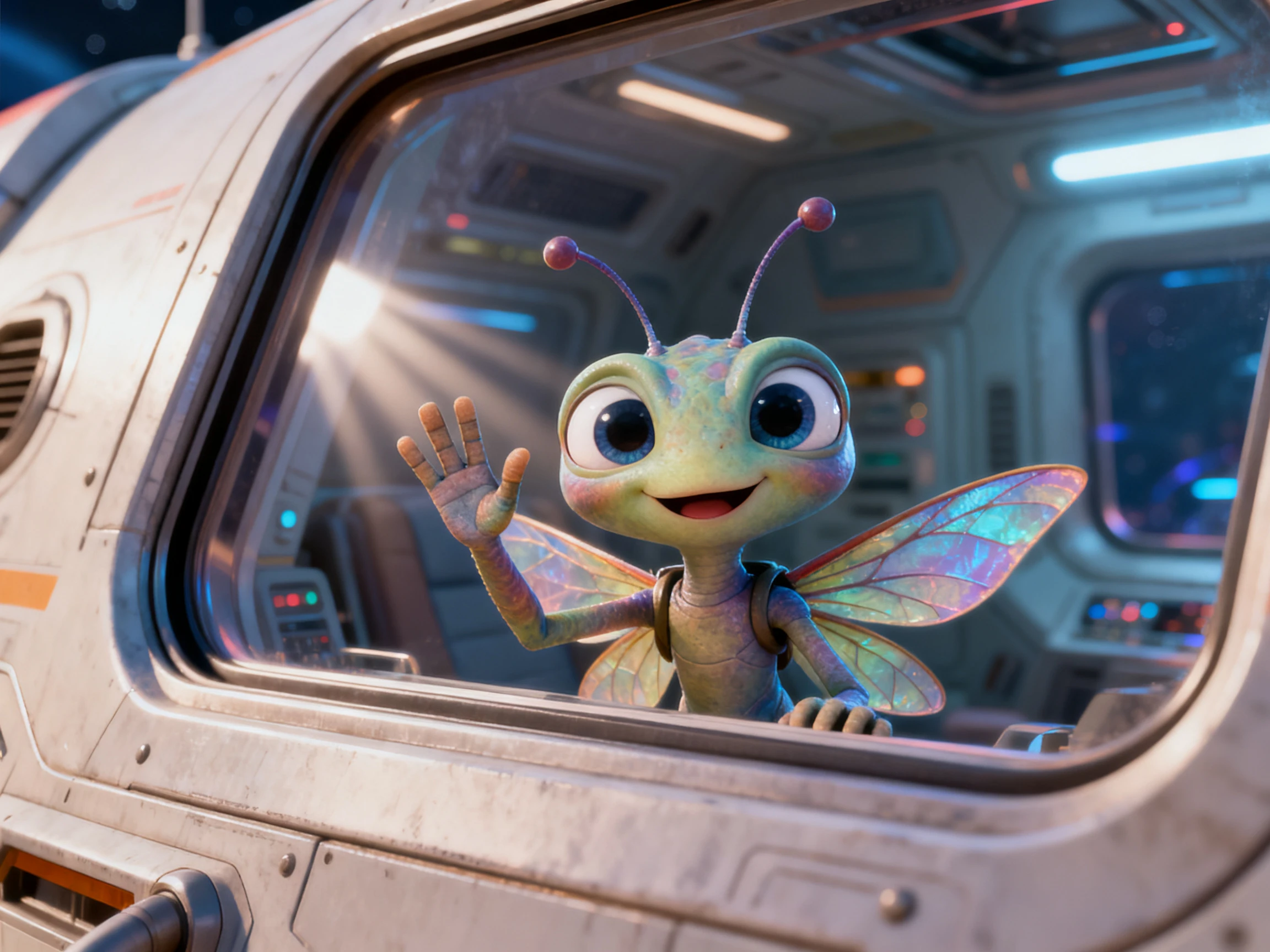
turn one idea into a production plan

Choose the Right Format for Your Project

The agent analyzes your idea and guides you toward the right format, from Story to Video and Short Drama to Kids Story, Religious Story, Explainer Video, and Interview Video. This helps shape the script, scenes, characters, and visual direction around your goal instead of starting with a generic draft.

Start Creating
choose a format that matches the job

Plan Around Your Budget and Production Needs

Magiclight helps you choose the right production path for every project. Start with cost efficient static visuals, move to AI video for more dynamic scenes, or use a higher quality setup when you need a more polished final result.

Start Creating
plan around budget and production level

Build Reusable Assets for Every Video

Build reusable characters, visual styles, voice assets, and creative elements that carry across projects. Magiclight helps you turn one-time creative work into a repeatable system for faster, more consistent video production.

Start Creating
build reusable creative assets
Why Teams Use Magiclight AI Creative Agent
Traditional generators stop at the first output. Magiclight helps teams decide what the project should be, what assets it needs, and how to keep the same idea working across multiple scenes or formats.
Story teams
For Story Teams
Turn a topic into a narrative path with clear scene progression.
Keep characters, pacing, and structure aligned across episodes.
Create longer content instead of stopping at short isolated clips.
Content studios
For Content Studios
Use one workflow for script, storyboard, style, voice, and final video.
Move from rough direction to production plan without handing off between tools.
Keep output organized when multiple creators are working on the same system.
Channel builders
For Channel Builders
Build recurring characters and formats that audiences can recognize.
Turn one concept into a family of related videos.
Grow a channel around a style, not a single upload.
Asset-focused creators
For Asset-Focused Creators
Make character packs, style packs, voice packs, and polish assets.
Use the Asset Store and Earnings flow to think beyond one-off content.
Create things other creators can reuse, not just files you publish once.

How the Creative Agent Works Inside Magiclight AI

The workflow starts with the idea you already have, then moves through planning, generation, refinement, and export in the same product.

1.

Describe the project goal

Share the story idea, topic, format, or content direction you want to build around.

2.

Get a production path

Magiclight recommends a format, level of production, and the kind of assets the project needs.

3.

Generate the base assets

Create scripts, storyboards, characters, visual styles, voice assets, and music with the right supporting models, including ElevenLabs and Suno where needed.

4.

Move into video and publishing

Refine the storyboard, generate the video, and prepare the final version for editing, publishing, or reuse.

What Users Say About MagiclightAI Creative Agent

Mia Chen

Content Strategist

The biggest difference is that Magiclight AI helps decide the direction first. We are not just getting output, we are getting a plan we can actually work from.

Noah Patel

Brand Marketer

Magiclight AI is more useful than a normal generator because it helps us think through format, assets, and consistency before the build starts.

Sara Lind

Video Producer

We use Magiclight AI when the project needs structure. The production plan, storyboarding, and reusable assets save a lot of back-and-forth.

Omar Reyes

Studio Founder

Magiclight AI helped us move from one-off clips to a repeatable content system, which is what we were actually trying to build.

FAQs on AI Creative Agent

What makes this a creative agent instead of a normal video tool?

It helps you decide what to build, what format fits the idea, and what assets are needed before you move into generation.

Can I use it for more than video clips?

Yes. It supports creative workflows around videos, assets, and long-form storytelling, so the output is not limited to short isolated clips.

Does Magiclight support consistent characters?

Yes. Character consistency is built into the workflow, which helps keep a series, recurring cast, or channel identity stable.

What kinds of projects work best here?

Story videos, short dramas, explainer content, interviews, and asset-driven creator workflows all fit the agent well.

Can I choose the production level based on budget?

Yes. Magiclight supports different production paths, including more cost-efficient static options and higher-quality video generation plans.

Does it support longer content?

Yes. Magiclight supports long-form video creation up to about 50 minutes, which makes it useful for episodic or narrative work.

Build a Creative System With Your AI Agent

Use Magiclight to decide the format, structure the assets, and keep the work moving from idea to final output.