
Limited Visual Styles
Vyond focuses heavily on flat 2D character and business-style animations. Creators who want 3D characters, cinematic scenes, anime, or Pixar-style visuals may find the output too restrictive.

MagicLight is a Vyond alternative that re‑thinks animated video creation by freeing creators from restrictive template‑based animation libraries. Explore image‑to‑video generation, detailed nano storyboard editing, AI creative assistance, and reusable scene assets in one all‑in‑one online platform.

Vyond delivers convenient template‑driven animation, but many creators quickly hit creative limits when building original narrative content. Below are common pain points pushing users to seek other animation solutions.
Vyond focuses heavily on flat 2D character and business-style animations. Creators who want 3D characters, cinematic scenes, anime, or Pixar-style visuals may find the output too restrictive.
The platform relies on a traditional drag-and-drop timeline. While this offers precision, building a complete video manually takes significant time and effort.
The platform is optimized for short explainer clips. Producing multi‑episode kids’ stories or short drama sequences becomes clunky and time‑consuming.
Commercial licensing and team seats add significant expense. Independent creators and hobbyists often find pricing prohibitive for ongoing story‑video production.
Compare the key capabilities of both platforms to understand which solution better fits your animated storytelling and video production needs.
Feature | MagicLightTry for free | Vyond |
|---|---|---|
| Core Features | AI story-to-video, animated storytelling, image-to-video, and long-form video production | Animated videos, AI avatars, business explainers, and training content |
| Maximum Video Length | Up to 50 minutes in Story to Video | 25 minutes on Starter, 40 minutes on Professional, and 90 minutes on Enterprise, Government, and Agency |
| Video Generation Workflow | Integrated workflows for scripts, storyboards, characters, animation, and narration | Manual drag-and-drop timeline and character rigging |
| Character Consistency | Character consistency across multiple AI-generated scenes | Consistent 2D avatars, but limited to the built-in asset library |
| AI Models | Multiple integrated models | AI-powered generation tools |
| Supported Languages | 11 languages | Video translation into 95 languages on Professional and higher plans |
| Voice Generation | 37 AI voice options and voice cloning | 650+ text-to-speech voices |
| Pricing and Plans | Subscription plans with credit-based usage | Enterprise-focused tiered pricing |
| Export Quality | 720p / 1080p | Multiple resolution, including HD |
For creators who want to move beyond flat 2D business animations, the next step is often building more dynamic and visually engaging stories. MagicLight provides tools that extend the process beyond traditional animation, with AI-driven generation and scalable workflows.
Bring Your Ideas to Animation
Create videos around original ideas rather than relying entirely on predefined presentation layouts. MagicLight supports story development, character creation, and scene generation, giving creators more ways to shape the content and visual direction of their projects.
Vyond focuses on flat corporate 2D styles, while MagicLight helps creators generate rich 3D cartoons, Pixar-style animations, anime, and cinematic scenes. Bring your fictional stories and educational concepts to life with diverse visuals.
The Nano Storyboard editor lets you adjust camera angles, character actions, facial expressions and props before rendering animation. You refine individual shots visually instead of fighting to bend rigid templates.
MagicLight runs fully in‑browser. You do not need complex software installs or professional animation experience. Upload art, write prompts and edit storyboards to generate complete animated videos.
Beyond video making, use MagicLight’s Asset Store and Earnings Center. Turn your custom characters, scene styles and voice profiles into shareable digital assets, earn passive income and build your own creative IP.
From planning scenes to generating animations, MagicLight offers creative tools for different stages of video production. Explore the features below to find new ways to develop and customize your content.
Fine-tune individual shots before turning them into animations. Nano Storyboard lets you adjust camera movements, character expressions, actions, and clothing. These detailed controls help creators refine visual moments and make scenes feel more intentional.
Explore New Ways to Create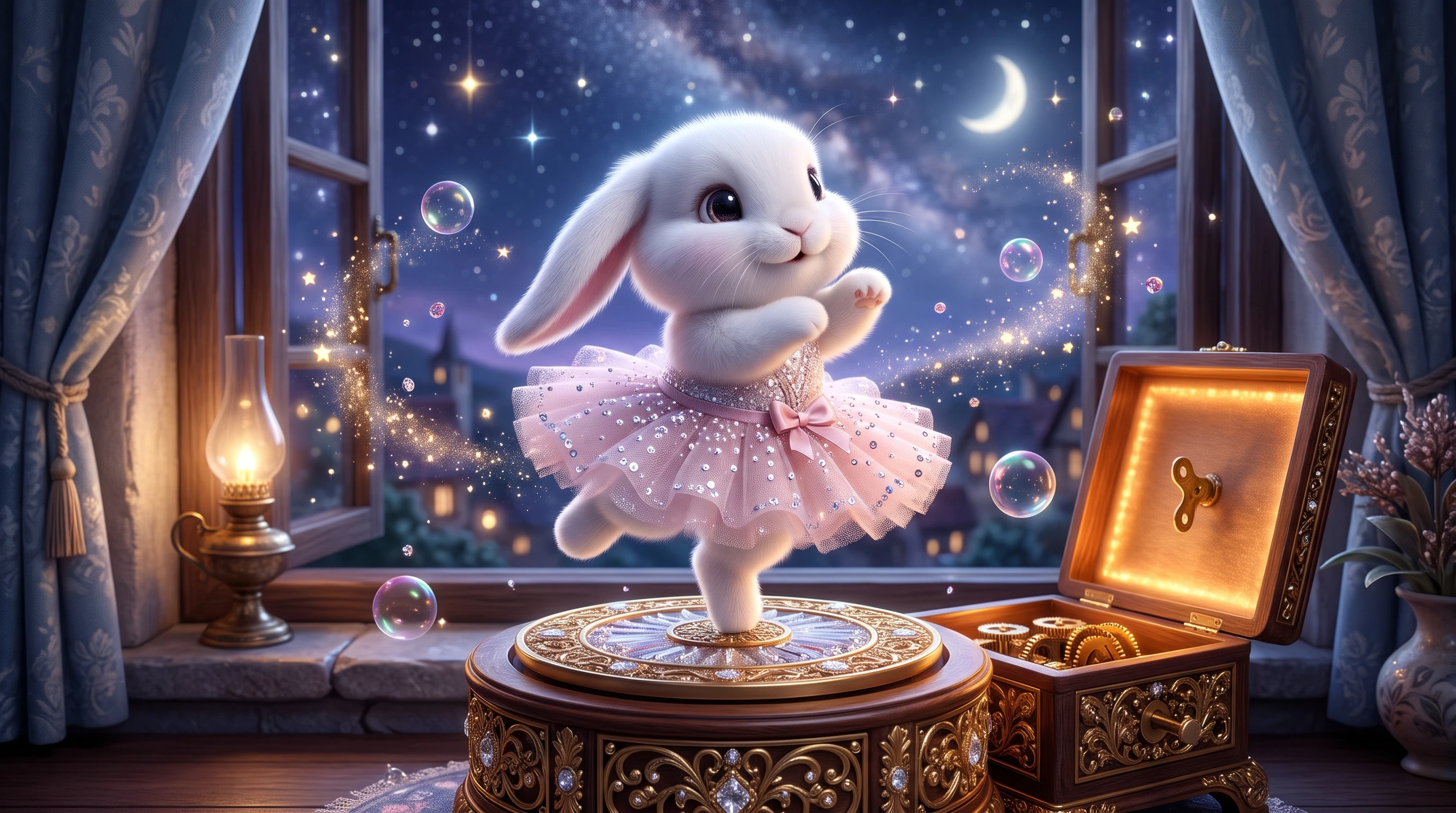
Bring existing illustrations and images into motion with the Image to Video Generator. Upload a reference image and describe the movement you want with a prompt of up to 10,000 characters. Choose from supported video models and generation options, including 10-second and 15-second clips at 720p or 1080p.
Explore New Ways to Create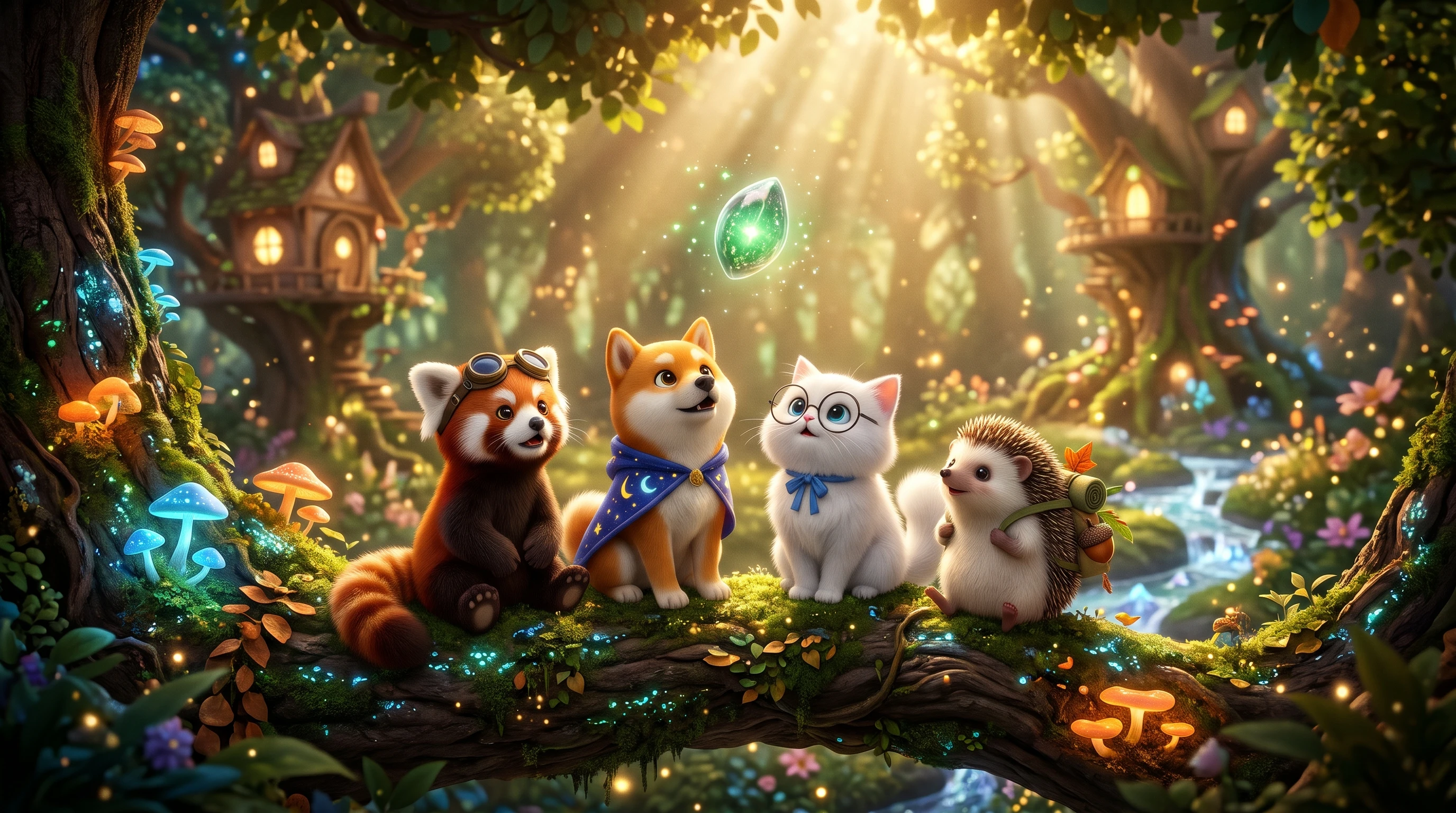
Start with a rough idea and use MagicLight Agent to develop it into a more structured project. The conversational assistant can help with brainstorming, scriptwriting, storyboard planning, character setup, visual styles, and production plans across supported video workflows.
Explore New Ways to Create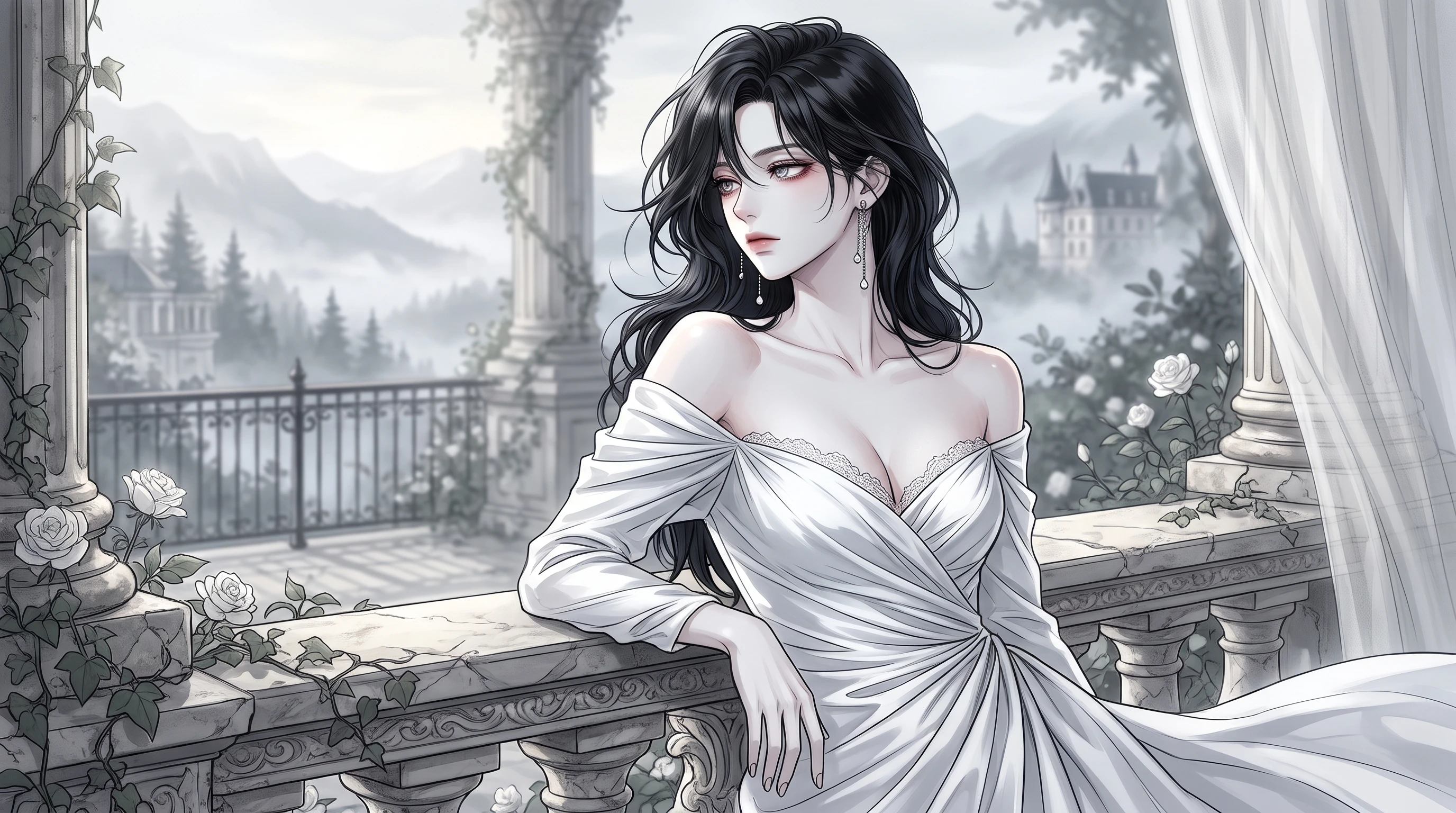
Develop AI characters that can become familiar parts of your content. Create a character using a description or reference image, then reuse creative assets in future projects. This approach helps creators build recurring characters for video series and recognizable content identities.
Explore New Ways to Create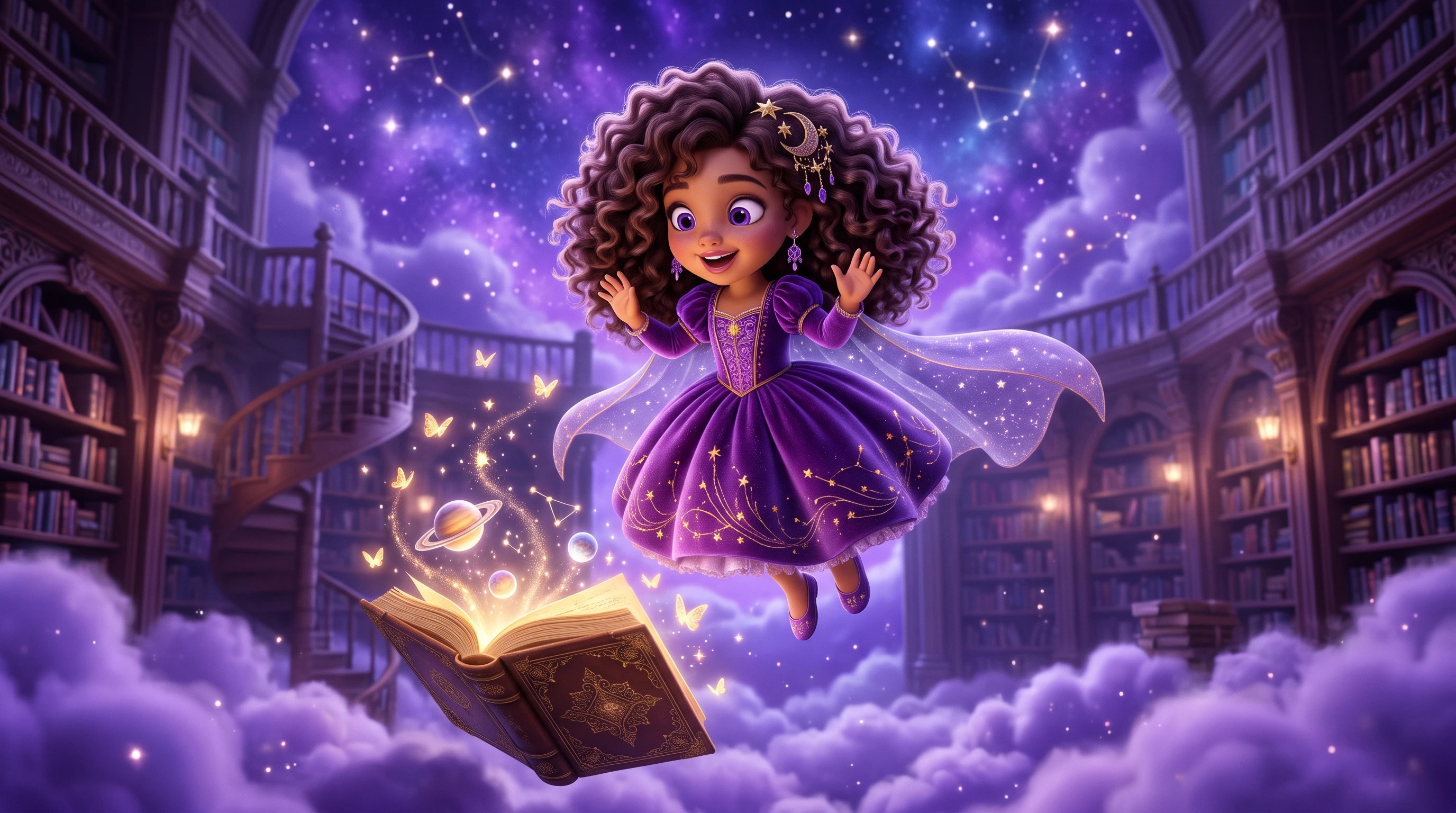
Bring your own artwork into MagicLight as visual references. Upload 3 to 5 images with a consistent artistic direction to guide the look of your generated content. Define the style through details such as line quality, color palette, shapes, and textures, then refine and save it as a reusable visual asset for future creative projects.
Explore New Ways to Create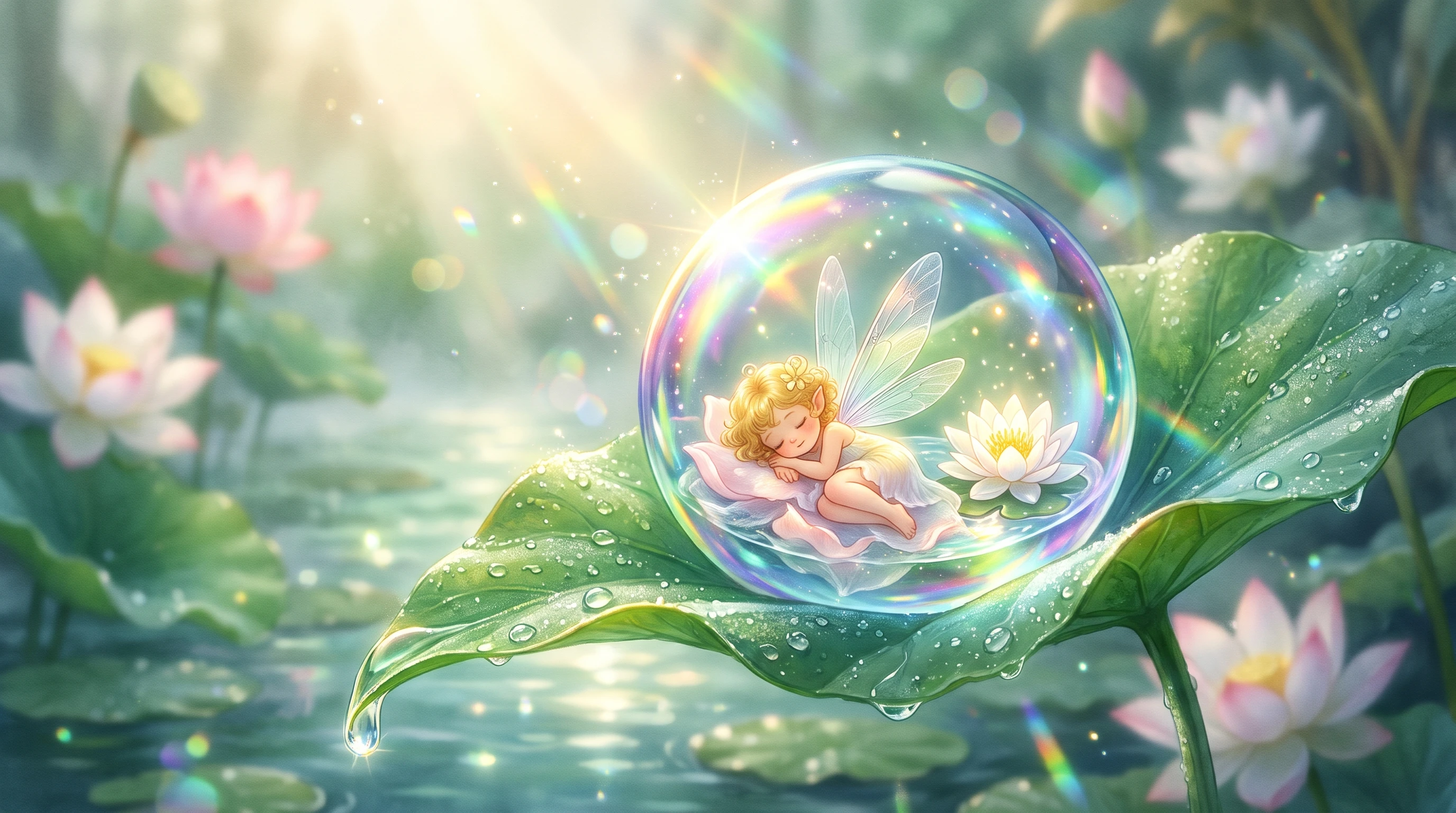
Harrison Coleman
Educational Animation Creator
“I make animated lessons for high school biology. I upload my own diagrams and sketches, then animate them directly in MagicLight instead of rebuilding everything from scratch. The best part for me is keeping the same look across an entire unit — fonts, colours, characters, all stay consistent. It’s not 100% automatic, and I still do small fixes, but it saves me a lot of time compared to my old workflow.”
★★★★★
Sofia Mendez
Short-Form Drama Video Creator
“I make little drama series for social media. Before MagicLight, I’d have to export clips, edit them elsewhere, and then put everything back together. Now I can rearrange story beats, adjust how long a scene stays, and fix small colour or audio issues without leaving the platform. It’s cut down the back-and-forth a lot.”
★★★★★
Elena Hawthorne
Freelance Visual Storytelling Contractor
“Clients usually want something that feels original, not like every other animated video. I’ll give MagicLight a concept sketch or a character sheet, and then build the whole episode around that visual direction. The AI will suggest story gaps or weird continuity issues I didn’t notice. It’s like having a second pair of eyes during production.”
★★★★★
Marcus Hale
Hobbyist Serial Story Creator
“I work on a fantasy animation series in my free time. I’m not a professional animator, so I need something that’s easy to pick up but still flexible enough for a long story. MagicLight lets me save my favourite settings and reuse them episode after episode. The first few tries were messy, but once I found a style that worked, the series got much easier to keep consistent.”
★★★★★


Build original animated episodes from concept to final render in minutes. No rigid template lock‑in, no complex local software setup. Simple, fast, built for storytellers of all skill levels.