
Fragmented Clip-by-Clip Video Assembly
Video tools generate individual shots up to 30 seconds rather than continuous stories, leaving creators to export files and stitch scenes together in external editing software.

MagicLight is an all-in-one browser video studio built for creators who want a guided workflow rather than complex model configuration. Turn written stories or still images into structured, multi-scene videos without juggling separate tools.

Mage Space is a reliable cloud platform for Stable Diffusion image generation. However, creators seeking complete video narratives may find its image-only focus limiting. Here are common reasons to explore other options.
Video tools generate individual shots up to 30 seconds rather than continuous stories, leaving creators to export files and stitch scenes together in external editing software.
The platform functions as a prompt-to-image generator. There are no built-in scriptwriting, storyboard planning, or scene management features to organize a structured, multi-scene narrative.
Keeping a specific character looking identical across different generated images is very challenging. Users must rely on repetitive prompt tweaking and complex LoRA setups.
Mage Space does not include voiceover generation, background music, or subtitle tools. Creators must move their generated images to separate editing programs to build a finished video.
Compare the platforms by their supported workflows, video capabilities, creative controls, and production options. Features can vary by model, plan, and selected settings.
Feature | MagicLightTry for free | Mage Space |
|---|---|---|
| Core Features | Multi-scene story video studio | Multi-model image and clip generator |
| Maximum Video Length | Up to 50 minutes | 4 to 30 seconds per clip |
| Video Generation Workflow | Script-to-video, storyboard, image-to-video | Text-to-video, image-to-video, video-to-video |
| Character Consistency | Saved character profiles and 50 poses | Saved characters, reference images, LoRAs |
| AI Models | Integrated video, image, story, and voice models | Multiple third-party and Mage models |
| Supported Languages | 11 languages | × |
| Voice Generation | 37 voices and voice cloning | Saved character voices |
| Pricing and Plans | Subscription plans and credit-based usage | Free signup Gems; paid from $10/month |
| Export Quality | 720p / 1080p | 480p, 720p, 1080p |
MagicLight shifts the focus from generating standalone images to producing complete, ready-to-watch videos. It combines script planning, character management, and audio tools, giving creators a unified workspace to turn visual ideas into finished narratives.
Start Creating Free
Instead of generating images one by one, MagicLight organizes your content around a central script. You input your story, and the system automatically breaks it down into a scene-by-scene storyboard, allowing you to manage the entire project on a single timeline.
Mage Space requires repetitive prompt changes to keep a character consistent. MagicLight offers a dedicated character creation system. Once you design or upload a character, it is saved as a reusable asset, ensuring their appearance remains stable across every scene you generate.
Image generators are limited to static frames. MagicLight supports continuous video generation up to 50 minutes long from a single script. This eliminates the need to export dozens of clips and manually stitch them together in external editing software.
Instead of manually writing endless prompts, you can chat with the MagicLight Agent. It helps brainstorm ideas, draft complete scripts, and plan the visual direction, automatically translating your initial concept into a structured production plan.
MagicLight provides a complete suite of production tools designed for different content formats. From dedicated story templates to multi-model video generation and image editing, this section covers the specific workflows and capabilities available inside the platform.
Start with one of seven story themes such as rainbow or imagination. Select from multiple visual styles including 3D cartoon, Pixar, or picture book. The workflow supports durations up to 10 minutes with 11 languages, 37 voiceovers, and 40 background music options.
Create Your First Video Free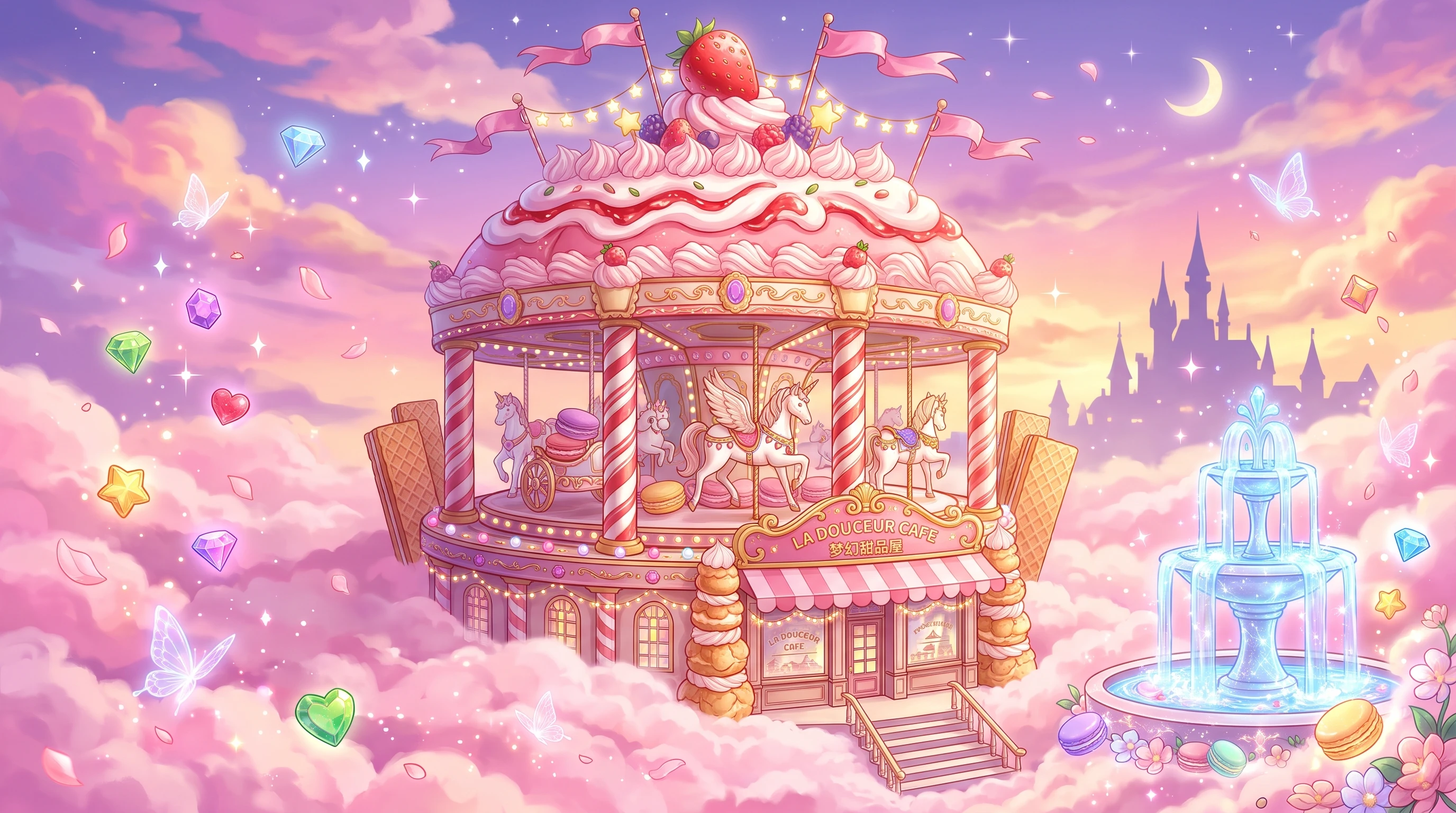
Build a custom character by selecting from a library or writing a personality prompt. Enter your vlog topic within 500 words. The system generates a storyboard preview that you can edit, then converts it into a full character vlog with voiceovers.
Create Your First Video Free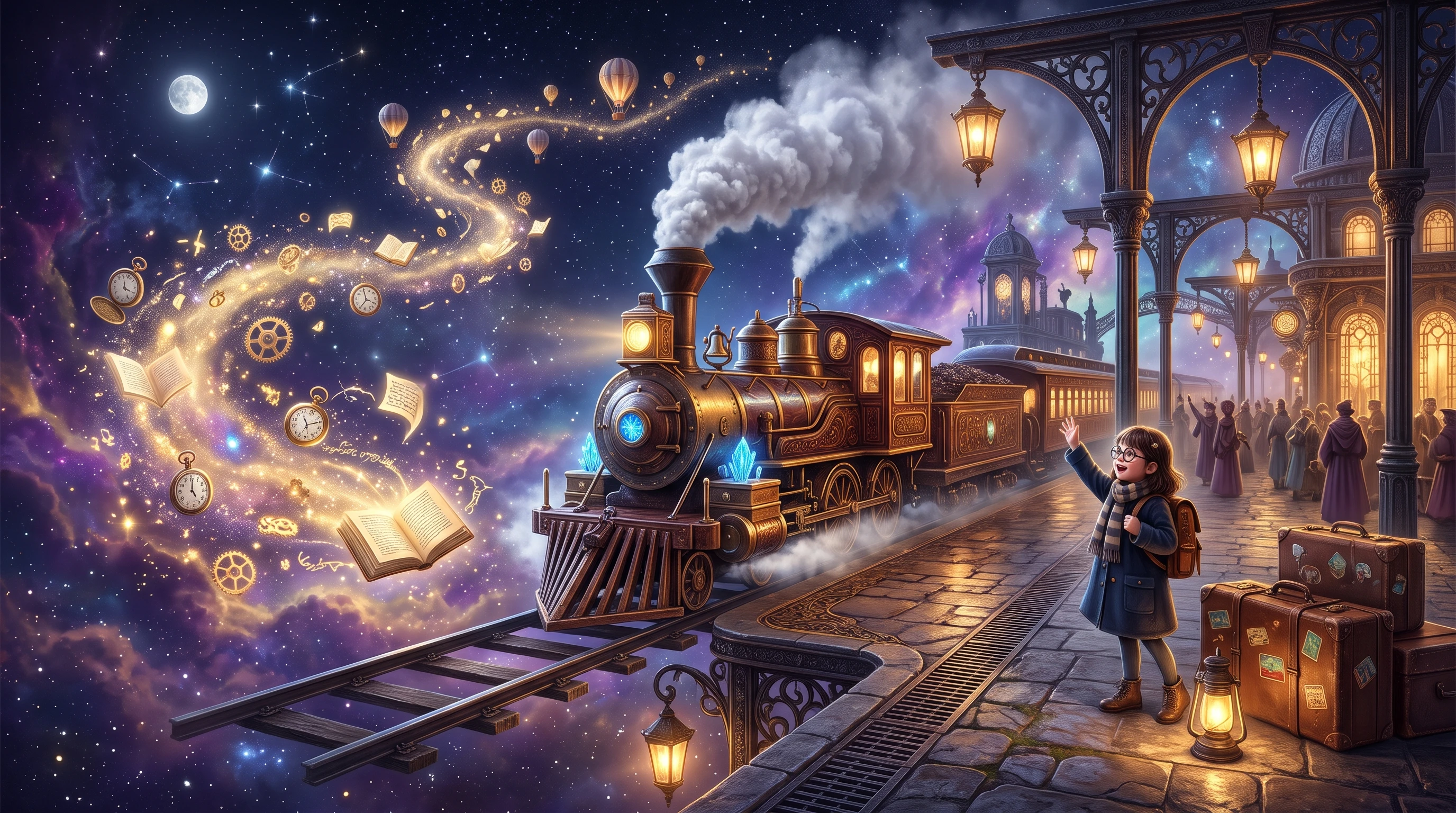
Create music using genre-based input or choose from 15 prebuilt songs. Select your aspect ratio and visual style, then generate a storyboard. The workflow converts your storyboard into an animated music video with subtitle settings and cover generation.
Create Your First Video Free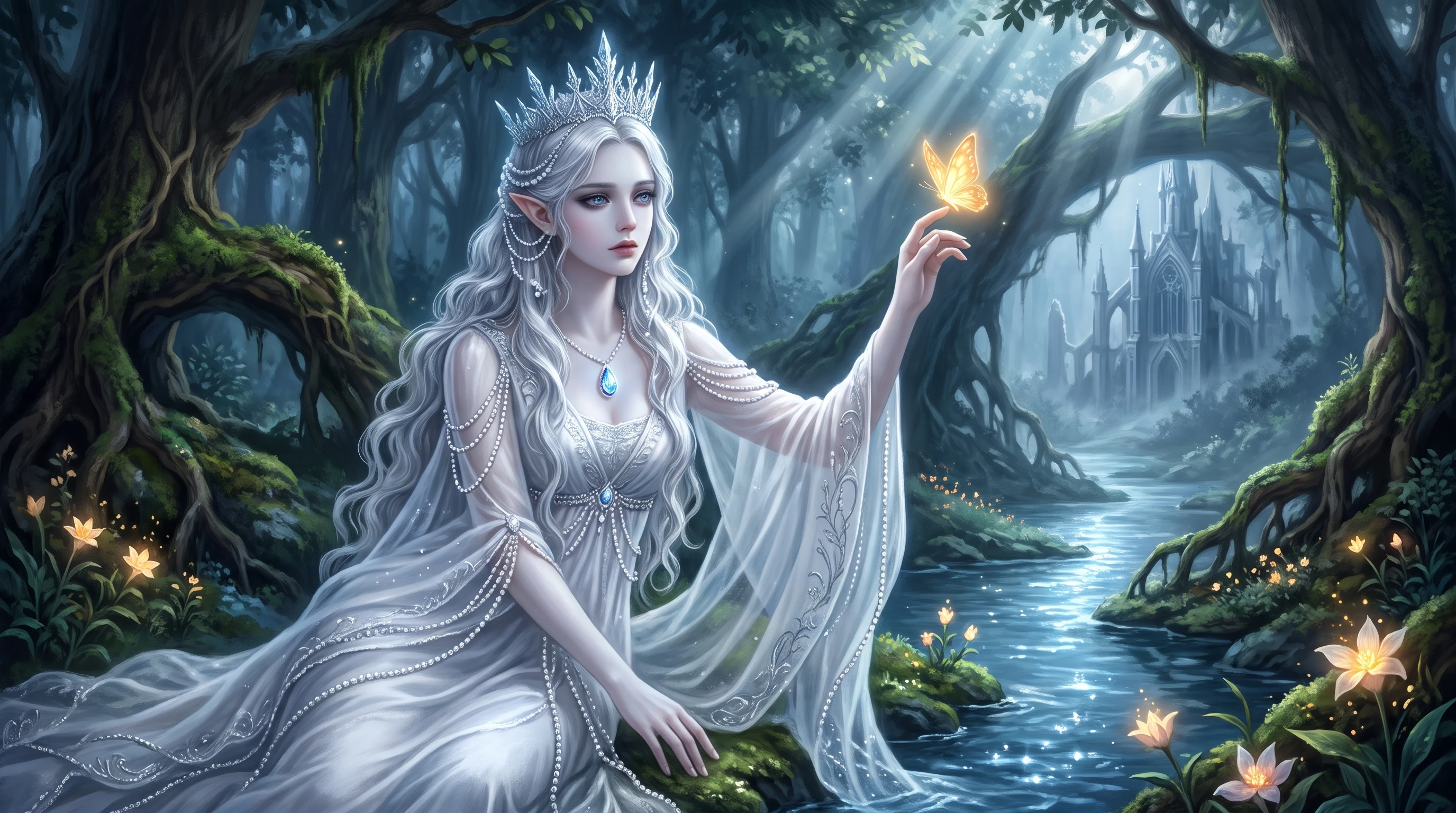
Upload a still portrait, illustration, or reference frame. Enter a text prompt up to 1,500 words to describe the motion you want. Choose from multiple video models and generate a 10 or 15 second clip at 720p resolution.
Create Your First Video Free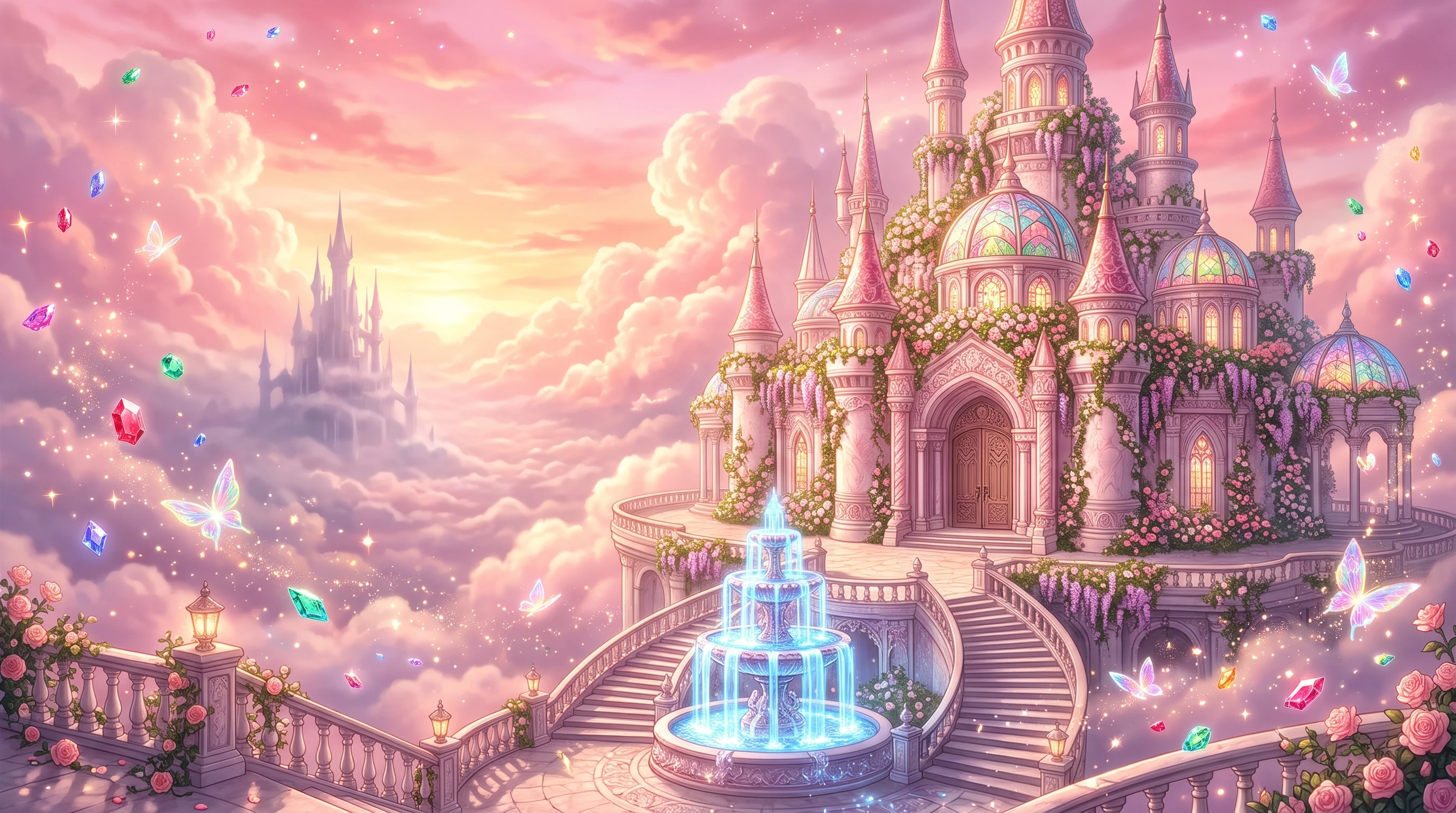
Use the Image Generator to create visuals from text prompts. Upload reference images to guide the output. Select from multiple image models, choose your output quantity, and set the aspect ratio to 16:9, 9:16, 4:3, or 1:1.
Create Your First Video Free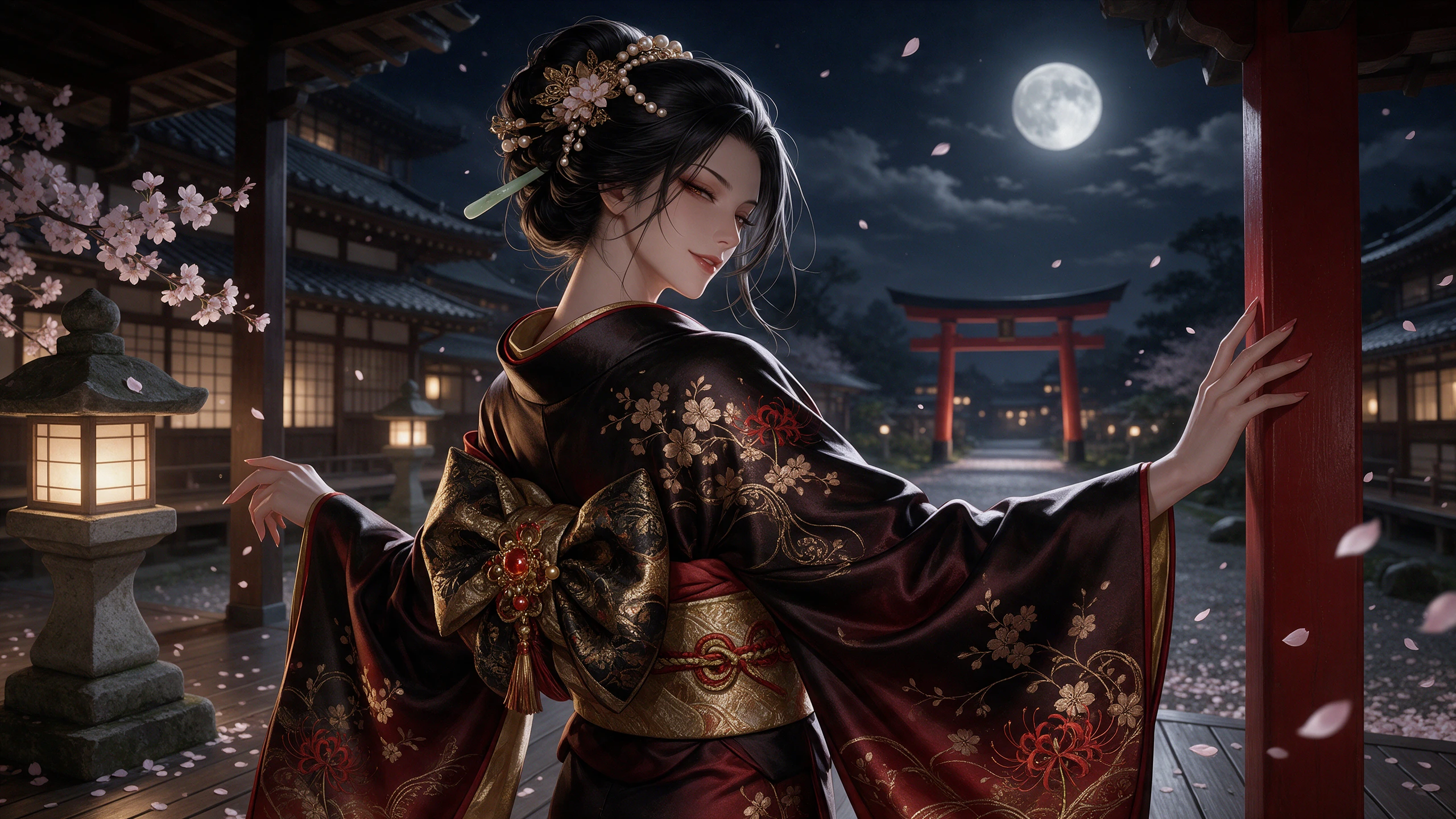
Open individual scene cards to adjust camera angles, character poses, and scene details through Nano Storyboard. Creators can also add dynamic subtitles and pair scenes with 40 built-in background music tracks directly online.
Create Your First Video Free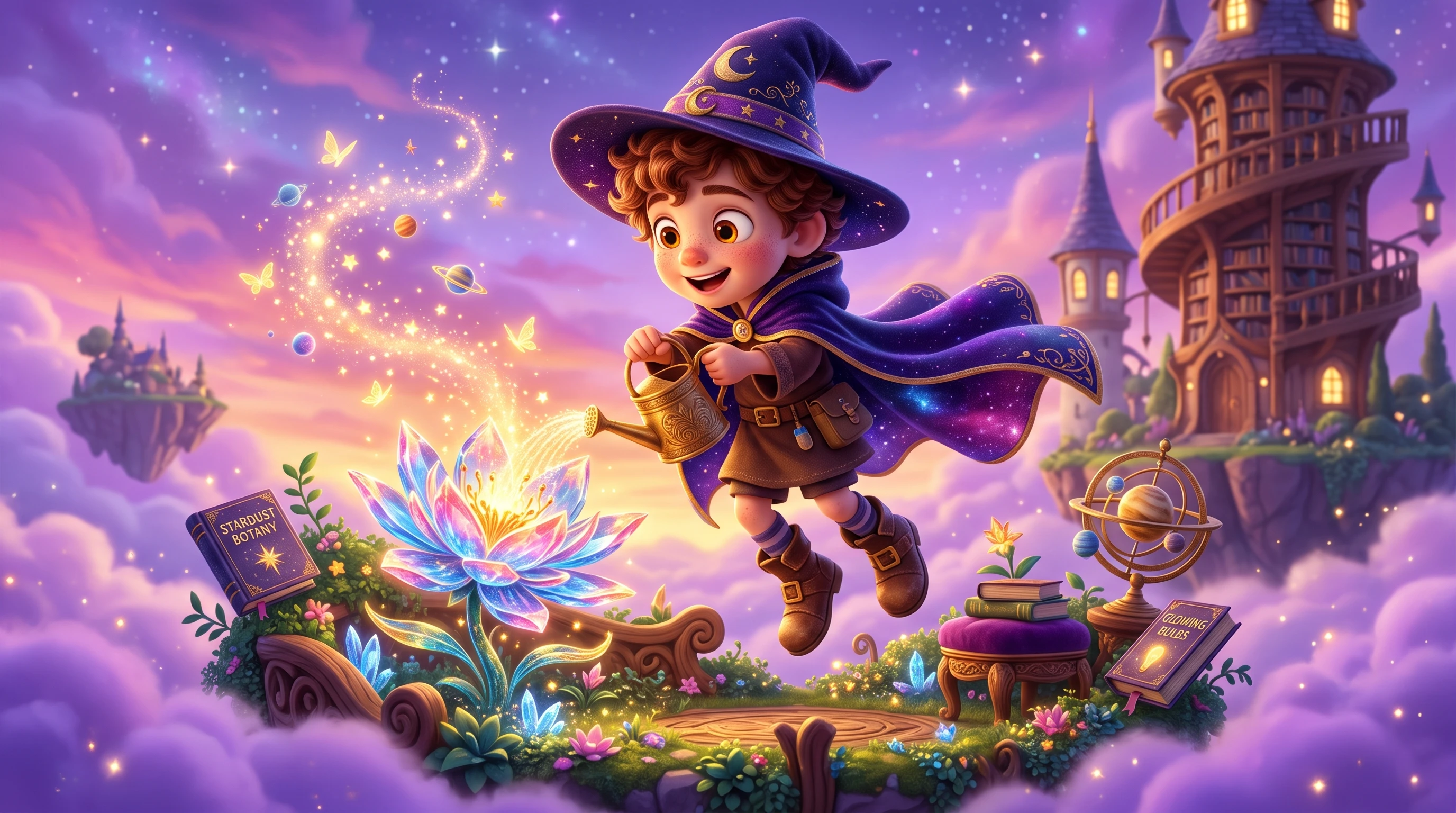
Maya Chen
Elementary Science Teacher
“Honestly, turning my weekly classroom handouts into short animated recap clips used to take all Sunday. Pasting the text in and checking the still frames first makes prep way easier.”
★★★★★
Jordan Reed
Online Educator
“I like having a workflow for explainer videos instead of planning every step. I can start with a topic, review the scenes, and make changes before creating the video. It helps organize my lessons.”
★★★★★
Keiko Takahashi
Indie Board Game Designer
“Explaining rulebooks with plain text always felt a bit dry for new players. Being able to keep my character mascot looking consistent across every turn example worked super well for us.”
★★★★★
Ethan Brooks
Hobbyist Animator
“I am not a pro, so I was worried about the learning curve. But the interface is super intuitive, and I got the hang of it quickly. I make short animated stories for fun, and the character consistency across scenes is better than I expected.”
★★★★★


Turn your ideas into structured stories, refine each scene, and create videos for the formats you want to publish. Start building your next project with MagicLight.