
Hard Per‑Clip Time Constraints
Every individual render on DeepAI is capped at roughly 3‑10 seconds. There is no native way to generate multi‑minute continuous footage.
DeepAI offers a collection of AI tools for image generation, photo editing, video creation, and AI chat. However, creators looking to develop complete videos may need a more specialized production workflow. MagicLight brings storytelling, character creation, animation, and narration together to help turn ideas into finished videos.

DeepAI excels for quick experimental image and short‑clip generation, yet it hits hard limits for anyone aiming to build real long‑form AI video content. These pain points push many creators to seek alternative solutions.
Every individual render on DeepAI is capped at roughly 3‑10 seconds. There is no native way to generate multi‑minute continuous footage.
There is no built‑in mechanism to lock character looks, lighting or art styles. Visual features shift between renders, making serialized multi‑scene stories extremely time‑consuming to produce.
It only supports prompt‑driven clip generation. You cannot layout story arcs or adjust scene timing before rendering. Iteration means rewriting prompts and wasting credits on trial‑and‑error outputs.
Built‑in voice‑over, subtitles and series asset management are absent. After generating raw clips, you need multiple external apps to add narration, captions and grading before final publishing.
Compare the key capabilities of both platforms to understand which solution better fits your long‑form AI‑video production needs.
Feature | MagicLightTry for free | DeepAI |
|---|---|---|
| Core Features | Complete AI video production with story planning, storyboards, characters, and narration | Short‑form text/image‑to‑clip generation |
| Maximum Video Length | Up to 50 minutes | 5–15 seconds |
| Video Generation Workflow | Integrated, scene-based video creation | Text-to-video, image-to-video, reference-to-video, video editing |
| Character Consistency | Character consistency across multiple scenes | |
| AI Models | Multiple integrated story, image, and video models | Multiple AI tools |
| Supported Languages | 11 languages | No fixed video-generation language |
| Voice Generation | 37 voice options and voice cloning | |
| Pricing and Plans | Subscription plans and credit-based usage | Pro subscription with limited monthly video seconds |
| Export Quality | 720p / 1080p | Short individual HD and 2K Hollywood video modes |
Lots of creators start with DeepAI for quick visual experiments. But when you want to build actual long‑form episodes for YouTube, educational series or serialized storytelling, clip‑only tools create unnecessary friction. MagicLight is built to bridge that gap, covering the whole creative journey from rough idea to publish‑ready long‑form output.
Start Creating Free
Rather than generating disconnected clips for manual splicing, organize your scenes into a complete video project. Review the sequence, refine individual shots, and bring the scenes together with narration, subtitles, and music without repeatedly moving between separate tools.
Use character designs and visual styles to give your episodes a recognizable look. MagicLight lets you review and adjust character clothing, expressions, poses, and scene prompts in the storyboard, helping maintain visual continuity throughout a multi-scene production.
Build a reusable collection of characters and visual assets for future projects. Instead of starting from scratch every time, bring familiar creative elements into new videos to maintain a consistent look across episodes and recurring content.
Review your storyboard shot by shot and make adjustments before animation. Modify prompts, character expressions, clothing, and poses, or regenerate individual scenes when needed. This gives you more control over the final result without having to restart the entire project.
Handle voice‑over recording, royalty‑free background music, subtitle formatting and post‑render colour adjustments in‑app. Render one complete long‑form video file ready for upload, with minimal reliance on outside software.
Discover how MagicLight transforms your ideas into cinematic stories. Generate long-form videos, animate illustrations, maintain character consistency, and add AI voices with a range of integrated creative tools.
Create videos of up to 50 minutes through the Story to Video workflow. Instead of treating every scene as an isolated clip, MagicLight organizes the project around a complete narrative, helping maintain story flow and visual continuity across longer productions.
Make Your Next Video
Use Image to Video to animate existing pictures, illustrations, and character artwork. Upload an image, describe the motion you want, and select from available AI video models to generate a moving scene. This gives you more ways to reuse visual assets instead of creating every video from a text prompt.
Make Your Next Video
Explore multiple AI models for video generation, image creation, storytelling, and animation. Rather than relying on a single generation engine, you can select available models according to your desired visual style, motion quality, and production requirements.
Make Your Next Video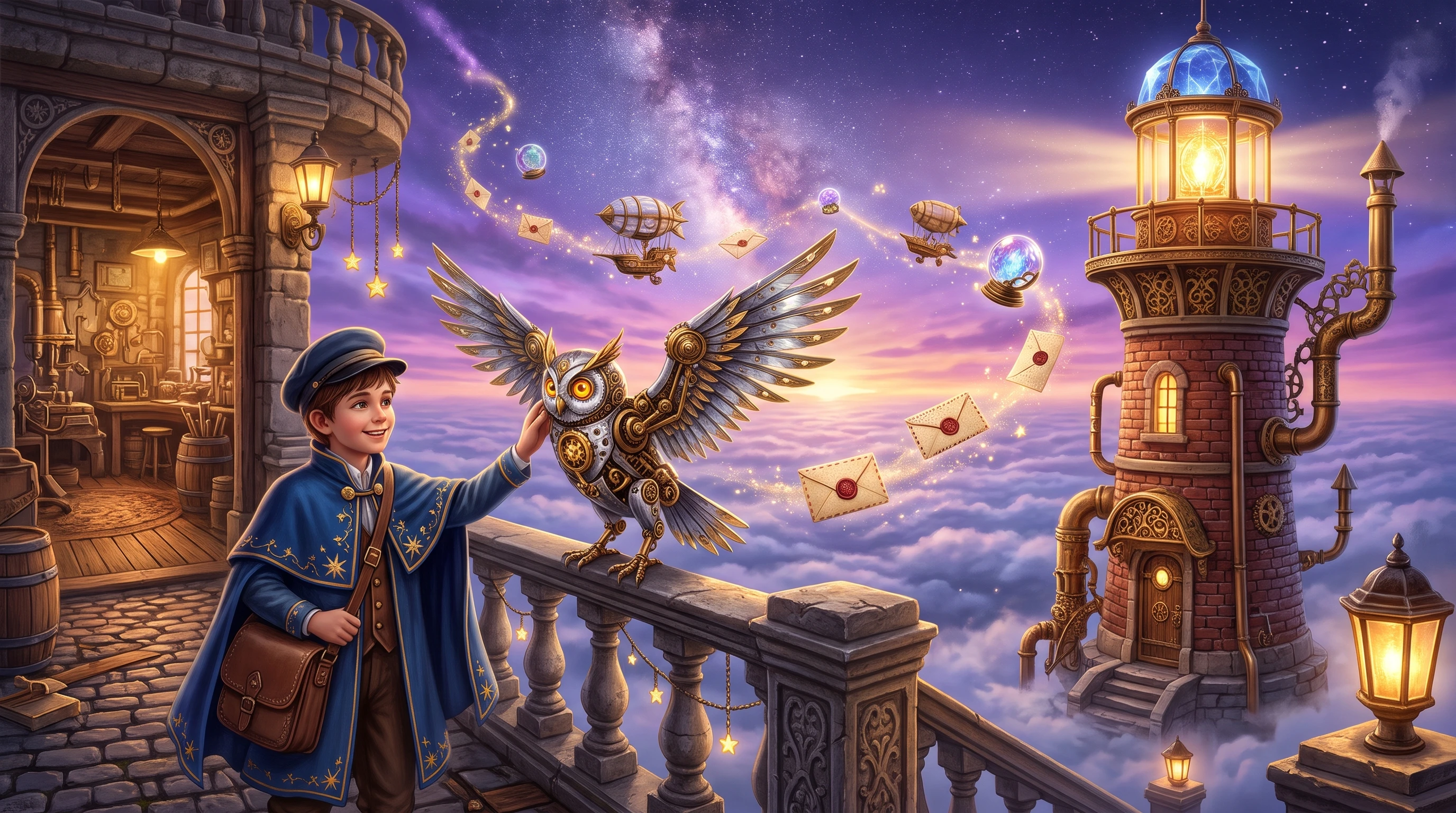
Start with a rough idea and use MagicLight Agent to develop it into a more structured project. The conversational assistant can help with brainstorming, scriptwriting, storyboard planning, character setup, visual styles, and production plans across supported video workflows.
Make Your Next Video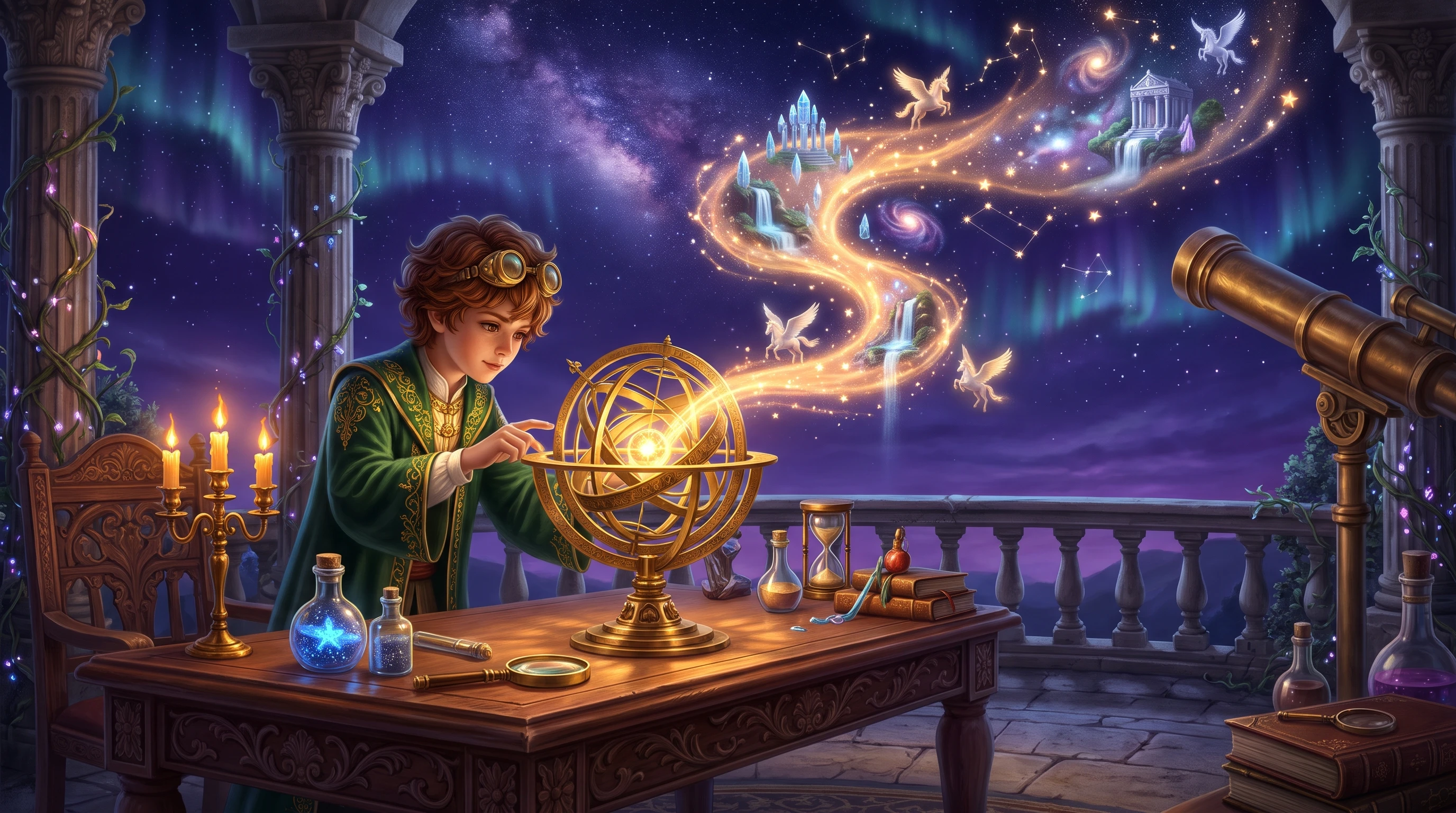
Make animated characters and visual performers appear to speak with AI Lip Sync. Synchronize mouth movements with spoken audio to create character conversations, animated performances, and dialogue-based scenes. This is particularly useful for creators producing cartoon videos, character-led entertainment, and stories built around spoken interactions.
Make Your Next Video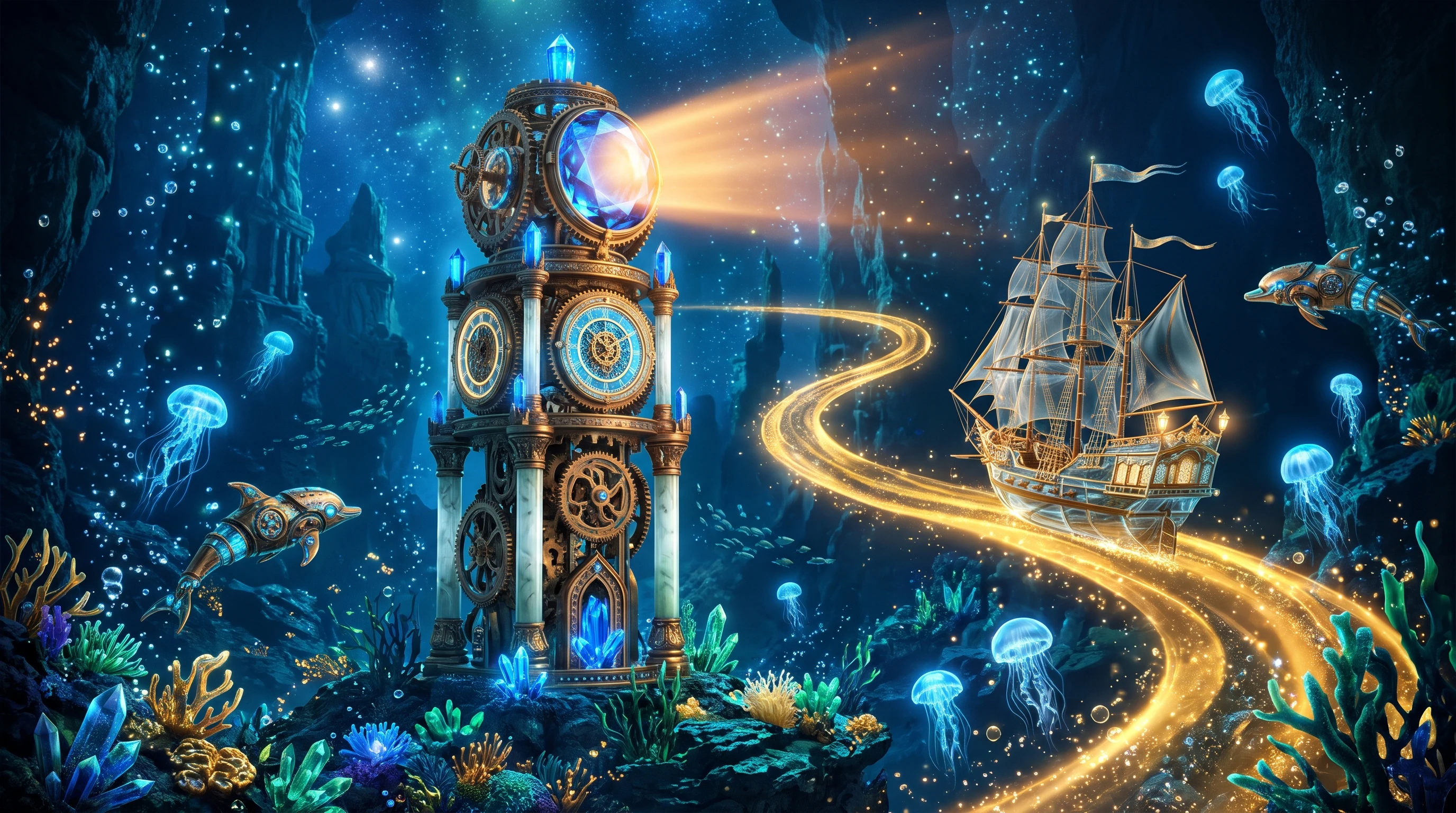
Ethan Parker
YouTube Content Creator
“MagicLight has made it much easier to turn my video ideas into actual content. I especially enjoy experimenting with different visual styles and creating animated scenes without having to build everything from scratch.”
★★★★★
Sophia Bennett
Digital Storyteller
“What I like most is the ability to create characters and use them across different scenes. It makes developing visual stories much easier, especially when I want to produce a series with a recognizable cast.”
★★★★★
Daniel Foster
Freelance Animator
“MagicLight brings several useful creative tools together. I can work on characters, adjust storyboards, and experiment with animation models in one place. It has helped me explore ideas that would otherwise take much longer to produce.”
★★★★★
Olivia Mitchell
Educational Video Producer
“I've been looking for a more convenient way to create longer educational videos. MagicLight gives me different ways to develop scenes, add narration, and build a complete video. The variety of creative options is a big plus.”
★★★★★



Make long‑form AI video episodes in MagicLight. Plan stories, lock character looks, and finish audio and subtitles in one workspace. Skip messy clip splicing and create publish‑ready videos.