
You Need More Than a Virtual Presenter
Not every video depends on a talking avatar. Animated scenes, visual storytelling, and narrative-driven content may require a more flexible production approach.

MagicLight is a HeyGen AI alternative designed for creators who want to build complete visual stories rather than rely primarily on virtual presenters. It combines story development, animated scenes, character creation, and narration in one platform, making it suitable for creators producing educational content, animated stories, explainers, and other video formats.

HeyGen makes it easier to create presenter-led videos, digital avatars and multilingual content. However, creators with different production goals may need more specialized tools for animation, narrative development, and longer visual projects.
Not every video depends on a talking avatar. Animated scenes, visual storytelling, and narrative-driven content may require a more flexible production approach.
Distinctive characters, animation styles, and scene designs can help bring ideas to life beyond presenter-focused formats.
Fine‑grained shot‑by‑shot camera movement, character pose and expression adjustments are limited, making complex cinematic storyboards harder to refine.
Features built around avatars, presentations, and video localization may feel less relevant to creators whose main goal is producing animated stories, visual entertainment, or character-driven content.
Compare their main capabilities to understand which platform better matches your video production goals.
Feature | MagicLightTry for free | HeyGen |
|---|---|---|
| Core Features | End‑to‑end narrative AI video, story‑to‑video, asset marketplace, creator monetization | Talking‑head avatar generation, AI dubbing & translation |
| Maximum Video Length | Up to 50 minutes in Story to Video | Up to 30 minutes on paid plans |
| Video Generation Workflow | Idea → Agent → script → Nano storyboard → final render | Avatar + script setup → talking‑head render output |
| Character Consistency | Native multi‑scene consistency for full episodes | Optimized for single‑scene avatar only |
| AI Models | Multiple integrated models | Proprietary avatar models |
| Supported Languages | 11 languages | 175+ languages and dialects on paid plans |
| Voice Generation | 37 voice options and voice cloning | 1,000+ AI voices and voice cloning |
| Pricing and Plans | Subscription & credit‑based; free trial credits available | Free limited tier, paid subscription tiers, enterprise option |
| Export Quality | 720p / 1080p | Up to 1080p on Creator and 4K on Pro |
HeyGen is particularly useful when a video needs a realistic digital presenter or multilingual spokesperson. MagicLight takes a different approach by focusing on visual storytelling and animated content. It gives creators more ways to develop stories, build scenes, and produce videos for different creative purposes.
Bring Your Visual Ideas to Life
Not every creator wants to build a personal digital twin or record presenter-style content. MagicLight lets you develop videos around fictional characters, illustrated scenes, and visual narratives. This makes it useful for faceless YouTube channels, animated storytelling, educational videos, and creative projects where the story matters more than the presenter.
MagicLight supports Story to Video projects of up to 50 minutes. Instead of focusing mainly on short presenter segments, you can develop longer narratives with multiple scenes, characters, and narration. This makes the platform suitable for creators working on extended educational content, storytelling videos, and detailed visual explanations.
You are not confined to photorealistic avatar aesthetics. Pick cartoon, pixar, ghibli, comic and cinematic styles in‑project. Shift art direction for different story chapters without switching over to third‑party image generators.
Using Nano Storyboard you can adjust camera movement, character poses, facial reactions and scene timing shot‑by‑shot. You do not need advanced video editing or prompt engineering skills to shape cinematic moments; adjustments apply before rendering to cut down wasted generation time.
MagicLight includes a built‑in ecosystem for creators. Your custom‑made characters, visual styles and voice emotion profiles can be published to the Asset Store. Whenever other creators use your assets, you receive passive earnings through the Earnings hub, opening extra income streams separate from ad revenue on finished videos.
Beyond its main video production workflow, MagicLight offers additional creative tools for developing visual concepts, exploring different aesthetics, and preparing content for publication. These features help creators experiment with different formats and give individual projects their own visual identity.
With the Image to Video tool, you can upload an existing image and describe the movement or changes you want to see. MagicLight supports multiple video generation models, with available options including 10-second and 15-second videos at 720p or 1080p. This makes it useful for animating illustrations, concept art, and other visual assets.
Start Your Story Journey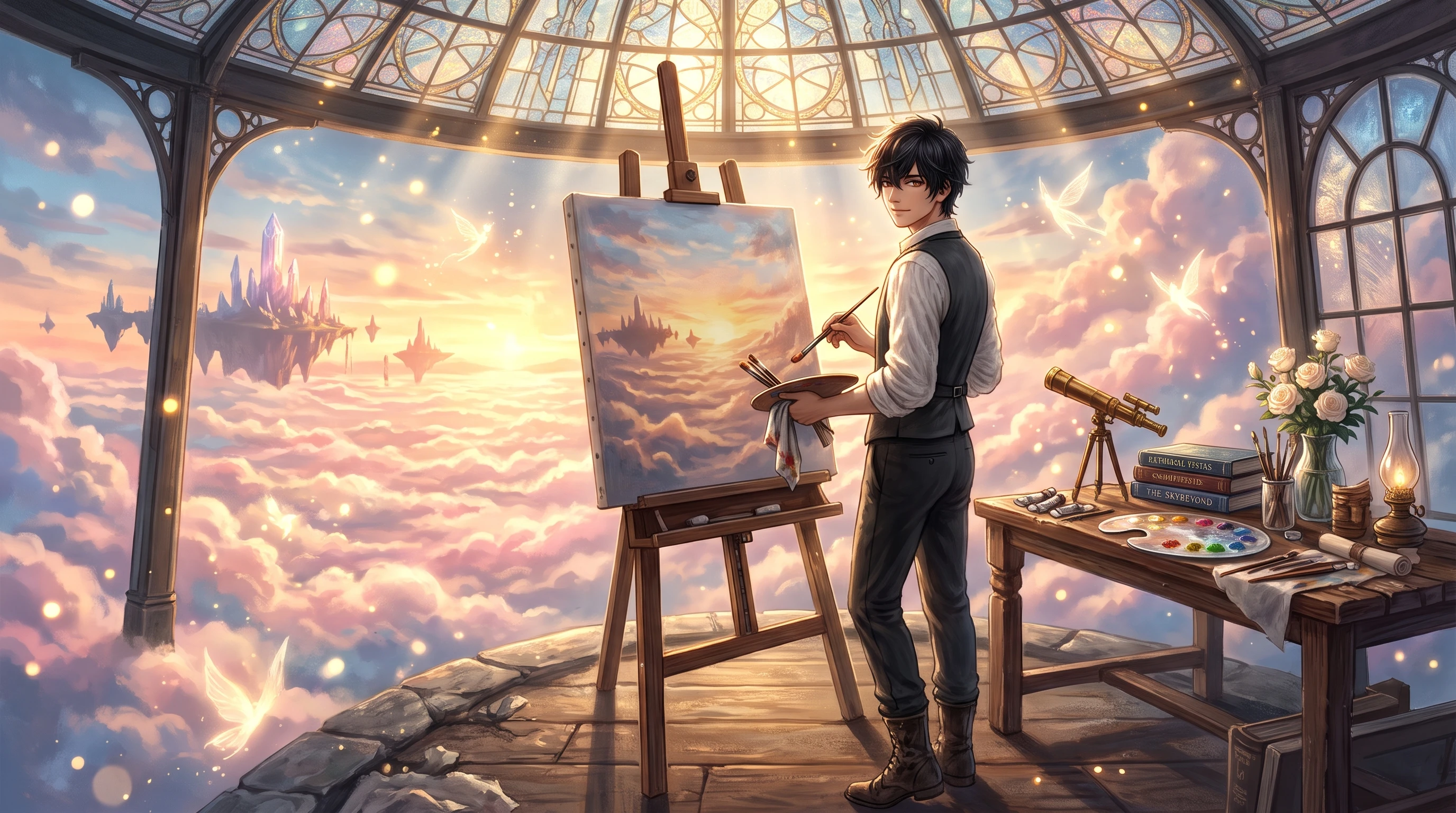
MagicLight offers a curated lineup of powerful large‑language story models optimized for distinct content styles and creative tones. Users switch underlying story engines through simple menu selection. These adjustable models generate fitting text outputs for children’s fairy tales, factual documentary scripts, concise educational narration and high‑tension drama dialogue to keep written content aligned with a creator’s unique channel brand voice.
Start Your Story Journey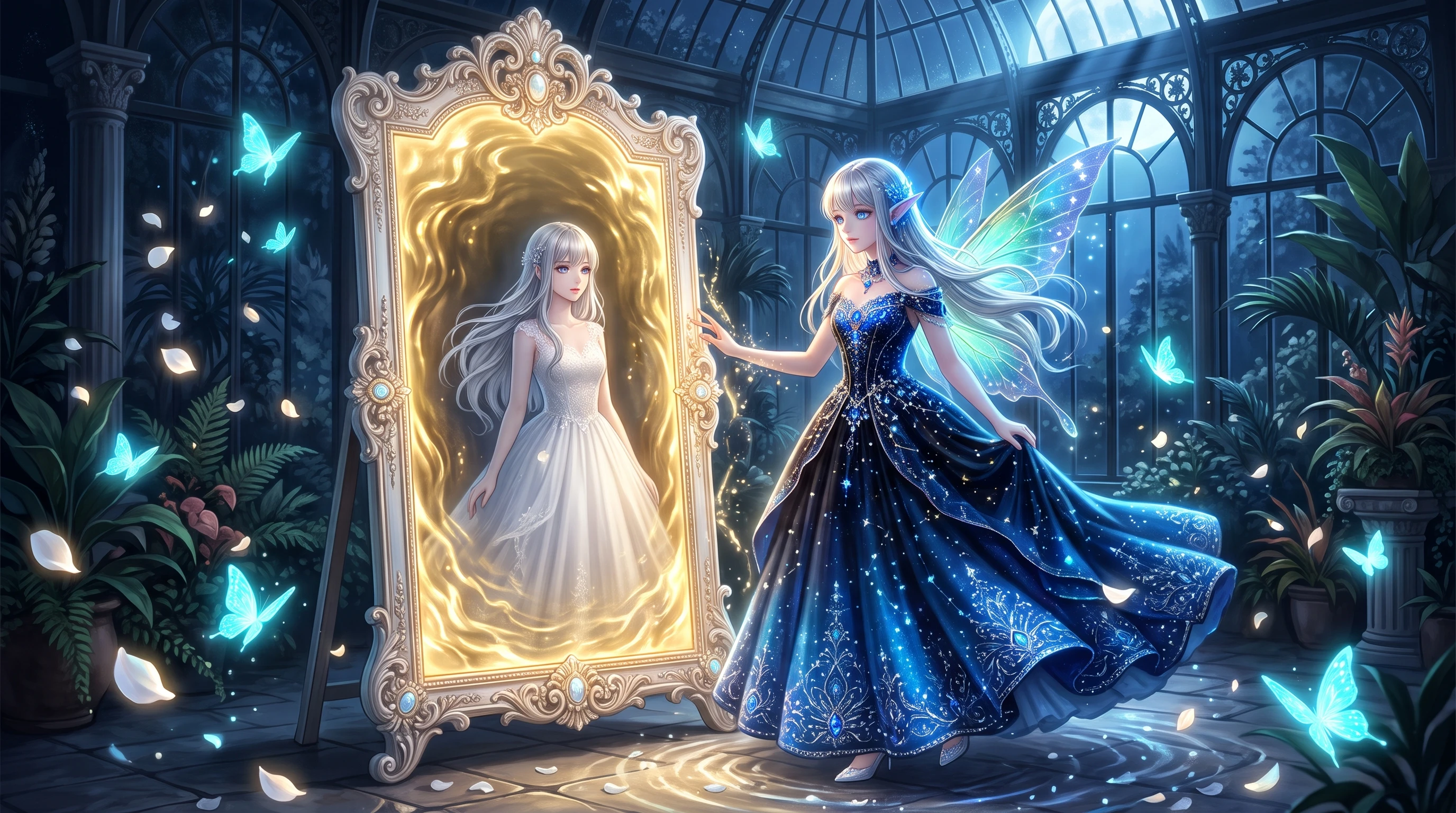
The platform provides dozens of pre‑cleared, production‑ready background music tracks inside its native editing workspace. Users preview different pieces and match each soundtrack’s mood, tempo and atmosphere to story rhythm and plot changes.
Start Your Story Journey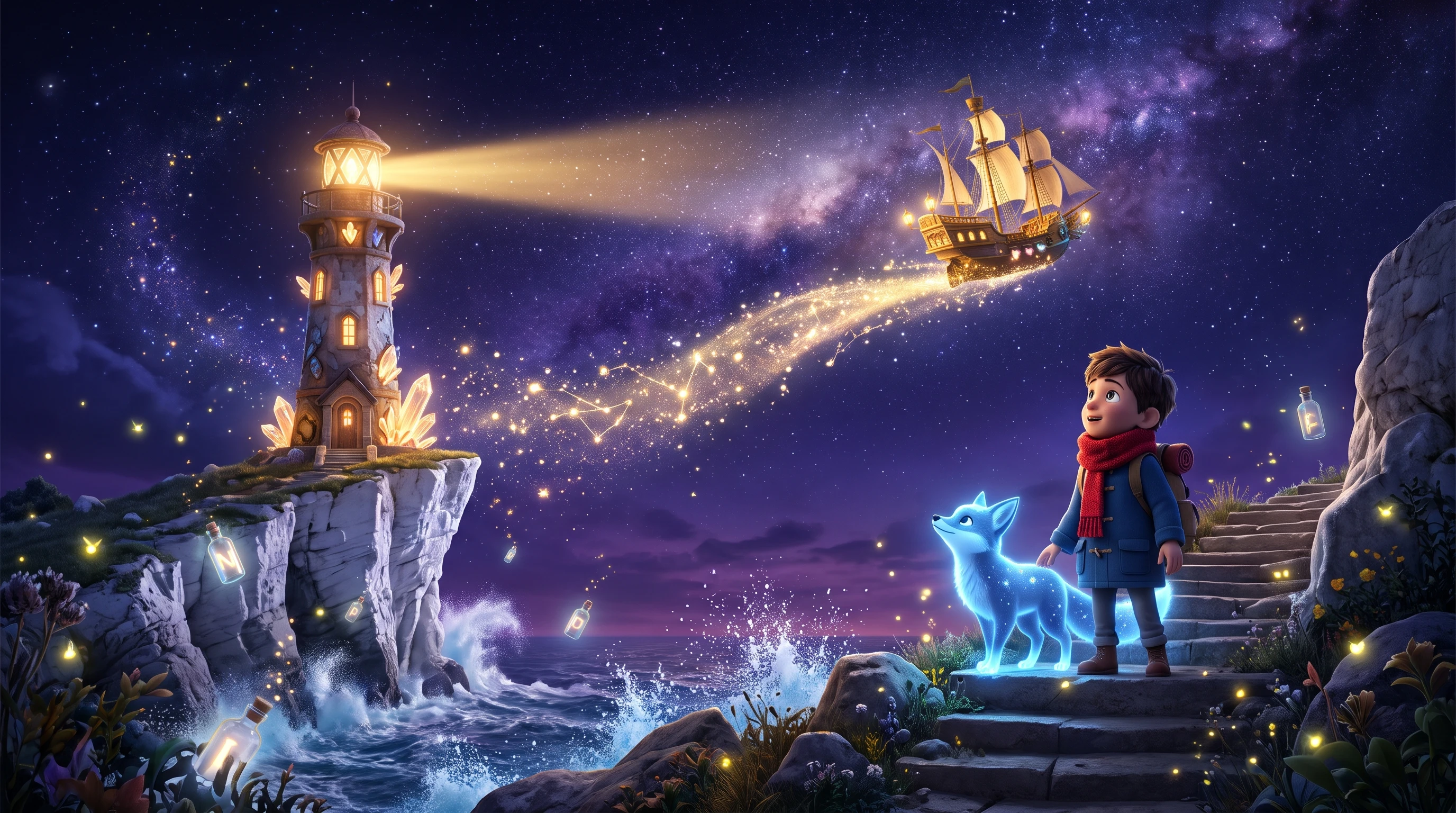
MagicLight hosts an extensive collection of preset cover templates and fully‑editable subtitle sets built for major social platforms. The system automatically generates attractive thumbnails directly from rendered storyboard frames.
Start Your Story Journey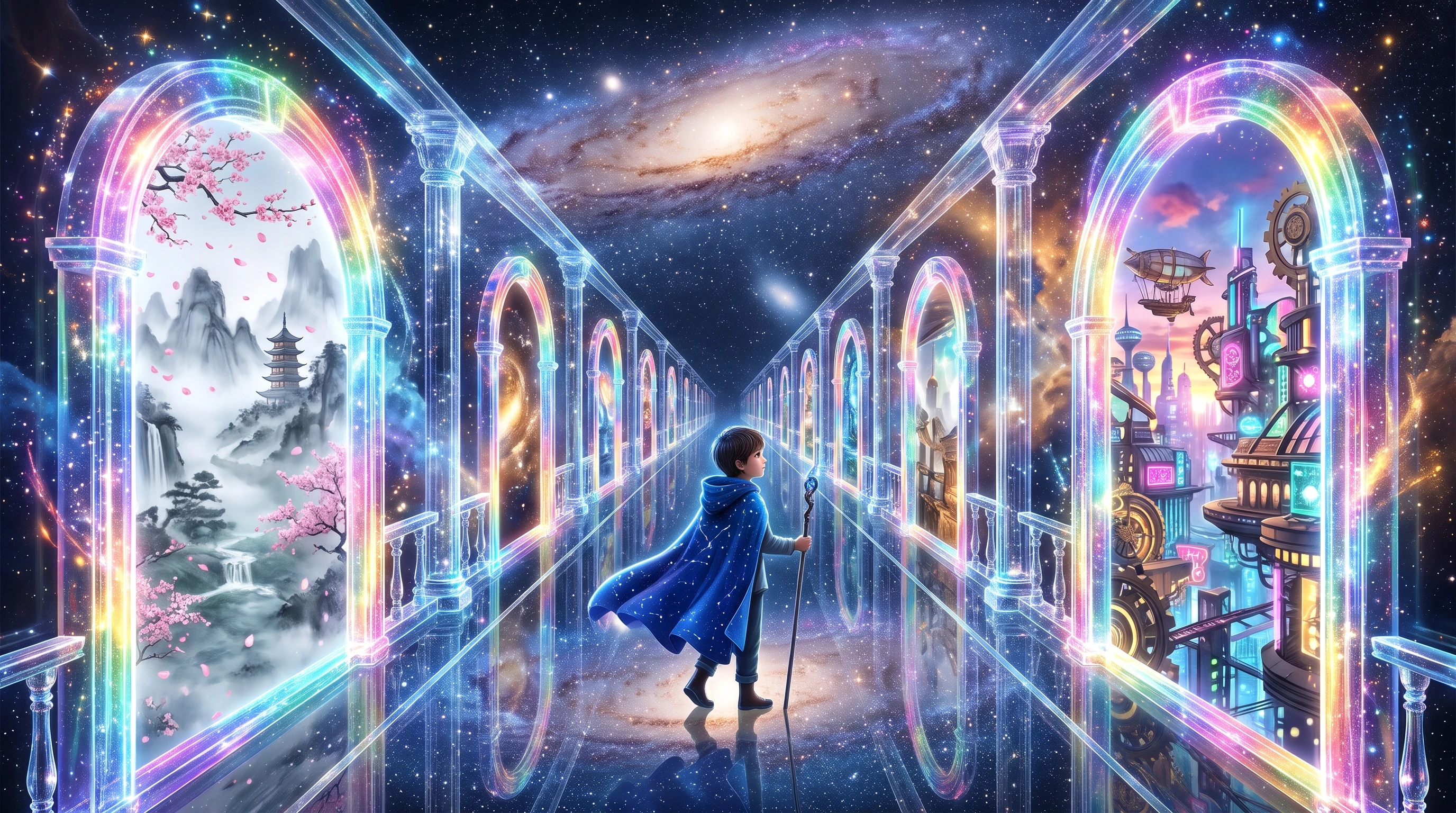
The workspace generates fully‑customized scene backdrops, environmental set pieces, character props and detailed scene elements for ongoing projects. Users create brand‑new visual assets on‑demand whenever their stories lack proper backgrounds or fine detail objects.
Start Your Story Journey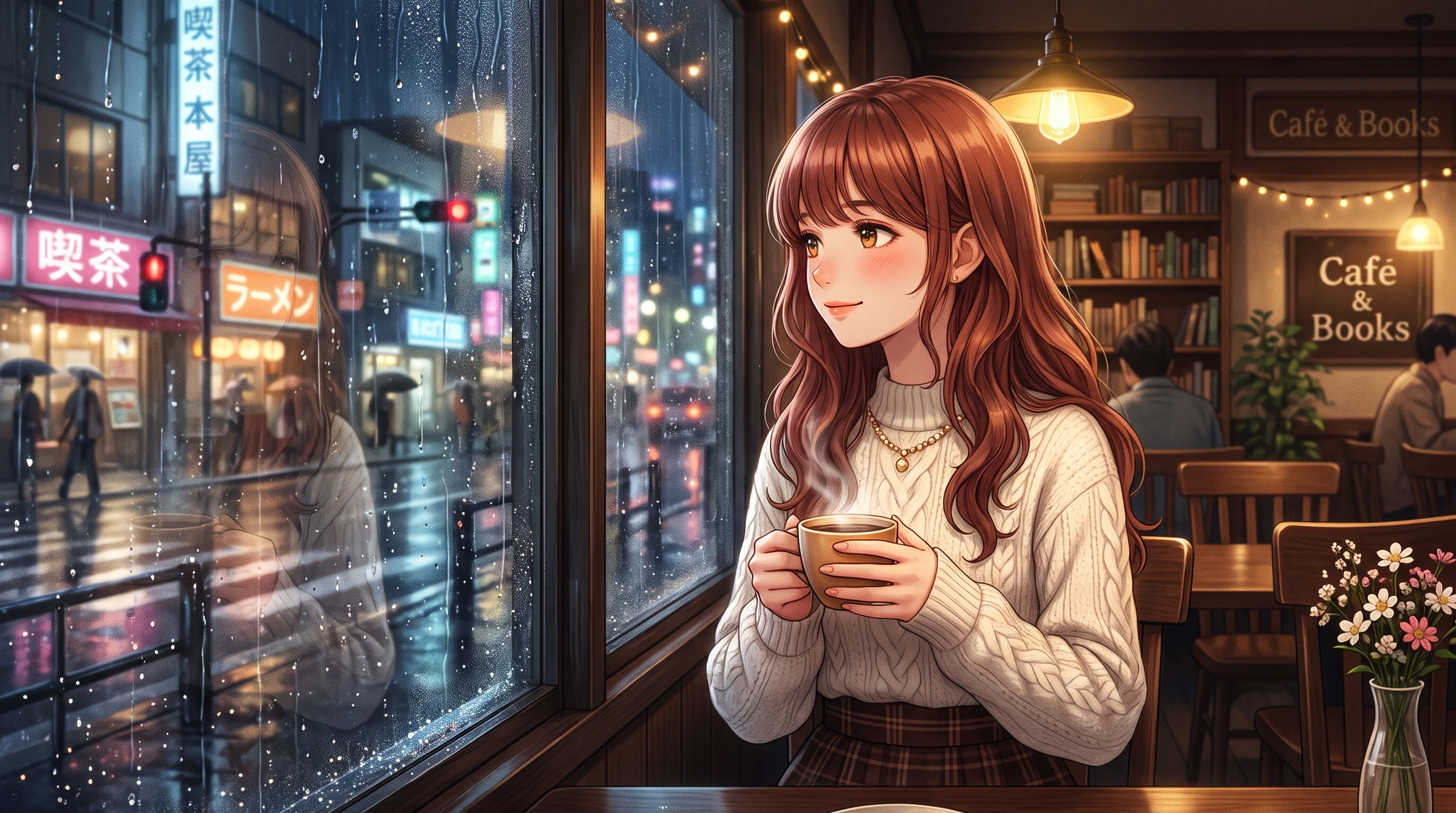
Lila Martinez
Independent Short Drama Maker
“Honestly, I was skeptical at first. Most AI video tools only care about talking avatars. MagicLight lets me tweak backgrounds and props inside the same project. It’s been a game‑changer for my low‑budget drama series.”
★★★★★
Toby Sullivan
Educational Content Freelancer
“This fits my workflow really well. I often switch story tones for different lessons, and swapping the story models works surprisingly smoothly. The auto subtitles and cover templates save me hours every week.”
★★★★★
Mia Thompson
Children’s Story Animator
“I make bedtime stories for kids. Being able to reuse the same project for YouTube 16:9 and Reels 9:16 is such a nice touch. The built‑in music is gentle and kid‑friendly, no copyright headaches.”
★★★★★
Carlos Vega
Hobby Narrative Filmmaker
“I don’t do this professionally, just make little fantasy stories for fun. It’s so cool that I can feed in my concept art and animate it. Still learning the ropes, but I’m really happy with what I’ve got so far.”
★★★★★


Stop settling for rigid talking‑head avatar clips. Use MagicLight to craft rich, immersive narrative videos, animate your own artwork and build unique social content.