
Focused Only on Static Images
Fooocus is designed specifically for generating and refining still artwork. It lacks native image-to-video animation or motion timelines, requiring external tools to bring visuals to life.
While Fooocus focuses on local static image generation, MagicLight brings your visuals to life in a cloud-based video studio. Move smoothly from still artwork to structured, multi-scene stories with synchronized audio and zero hardware setup.
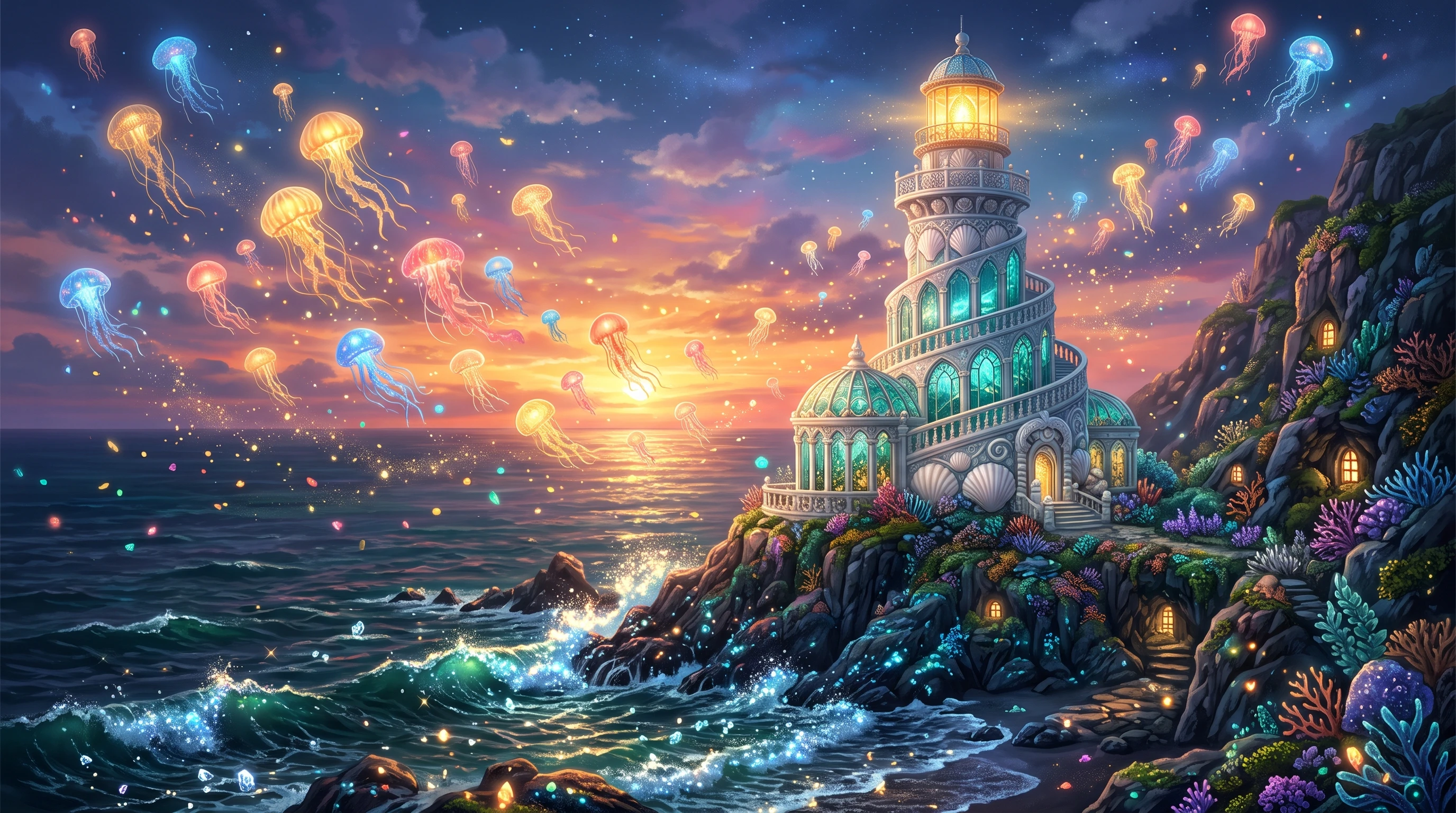

Fooocus simplifies local Stable Diffusion image generation, yet creators wanting animated videos or full narrative projects often hit workflow limits when moving beyond still images.
Fooocus is designed specifically for generating and refining still artwork. It lacks native image-to-video animation or motion timelines, requiring external tools to bring visuals to life.
Running Fooocus locally requires a capable graphics card, sufficient VRAM, and manual software installation, which creates barriers for creators on standard laptops or mobile devices.
The original Fooocus project is based on Stable Diffusion XL and is now in limited long-term support, with updates focused on bug fixes rather than newer model architectures.
While great for single illustrations, keeping the exact same character outfit, face, and proportions across a series of sequential shots requires complex prompt tuning and seed management.
MagicLight and Fooocus support different stages of visual creation. Fooocus focuses on local image generation, while MagicLight offers connected workflows for image animation and video production.
Feature | MagicLightTry for free | Fooocus |
|---|---|---|
| Core Features | All-in-one AI video creation studio | Local SDXL static image generator |
| Maximum Video Length | Up to 50 minutes | × |
| Video Generation Workflow | Image-to-video, script-to-video | × |
| Character Consistency | Character creation and reuse | × |
| AI Models | Integrated image, video, and story models | SDXL and community checkpoints |
| Supported Languages | 11 languages | English UI |
| Voice Generation | 37 voices, voice cloning | No built-in voice generation |
| Pricing and Plans | Free tier, credit-based plans | Free, open-source |
| Export Quality | 720p and 1080p options | Model-dependent image resolution |
MagicLight bridges the gap between still artwork and finished video production in a single browser workspace. Creators can animate existing images, maintain visual continuity across scenes, and complete full stories without managing local hardware.
Start Creating Free
Rather than relying on manual checkpoint downloads or a single model family, MagicLight lets you generate scenes across built-in image models. You can switch between photorealistic, anime, and stylized visuals instantly while keeping your prompt workflow organized in the browser.
Rather than stopping at static image exports, MagicLight lets you animate uploaded stills or newly generated frames directly inside the same project. You can move from initial visual concepts to playable motion clips without transferring files across disconnected external tools.
Keeping a character recognizable across sequential scenes is difficult with standalone image prompts alone. MagicLight organizes character profiles and scene framing together so your protagonist retains consistent facial details, outfits, and proportions throughout a longer story.
Turn animated scenes into more complete viewing experiences with narration, voice options, subtitles, and background music in supported workflows. These tools help creators develop videos with both visual and audio elements in one platform.
Discover the specific tools built into MagicLight for transforming static images and written ideas into complete videos. Below are five core features covering animation, multi-model rendering, audio production, and final export.
Upload your existing still artwork or select a generated frame, then enter motion prompts to animate the scene into a 10-second or 15-second video clip. You can specify camera movements and subject actions directly in the editor to turn static illustrations into smooth video shots.
Create Your First Video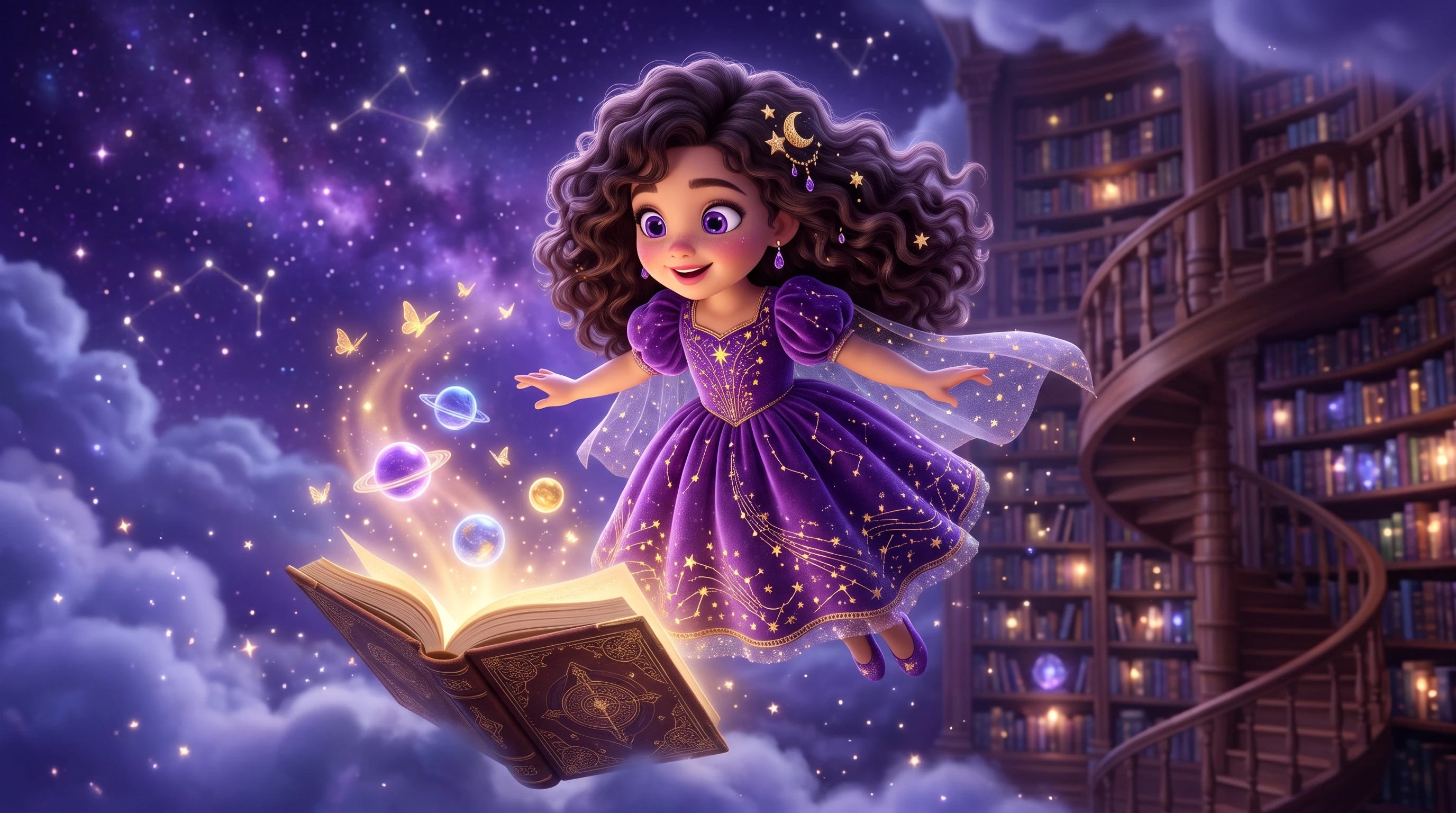
Apply consistent visual aesthetics across your entire project by choosing from built-in style presets such as realistic photography, 3D animation, anime, or watercolor illustration. Selecting a preset guides the rendering engine so every frame follows one cohesive look.
Create Your First Video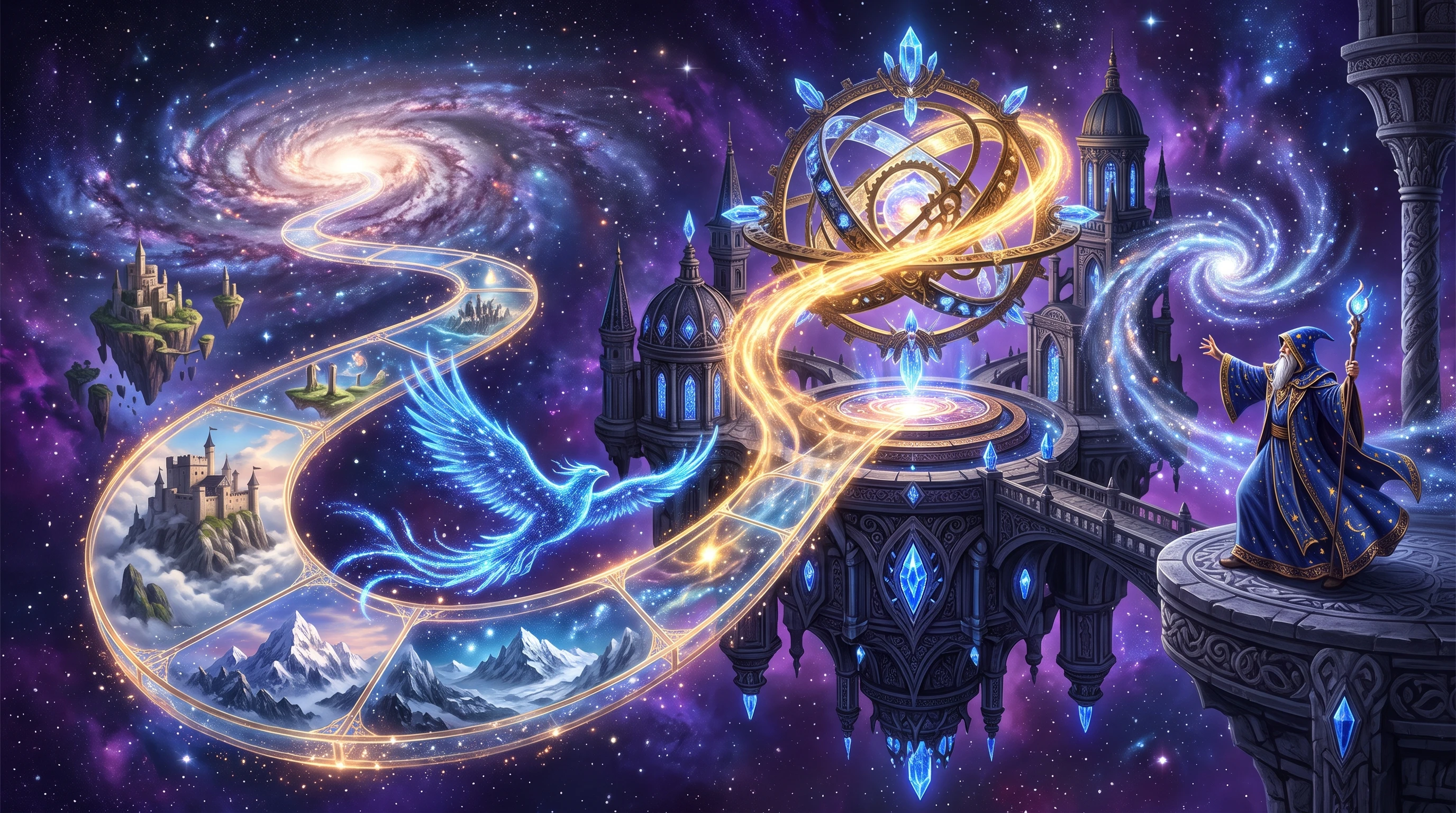
Inspect individual storyboard cards on your timeline and edit the underlying visual prompt for any single shot that needs adjustment. You can regenerate one specific scene independently while keeping the rest of your approved frames and audio tracks untouched.
Create Your First Video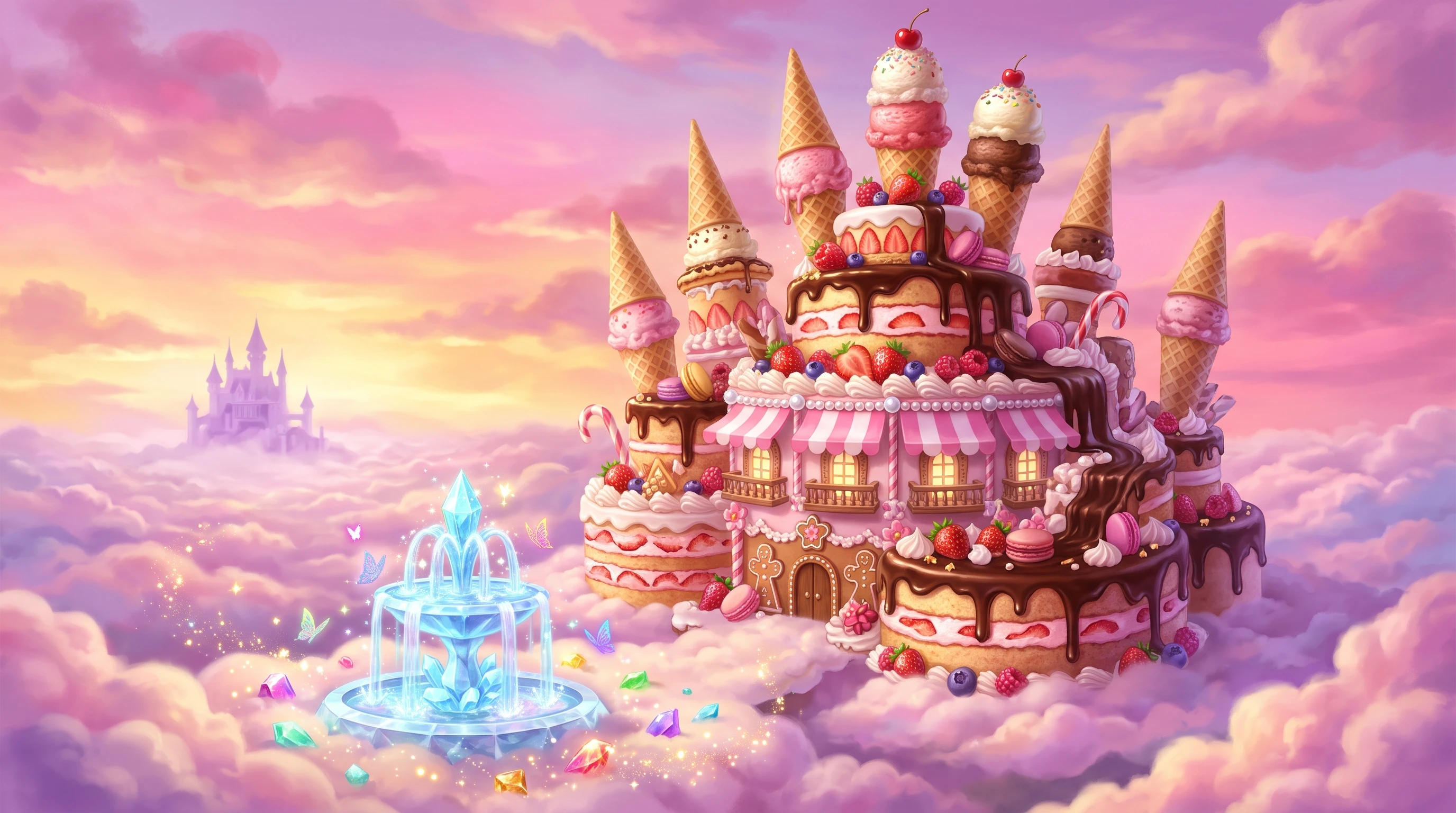
Create reusable character profiles by defining the character name, age, appearance type, and reference look. Once saved, you can assign that character across different scenes and adjust outfits, facial expressions, and poses before rendering each shot.
Create Your First Video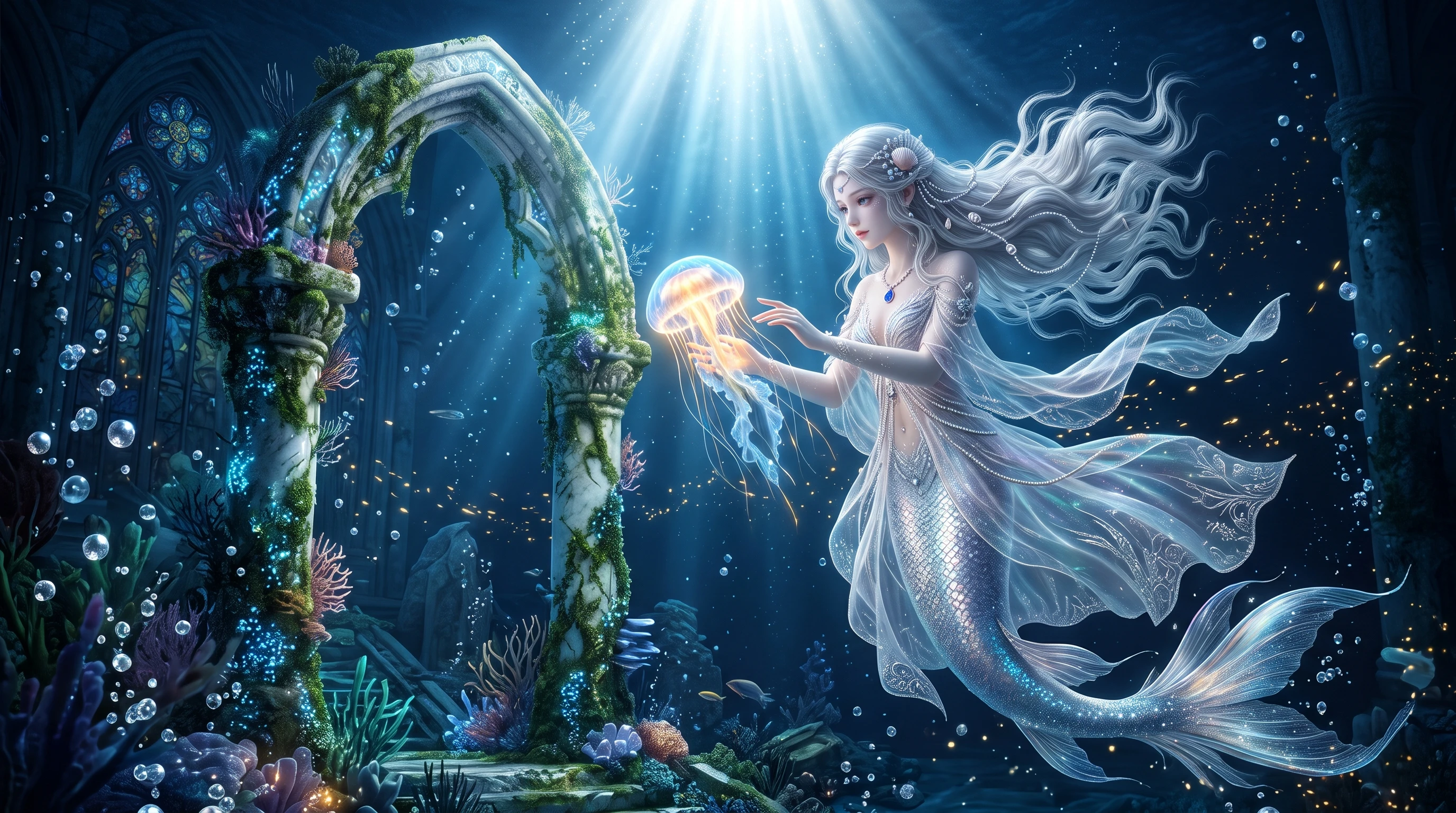
Configure your canvas dimensions before generating visuals by switching between 16:9 widescreen, 9:16 vertical, and 1:1 square formats. Each scene automatically adapts its composition to fit YouTube videos, Shorts, TikTok clips, or social feeds without manual cropping.
Create Your First Video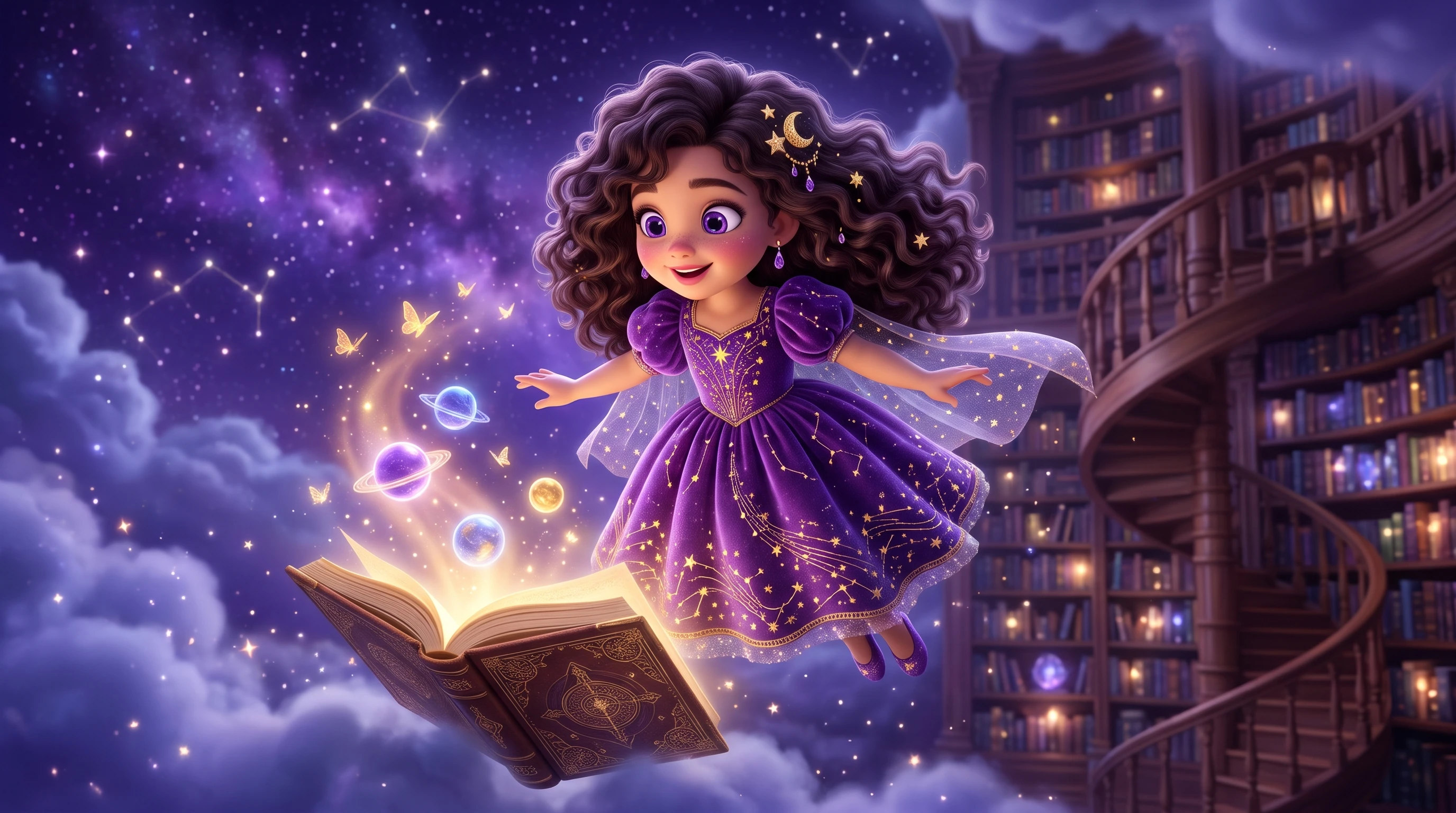
Sophie Miller
Bakery Shop Owner
“I wanted to make a short promo clip of our weekend pastries without hiring a video crew. Uploading a few photos and turning them into moving shots right in my browser was honestly way easier than I expected.”
★★★★★
Lucas Bennett
Podcast Host
“Usually I only have audio episodes, so adding visuals used to feel like a chore. Being able to drop in my script, pick a voice style, and get matching animated scenes with captions saved my afternoon.”
★★★★★
Maya Roberts
Wedding Planner
“Clients love seeing how a venue theme might look before the big day. I took some decor mood images, animated them with gentle camera motion, and added soft background music in just a few clicks.”
★★★★★
Daniel Kim
Amateur Tabletop RPG Designer
“My friends always ask for intro videos before our weekend game sessions. Saving my main characters and tweaking their poses in the storyboard made putting together a fun five-minute teaser super smooth.”
★★★★★

Turn your still artwork and story ideas into multi-scene videos with synchronized narration, captions, and 1080p export directly in your browser workspace.