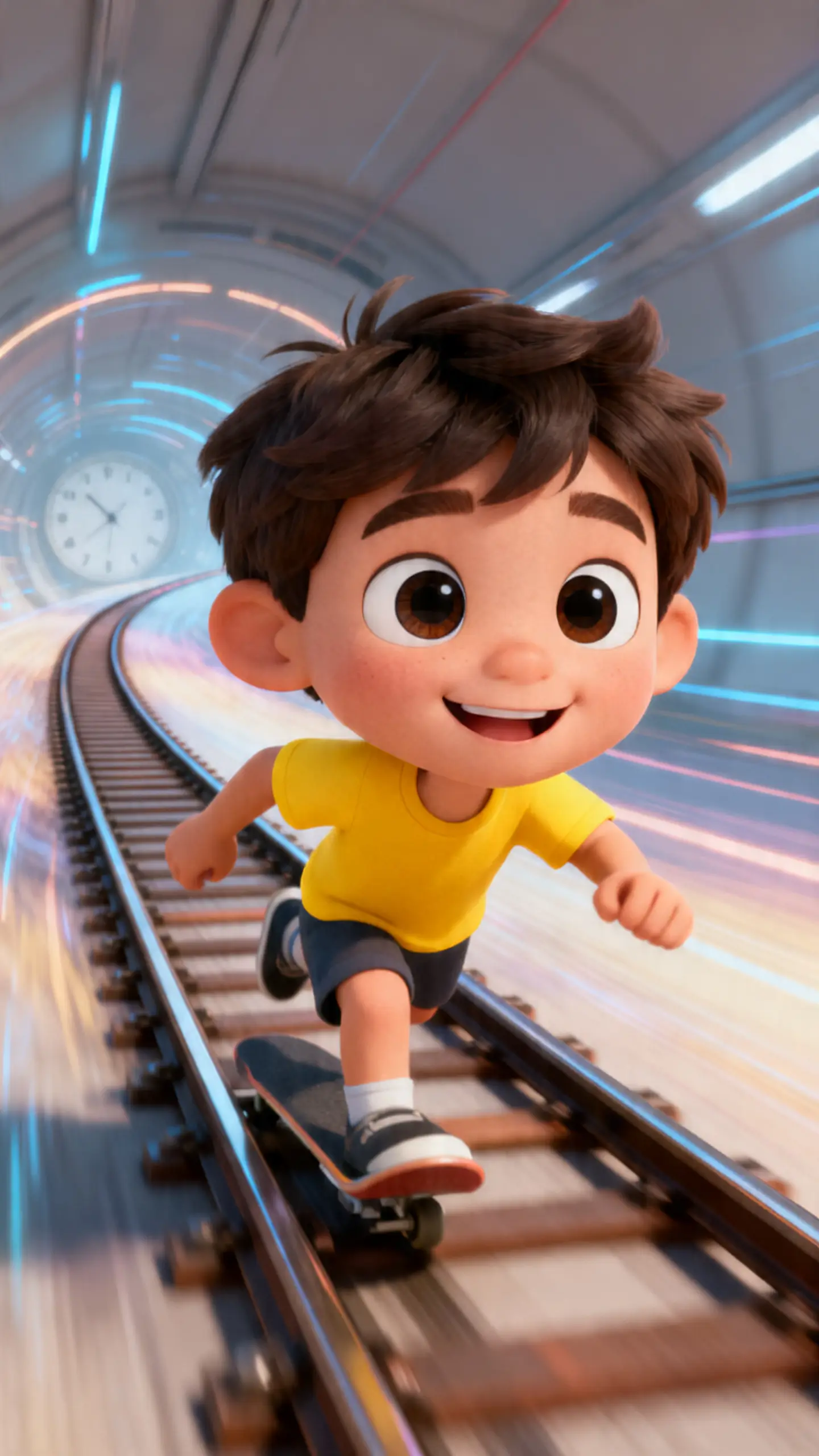
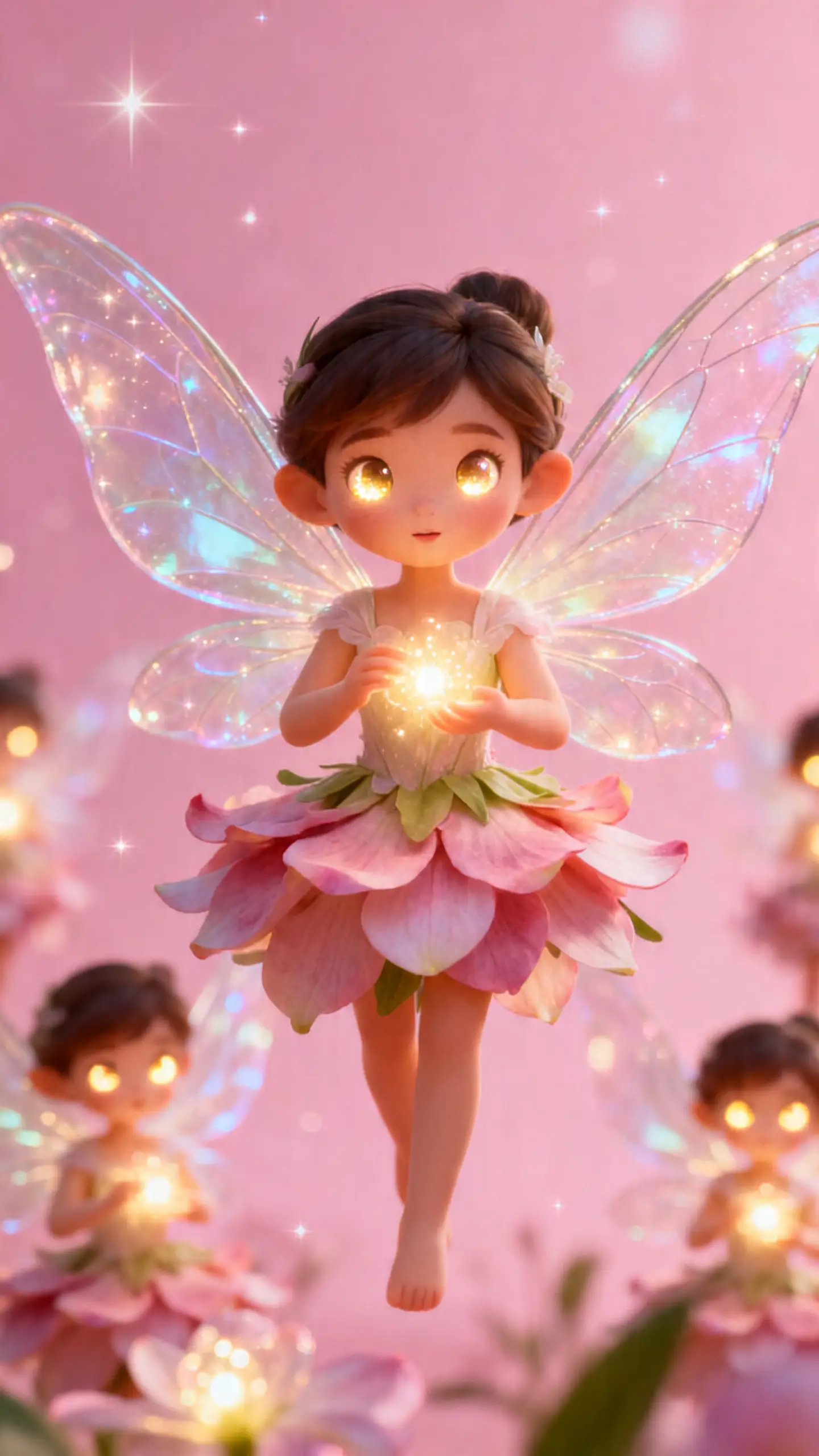
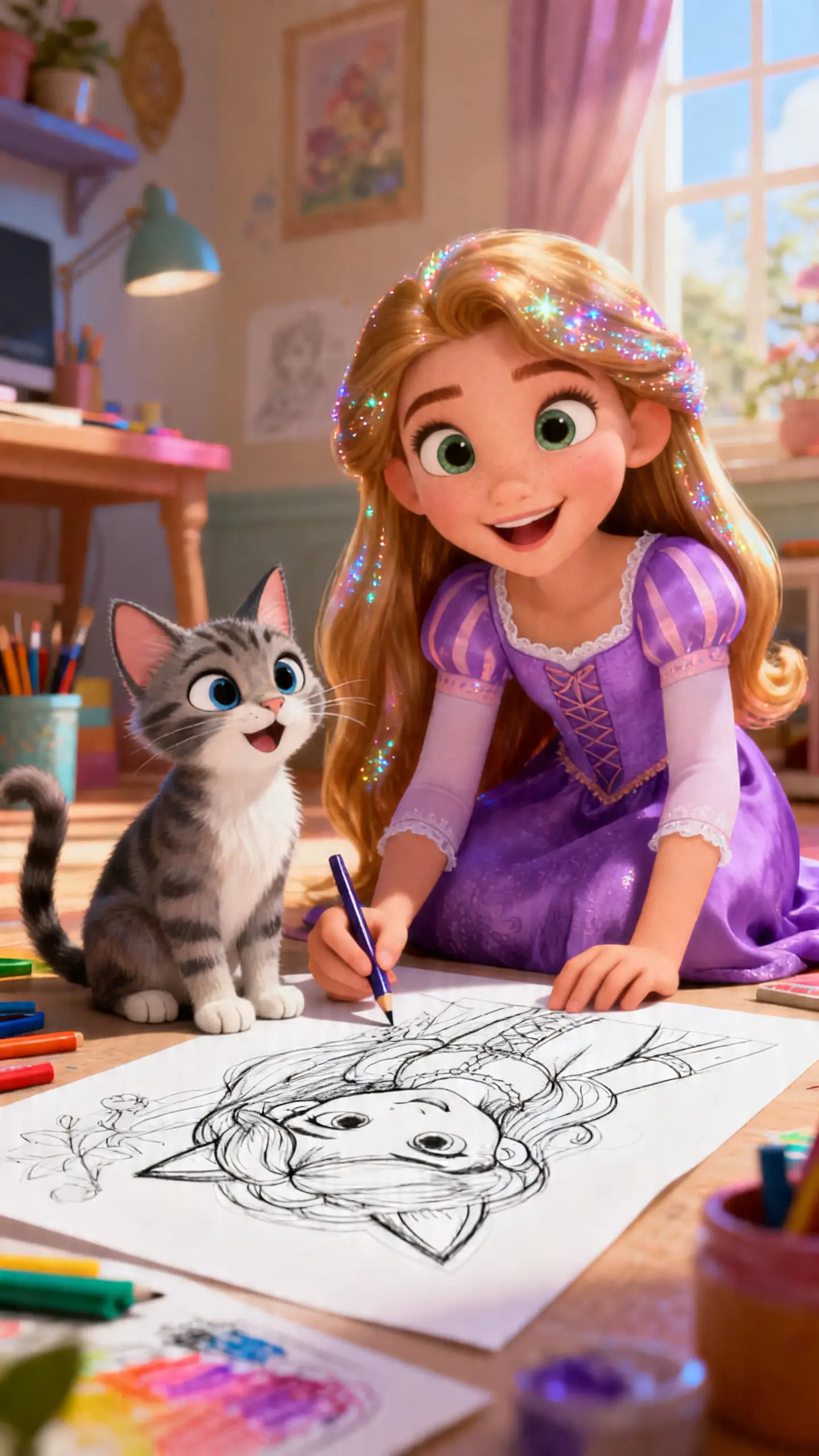
AI Video Generator No Restrictionsfor Video Creation
Turn a rough idea into a finished video without breaking your flow. Start from text, storyboards, images, or characters. Shape scenes, voices, subtitles, and final output in one place.
Why MagicLight AI Video Generator with No Restrictions Meets Your Every Need
If you want an AI video generator with no restrictions, workflow matters the most. Magiclight AI gives creators more freedom, better scene control, and a smoother path to finished videos.
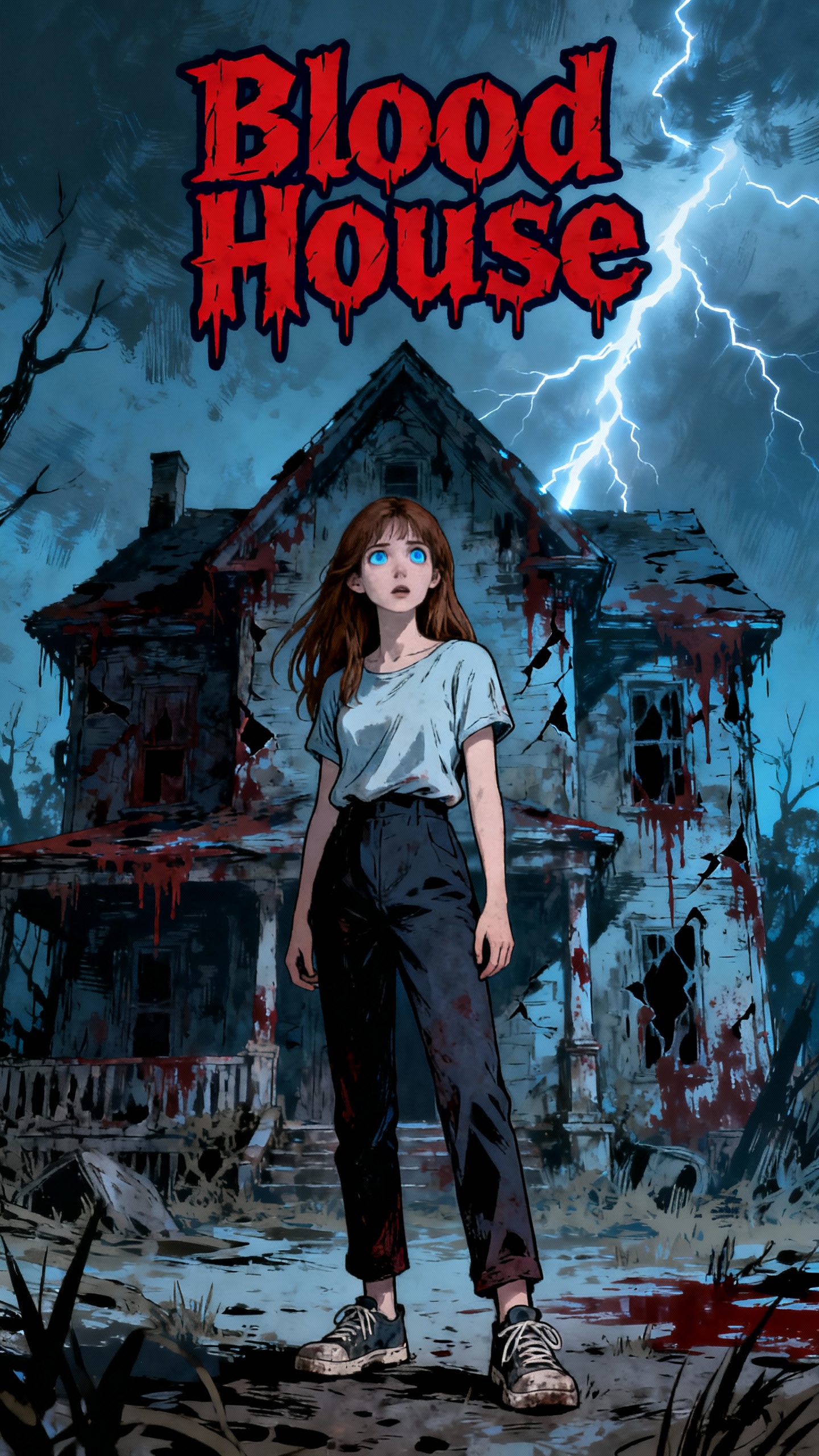
Build custom characters with prompts, styles, and image input. With Magiclight AI, you can reuse them across projects.
Smooth Flow for Long Stories
Turn scripts into videos up to 50 minutes long. This keeps scenes connected, so longer projects feel clear.
Refine Video Style with Better Control
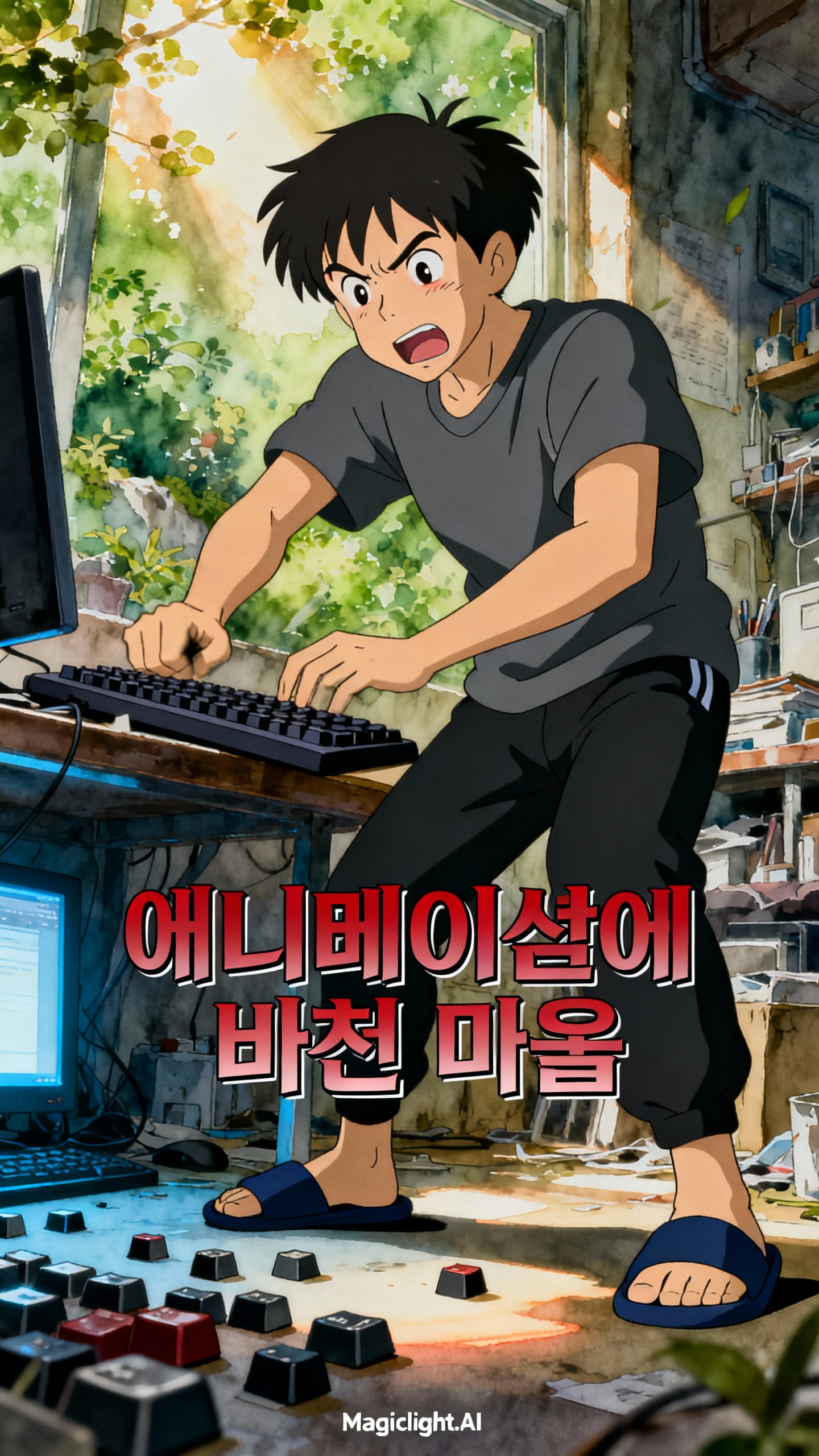
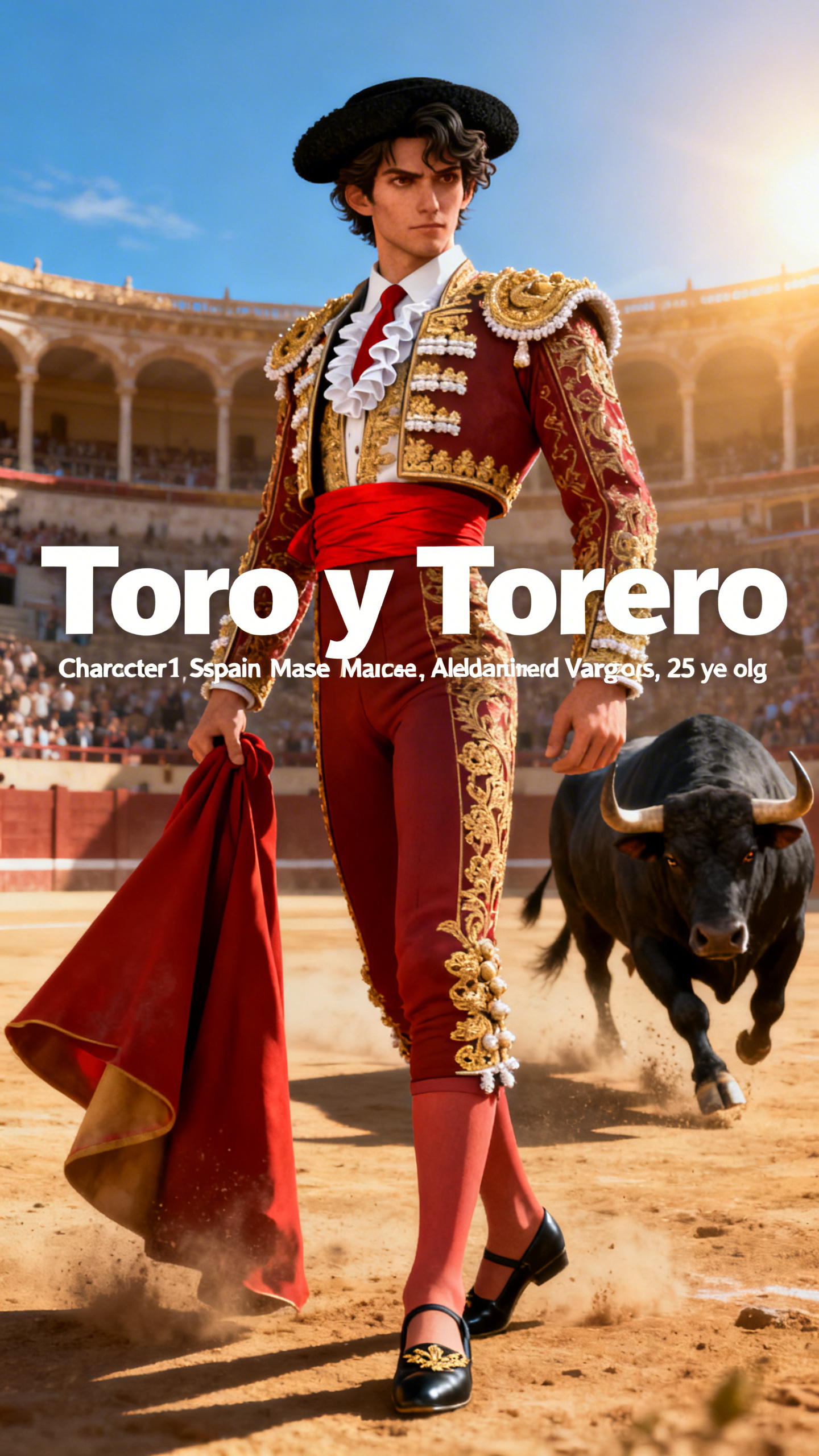
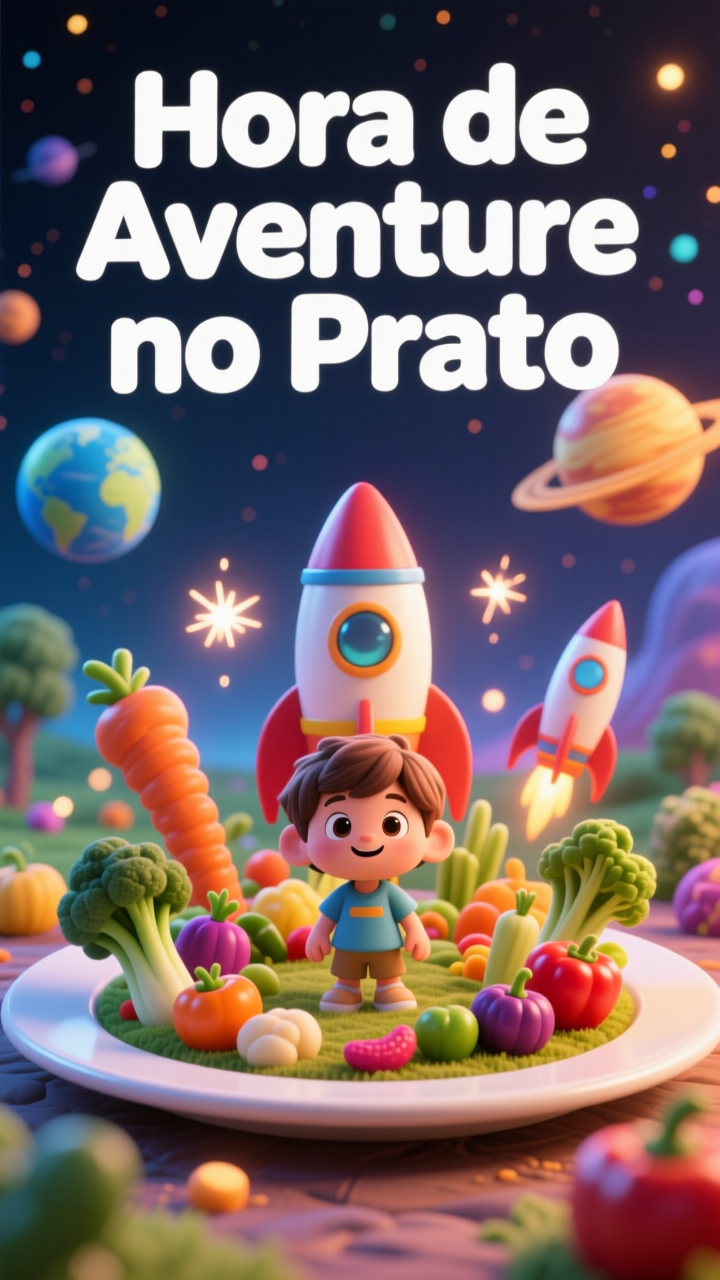
Explore different visual styles while shaping scenes. Magiclight AI helps adjust the visual feel of each scene to match your idea.
Speed Up Production With One-Click Modes
Start faster with ready video styles and director modes. Magiclight AI gives editable storyboard previews, helping you edit scenes.
MagicLight AI Video Generator with No Restrictions Is Built for All
People searching for a no-restrictions AI video generator usually want more freedom. That means more ways to start, more control over structure, and a smoother path to a finished video.
YouTube Creators
Turn rough ideas into cleaner visual stories.
Create stronger hooks for intros, shorts, and recurring series.
Keep your content more polished across frequent uploads.
Story-First Creators
Build videos around mood, pacing, and scene flow.
Turn loose concepts into watchable sequences faster.
Shape more complete story videos without heavy setup.
Image-Based Creators
Start with artwork, product shots, or character images.
Add motion without losing the visual feel.
Test scene ideas before building full video projects.
Marketers and Small Teams
Turn scripts into clearer visual explainers.
Create branded videos with less production stress.
Move faster from the first concept to the final delivery.
Why MagicLight AI Video Generator
with No Restrictions is Better
The real advantage is not just faster generation. It is getting more creative freedom with a workflow that feels easier to finish.
More Space for Bigger Creative Ideas
Some tools only support short, simple outputs. MagicLight AI gives your concept more room to grow, and it supports long-form videos, making the final result feel more complete.
Work Faster with Built-in Video Templates
Pick from ready-made templates that make video creation easier to start. They help you shape pacing, mood, and structure without building every scene from scratch.
A Workflow With Less Friction
Too many tools break your focus too early. Our setup keeps more creation steps in one place. That saves time and protects your creative momentum.
Built for Consistent, Repeatable Content
Consistent output matters when you create often. This makes it easier to build a style people recognize. That helps series, channels, and branded projects feel stronger.
From First Draft to Final Output, Faster
You can start with a rough direction and build from there. The workflow makes progress feel more manageable. That helps creators move faster without feeling rushed.
Everything Needed for a More Finished Result
Generation alone is not enough for creators. You also need refinement and presentation tools. That is what makes the workflow feel more practical.
Create a Clip With AI Video Generator No Restrictions in 4 Steps
Turn your idea into a polished video with a simple four-step process that keeps creation easier to follow from start to finish.
1.
Start with your idea
Write a video prompt, add an image, or begin with a script. Choose the input that fits your video best.
2.
Set the visual direction
Pick the style, characters, and scene mood you want. Build the creative base before refining details.
3.
Generate and adjust scenes
Let MagicLight AI create the visuals and scene flow. Then improve pacing, story rhythm, or presentation as needed.
4.
Export and publish your video
Choose your output settings and finalize the result. Then download, share, or publish it for your platform.
FAQs on an AI video generator with no restrictions
What is an AI video generator with no restrictions?
A tool like MagicLight AI helps creators build videos with more freedom and fewer workflow breaks. It supports a smoother path from idea to final output.
Can I use an AI image-to-video generator with a no-restrictions workflow?
Yes. With MagicLight AI, you can start from a still image and turn it into motion. It works well for artwork, product visuals, and scene concepts.
Is there an AI text to video generator with a free, no restrictions option for scripts?
Yes. MagicLight AI can turn prompts and scripts into guided video scenes. That makes planning and generation feel much easier.
Can beginners use MagicLight AI without editing experience?
Yes. The MagicLight AI workflow is simple enough for beginners to follow. It helps new users create polished videos without technical stress.
Is this like a free AI video generator with no restrictions for creators?
Yes. MagicLight AI is designed to feel flexible, simple, and easier to use. That matters when you want creative freedom without extra complexity.
Do I need separate tools to finish the video?
No. MagicLight AI keeps more of the process in one place. That means less tool switching and a smoother production flow.
Start Creating Your AI Video with No Restrictions
Shape your ideas into polished, story-led videos with smoother control and flexible creative flow.