
Everything You Need to Make a Dance Video That Pops
Magiclight gives you all the right moves, from professional styles to controlled steps with prompts that keep the energy going.

Turn any image into a lively dance video. Fun moves, catchy sounds, and lifelike motion in seconds. Free to try, no experience needed.
Create Your Dance Video Free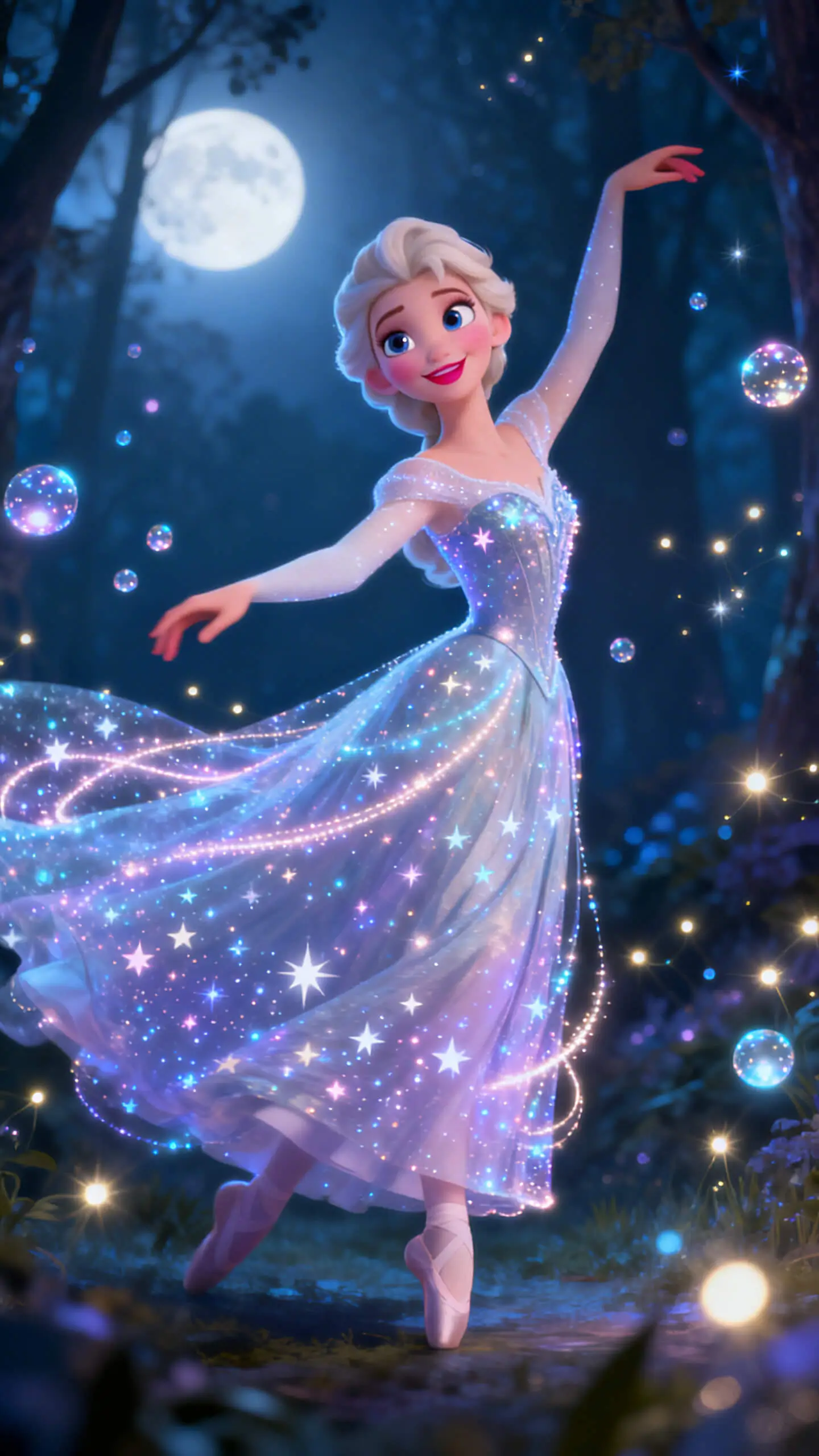
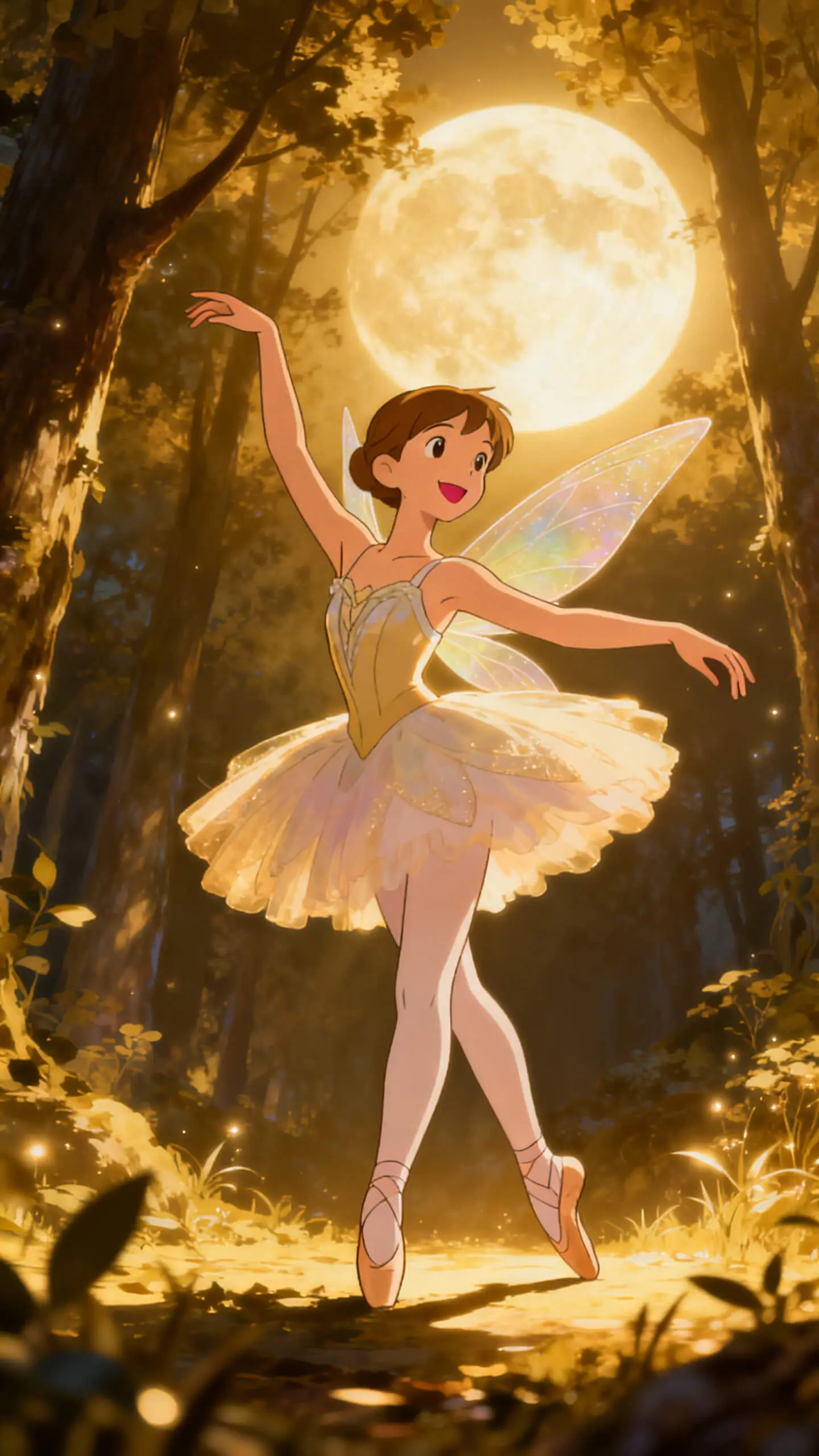
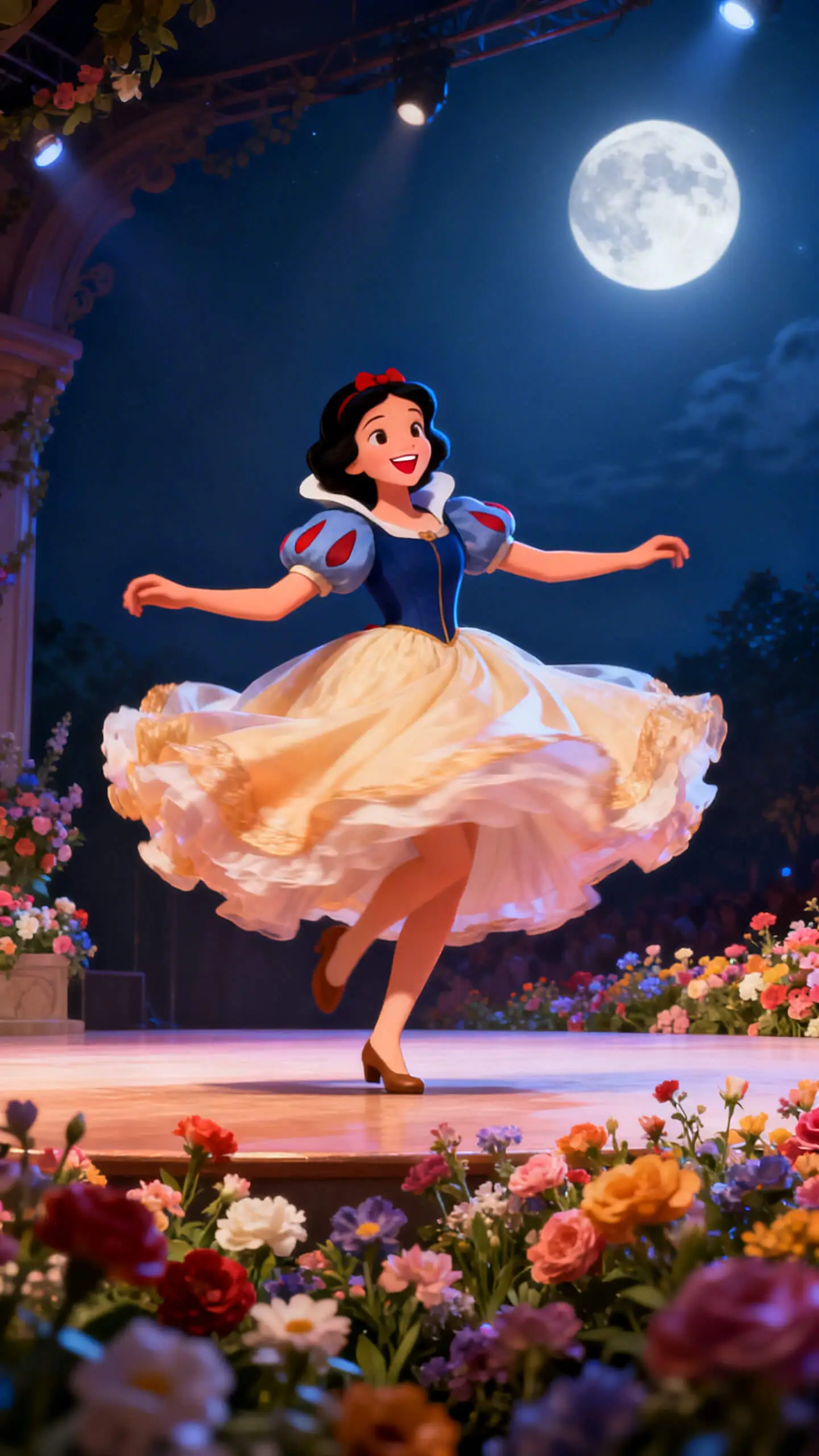
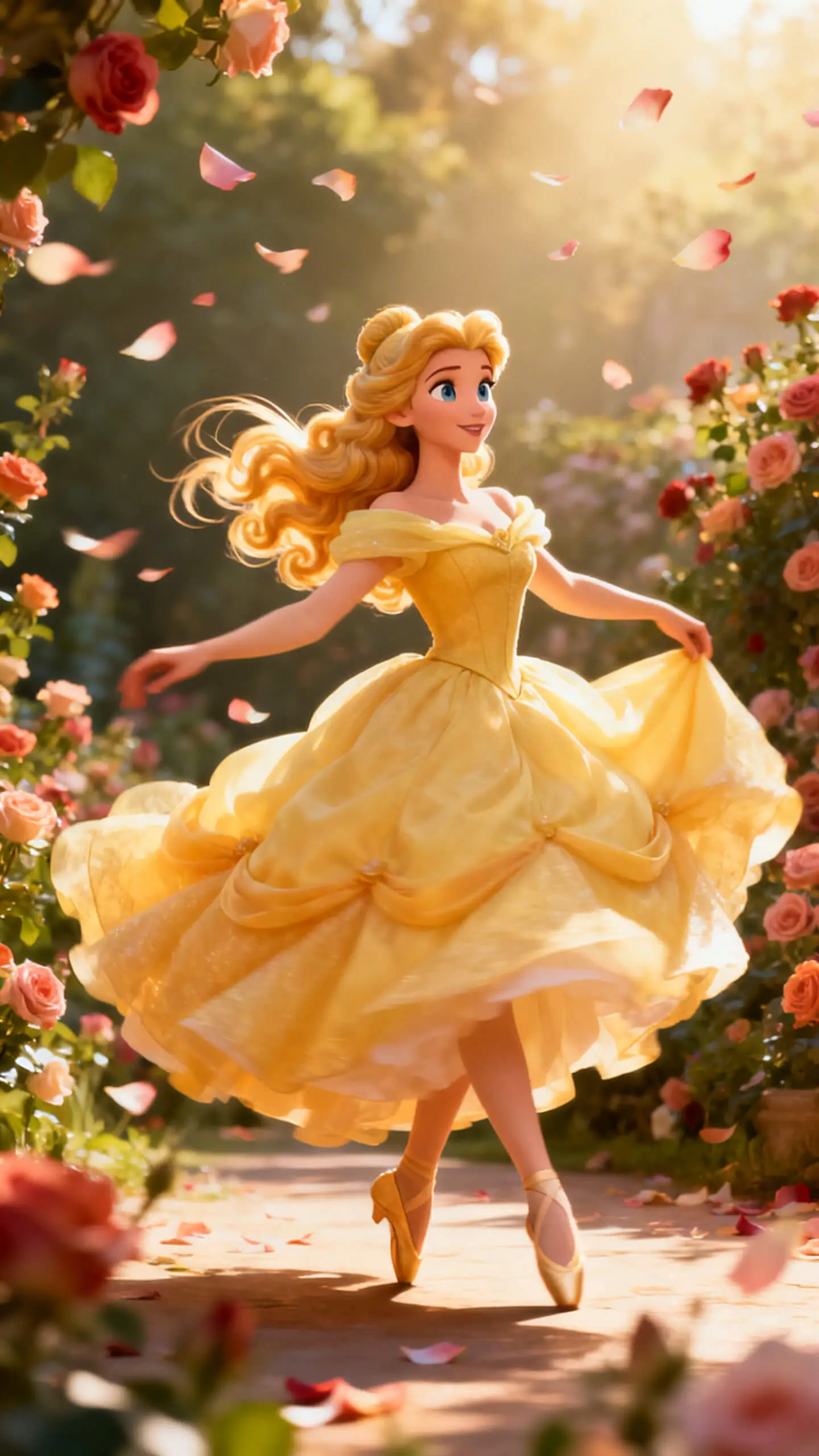
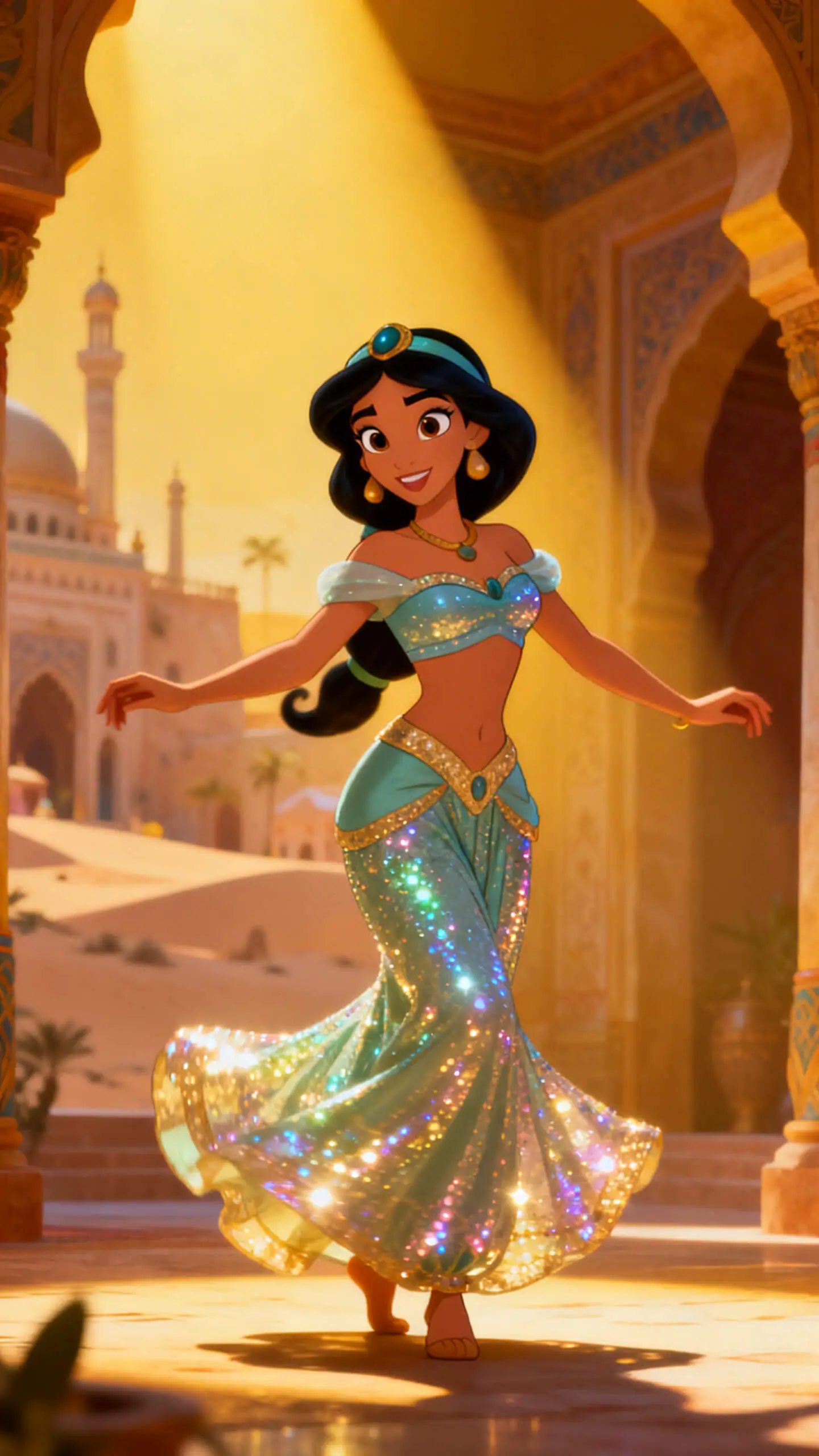
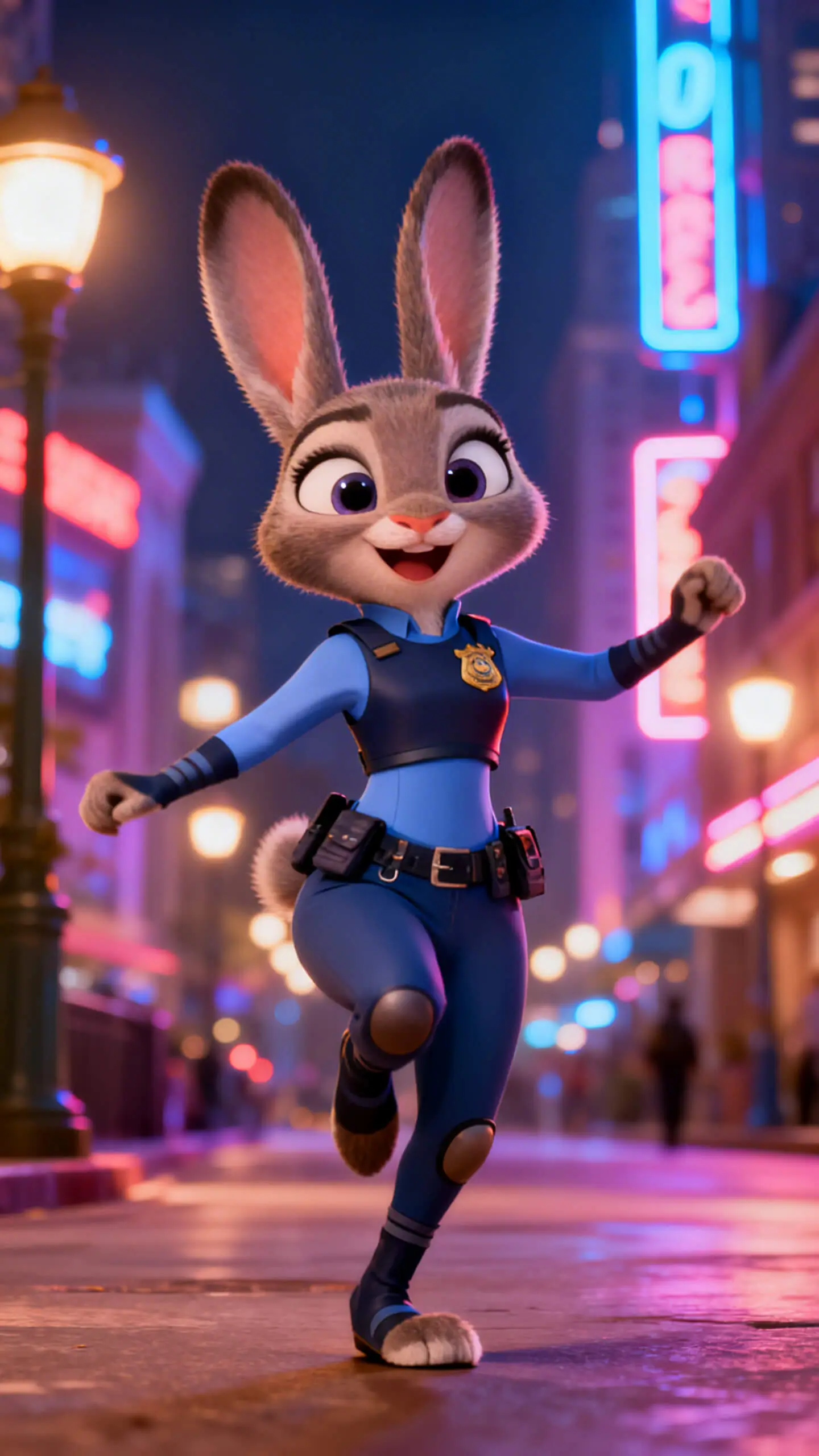
Magiclight gives you all the right moves, from professional styles to controlled steps with prompts that keep the energy going.

Upload an image, enter a prompt to specify your idea, and Magiclight will generate a dancing video in minutes.
Depending on the AI model you choose, Magiclight AI can generate up to 25-second dance videos.
Generate dancing videos in Full HD, i.e., 1080p, thanks to Veo 3.1 integration in Magiclight AI.
Use Magiclight AI platform as a hub that incorporates several AI video models, including Sora 2, Kling 3.0, and more, giving your dance clips versatility.


No experience needed. Just upload a photo and scribble your idea into Magiclight, and sit back and relax while AI makes a top-notch dance video for you.
Upload the source image to Magiclight AI. It could be a photo of a real human, your favorite cartoon character, a dog, a cat, etc.
Use the Prompt box to enter the type of steps you want the character in the image to perform. This gives you good control to get the desired output.
Select the AI model, video duration, and its resolution. Optionally turn on the Sound Effects switch to include sound effects in your dancing video.
Hit the Create Video button, and get your AI dancing video in minutes. Share or post anywhere you like for fun or monetization.
Yes! You can jump in for free with no credit card required. Generate your first dance scene and see how it looks and moves before choosing a plan.
While Magiclight supports videos up to 25 seconds long, the last frame of a video can be used as a source to generate longer dancing clips.
Yes! You can upload your image or even of an animal to Magiclight AI to create dance videos for TikTok.
Yes. You can enable the Sound Effects button to add sound effects to your dance videos. For more variety, you can use any video editing tool to add custom music to the dancing clips you generate with Magiclight AI.
Yes. Upload a photo of a baby to Magiclight AI to generate videos showing them dancing.
Yes. Paid plans include full commercial rights. With this, you can post, monetize, or sell any dance video you create on Magiclight.



Start for free today. No camera, no studio, no dancing skills required. Just upload a photo, enter your idea, and Magiclight AI dance generator will handle the rest.