
MagicLight Al Animal Video Generator Simplifies Animal Video Creation
MagicLight animal Al video generator keeps motion believable and characters easy to recognize. That helps every story feel smoother from scene to scene before export.

Turn pet ideas into polished clips with an Al animal video generator. MagicLight Al supports Story-to-Video, Image-to-Video, and free Animal styles.
Create Your Animal Video Free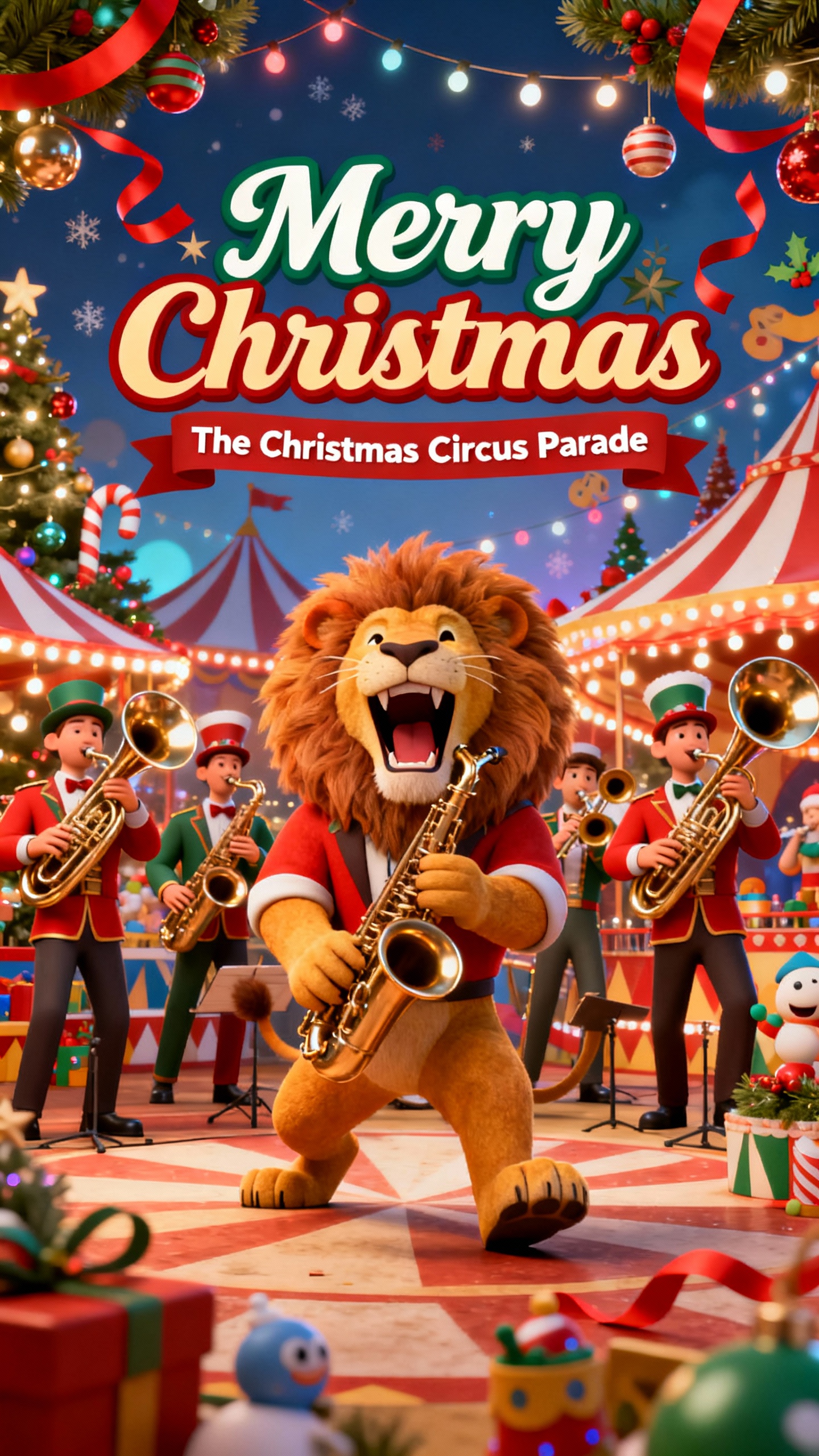
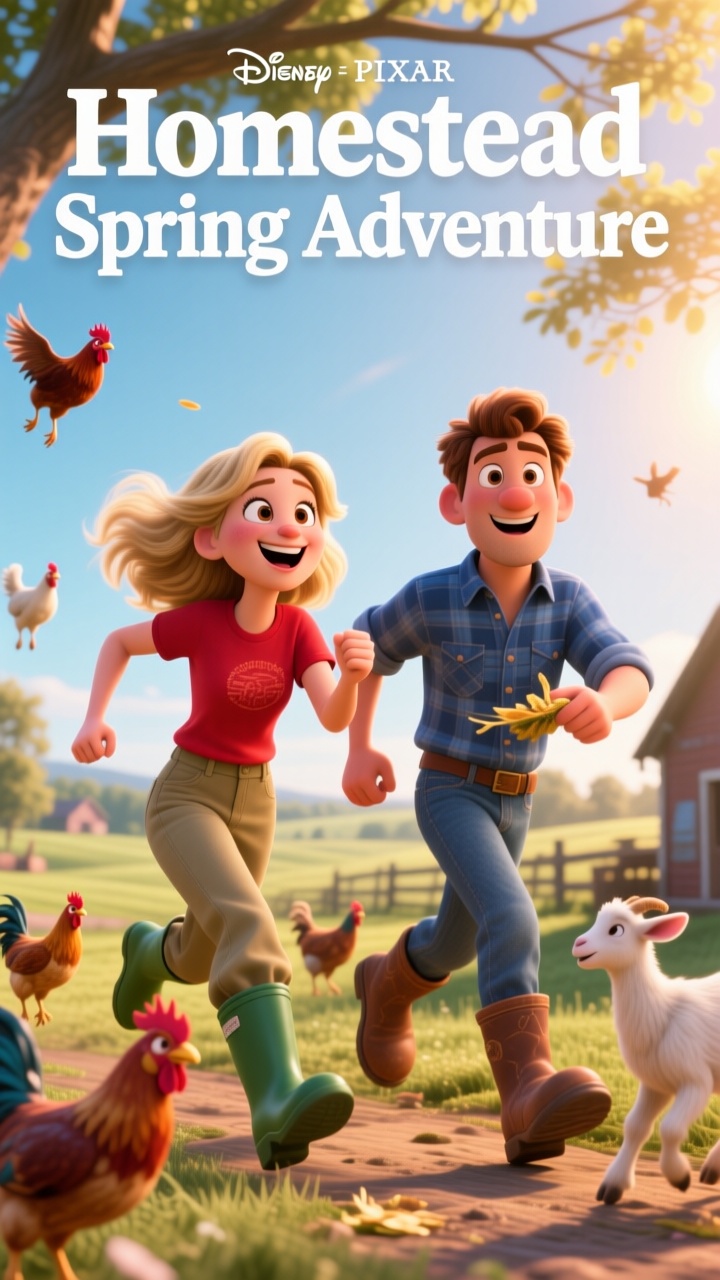
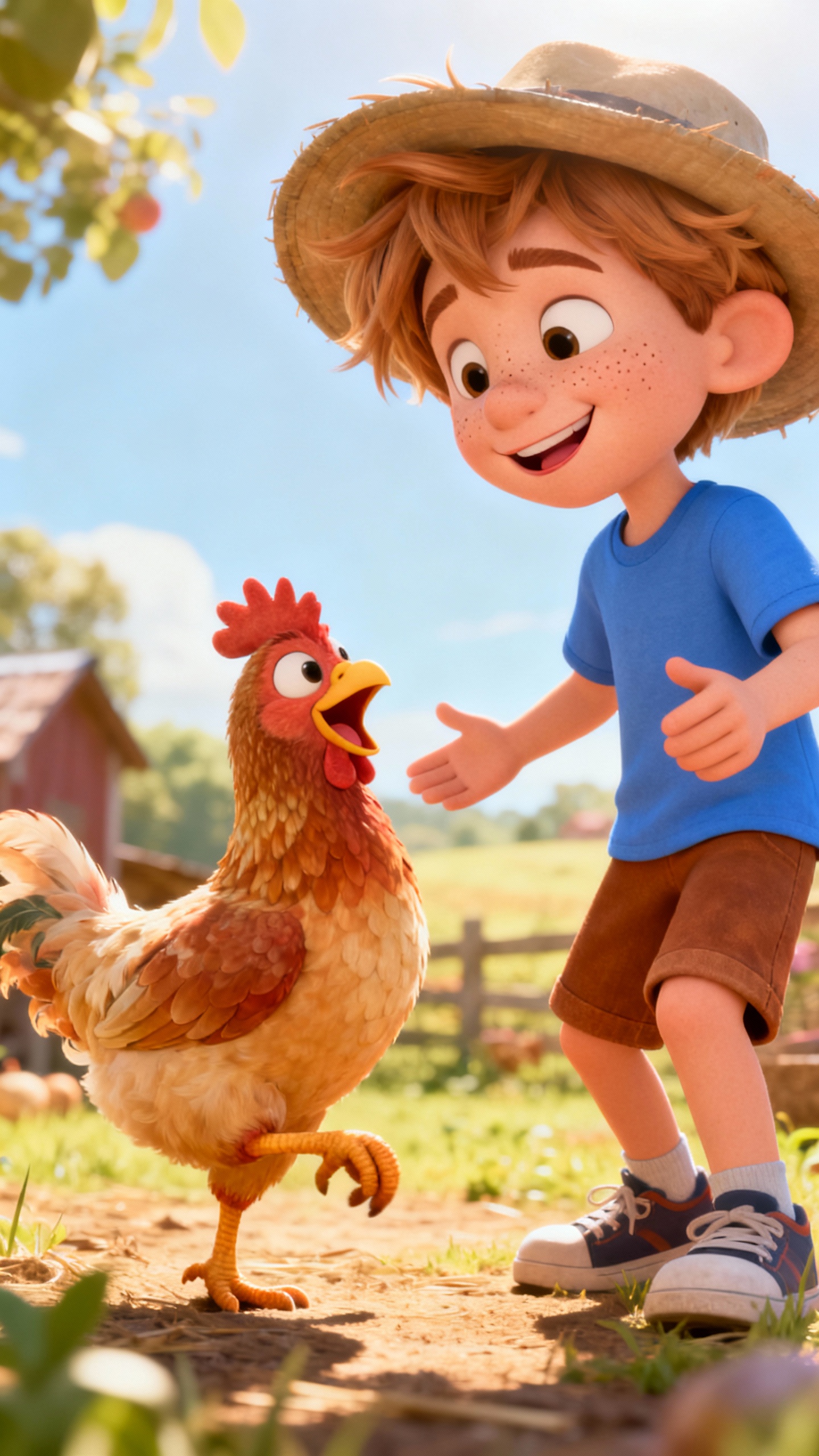
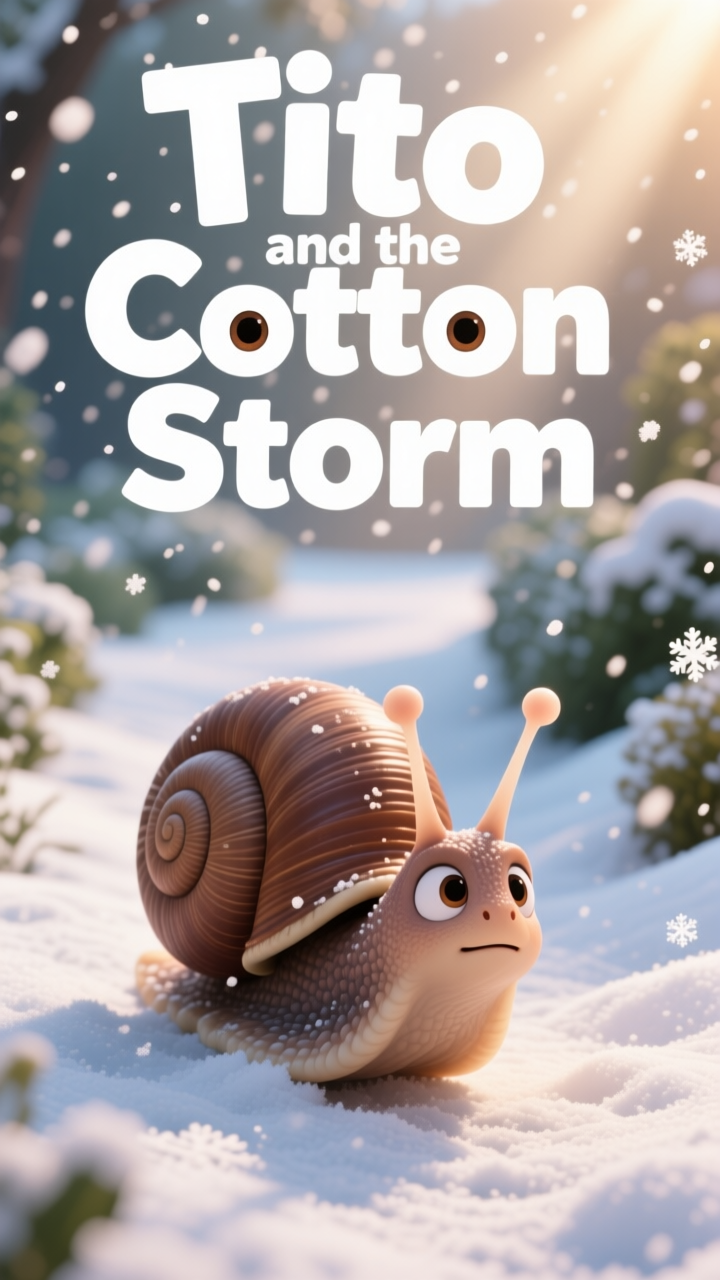
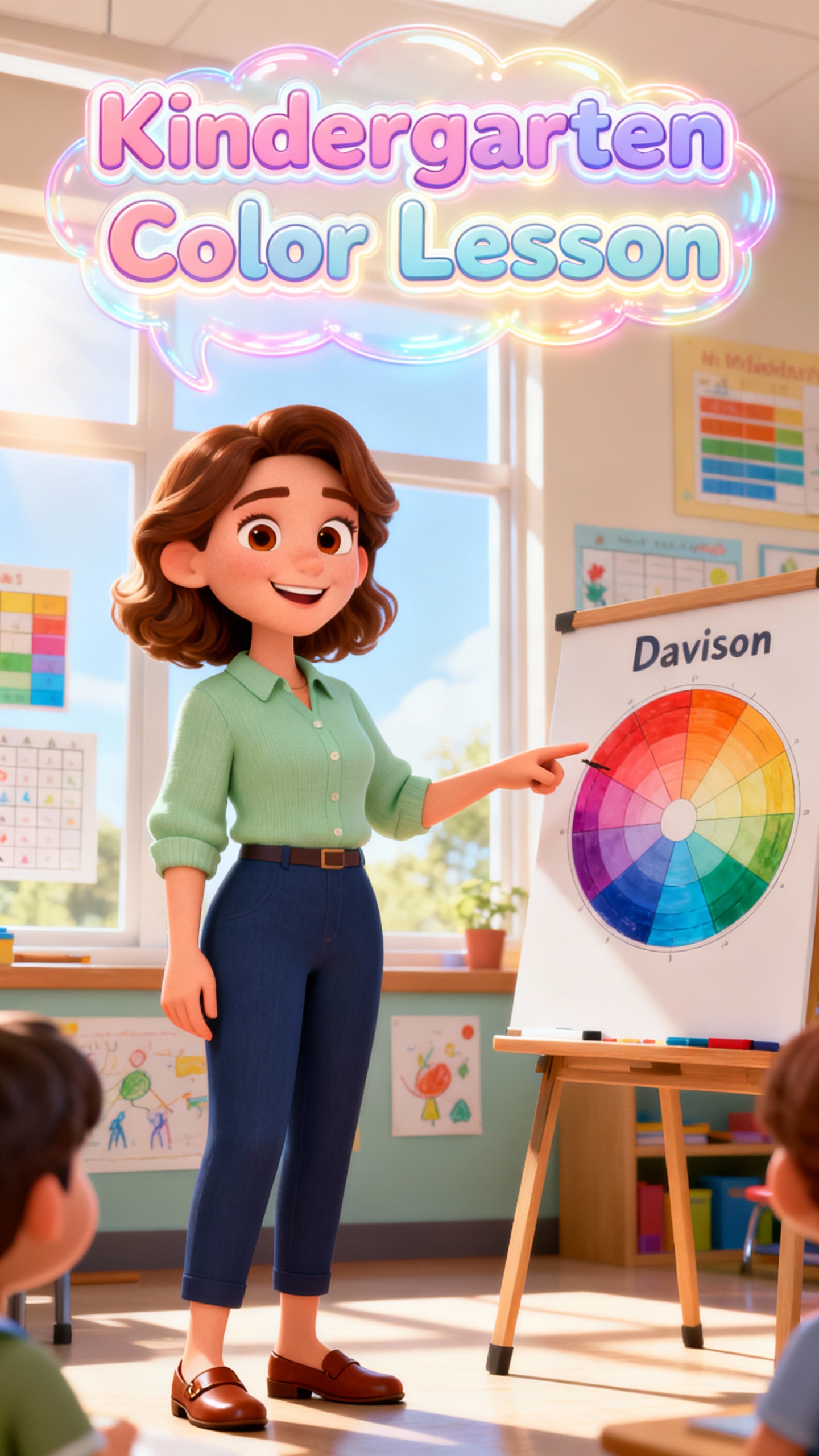
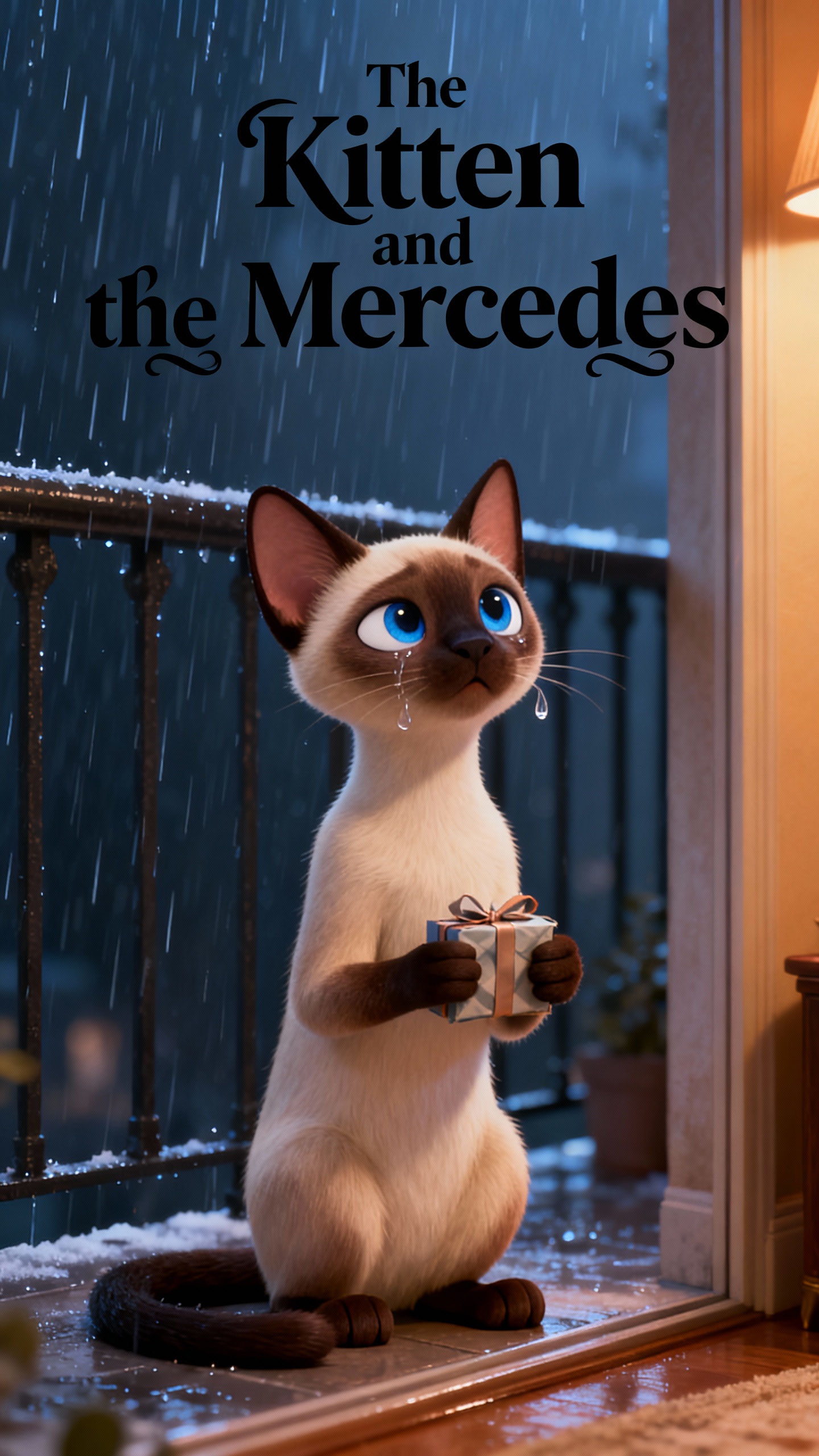
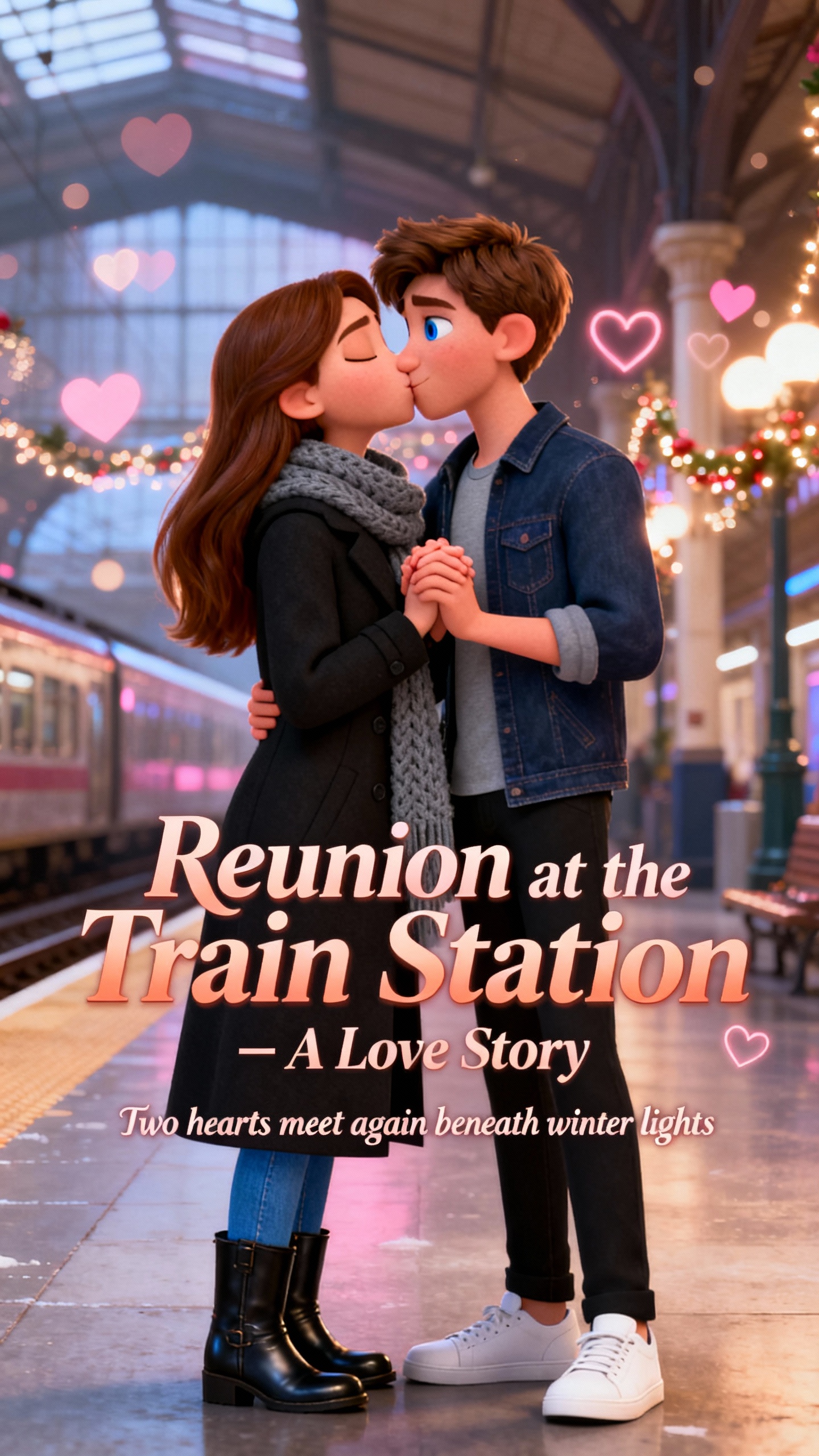

MagicLight animal Al video generator keeps motion believable and characters easy to recognize. That helps every story feel smoother from scene to scene before export.

Upload one pet image and add a prompt up to 1500 characters. Then use 19 video models to create a 10 or up to 25-second moving clip.
Start with a pet prompt, then choose terrain and aspect ratio first. Story to Video and style models help shape clearer animal scenes.
Build animal characters once and save them in My Characters. Reuse them across projects so recurring pets stay familiar.
Choose from 37 voiceovers by accent, gender, age, and scenario. Cover and title tools help animal videos feel more polished.


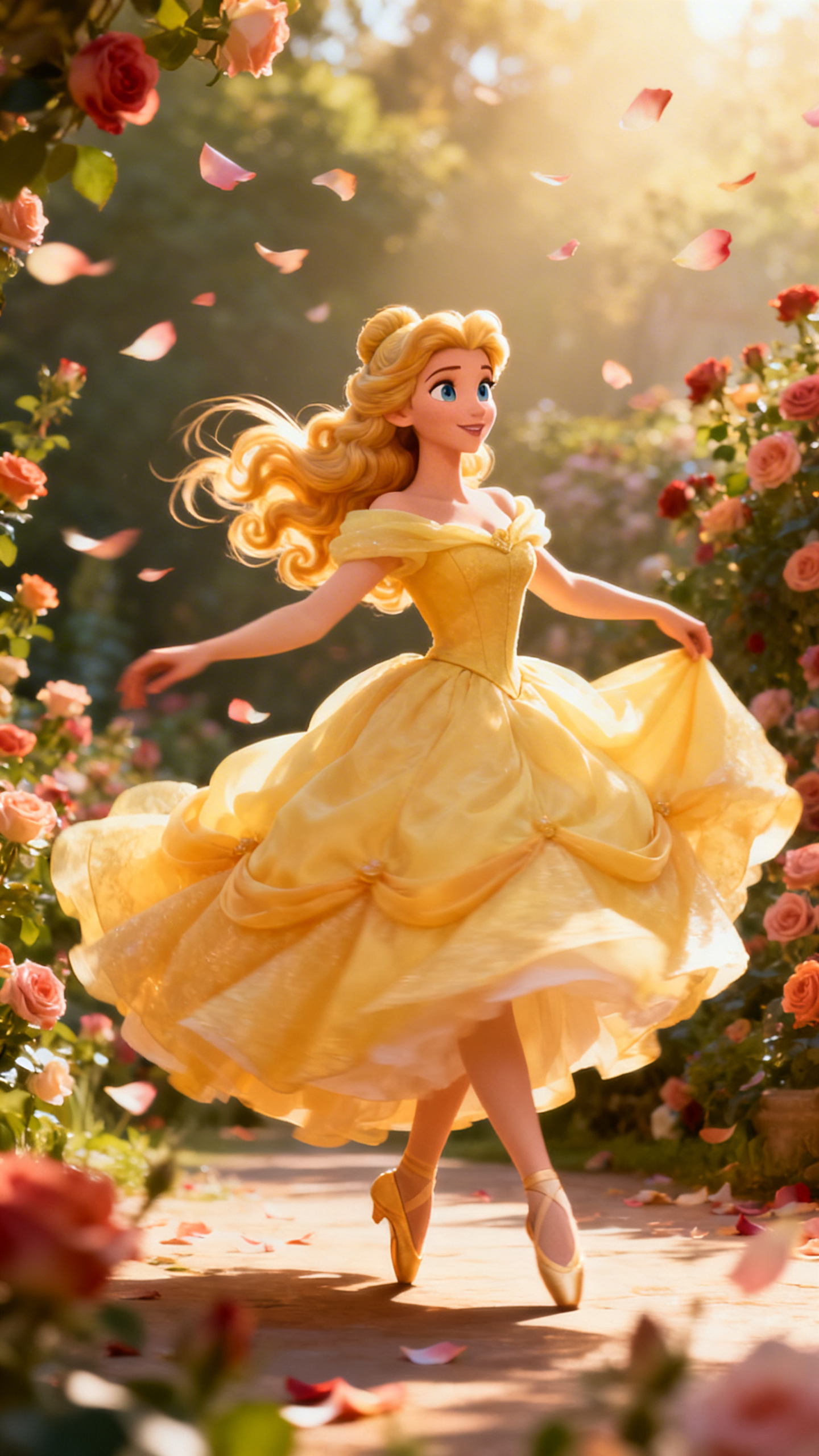
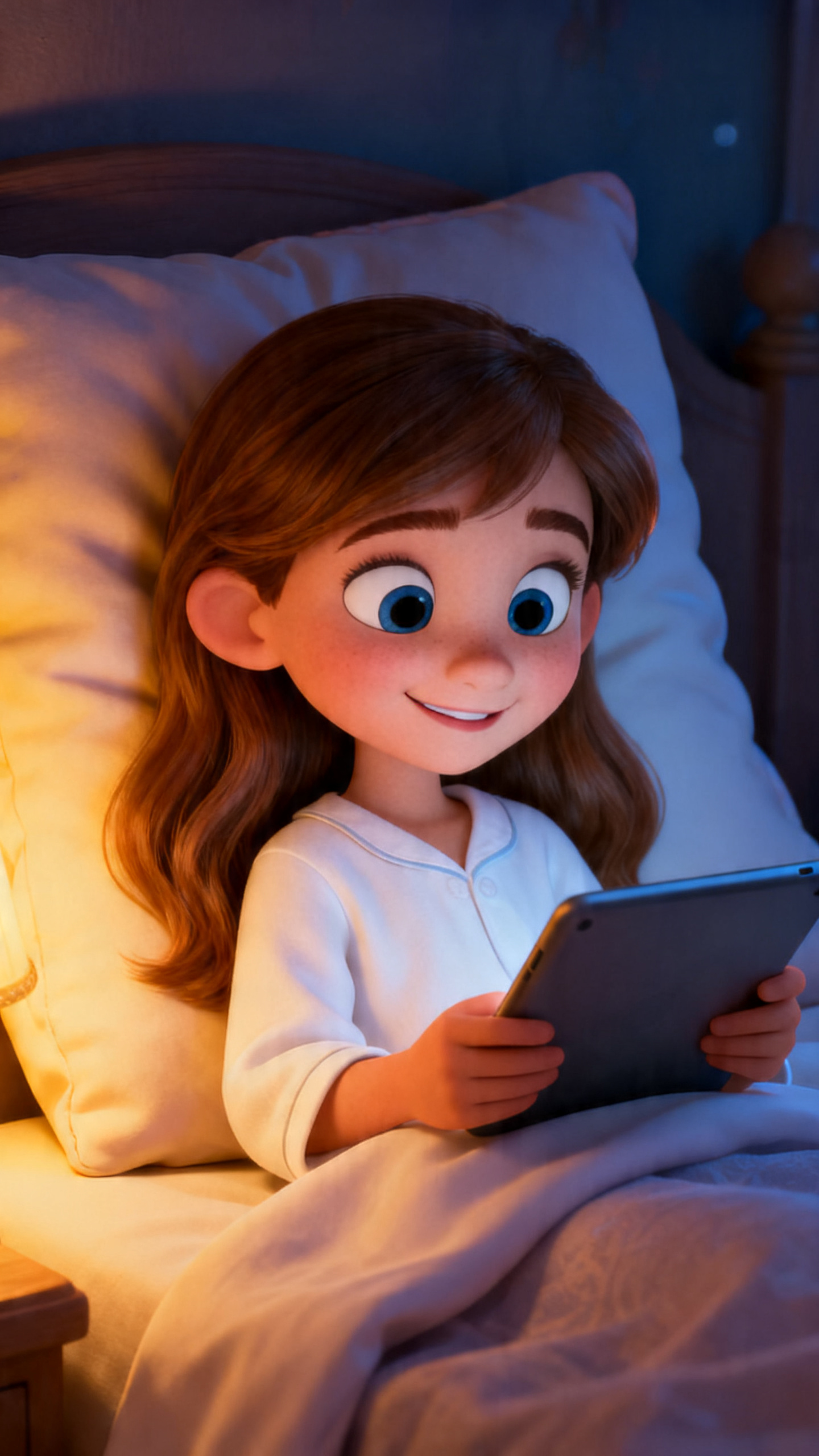
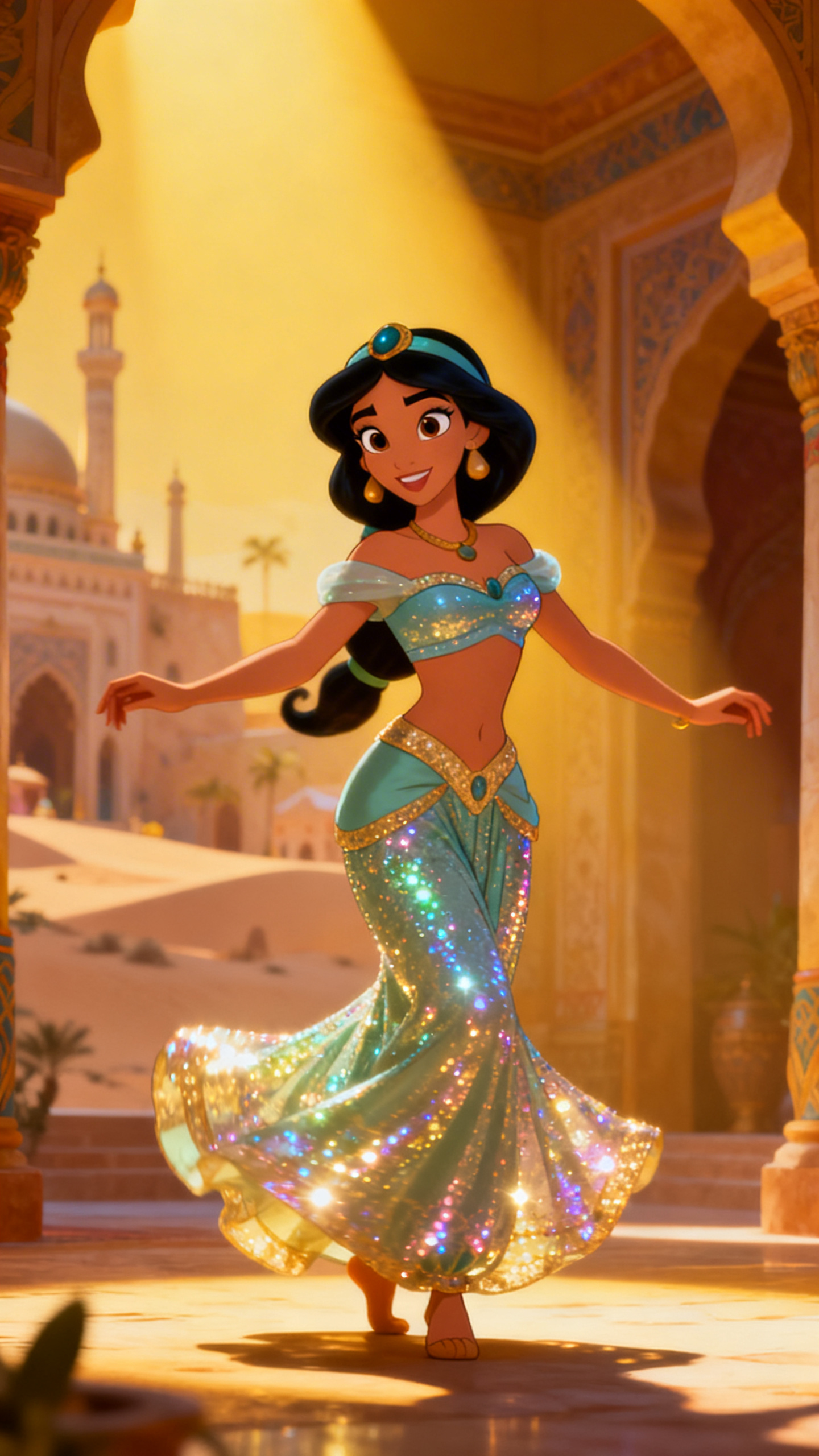
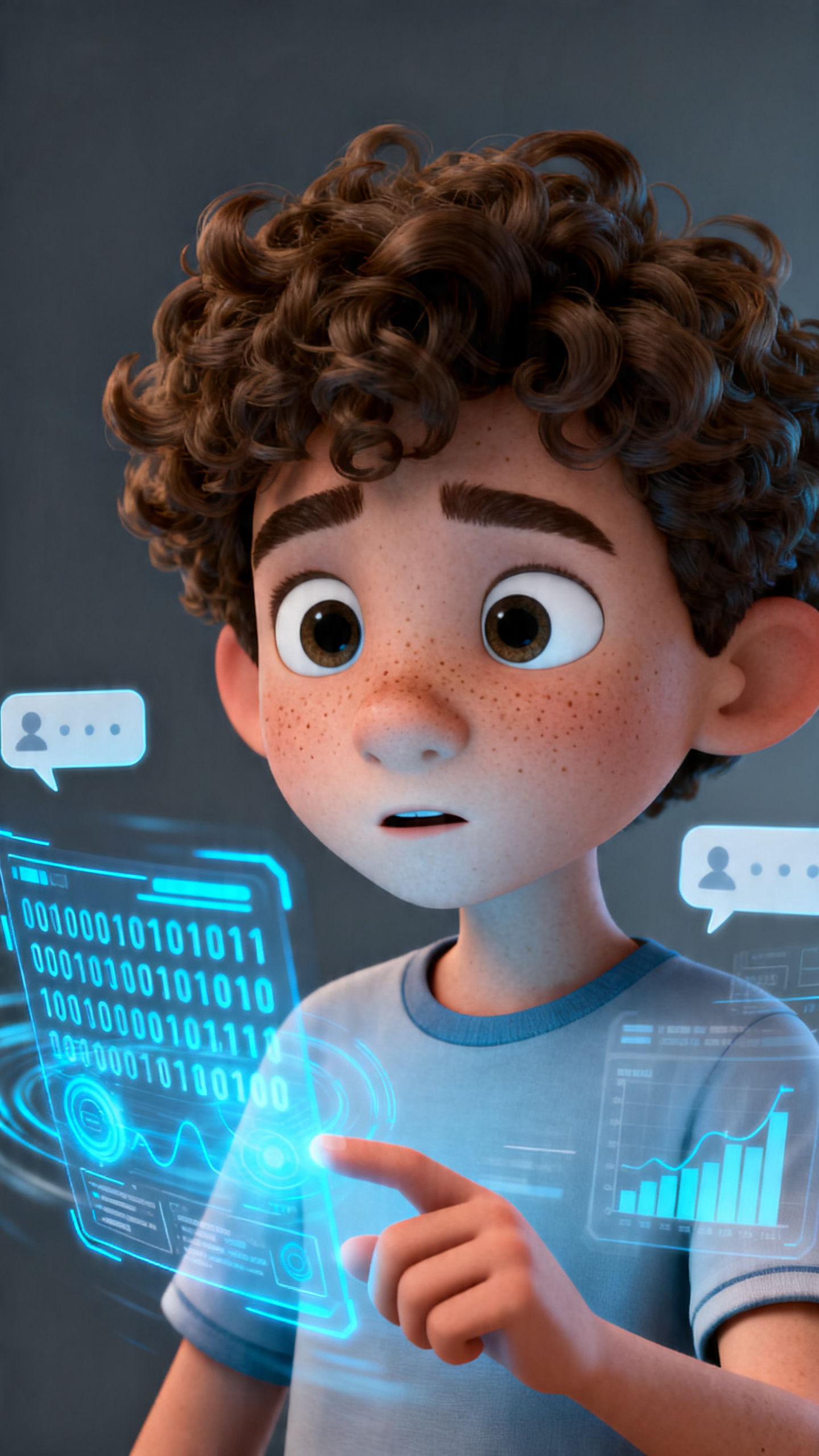
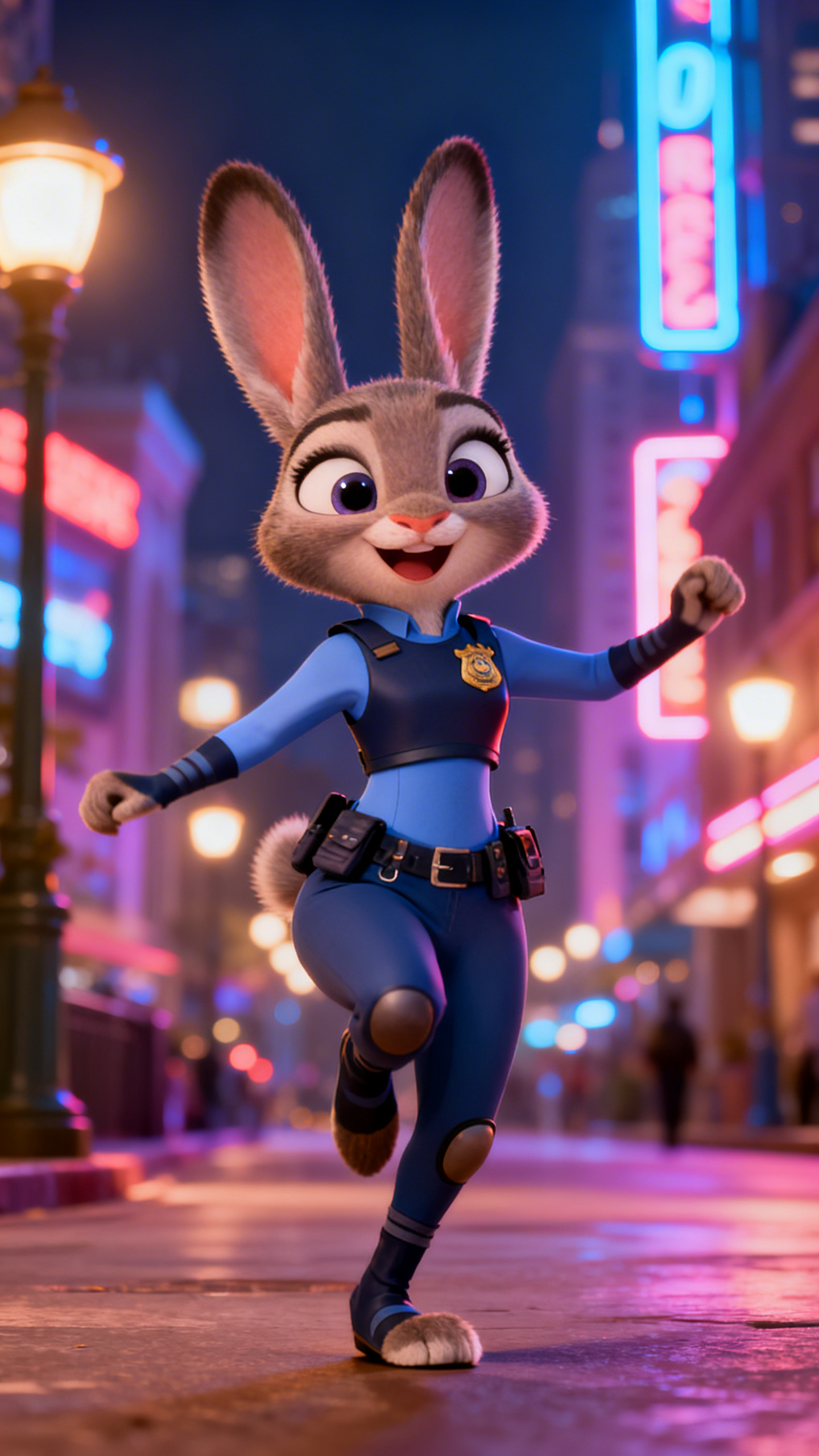
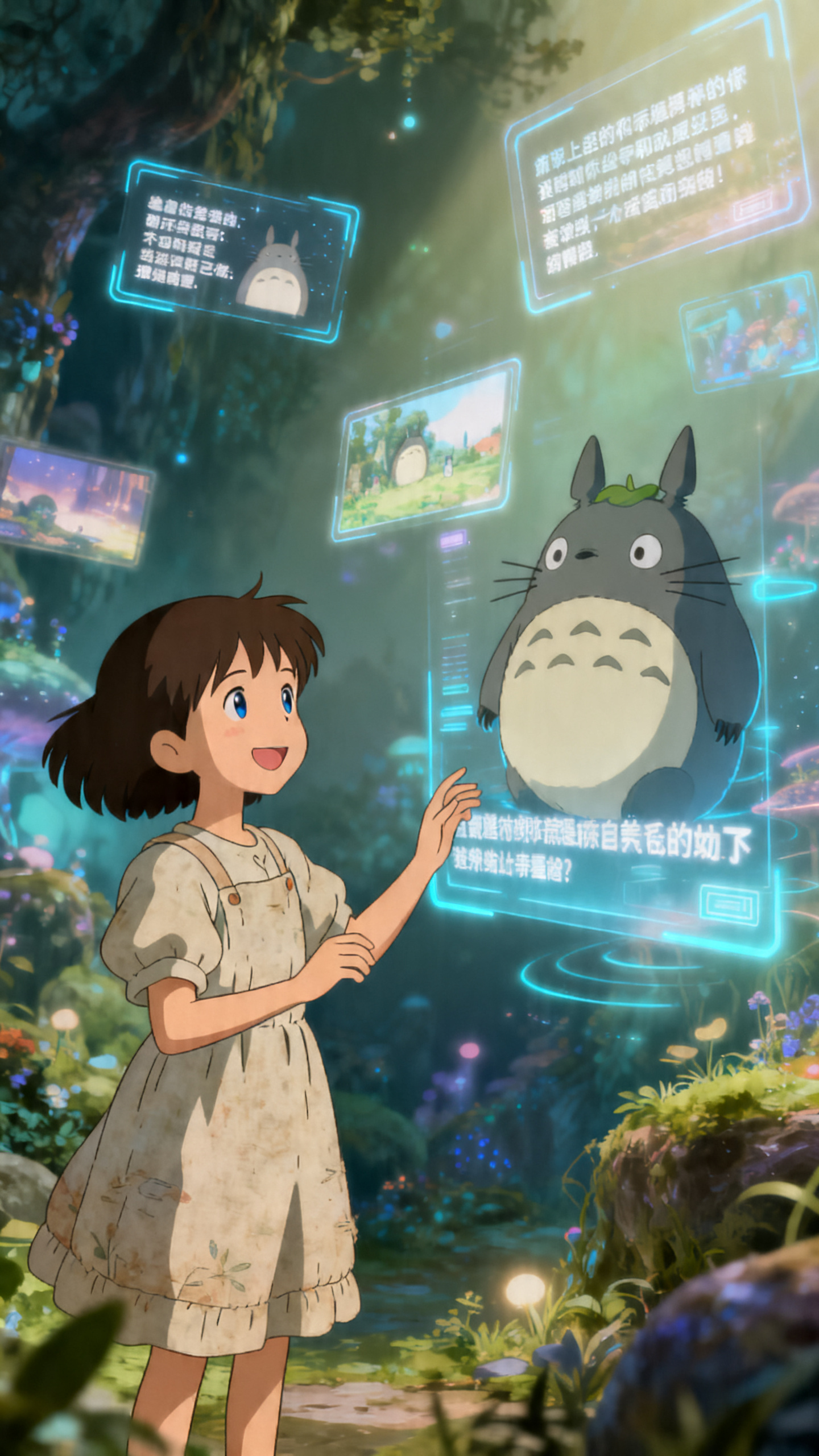
An Al-generated animal video should feel easy to build. Begin with one idea, guide the visual style, fine-tune the scenes, and move toward a cleaner final result.
Write a prompt, paste a script, or upload an image. Begin with the animal concept that feels easiest to turn into a short story.
Pick the Animals style or another visual direction that matches your tone. Set the world, mood, and look before building the final scenes.
Check the generated scenes, character actions, and pacing. Rearrange shots, replace visuals, or refine details before the final render.
Finish with voice, captions, and sound, then export your Al-generated animal videos for social posts, stories, or longer channel content.
MagicLight Al can work as an Al animal video generator by turning prompts, scripts, or images into animal videos with scenes, voices, and story flow.
Yes. MagicLight Al says it is free to try with no credit card required, which makes early testing easier for new creators.
Yes. MagicLight Al supports quick clips and longer story videos, with some pages stating support for videos up to 50 minutes, depending on the workflow.
MagicLight Al does more than make one disconnected shot. It builds stories scene by scene with editable storyboards, voices, and smoother visual continuity.
Yes. The MagicLight AI Image to Video tool can turn one image into a moving clip, then help you finish it with voice, captions, and export tools.
Yes. MagicLight Al supports short story-ready clips and exports designed for social-friendly publishing, while also giving room for bigger story formats later.



Turn pet ideas into expressive videos with smoother flow and playful creative control.