
Explore the Features of the Mango AI Video Generator
Add a clear portrait and see what Mango AI can do with it. See what the Mango AI video generator offers for talking videos.

Start with one portrait and a written script. Mango AI brings the face to life with lip movement and expressions that follow the words. No camera, actor, or editing skills required.
Try Mango AI For Free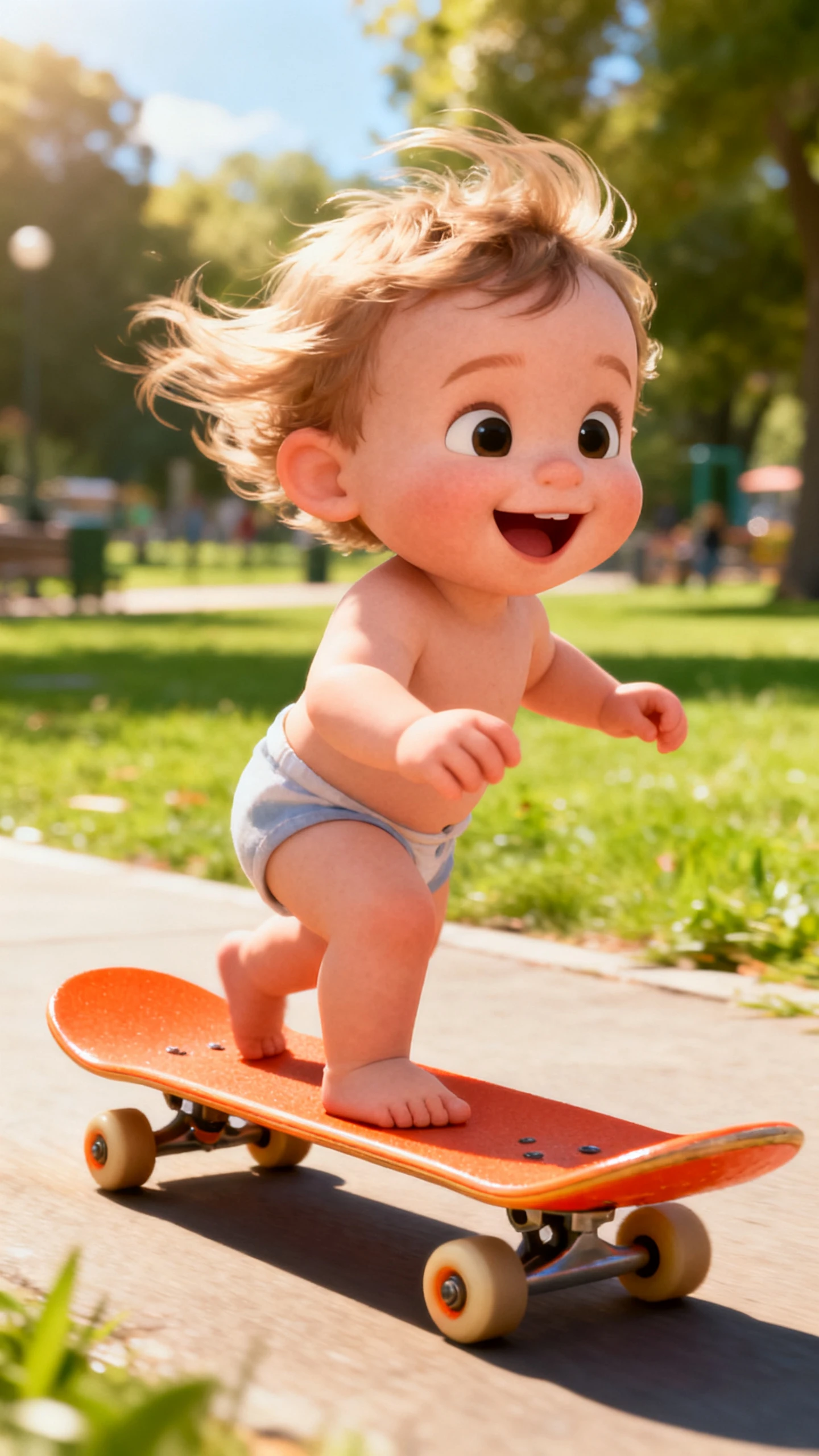




Add a clear portrait and see what Mango AI can do with it. See what the Mango AI video generator offers for talking videos.

Add a JPG or PNG photo or use one of the sample images. Mango AI reads the face and adds mouth movement and expressions. The person then delivers the words you provide with matching facial motion.
Change the background behind your subject or remove it completely before finishing the video. You can also adjust the emotional expression to suit the message, allowing the same portrait to appear warm in one clip and serious in another.
Mango AI includes 150+ premade presenters and 120+ voice options. Select a presenter and pair it with the sound that fits your message. This gives you a ready-to-use option without starting from a personal photo.
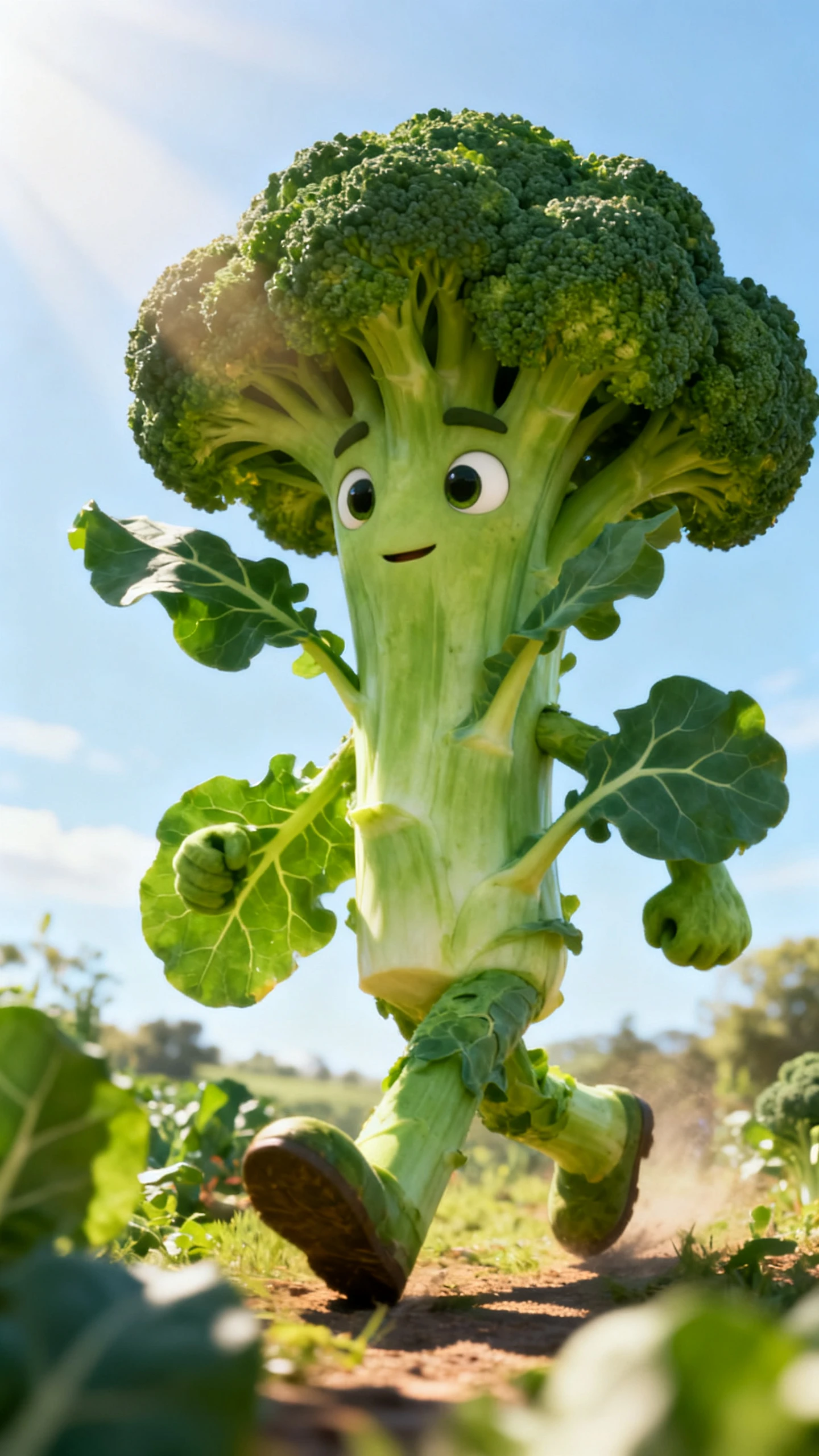
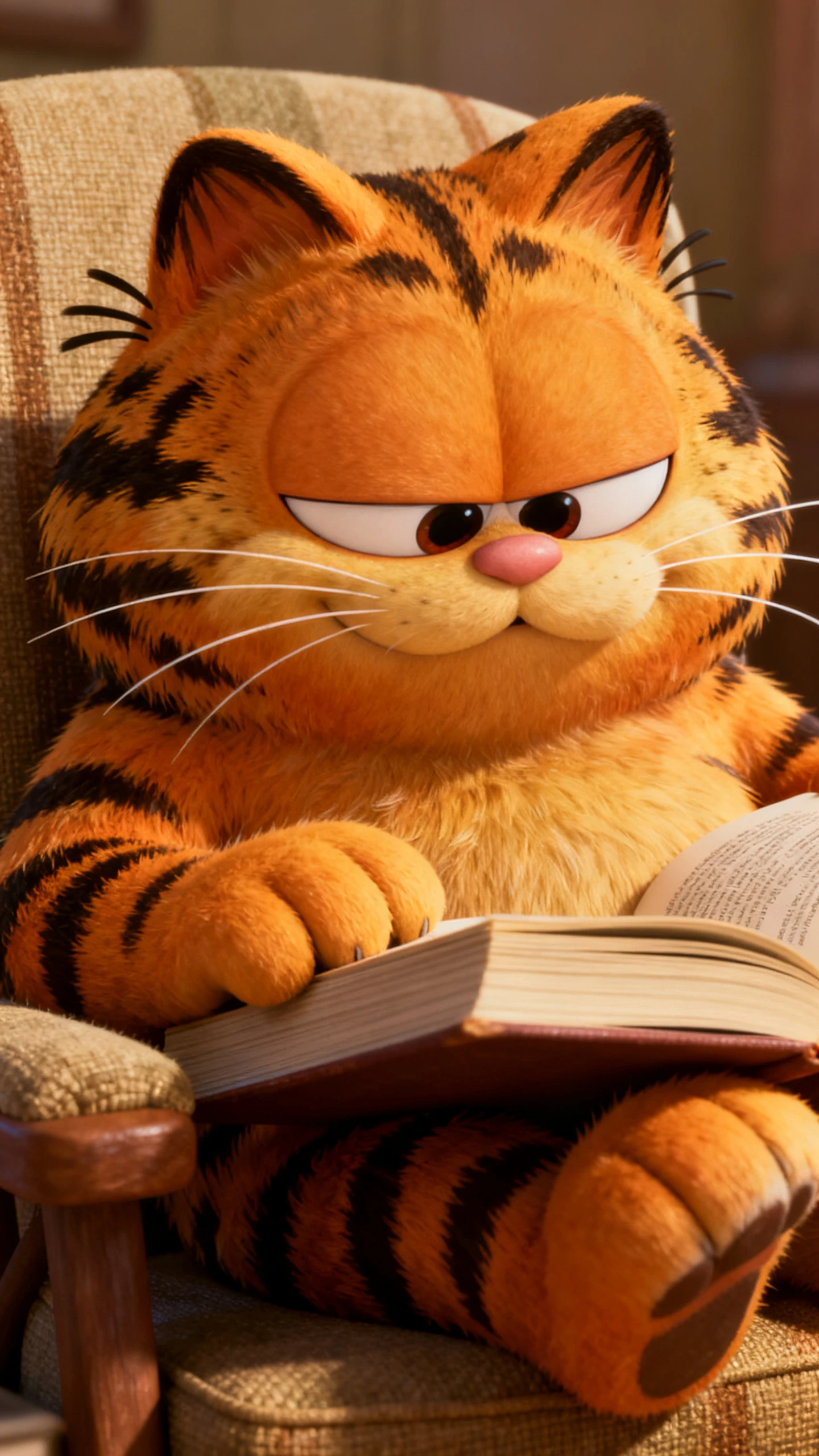
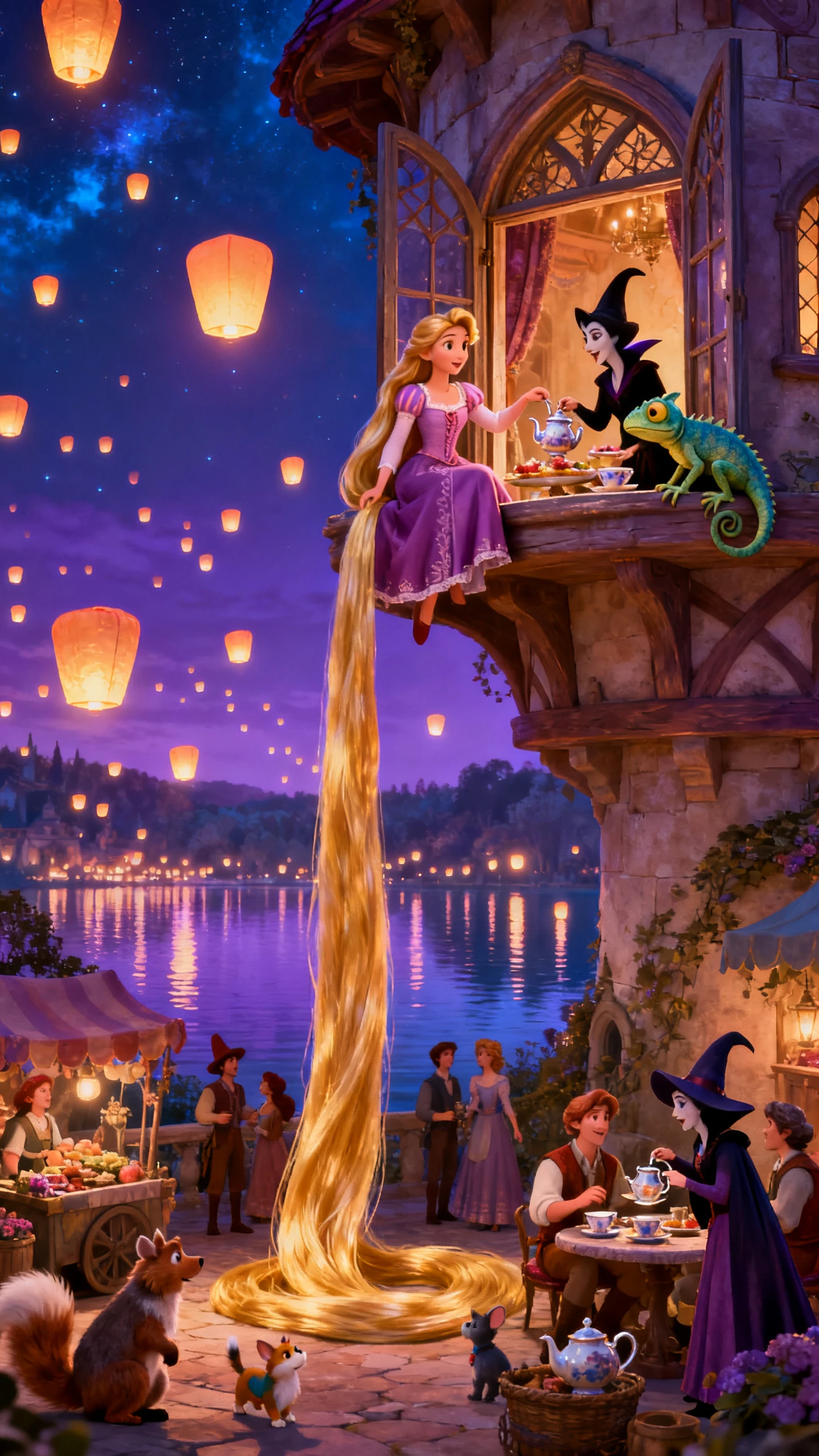
Use the same technology with a dog, an infant, or a drawn character instead of a human portrait. Talking Animals, the pet and baby podcast tools, and the cartoon options use the same lip-sync engine, creating formats designed to work well on social platforms.
The Mango Animate AI video generator gives creators a simpler way to turn portraits into speaking videos. These benefits explain why they use Mango AI.
Mango AI provides multiple ways to distribute finished videos. Users can share through a unique URL, QR code, embed code, Facebook, or X, as well as download the video. This is specific and practical.
Try Mango AI For Free
Depending on the paid plan, Mango AI provides watermark-free output. This is a stronger creator benefit because it directly affects whether the finished video can look like your own content.
Try Mango AI For Free
Mango AI lets you record your own voice for 1 to 15 minutes, depending on access, or upload an audio file. This gives the talking photo a more personal voice instead of relying only on built-in options.
Try Mango AI For Free
Compare the Mango AI video generator with other avatar platforms. Check their features and outputs before choosing your preferred option:
| Platform | Starts From | Makes | Best For | Users |
|---|---|---|---|---|
| Mango AI | A single portrait photo | Talking avatar video | Spokesperson and social clips | Marketers and creators |
| Magiclight AI | A written script | Animated videos up to 50 minutes | Long-form storytelling | Story creators |
| HeyGen | A script and a stock avatar | Presenter-led video | Training and sales video | Business teams |
| D-ID | A photo and a voice track | Talking head clips | Product demos and support | Product teams |
| Pika | An existing photo or clip | Short effect-led clips | Social trends | Social creators |
Use the Mango Animate AI video generator in 4 steps. Add your portrait, script, and voice, then generate the final video.
Add a clear photo with the face easy to see, or choose one of Mango AI's sample images. A clear portrait gives the tool a better starting point for the talking video.
Enter the words you want the person in the photo to say. Keep the script clear and natural so the spoken delivery works well with the facial movement.
Select an AI voice that suits your video and adjust the available talking-photo settings. You can also use your own recorded audio when you want a more personal voice.
Generate the talking video and check the finished result. Download the file or share it through the available link, QR code, embed, or social sharing options.
Marketing Content Creator
Our brand video budget never stretched far enough to hire a presenter. With Mango AI, we turned a headshot into our spokesperson, and viewers have never questioned it.
Course Creator
I have never enjoyed being on camera, but my students still wanted a face on screen. Mango AI lets me use a portrait and my script for each lesson without setting up lights.
Pet Content Creator
My dog account was mostly photos and captions for almost two years. I tried Mango AI's talking animal tool, got him speaking on screen, and saw the account start getting more attention.
Small Business Owner
Filming shop updates used to mean standing in the stockroom with my phone. Now I write the message, use Mango AI for the delivery, and send the finished link straight to my mailing list.
It creates talking avatar videos from a still photo. Add a portrait and script, and Mango AI makes the face speak with matching lip movements and expressions.
The Mango AI video generator turns photos into talking videos using AI. Add a portrait and your script, then choose a voice for the speaker. The tool matches the mouth and face movements with the words in your video.
You can upload JPG, JPEG, PNG, or WebP images. Sample photos are also available. Use a clear, front-facing photo so Mango AI can read the face properly.
Yes. Separate tools cover talking animals, baby podcasts, and cartoon characters, all running on the same lip-sync engine. Treat them as ready-made formats for social rather than side experiments.
Share videos directly through Facebook, X, or a unique link. Embed clips on websites or create QR codes for sharing. Download the finished file when you need to use it offline.
Mango AI mainly focuses on creating talking videos from portraits. It does not create complete stories with multiple video scenes. Longer narratives and detailed edits may require another video tool.



Choose a clear portrait and add the words you want spoken. Mango AI turns your photo and script into a talking video.