
MagicLight Agent Starts from a Few Lines
A reel needs a clear idea, not a finished film. MagicLight Agent reads your few lines, picks the niche, such as a short drama or an explainer, and plans the scenes around it.
Create Now

Create AI Shorts and Reels from text and images with Magiclight AI. Add scenes, voiceovers, and music without any editing experience.
Create Short Reels for Free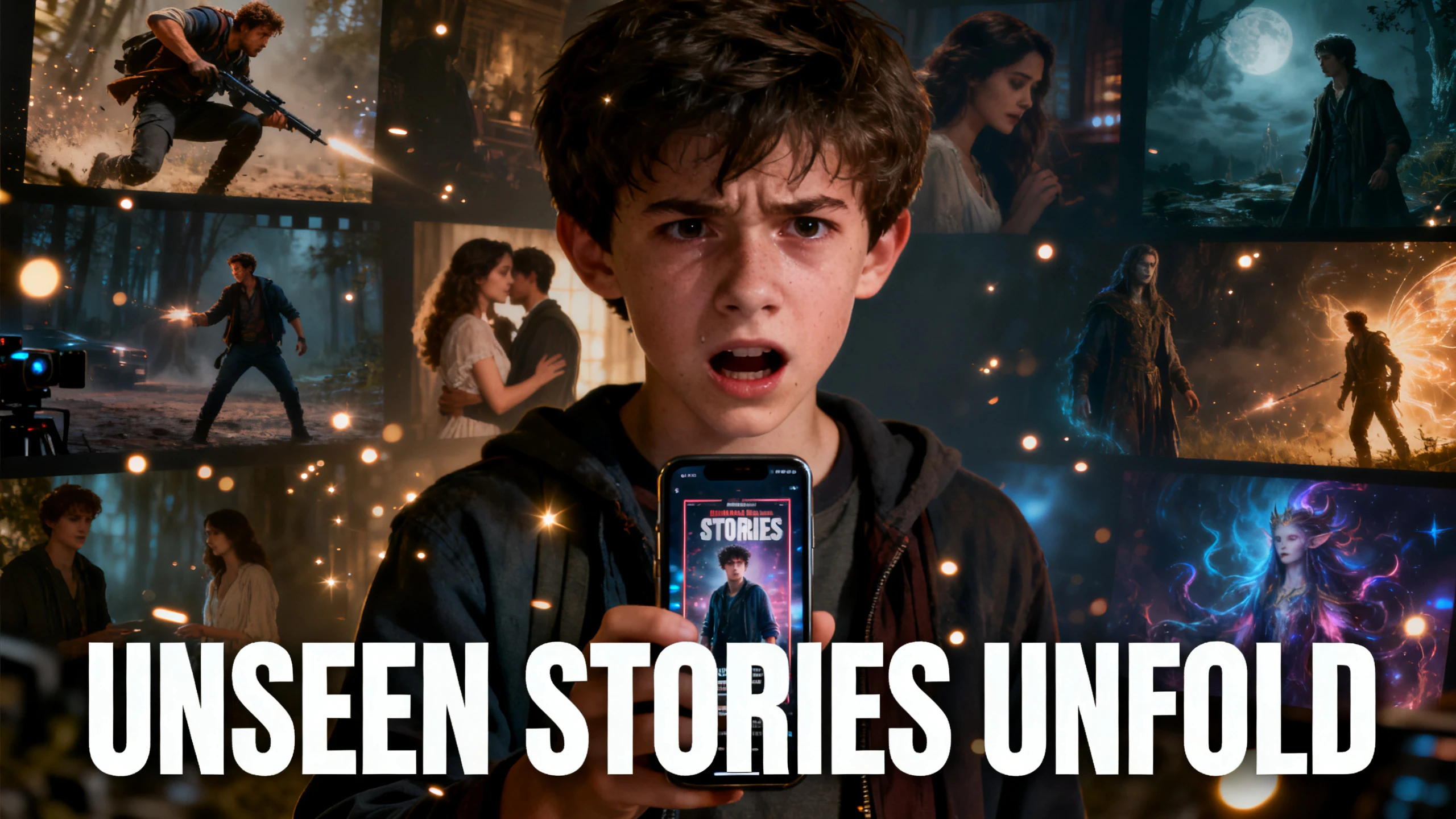










Magiclight AI produces each short reel video from a script you write, with every scene made tall for a phone. Write the lines, set the frame, and post one file to both apps.
A reel needs a clear idea, not a finished film. MagicLight Agent reads your few lines, picks the niche, such as a short drama or an explainer, and plans the scenes around it.
Create NowSet vertical 9:16 before anything is made, and MagicLight AI draws every scene for a tall frame. Nothing is cropped from a wide shot, so no one gets cut off at the sides.
Create Characters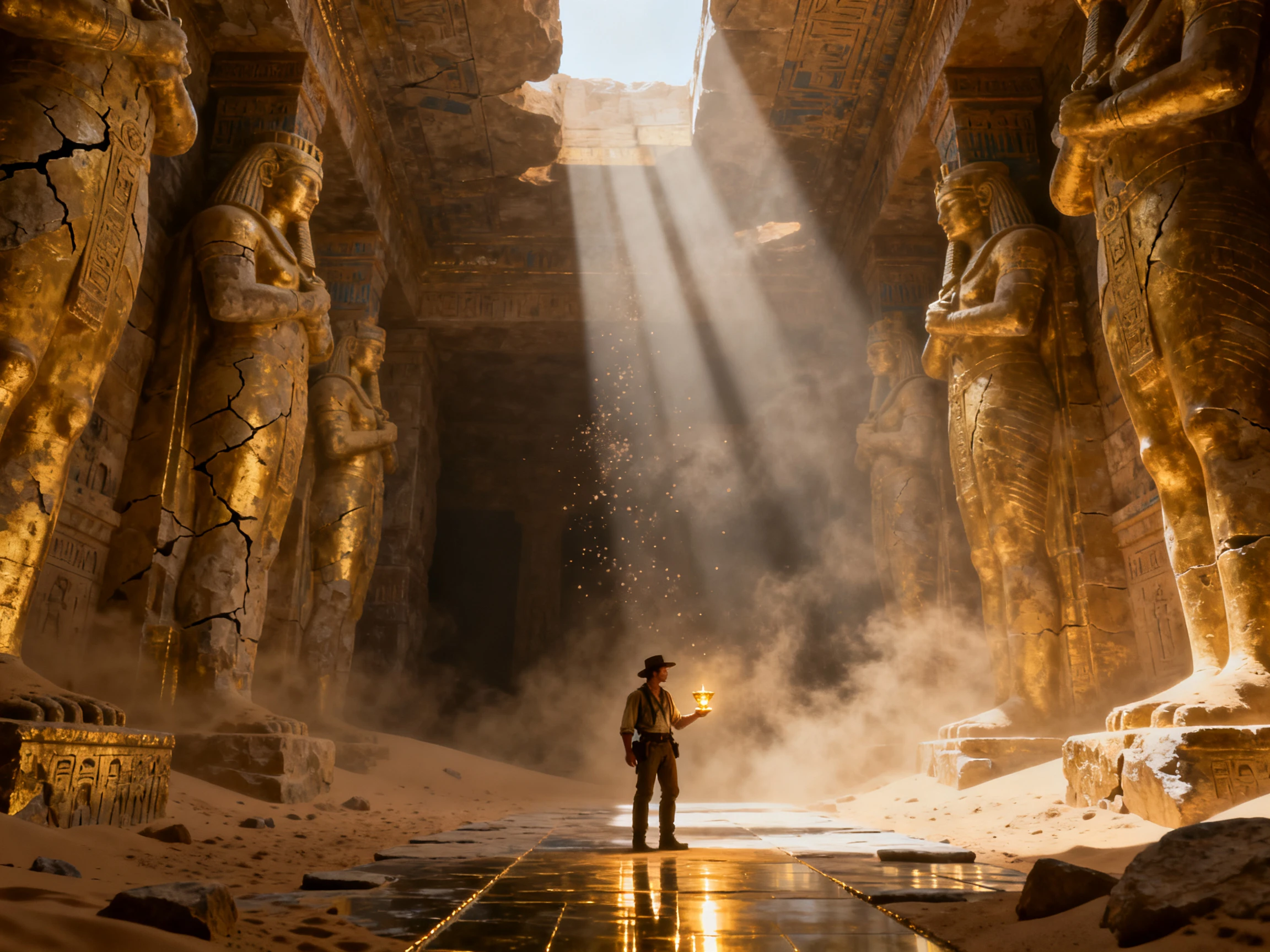
A tall frame fits a whole figure from head to toe. In Nano Storyboard, choose each pose from 50 options, then change the camera angle until the scene fills the screen.
Generate a Video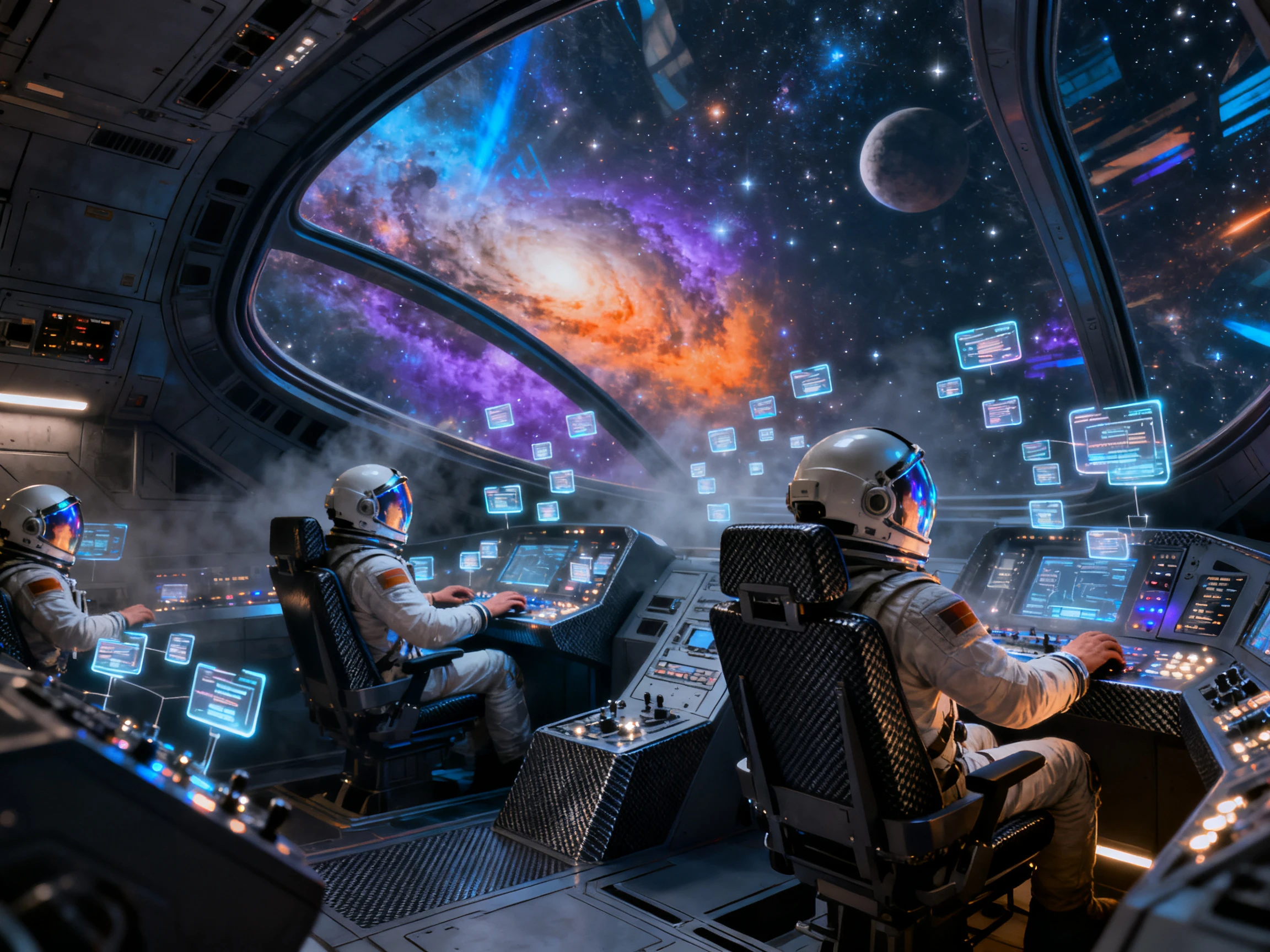
Pick a track from 40 background music options, add a voice, and Magiclight AI mixes it all into the export. The same file goes to Shorts and Reels without adding sound twice.
Start Creating


Your first Shorts Reels video takes 4 steps in Magiclight AI, starting with a short script. Draft the script, set 9:16, shape the scenes, then add sound and export.
Enter a short script into Magiclight AI and set the frame to vertical 9:16 first. Magiclight Agent reads the content, suggests the best setup, and waits for your approval.
Pick a look from 20+ visual styles for a dedicated look. Continue to finalize the characters for the Shorts Reel.
Open Nano Storyboard and set each pose and camera angle so characters fill the tall frame. When the scenes look right, Magiclight Agent animates the video.
Add one of 40 music tracks and choose the appropriate caption style out of the 16 options. Export one finished file you can post to both Shorts and Reels.
Screenwriter
I write short dramas but could never afford to film them. With Magiclight AI, my cast of three looks the same in every episode, and each one has their own voice.
Tutor
My math tips used to be a whiteboard photo with a caption. Now Magiclight AI turns each tip into a short with a narrator and captions, and students actually watch.
Small Business Owner
We have no footage to cut into clips, just a bakery and a few good ideas. Magiclight AI creates a vertical promo from a short description, and I post it to both apps.
Animator
I sketch story ideas every morning, but animating one used to take a week. Magiclight AI turns a rough outline into a finished video, and I switch styles when I like.
No. Clip tools cut short reels out of long videos you already have. Magiclight AI can also start from a short script, so a single idea is enough to begin.
Keep reels short. YouTube Shorts and Instagram Reels both accept videos up to 3 minutes long. Magiclight AI stories can run longer, so trim the script first.
No. Magiclight AI doesn't stream short dramas; apps like ReelShort do that. It is for making your own, and new accounts start with free credits for a first episode.
Yes. Save your characters in Magiclight AI, and they return in every episode. Each one keeps its own voice from 37 options, framed in 9:16 like the drama apps.
Yes. TikTok also plays vertical 9:16 video, so the file you export from Magiclight AI can go there too. Check each app's current length limit before you post.
Not directly. Trending sounds live inside each app, so add them when you post. Magiclight AI offers 40 background tracks for reels that don't need a trend.



Write the script for your next reel, then choose a style and a voice. Magiclight AI turns it into a vertical video that is ready for Shorts and Reels.