
200 Characters to Define the Music
Start with a 200-character prompt explaining the idea of the music, not the music itself. Magiclight AI creates a complete track for you which can be processed into a video.
Create Now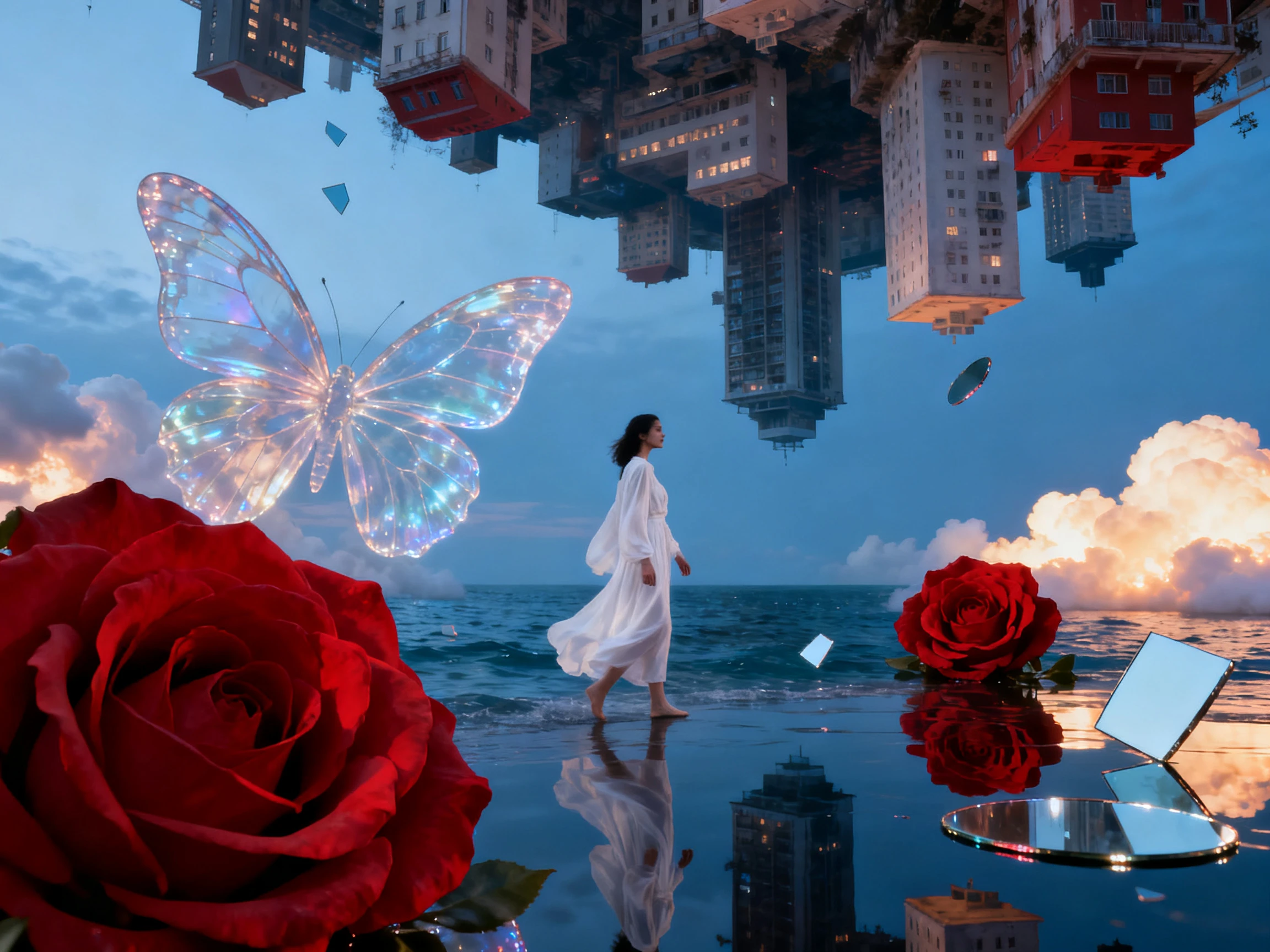

For artists who want more than a still cover, Magiclight AI turns an uploaded track into a music video with moving scenes. The whole process stays simple, without manual editing.
Create Music Videos for Free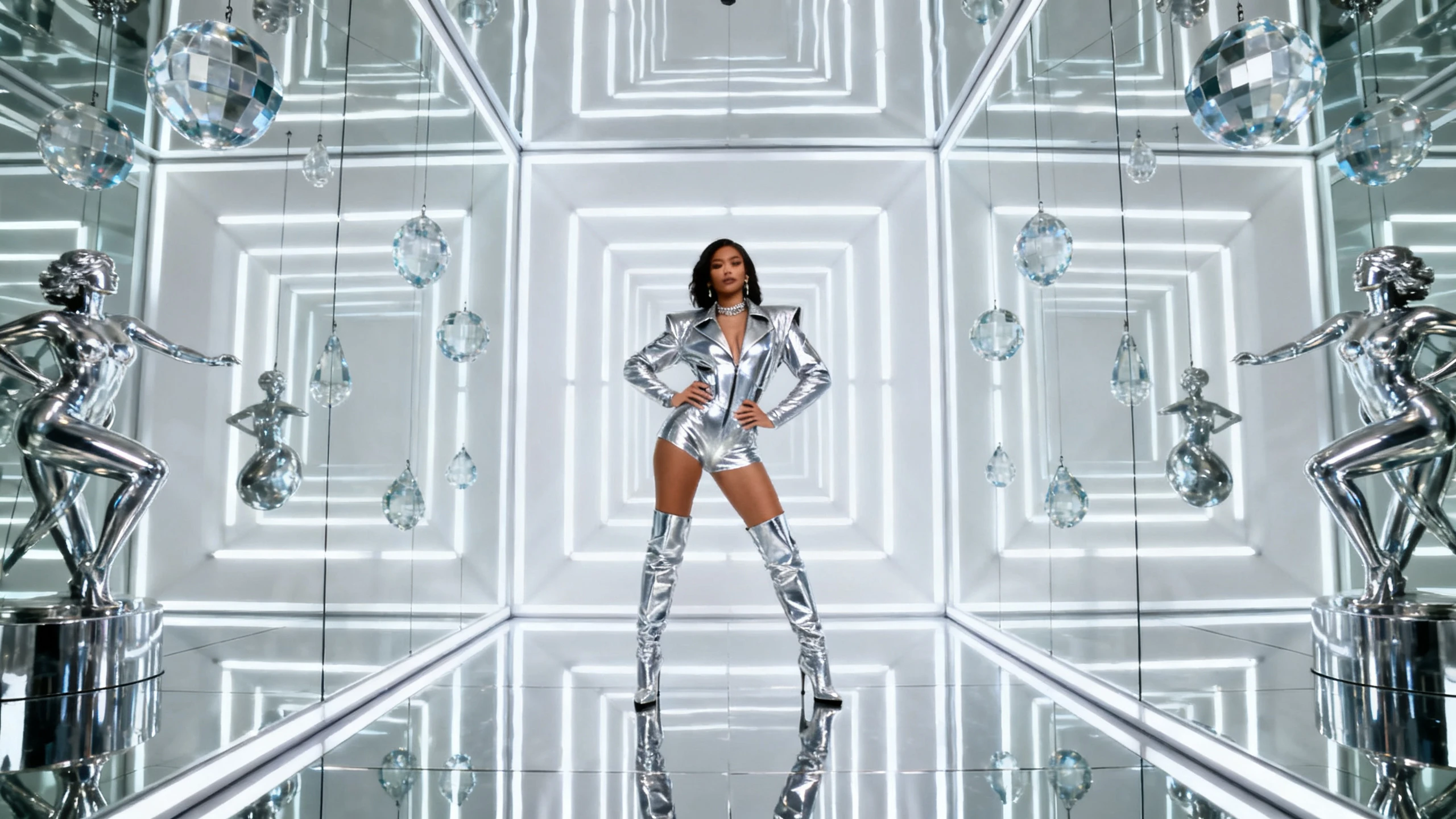










Use the Magiclight AI music video maker to give each song a clear visual identity. Choose the style, set the character, and include lyrics when needed.
Start with a 200-character prompt explaining the idea of the music, not the music itself. Magiclight AI creates a complete track for you which can be processed into a video.
Create NowWith these animation models available, you can give each song a different feel. Slower music can use softer movement, while upbeat tracks can use quicker, more active scenes.
Choose a Model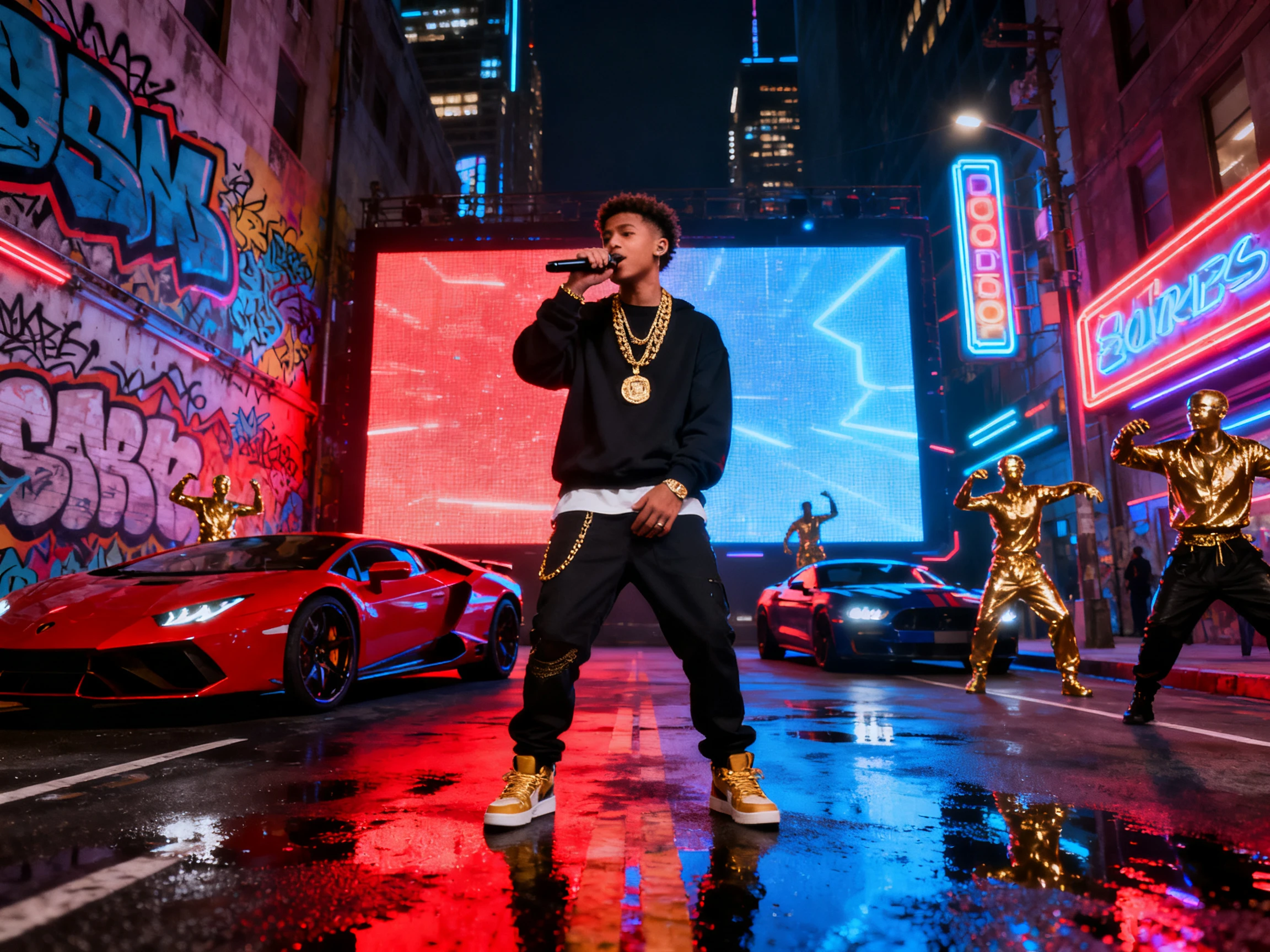
Use any of the 14 story models, ranging from GPT-6 Astra to Gemini Flash 3.1, to refine the music video. Magiclight AI ensures you bring the right quality in the final music video.
Generate a Video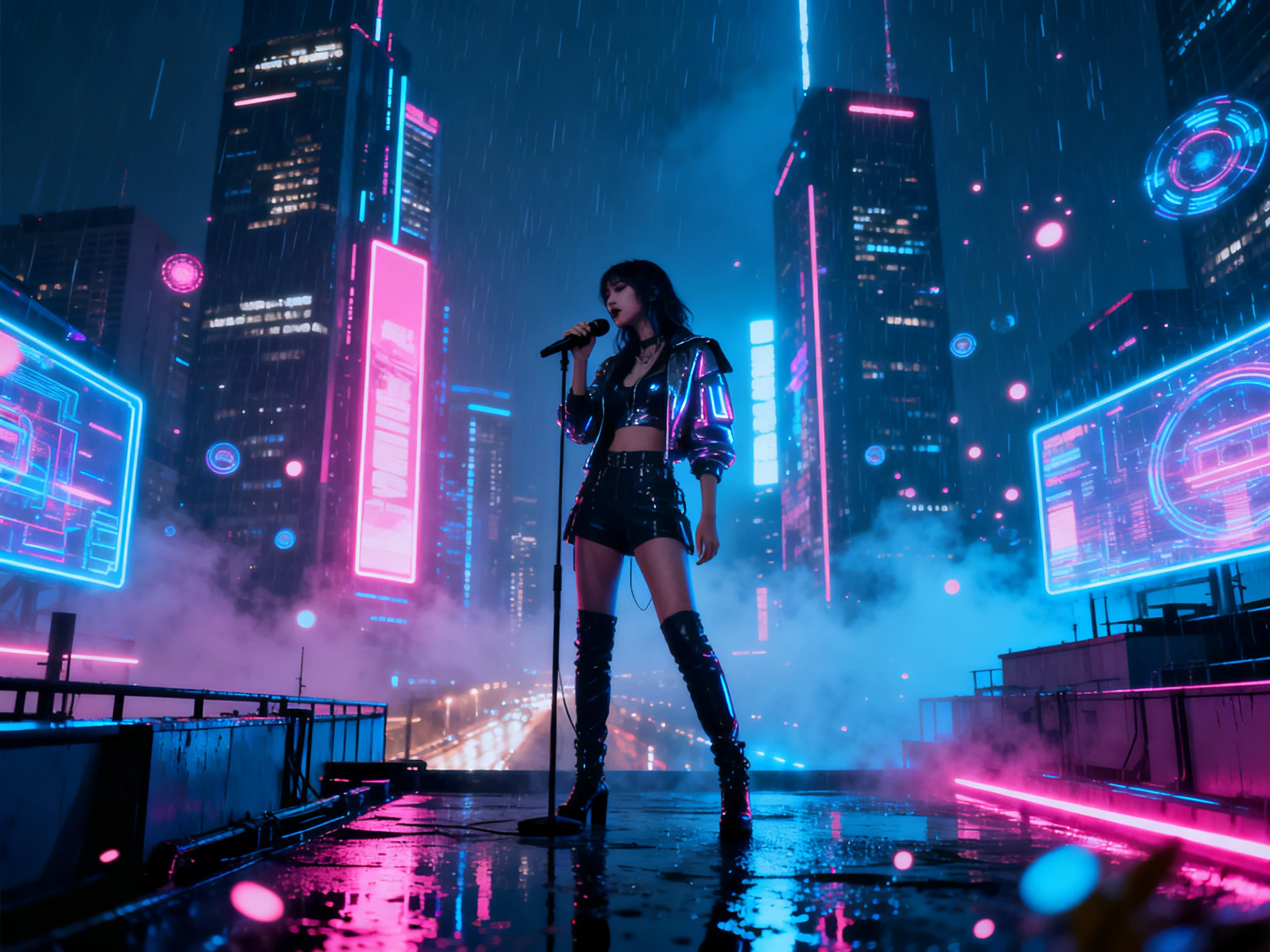
Fans want to sing along, so show the words as the song is playing. Magiclight AI puts lyrics on screen in whichever of the 16 subtitle settings best suits the track.
Start Creating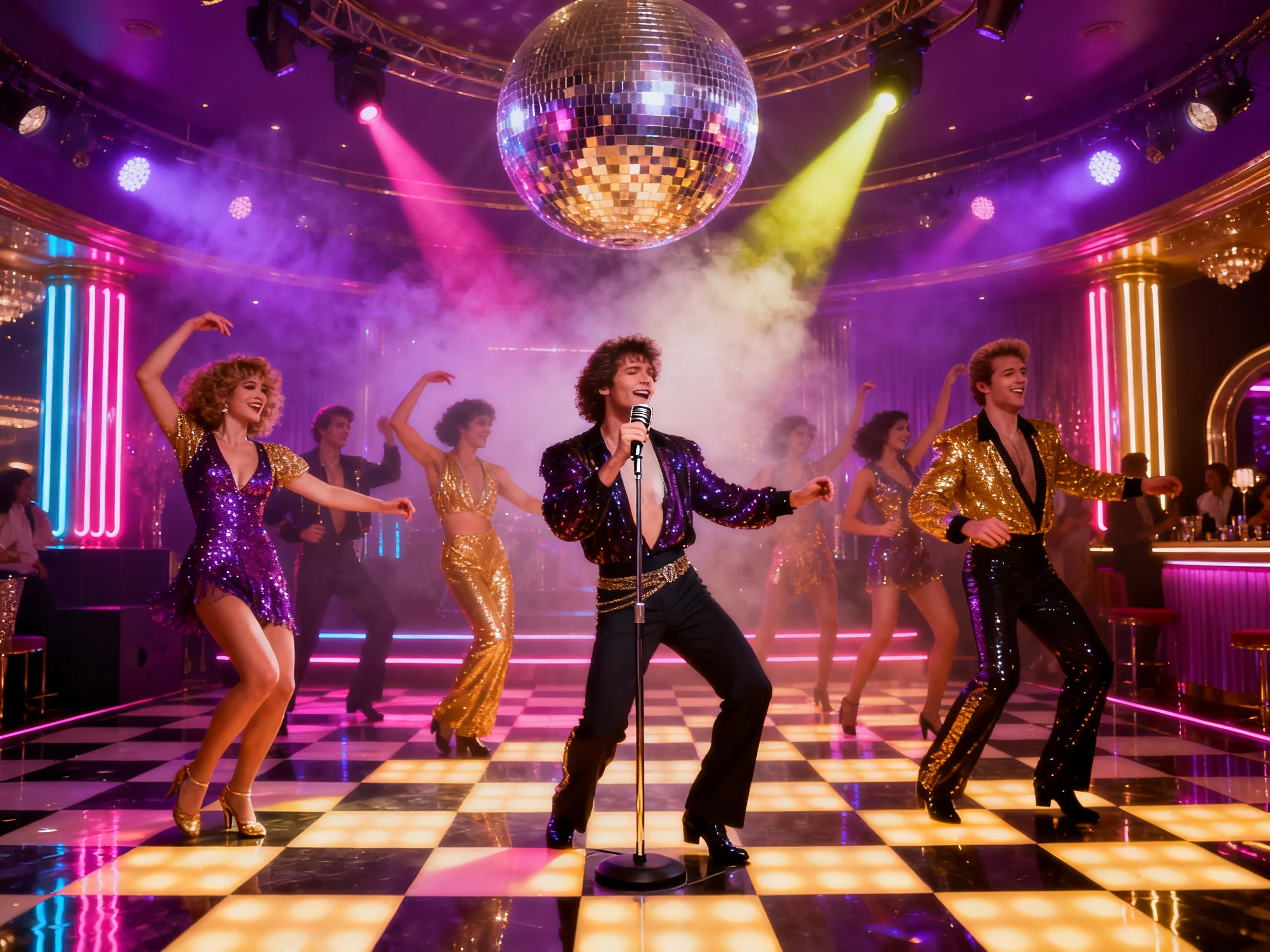


Start with the track in Magiclight AI, then move through 4 clear steps to shape the music video. Each stage lets you check the visuals before the final version is ready.
Provide a 200-character prompt and continue to create a music track first.
Select the visual style for the generated track, out of more than 20. Choose the appropriate story model and language before proceeding further.
Pick an existing character or make a new one. Open Nano Storyboard next to review each scene and adjust the look, pose, and expression before animation.
Enable lyrics in one of 16 subtitle settings, then choose a cover template. The final video can be exported locally or directly uploaded to YouTube.
Singer
My last album had one video for the single and a still cover for 9 songs. This year Magiclight AI gave every track its own video, all with the same character.
Music Producer
My beats have no lyrics, so I thought videos would feel empty. Magiclight AI creates scenes that move with the drums, and my YouTube channel finally looks alive.
Label Manager
We release something almost every Friday across six artists. Magiclight AI keeps each artist's character separate, so fans know whose video it is before the chorus starts.
Social Media Manager
The Spotify Canvas and the Reels teaser used to come from two different freelancers. Now I make both in Magiclight AI, with the same character as the main video.
Yes, upload each track as its own project, and the Magiclight AI music video maker creates scenes for it. Reuse one saved character and style so the videos match.
Charts like YouTube's Top Music Videos and Apple Music's video chart list them each week. Magiclight AI doesn't stream videos; it helps you make one for your own song.
Yes. Upload songs you wrote or have a license for, since covers and samples need permission. Magiclight AI makes the visuals, but it can't clear the music for you.
No. In Magiclight AI’s music video mode, the uploaded song plays as the full soundtrack. Voiceover and the background music library are turned off to keep it clean.
Describe the song in 200 characters or less, then choose its genre. Magiclight AI will make a track. You can also start from one of its 15 prebuilt songs.
Your first one can be. Sign up for Magiclight AI and spend the free credits on one song. Choose a paid plan when the rest of the album is ready.



Each track can have its own visual identity. Magiclight AI starts with your song and helps create scenes that match its mood, rhythm, and direction.