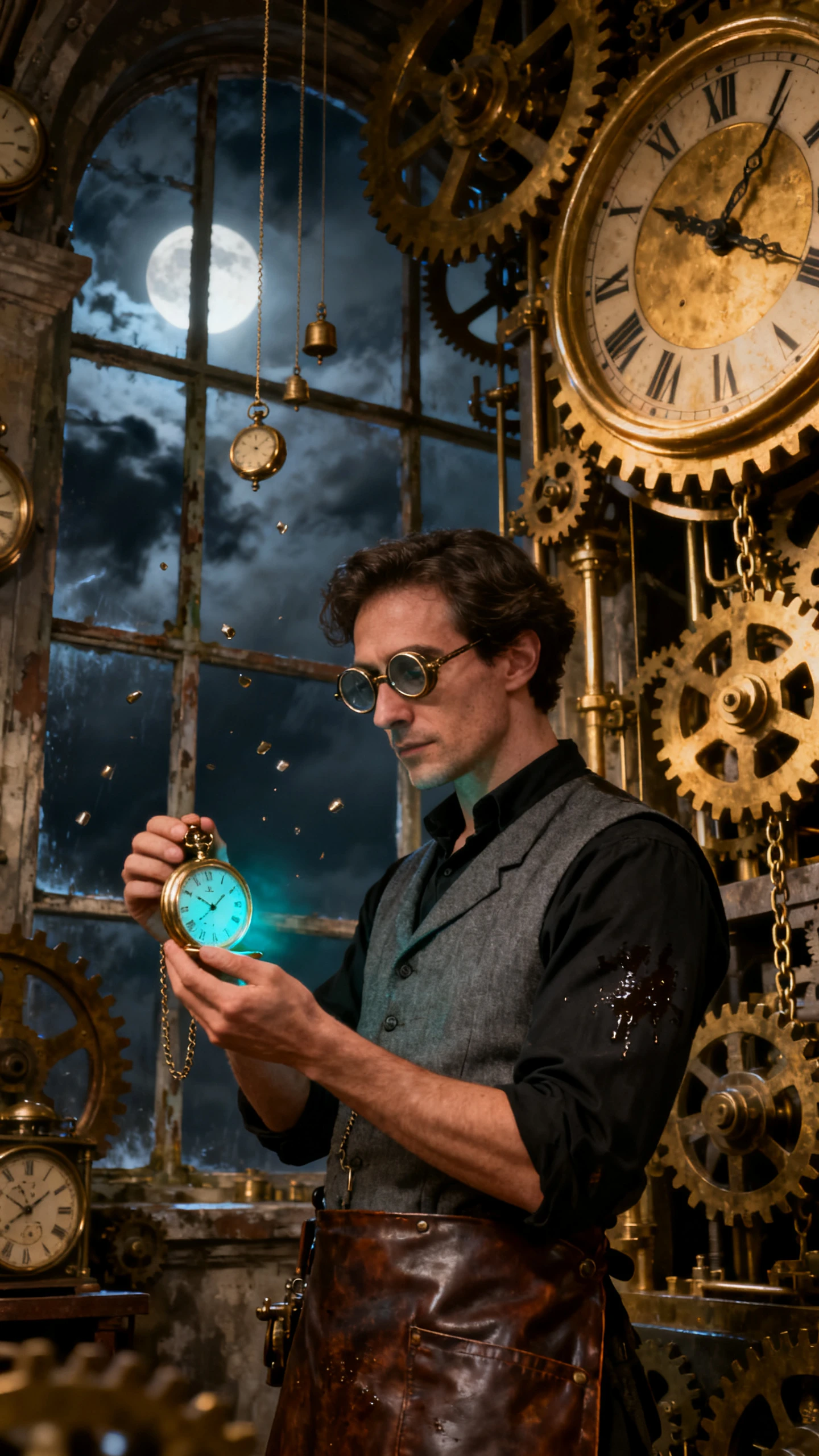
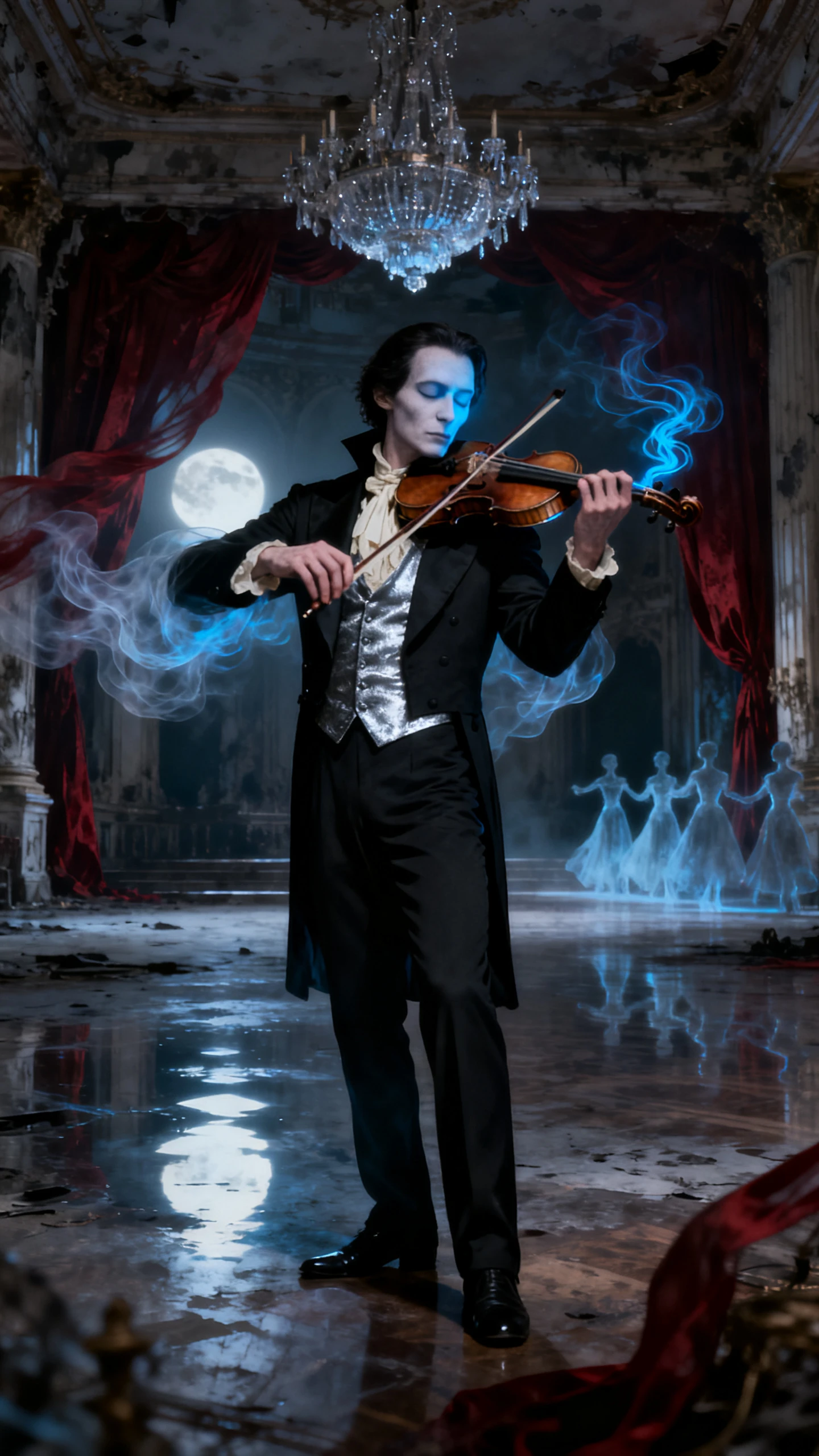
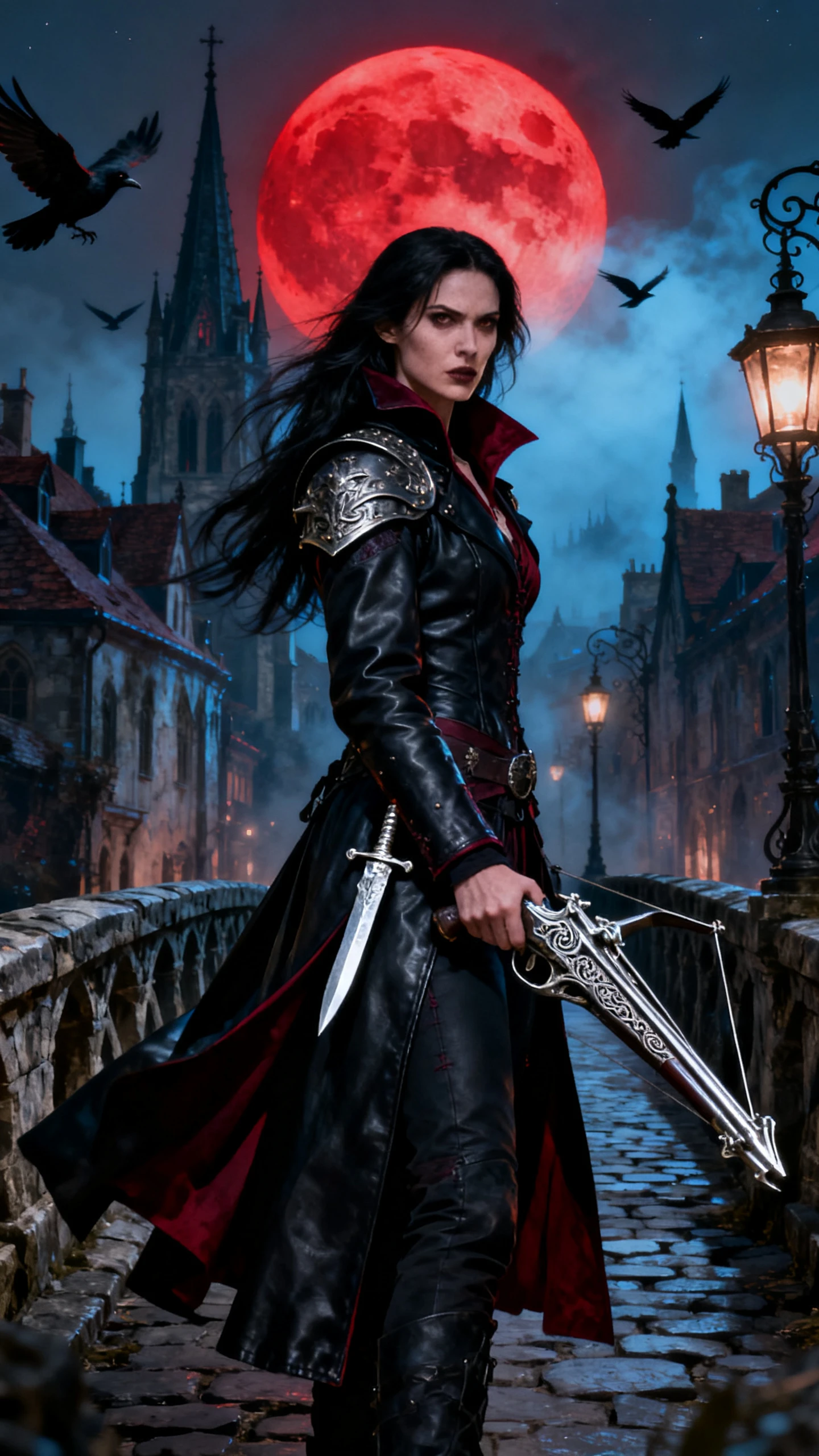
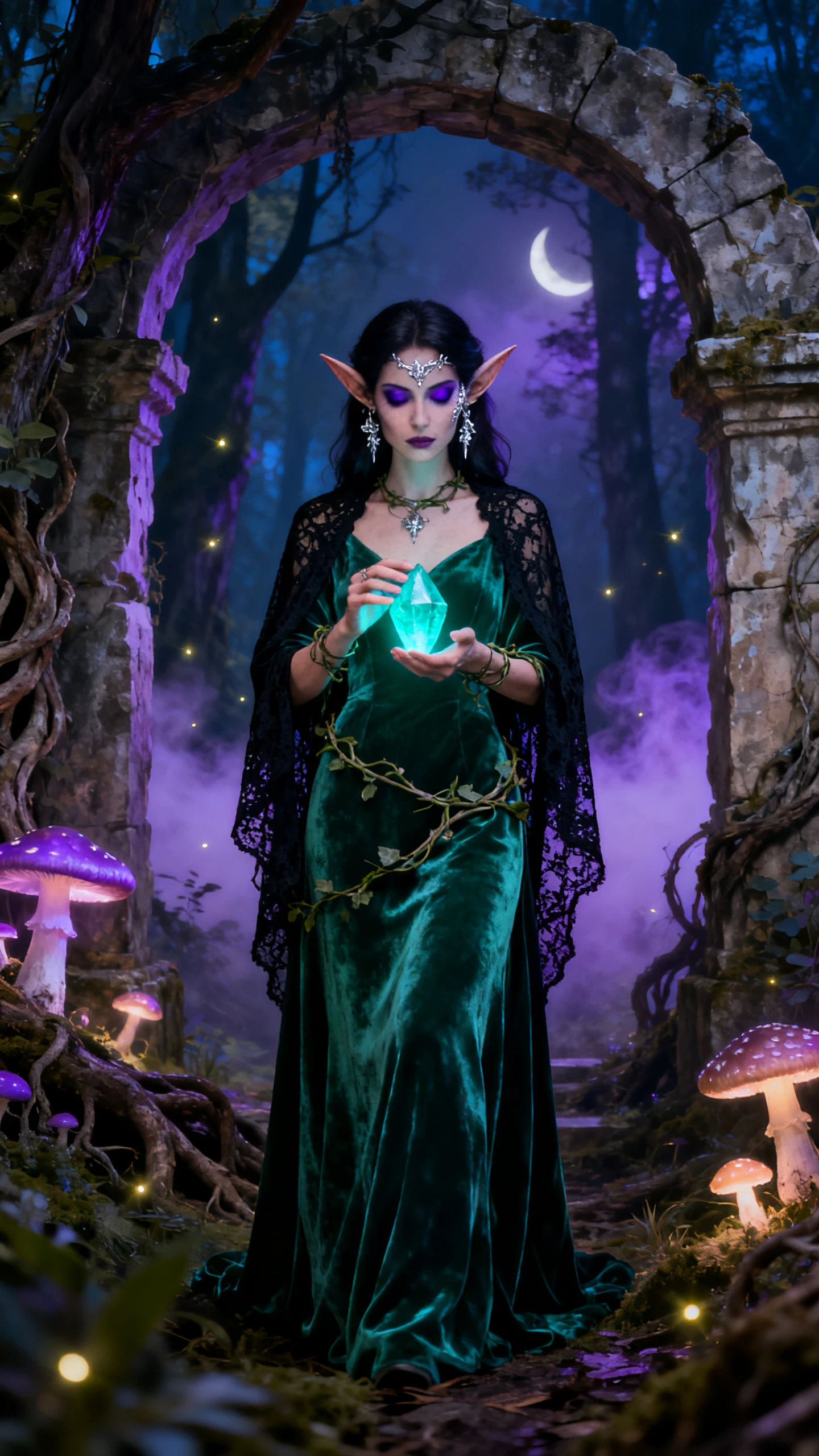
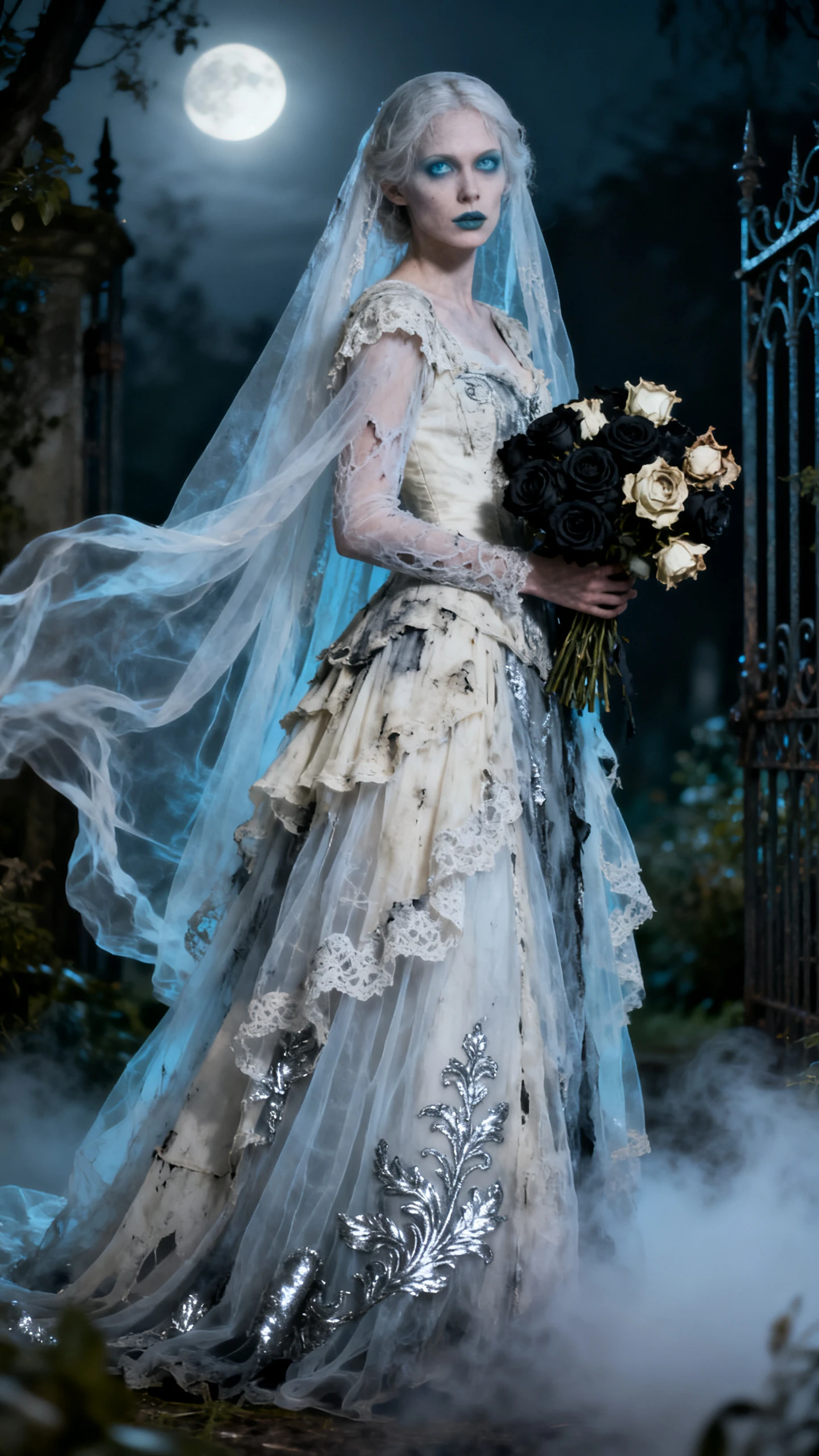
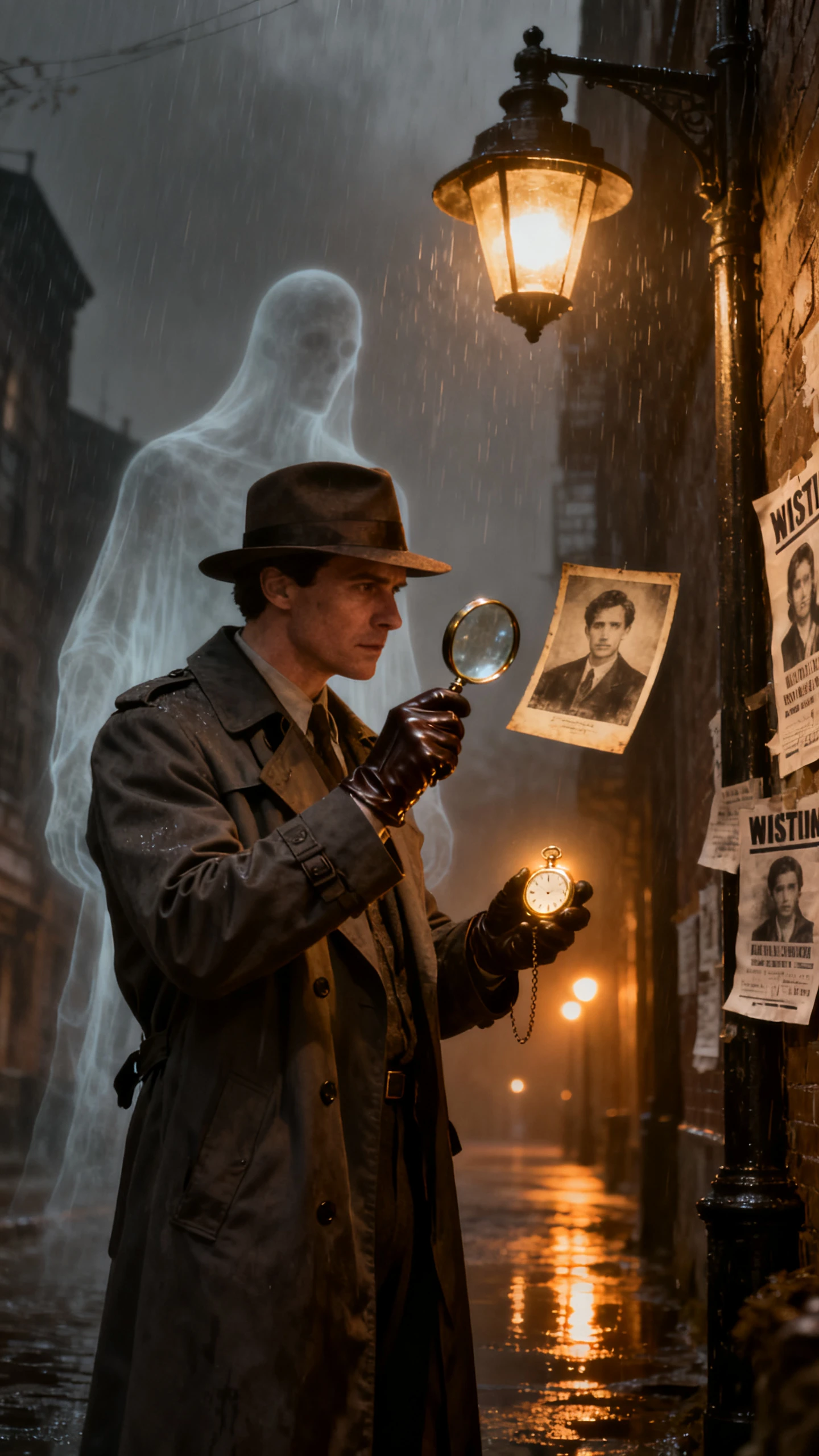
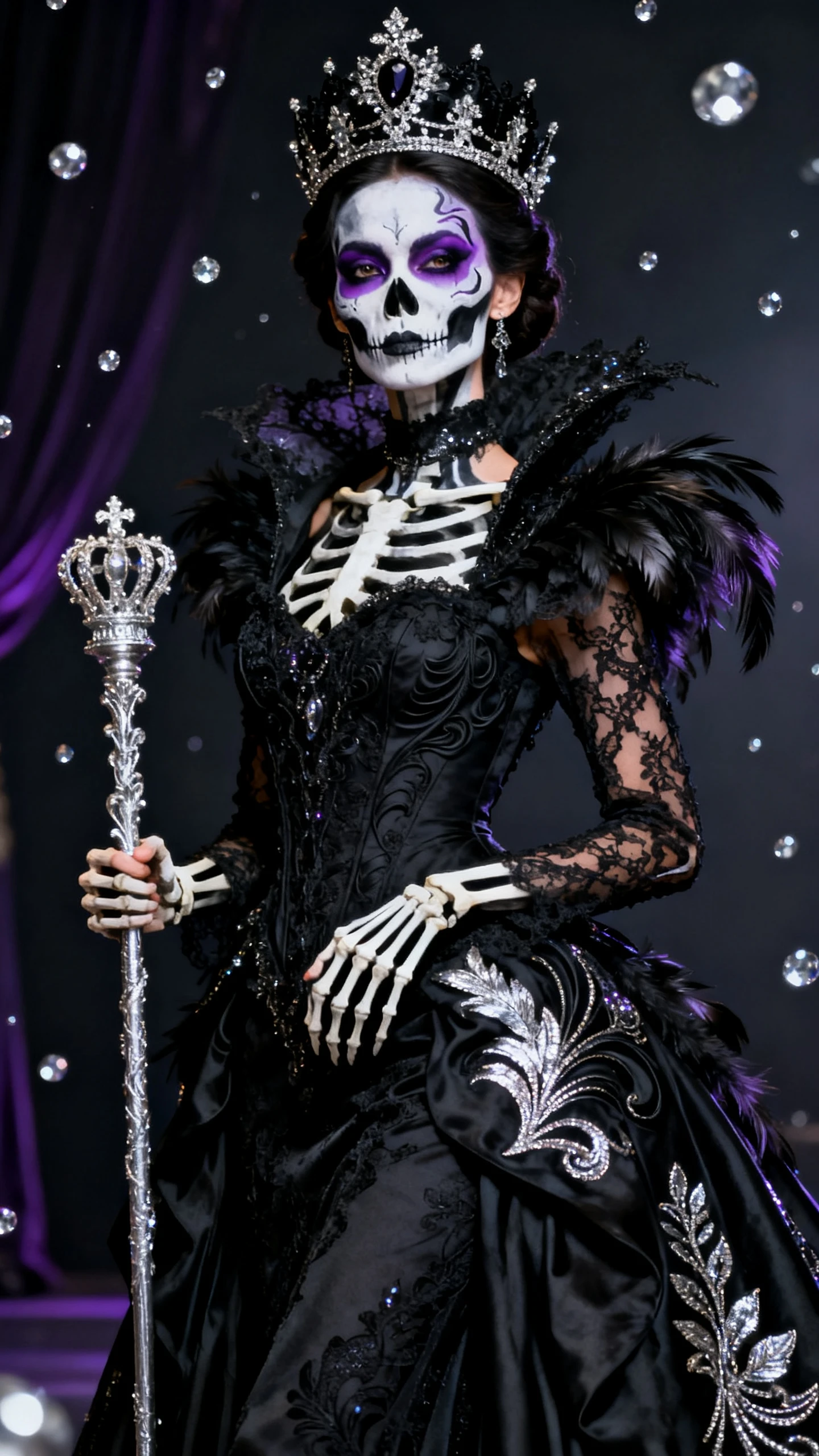
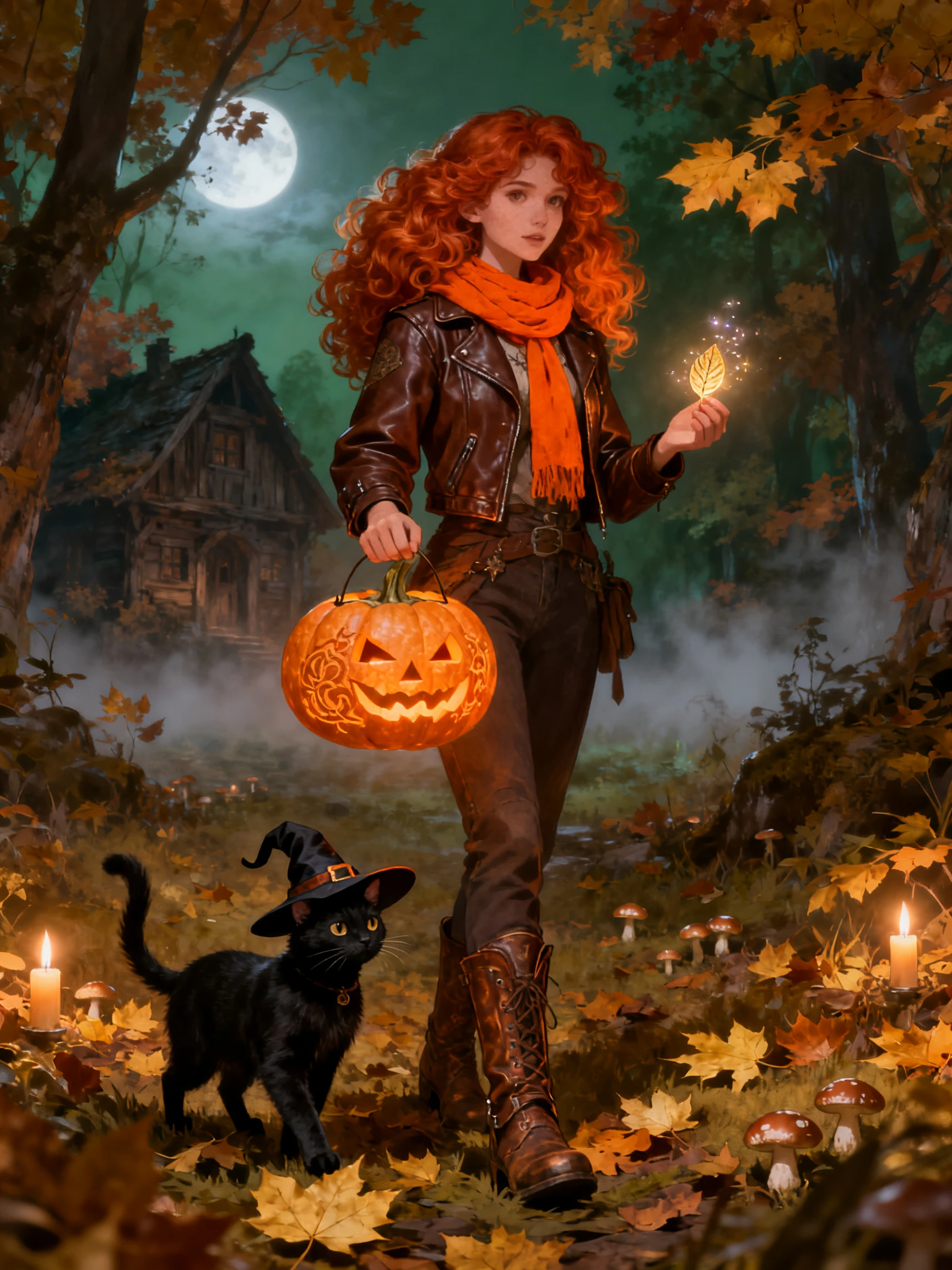
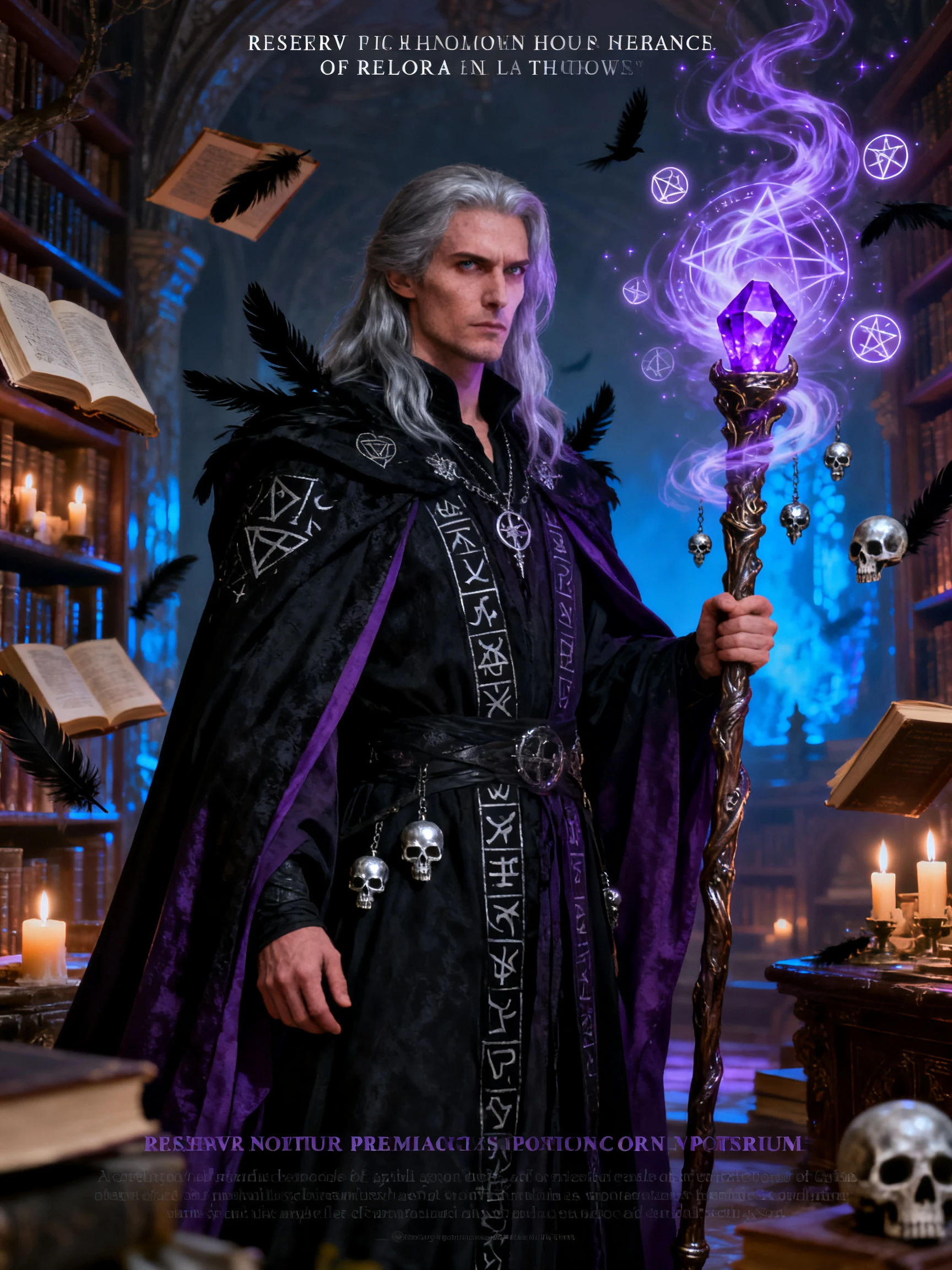
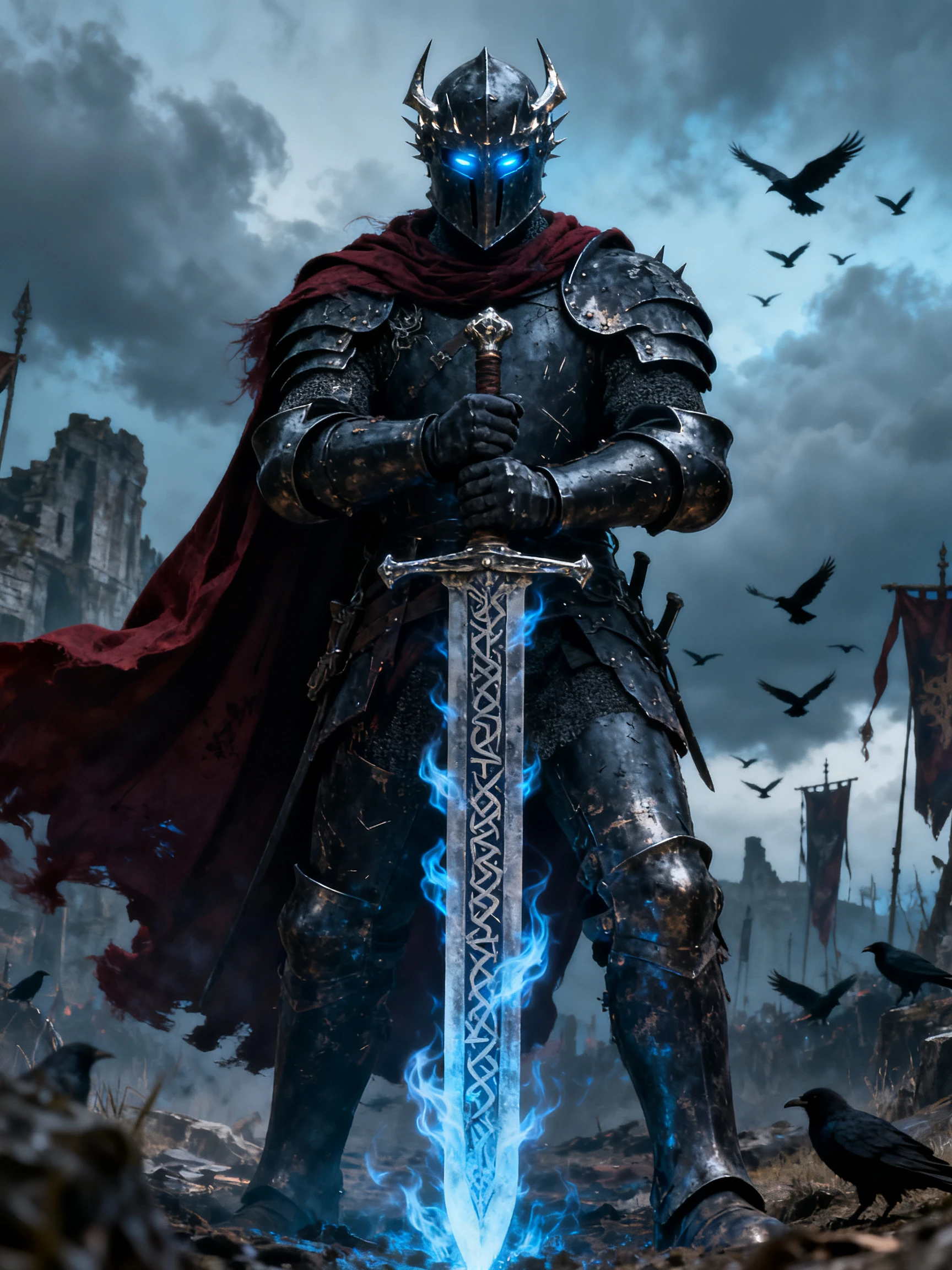
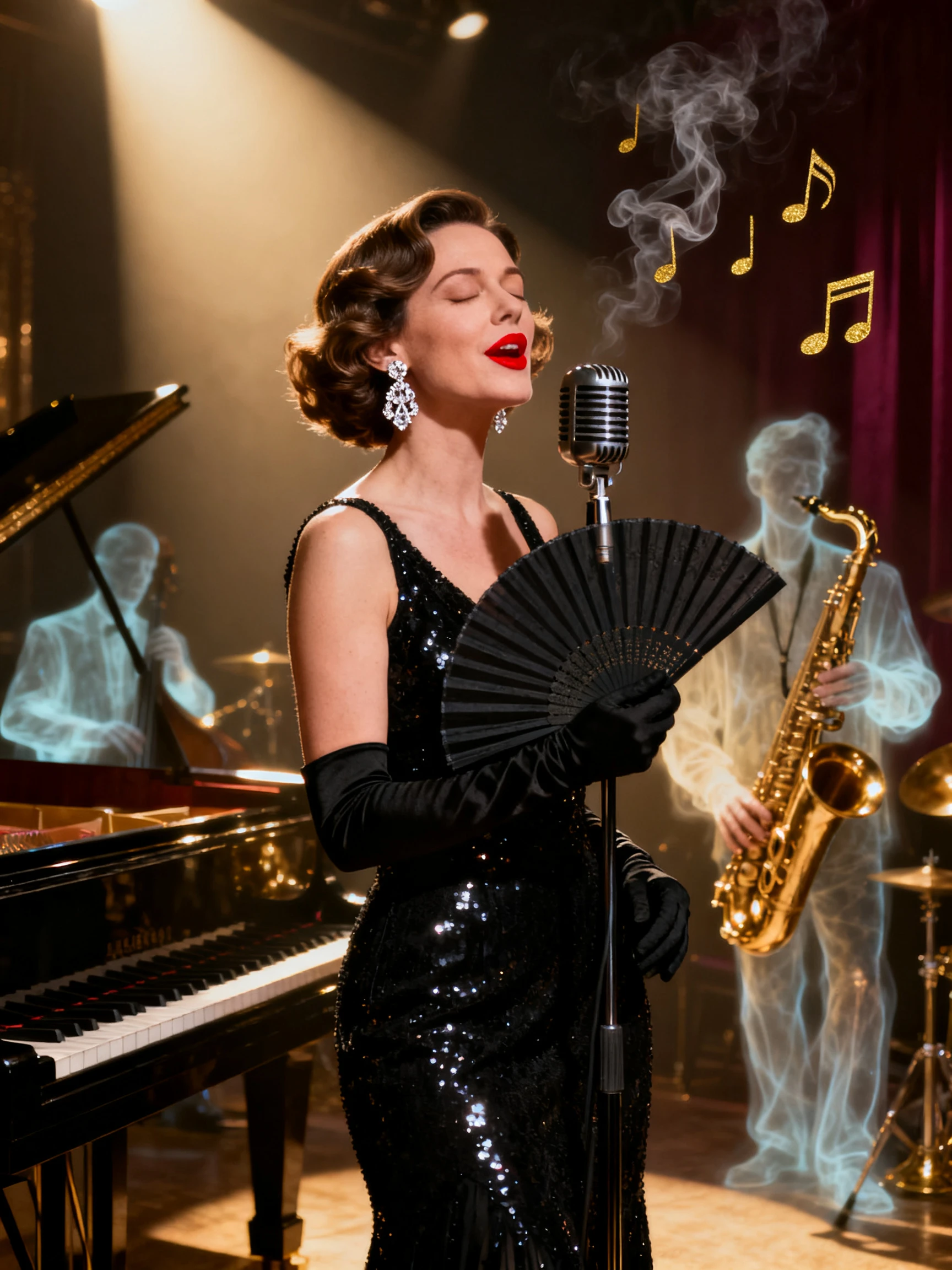
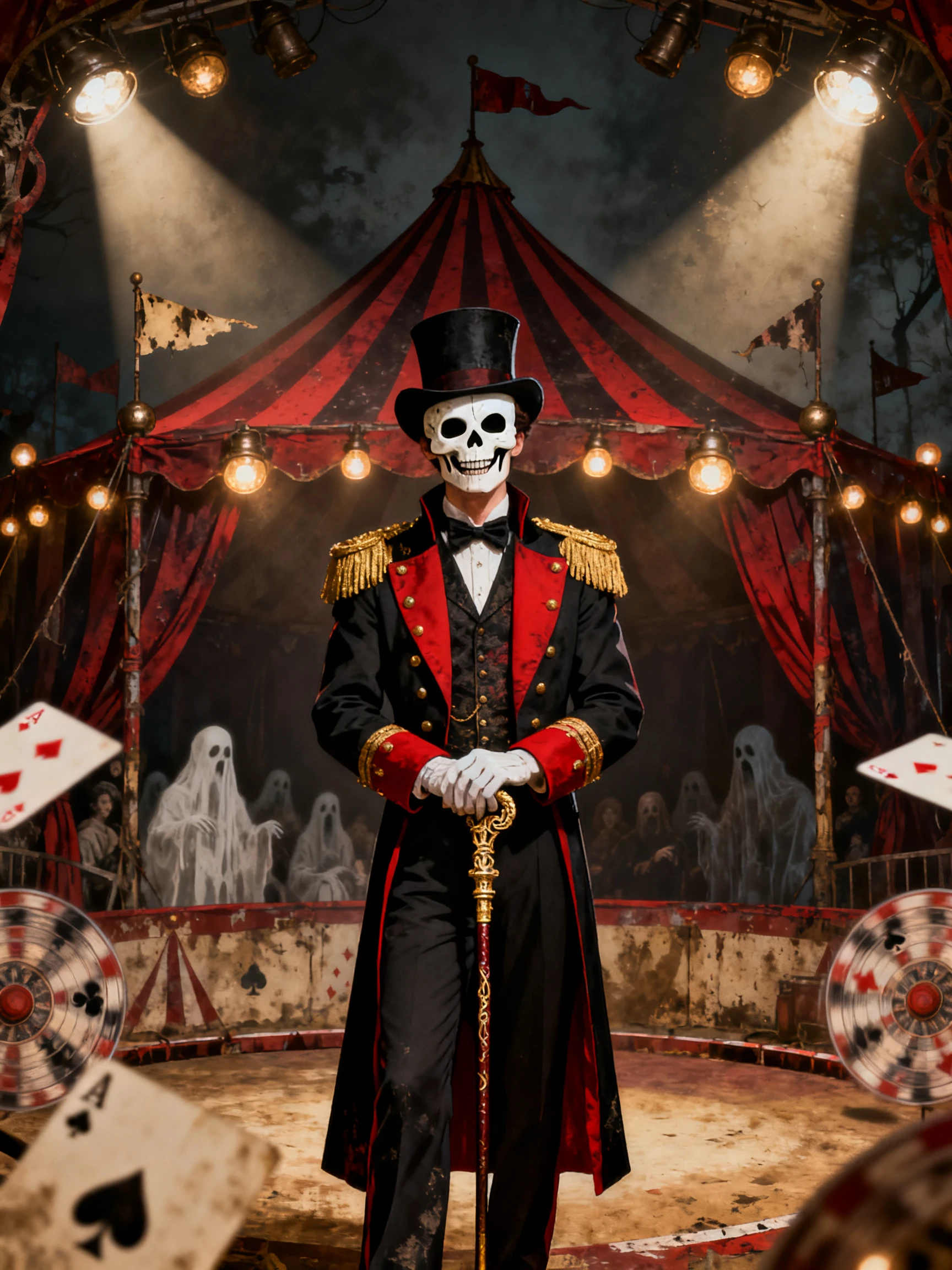
Hero background

Halloween Poster Maker

Describe your Halloween poster idea and the style you want. MagicLight AI turns your prompt into eye-catching poster designs with your text included. No design skills needed.

Create a Halloween Poster For Free
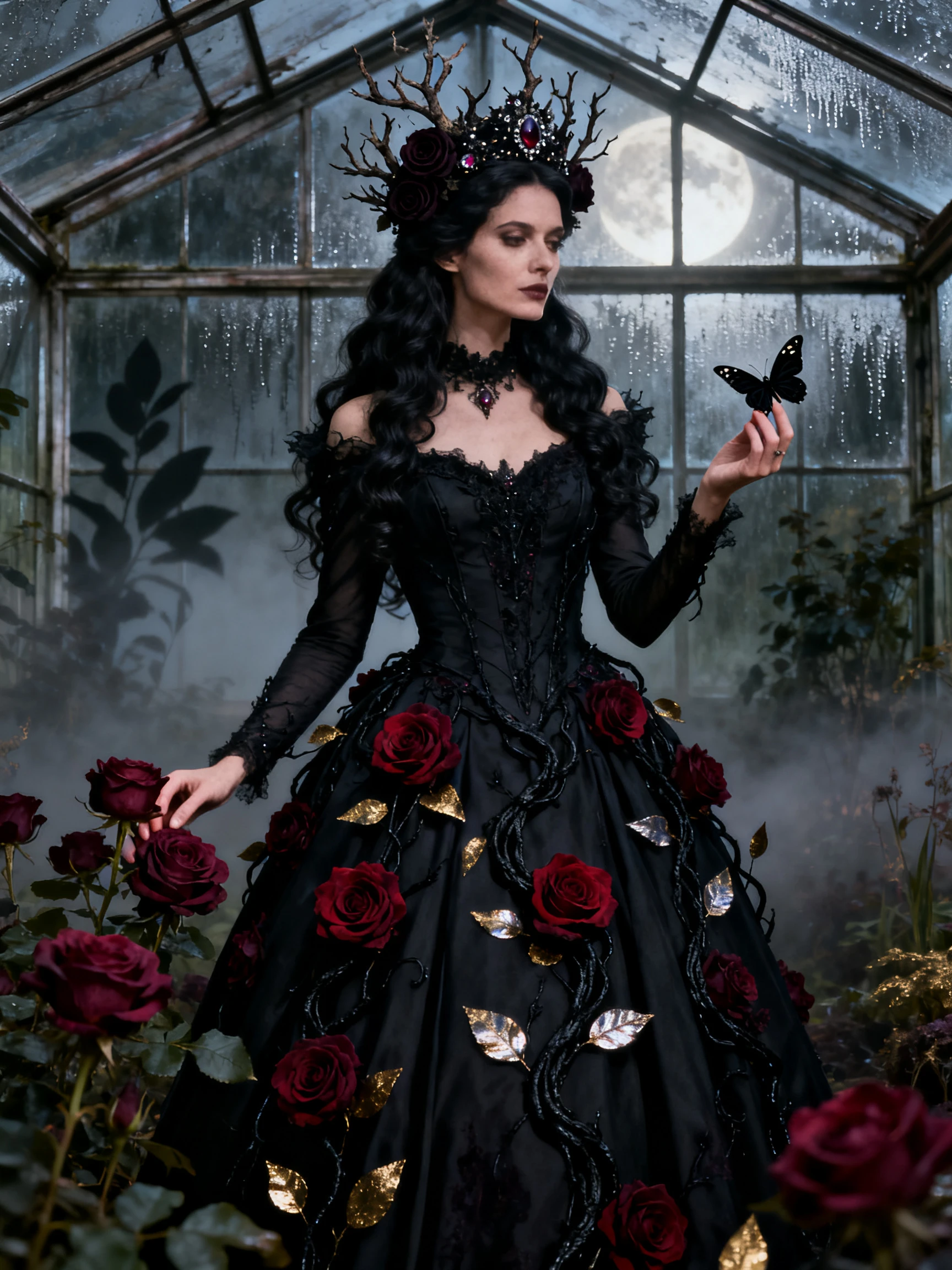
Spooky Halloween poster design
Halloween poster design examples
Halloween poster example 3
Halloween poster example 4
Halloween poster example 5
Halloween poster example 6
Halloween poster example 7
Halloween poster example 8
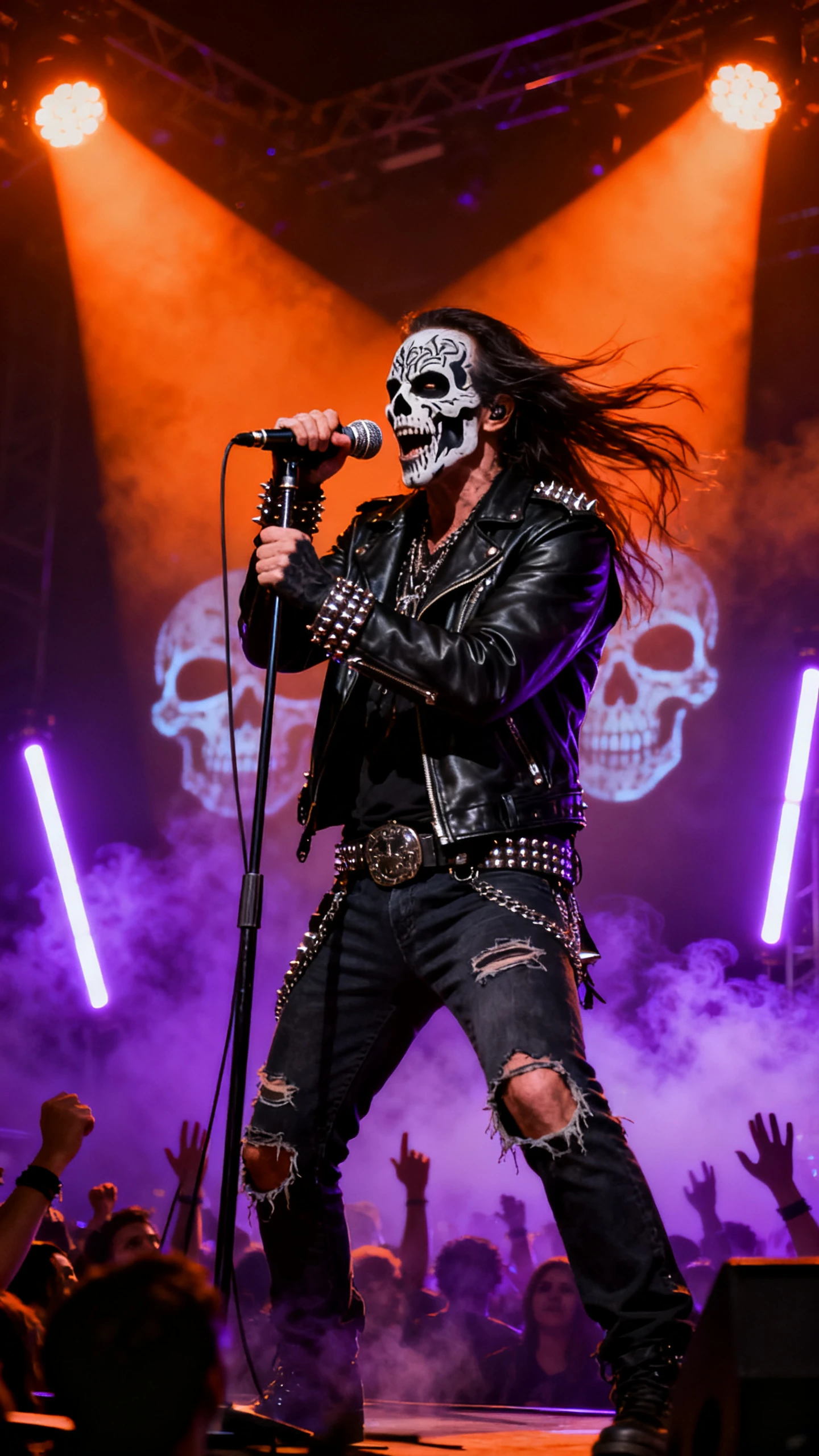
Spooky Halloween poster design
Halloween poster design examples
Halloween poster example 3
Halloween poster example 4
Halloween poster example 5
Halloween poster example 6
Halloween poster example 7
Halloween poster example 8

Explore the Magiclight AI Halloween Poster Maker Features

Enter the words you want on your poster and describe the Halloween scene. The Magiclight AI Halloween poster maker turns your idea into a poster with your text in the design.

Create a Halloween Poster For Free
3D decoration

5 Image Models for Halloween Posters

Magiclight AI has 5 image models to try with your poster idea. Nano Banana 2 and GPT Image 2.5 Flare are one of the options you can use to create different designs and choose your favorite.

500 Characters for Party Details

Your poster can have a party name and all the details guests need. Magiclight AI gives you 500 characters to describe the event and explain how you want the Halloween background to look.

Upload Up to 10 Reference Images

Add up to 10 photos of your venue or Halloween decorations as references for your poster. Magiclight AI uses these images to create a design that follows the look of your photos.

4 Aspect Ratios for Halloween Posters

Magiclight AI gives you 4 size options for your poster. Select 9:16 if you want a tall poster for your phone, or 16:9 if you want to show it on a wider screen like a TV.

Who Can Use the Magiclight AI Halloween Poster Maker
Whether you're creating Halloween invitations, social media graphics, event posters, or seasonal decorations, MagicLight AI helps you design posters that fit your style. Just describe your idea and create eye-catching designs in minutes.
Create Halloween poster designs for different events and creative needs:
For Party Hosts
For Party Hosts
Give your costume contest a poster with the time shown in large text.
Describe your party idea in 500 characters to get a matching design.
Pick a vertical poster for sharing online and a printed party sign.
For Haunted House Owners
Display your entry times on a wide poster near the haunted house gate.
Try 5 image models to see which one gives your poster a scarier look.
Add movement to your Halloween poster so the scary scene no longer stays still.
For School Events
For School Events
Show cute ghosts playing around colorful pumpkins in the school parking lot.
Place the event address and start time on the poster for visiting families.
Add your school logo using one of the 10 available reference images.
For Home Decorators
For Home Decorators
Create a funny werewolf poster to hang outside your front door.
Use family photos to turn everyone into characters on a horror poster.
Design a witch warning sign in Halloween colors for your front porch.
Why Choose Magiclight Halloween Poster Maker
Get the tone and the lettering right in the Magiclight AI Halloween poster maker before you print a single copy. After that, the design can go further, into a moving clip.
Upload reference photos for a Halloween poster
Several Versions in One Run
Set the number of outputs before you generate the poster, and Magiclight AI returns that many takes on the same idea. Compare and keep whichever shows the date most clearly.
Review and save a Halloween poster
Consistent Posters Every Year
Save this year’s design and run it again next year with a changed date. The new poster will come out in a similar style that would become a benchmark.
Describe your Halloween poster
Create Halloween-Like Posters
Generate the poster title in the dripping slime letters or cracked stone, as asked in the prompt. Magiclight AI brings the right style on line, with no wording errors.
Turn Poster Into a Moving Clip
After completing the poster design, animate it further with Magiclight AI. Add a 1500-character prompt, choose an AI video model and get a unique moving Halloween clip.
Choose Halloween poster settings
Cute or Creepy Posters
Describe a grinning black cat and candy corn for a kids’ party, or a crooked house under a red moon for an adults-only poster. Magiclight AI follows the exact defined mood.
Commercial Halloween Posters
Design a poster for commercial use across Magiclight AI, which is covered in its paid plans. Try the design with different models to get the right touch.

How to Make a Halloween Poster With Magiclight AI 

Create your Halloween poster in 4 simple steps with the Magiclight AI Halloween poster maker. Add your idea and check the final design before saving it.

1.

Upload Your Photos

Open the Image tab and add a photo of your party venue or logo. You can upload up to 10 reference images to help Magiclight AI follow your idea.

2.

Describe Your Poster

Use the 500-character prompt to write your party details inside quotes. You can also describe the Halloween scene you want behind the text.

3.

Choose Your Poster Settings

Select from 5 image models, such as GPT Image 2.5 Sunburst, and choose a poster size. You can also set how many poster versions you want to create.

4.

Review and Save Your Poster

Press Create to generate your poster using 100 credits. Check the text on each version and correct any mistakes in your prompt before downloading.

FAQs on Halloween Poster Maker

Is the Halloween poster maker free to try?

Yes. New accounts get free credits to try the Magiclight AI Halloween poster maker. Each poster run uses 100 credits, and commercial use requires a paid plan.

What if the date on my poster is wrong?

You can correct the date in your prompt and try again with Magiclight AI. Keep the text short and check every word before downloading your poster.

Which poster size works best for printing?

Magiclight AI offers 4 aspect ratios for different poster sizes. Choose a shape that fits your print and leave some space around the edges.

Can I use my own photos in the poster?

Yes. You can upload up to 10 reference images in Magiclight AI. Add photos of your house or family to help the tool follow the look you want.

How is this different from a poster template?

The Magiclight AI Halloween poster maker creates new poster art from your description. You can describe the scene and add the words you want directly to the design.

Will it work for a kids' Halloween party?

Yes. Magiclight AI can create fun posters with friendly ghosts and smiling pumpkins. Just describe a cheerful Halloween scene rather than a scary one.


Get Your Halloween Poster Ready With Magiclight AI

Tell Magiclight AI what your poster should say and how scary it should look. It creates a design with your event details already added.