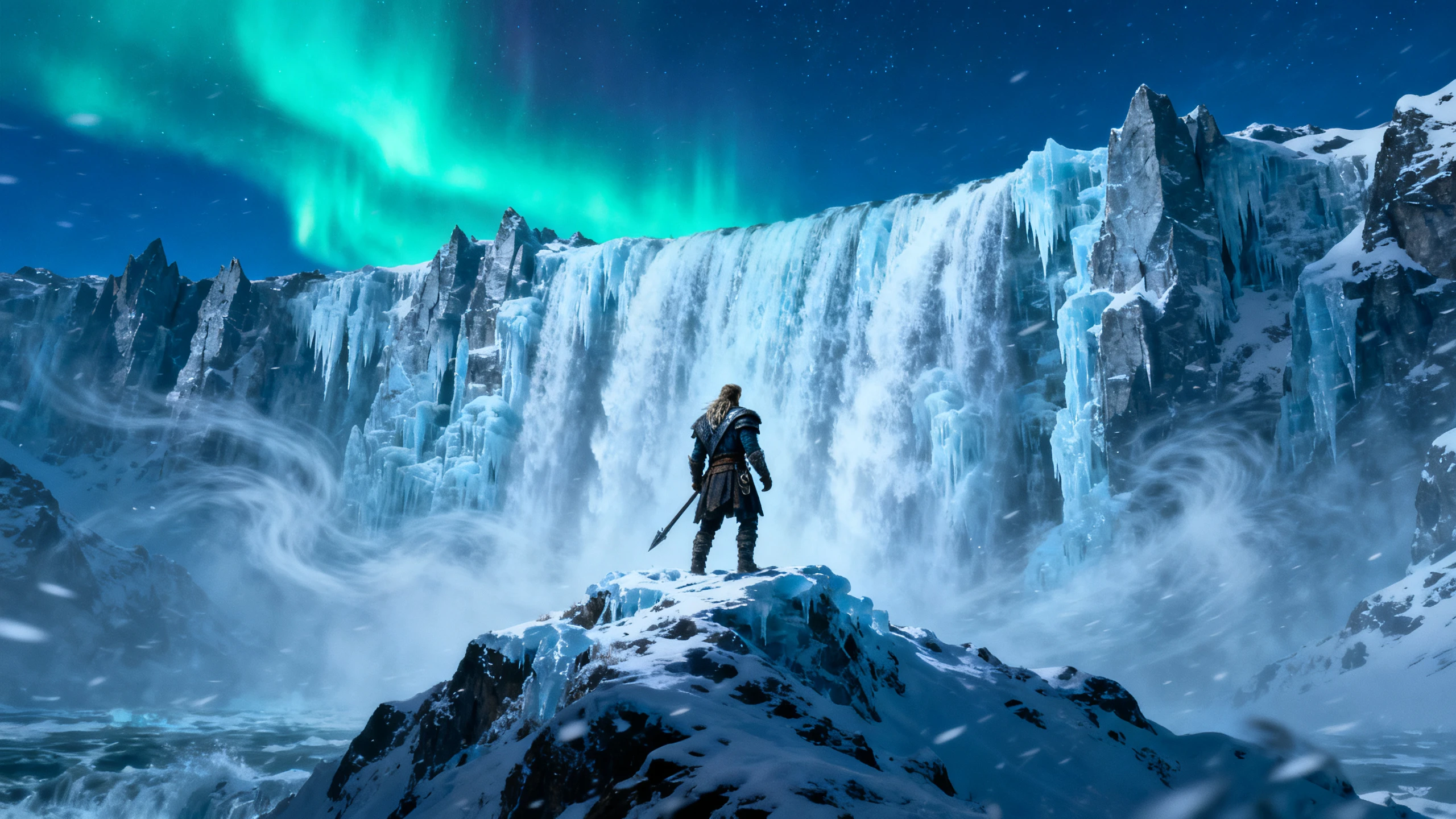
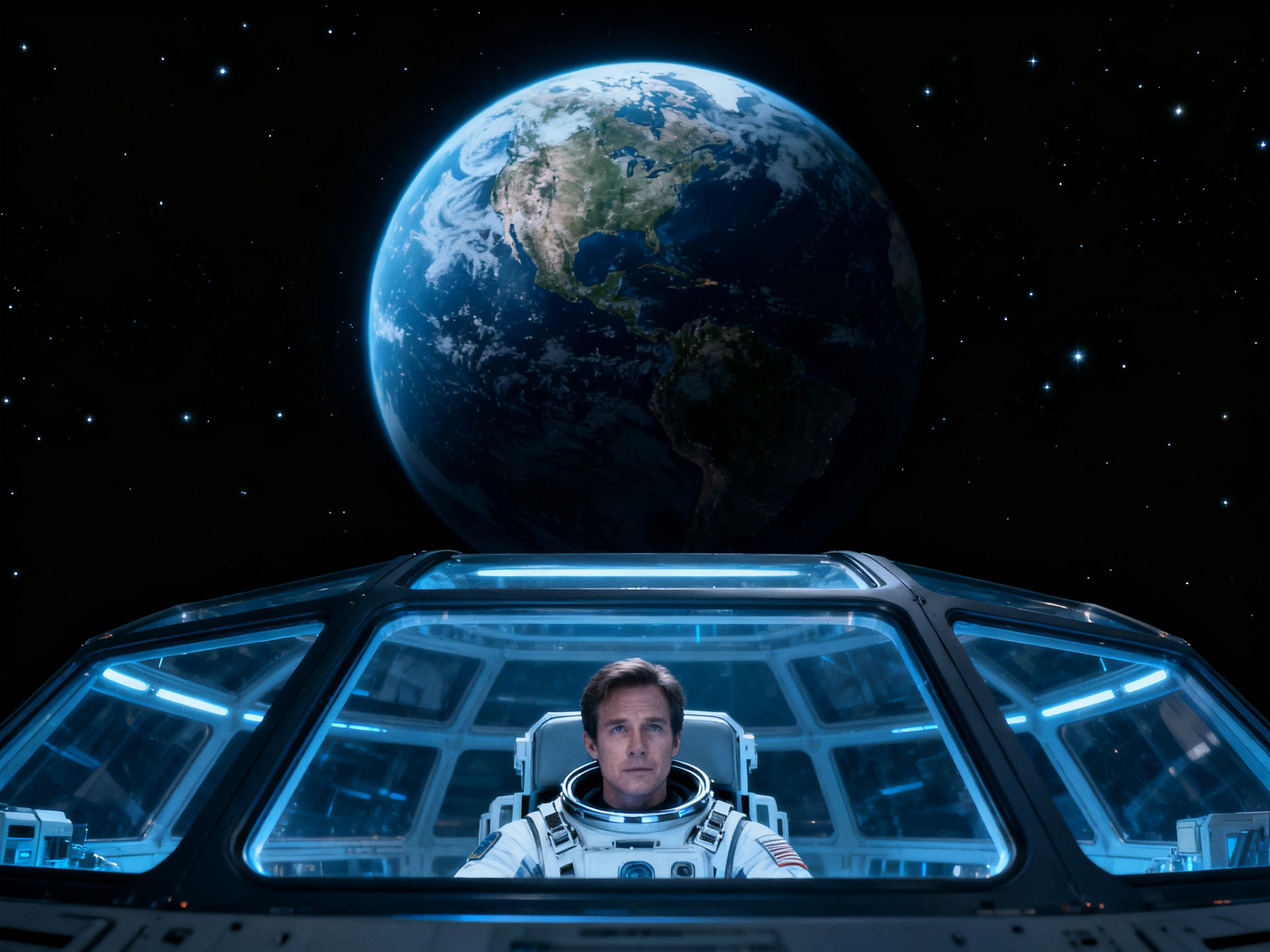
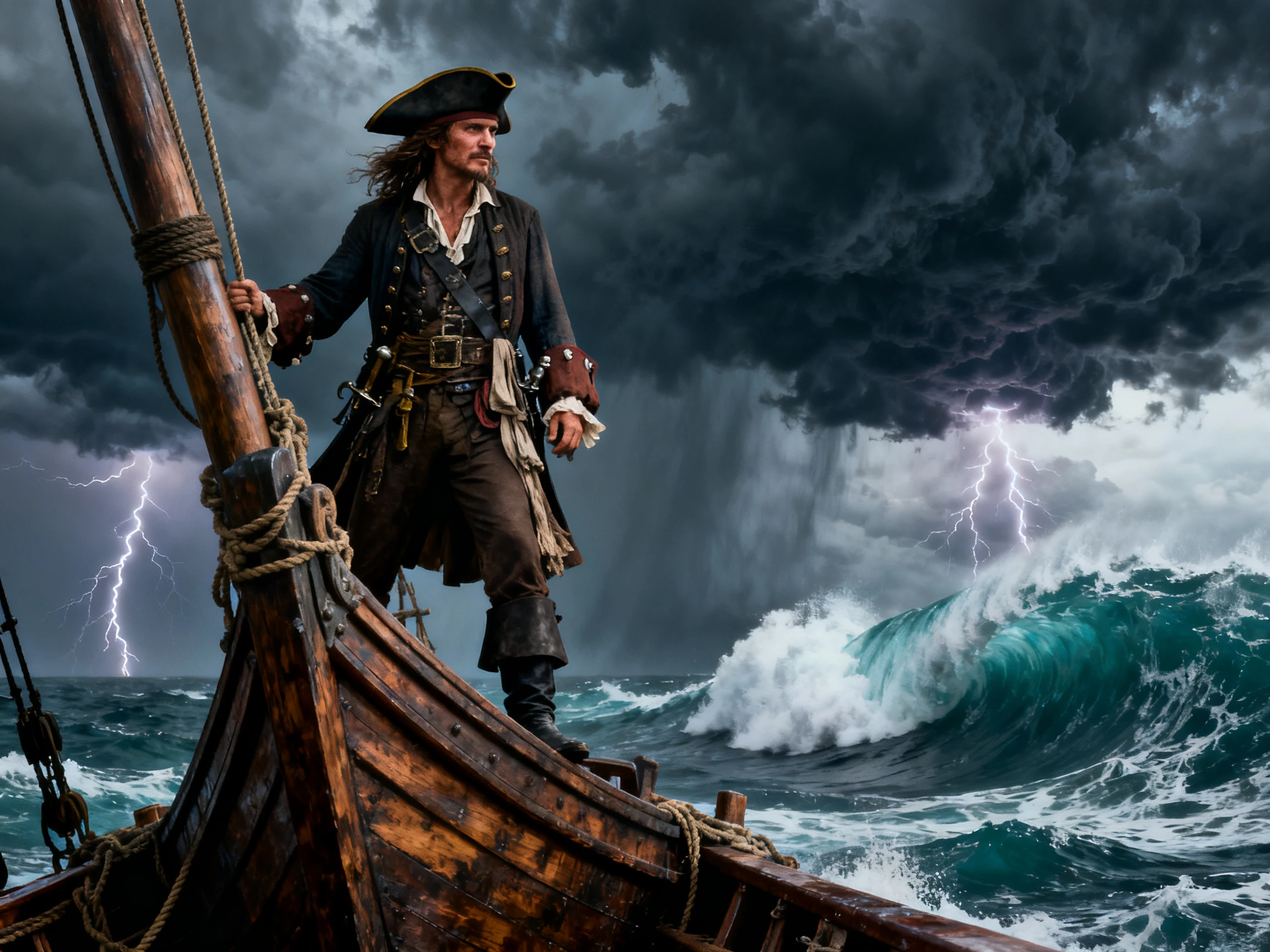
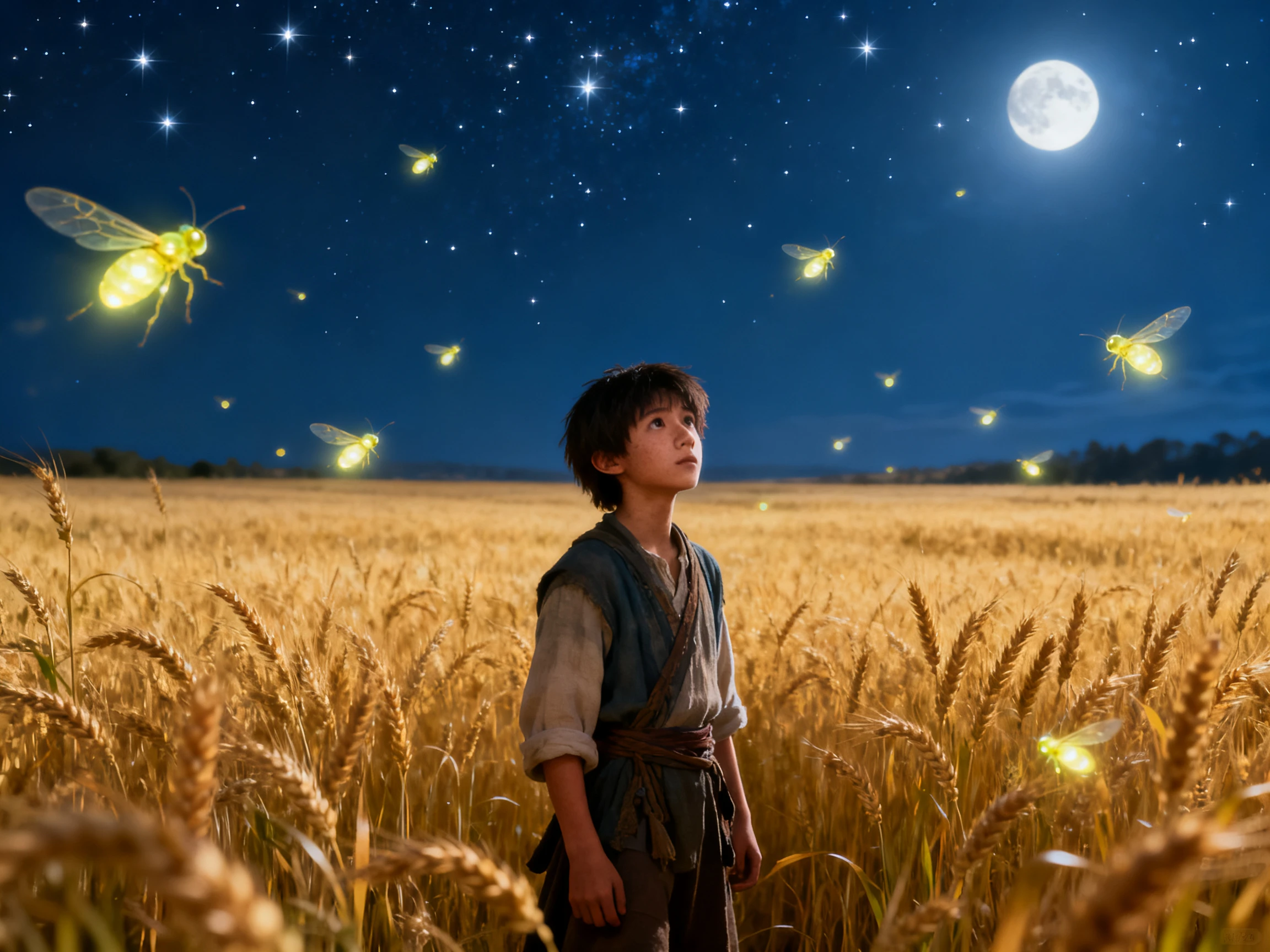
As a video AI tool, Magiclight AI creates the complete video, not a single shot. Describe the idea, choose the format and look, and add the voices before generation.
Magiclight Agent Picks the Right Video Format
Describe the video in plain words. Magiclight Agent recommends a format, such as a story video, an explainer, or an interview, then offers static, balanced, or higher-quality generation.
Magiclight AI offers the option of using 20 different video models to animate an image into a video. Use options like Seedance 2.5 or Kling 3.0 to give your video different perspectives.
Add a video of up to 60 seconds to improve with the AI video models in Magiclight AI. Add a simple 1500-character prompt to present your idea within the existing video in a better way.
Magiclight AI offers 16 animation models, including options from Kling, Veo, and Seedance, to set how your scenes move. Every model runs inside the same project, so you never switch to another site.
This AI video creating tool suits creators, teachers, marketers, and authors who need full videos every week. Turn each idea into a finished video without filming or editing.
Here are some of the things you can do with Magiclight.ai:
For YouTube Story Channels
Make a 50-minute story episode with the same saved cast throughout.
Keep one narrator for the whole series, chosen from the 37 voices.
Design each cover with one of 21 templates and 16 title styles.
For Social Media Creators
Improve your content with a 1500-character prompt and 60 second video inputs.
Generate a complete video from an image with 20 different AI video models.
Show captions in any of the 16 subtitle settings for viewers on mute.
For Student Counselors
Turn a lesson into an explainer video of up to 10 minutes.
Keep the same presenter character in every lesson of the course.
Give students the lesson in their own language, from 11 options.
For Small Business Owners
Explain your product in a short video using 20 video models.
Put videos and create better versions with video-to-video processing.
Show one demo at 16:9 for your site and 9:16 for social apps.
How to Use the Magiclight AI Video Tool
From concept to final cut, the Magiclight AI video making tool follows 4 main steps. You choose the cast and look, review each scene, add sound, and then finish.
1.
Step 1. Enter and Confirm the Script
Type your idea, or paste a full script into the 12,000-character box. Magiclight Agent picks the format and a budget tier, then asks you to confirm the script.
2.
Step 2. Choose the Style and Characters
Set the aspect ratio to 16:9 or 9:16 and select a look from the 20+ visual styles. Then create characters from a prompt or a photo, or reuse a saved cast.
3.
Step 3. Review and Animate the Storyboard
Review every scene in Nano Storyboard and adjust poses, expressions, or camera angles as needed. Choose an animation model, then let MagicLight Agent animate the video.
4.
Step 4. Add Audio and Generate
Include a music track from the 40 options and captions in one of 16 styles. Generate the video, then export the file at up to 1080p.
I tried 3 AI video tools and got a folder of 8-second clips to stitch together. Magiclight AI gave me a full 20-minute episode with one cast and a narrator.
Lina Moreau
Social Media Manager
I post 5 videos a week across 3 apps. Magiclight AI lets me make a quick static version for everyday posts and a higher-quality one for new launches.
Grace Okonkwo
Training Manager
Our safety training used to be slides nobody remembered. Magiclight AI turned each module into a short explainer with the same presenter, and staff actually finished them now.
Luca Romano
Restaurant Owner
We needed a wide video for our website and a vertical one for Instagram. Magiclight AI made both from the same short description, with a simple image input.
Check the video length, whether characters stay consistent, and whether voices and music are included. Magiclight AI covers all three, while clip tools suit single cinematic shots.
Can I use this AI video tool for free?
The Magiclight AI video tool gives new accounts free credits, enough to make and export a first video. Create complete videos with text, images, and videos as well in different scenarios.
Can Magiclight AI edit videos I filmed myself?
Magiclight AI creates new animated videos from ideas and scripts. It does not edit camera footage, so use a video editor for your own clips.
Do I have to write the script myself?
No. Describe the idea in a line or two, and Magiclight AI writes the script using its 14 story models. You can rewrite any line before generation starts.
Can AI tools for video keep one character across scenes?
Many clip tools create each shot separately, so faces can change. Magiclight AI saves each character once and uses that look wherever the character appears.
What resolution do the videos export at?
Magiclight AI exports at up to 1080p, which suits YouTube, TikTok, and most websites. It does not offer 4K, so choose a different tool if you need 4K.
Create Videos from Text, Images & Videos with Magiclight AI
Explain the next video you want to make or provide an image or video input. The Magiclight AI video tool creates every scene, voice, and caption in one project, ready to share.