Explore the Visla AI Video Generator Features
Record your product once, then reuse that footage. Visla AI video generator connects recording, generation, and editing, giving teams one place to create new videos.

Record a demo, drop in a script or upload a PDF, and Visla turns it into a draft with voiceover and stock footage. Your team edits side by side. No editing skills required.
Try Visla AI for Free


Record your product once, then reuse that footage. Visla AI video generator connects recording, generation, and editing, giving teams one place to create new videos.

Capture a camera take, screen demo, meeting, or stepwise process in the browser. A teleprompter keeps presenters on script, and multi-segment recording lets you redo one part without starting over. The recordings drop straight into the same project as your generated scenes.
The AI Video Agent reads a script, PDF, slide deck, blog, or webpage and turns it into a scene-based draft. It pulls in matching stock footage, background music, and an AI voiceover, with subtitles ready to translate. Pro plans draw on 2 million Storyblocks videos, and Business adds Getty Images for 16+ million.
AI Director Mode creates a storyboard you review before anything is generated. You then choose which scenes become full AI clips, and Visla keeps characters, products, logos, and environments consistent across them. Visla estimates a one-minute video of about 10 scenes at roughly 8,500 credits.
Work through the video scene by scene instead of using a traditional timeline. Change visuals, narration, or pacing where needed. You can also remove words from the transcript, clean up filler words and repeated phrases, then apply your logo, fonts, intro, and brand colors before finishing the video.
Video projects become harder to manage when work is spread across several tools. Visla AI video generator brings teams into one workspace, with 3 advantages that support everyday production.
Keep the whole review process inside Visla. Teammates can comment, give feedback, and approve videos in the project, while role-based permissions control what each person can access. Finished videos then go out as downloads, share links or website embeds once everyone has signed off.
Try Visla AI for Free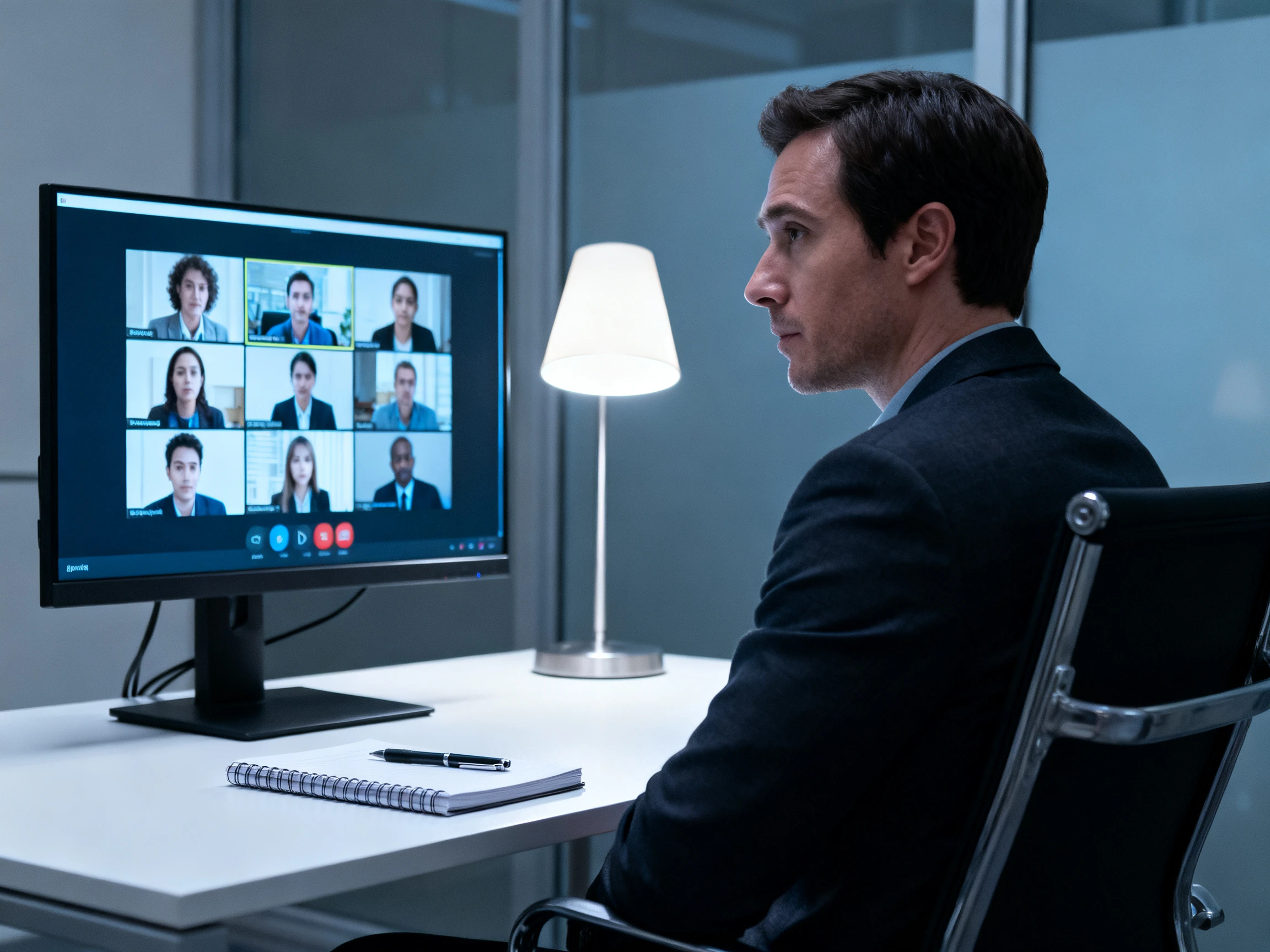
Visla is SOC 2 Type II compliant, with role-based permissions and access logs for regulated organizations. Business plans add two-factor authentication, and Enterprise adds SSO and SCORM export for learning management systems. That lets training teams move a finished course into their LMS without repackaging the files in another tool.
Try Visla AI for Free
More than 100 public AI avatars can present a script when nobody wants to be on camera. Pro plans add 2 custom avatars and Business adds 3, along with 3 cloned voices for consistent narration. Enterprise removes the limits on custom avatars and cloned voices for larger teams.
Try Visla AI for Free
Before choosing a platform, see how each one handles a typical business video. Visla AI video generator and 4 alternatives are compared below by purpose, generation style, and creative assets.
| Platform | Max Video Length | AI Video Models | Max Export | Best For |
|---|---|---|---|---|
| Visla | Up to 3 hours | 3+ | 4K | Business and training teams |
| Magiclight AI | Up to 50 min | 20 | 1080p | Long-form storytellers |
| Synthesia | 5 min with AI Assist | Multiple | 1080p | Corporate L&D teams |
| Fliki | 40 min | 6+ | 1080p | Content marketers |
| InVideo | Model-dependent | 4+ | 4K | Marketing teams |
Start with the product demo you want your audience to see. Visla AI video generator takes you through 4 steps to record, refine, finish, and share the complete walkthrough.
Create a free Visla account and record your screen, camera, or meeting with the teleprompter. You can also start from a script, PDF, slide deck, or webpage link.
The AI Video Agent produces a scene-based draft with stock footage, music, subtitles, and an AI voiceover. Switch to AI Director Mode if you want storyboard-first AI clips.
Adjust each scene’s visuals and pacing, cut words straight from the transcript, and remove filler words automatically. Apply your brand kit, an avatar, or a cloned voice.
Invite teammates to comment and approve in the workspace. Then download the video, share a link, or embed it, with 4K export on Business and SCORM on Enterprise.

Content Marketing Manager
Visla’s teleprompter is especially useful when I’m recording tutorials. It helps me stay on track while making instructional videos easier to record.

Director
Visla matches our content with relevant stock footage and lets us use our own or generated voiceovers, helping us create educational videos much faster.

Co-Founder
Visla saves me a lot of time. I can upload PowerPoint files, use my cloned voice for scripts, and quickly turn the material into training videos.

Content Creator
Visla turns my scripts and private footage into refined videos much faster, helping me keep my YouTube series on schedule without hours of editing.
The Visla AI video generator has a free plan with 1080p exports, the free stock library, and public avatars, but videos carry a watermark. Paid plans start at $15/month.
Use the standard AI Video Agent for a fast first cut made from stock or existing footage. Choose AI Director Mode when the same character, product, or setting must stay consistent.
Pro plans include 2 million Storyblocks videos, and Getty Images is available as an add-on. Business plans include both libraries, for more than 16 million videos in total.
Yes, at the subtitle level. Visla translates subtitles into multiple languages, so one training or product video can serve teams in other regions without a reshoot.
Yes. Finished videos can be downloaded, shared as a link, or embedded on a site or help center. Enterprise teams can also export SCORM packages for their learning systems.
Yes. Upload footage or record it in Visla, and the AI can create scenes around it. Free and Pro plans allow uploads of 3GB or 1 hour, while Business raises that to 20GB or 3 hours.



Record the demo, drop in the deck, and let Visla AI video generator assemble the first cut. Your team edits and approves it together, then shares it wherever your audience is.