Top Features of the Storyblocks AI Video Generator
Stock footage will not cover every idea you have in mind. Storyblocks AI video generator fills those missing shots while keeping generation, editing, and voice tools close by.

Search 8M+ human-made assets first, then generate the shot you could not find. Storyblocks adds AI edits, images, and voiceovers in one plan. No editing skills required.
Try Storyblocks AI For Free
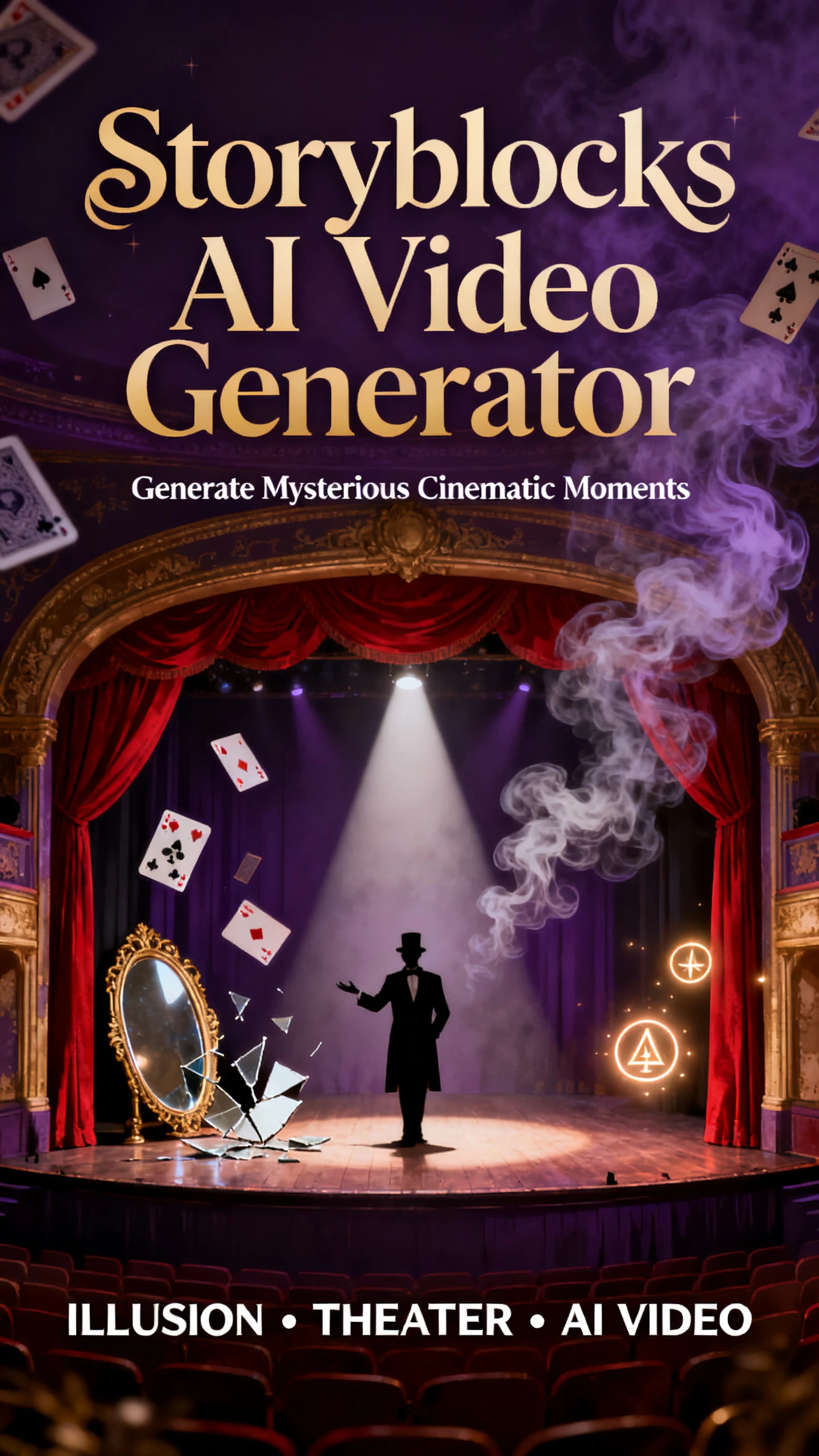
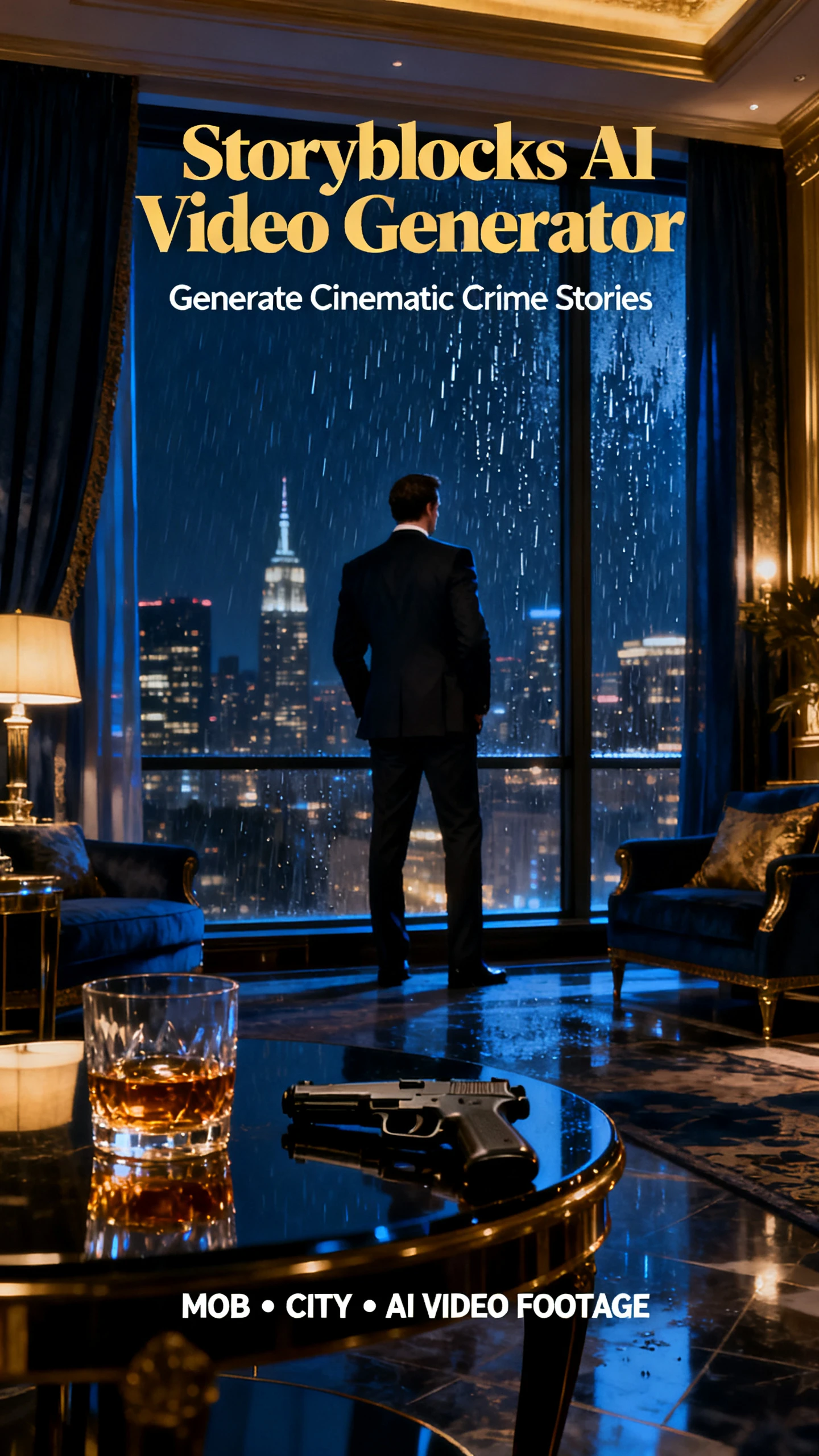
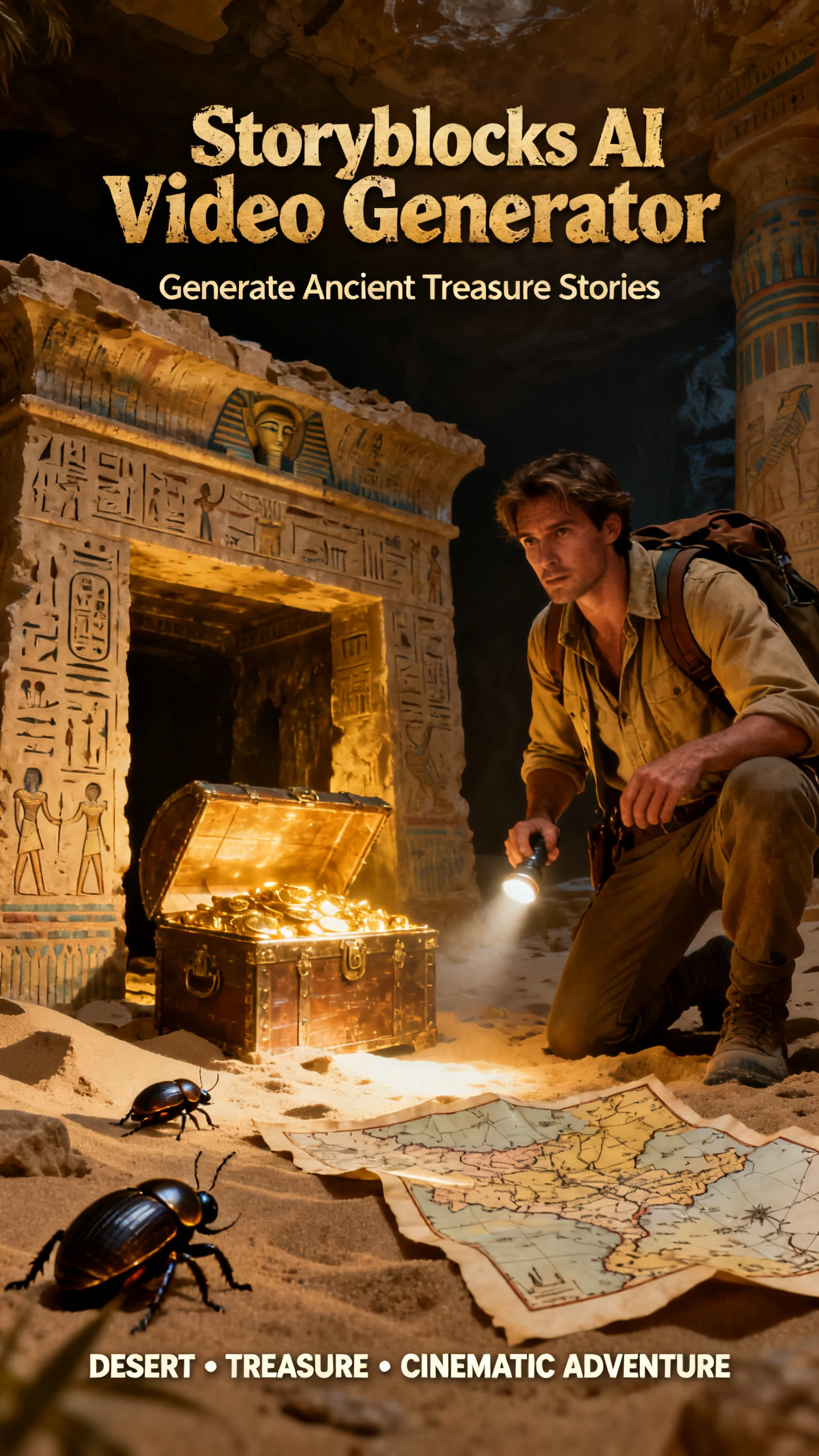
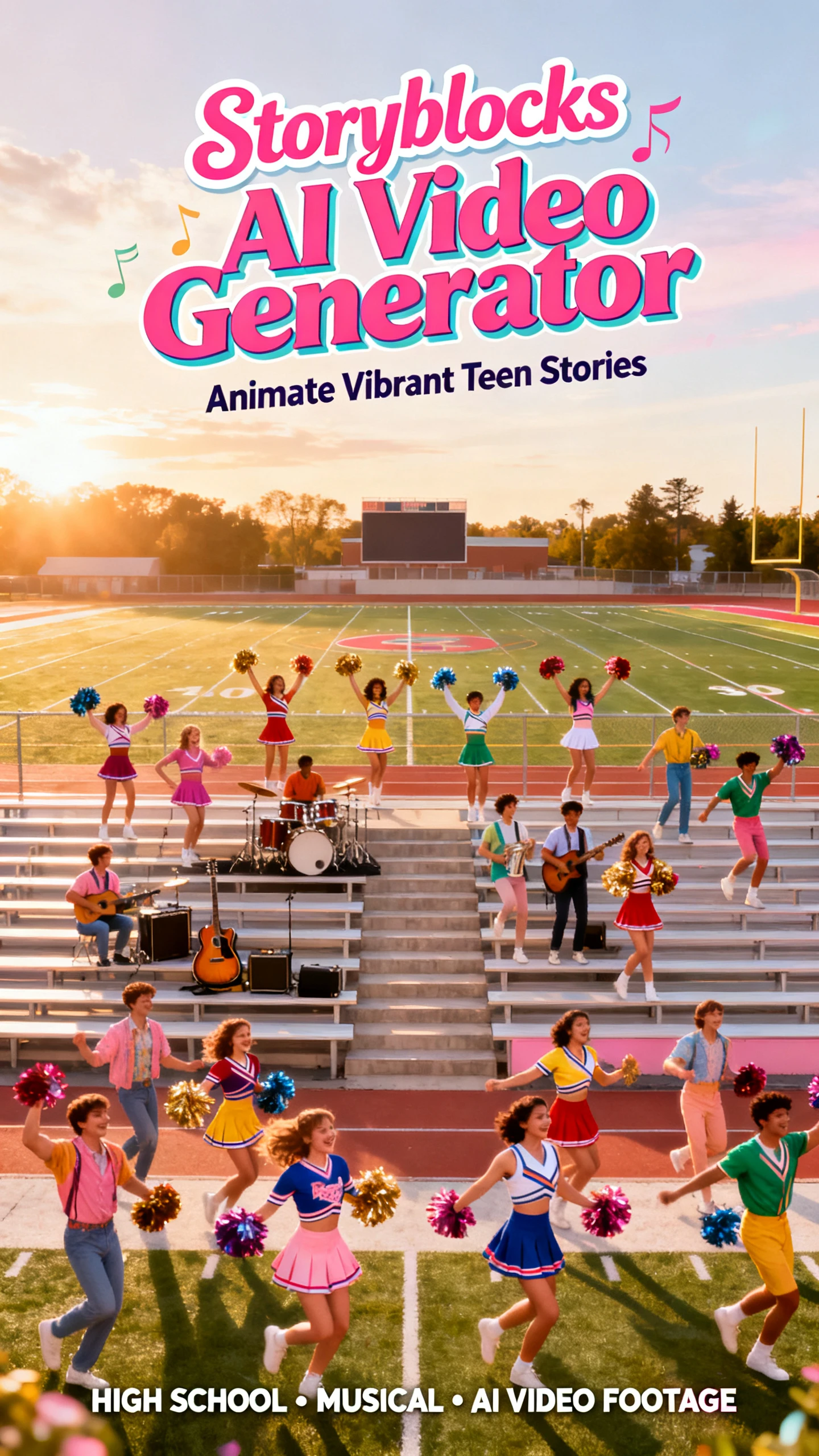
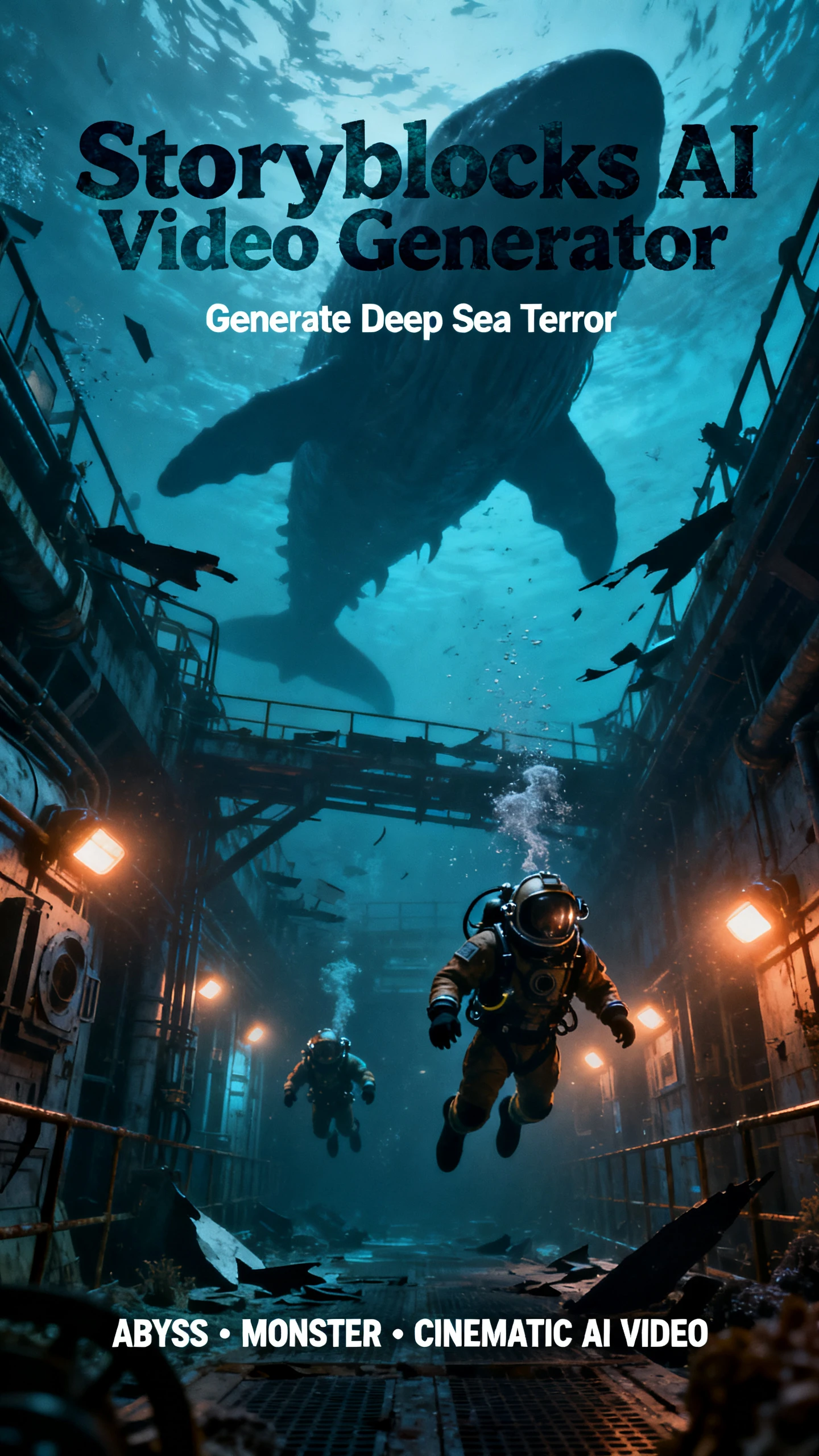
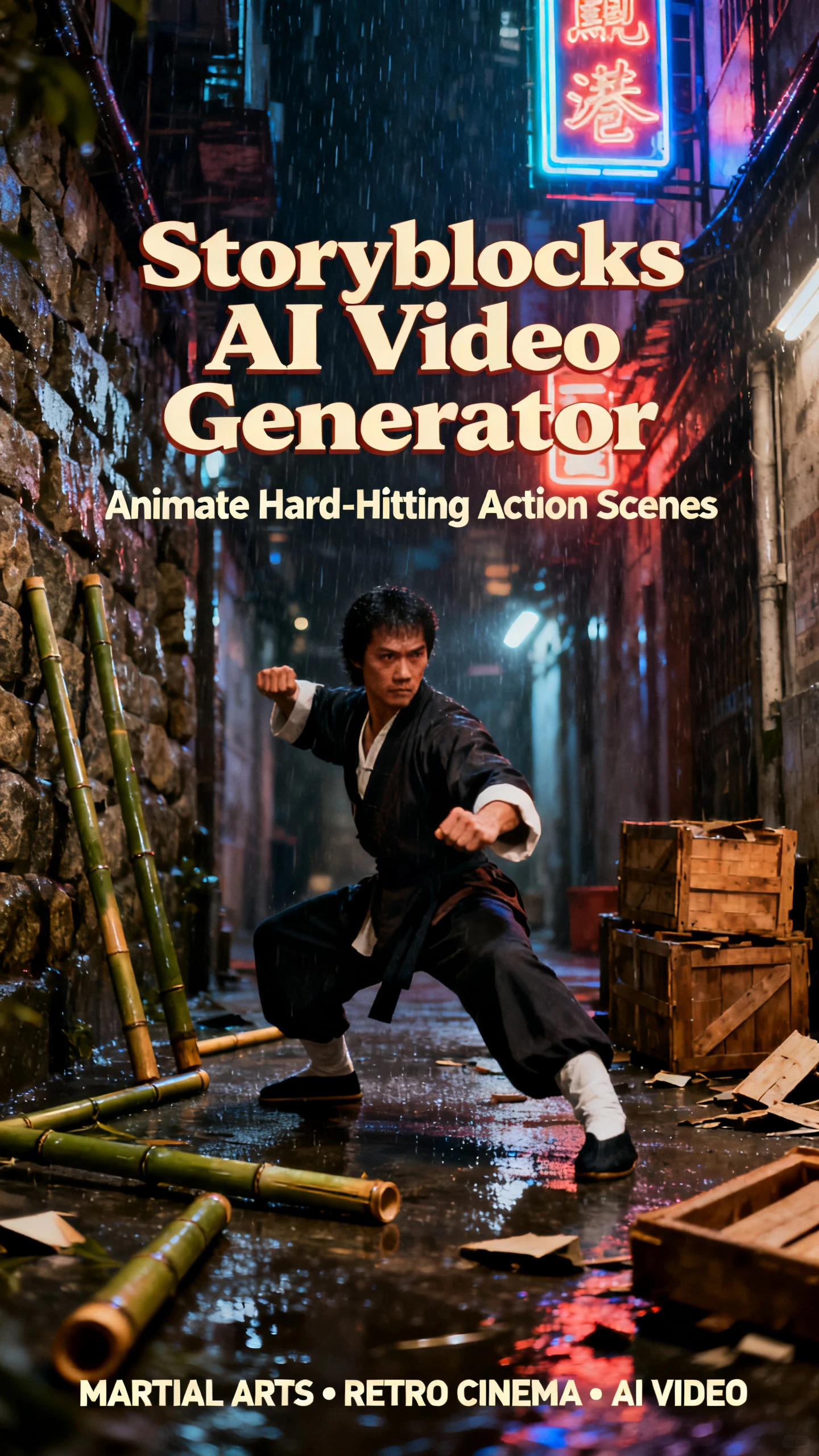
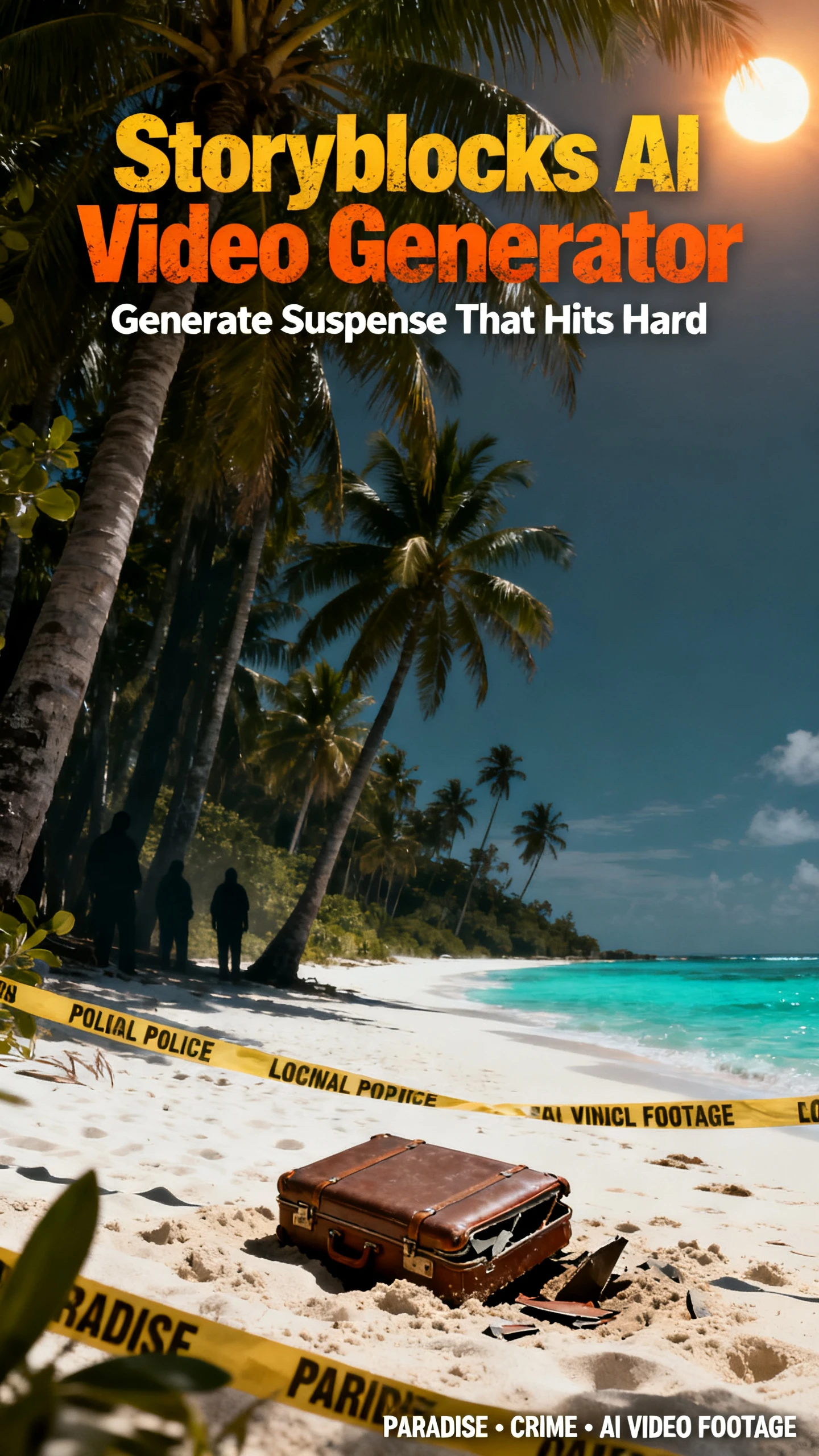
Stock footage will not cover every idea you have in mind. Storyblocks AI video generator fills those missing shots while keeping generation, editing, and voice tools close by.

Google Veo 3.0 powers the AI Video Generator, which starts from either a text prompt or an image. Pick 16:9 or 9:16, a length of 4, 6, or 8 seconds, and 720p or 1080p before you generate. Most clips take a few minutes, and prompts made from subject, action, setting, style, and shot type get the best results.
Start from any image in the Storyblocks library without uploading anything, or bring your own photo, product shot, or illustration. Keep the prompt focused on the action, since the starting frame already shows the scene. If a library image is used to create a clip, the original artist gets paid.
The AI Video Editor, powered by Runway’s Aleph model, changes existing library clips with text prompts. Swap a background, remove an object, or restyle a shot so a near miss becomes the exact footage you need. That saves hours compared with a reshoot or another long trawl through search results.
The Image Generator, made on Runway Gen-4, creates custom stills from text descriptions for thumbnails or title cards. ElevenLabs powers the voiceover tool, which covers text-to-speech, voice cloning, and style changes. Voiceover and the Maker editor come with Unlimited All Access and higher plans.
Editors need footage that fits the project without adding another licensing headache. Storyblocks AI video generator combines custom generation with the Storyblocks library, backed by three useful advantages.
Storyblocks does not accept generative AI submissions into its library of more than 8 million assets. Every download directly supports an artist, and users can report anything that looks AI-made. AI generation stays a separate tool, so you always know which clips were made by people and which by AI.
Try Storyblocks AI For Free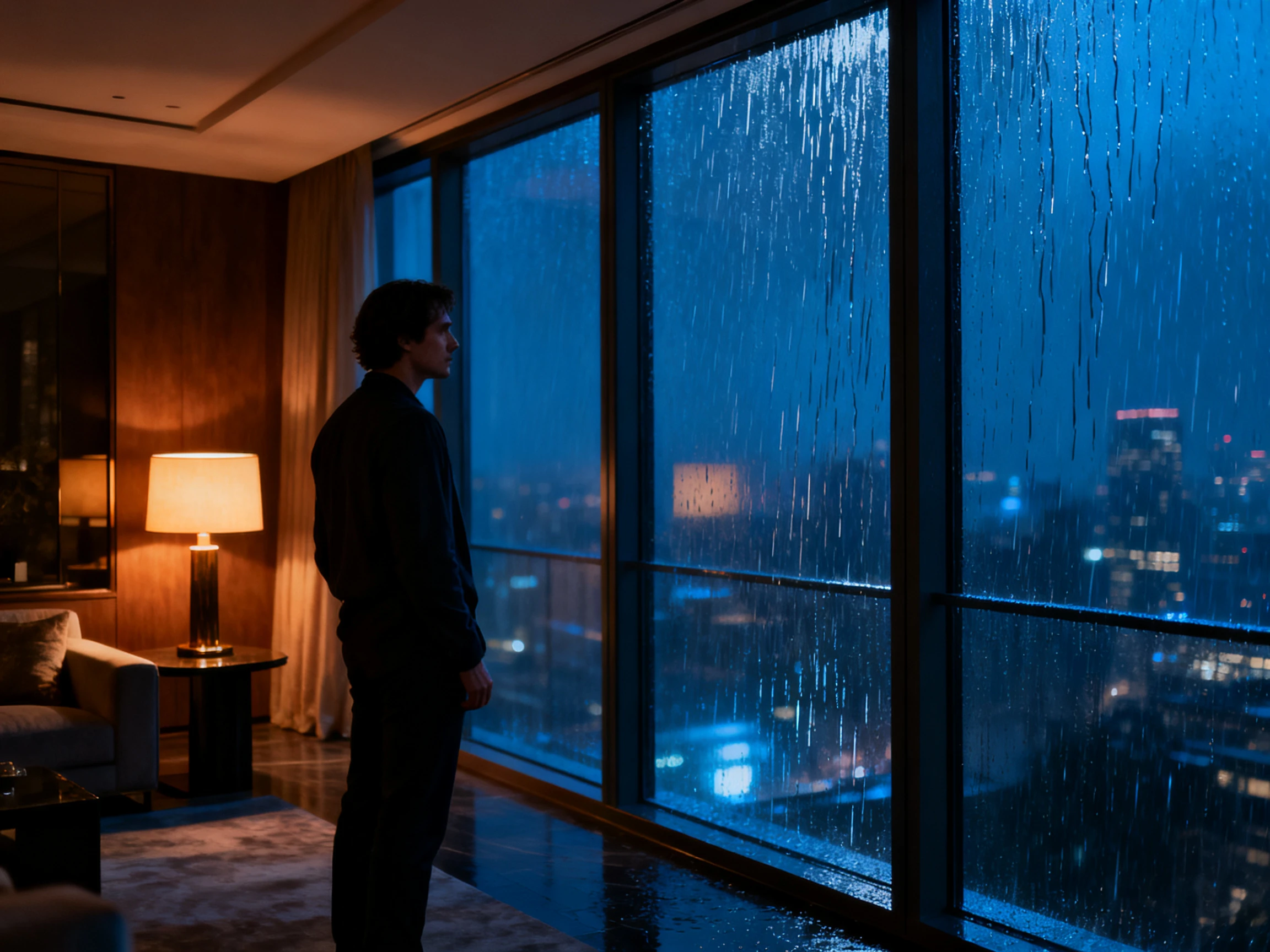
Search the Storyblocks library for existing footage, then generate a custom clip when the exact shot is unavailable. Creators can move between stock and AI-generated B-roll in the same platform instead of searching multiple libraries or switching between separate generation tools.
Try Storyblocks AI For Free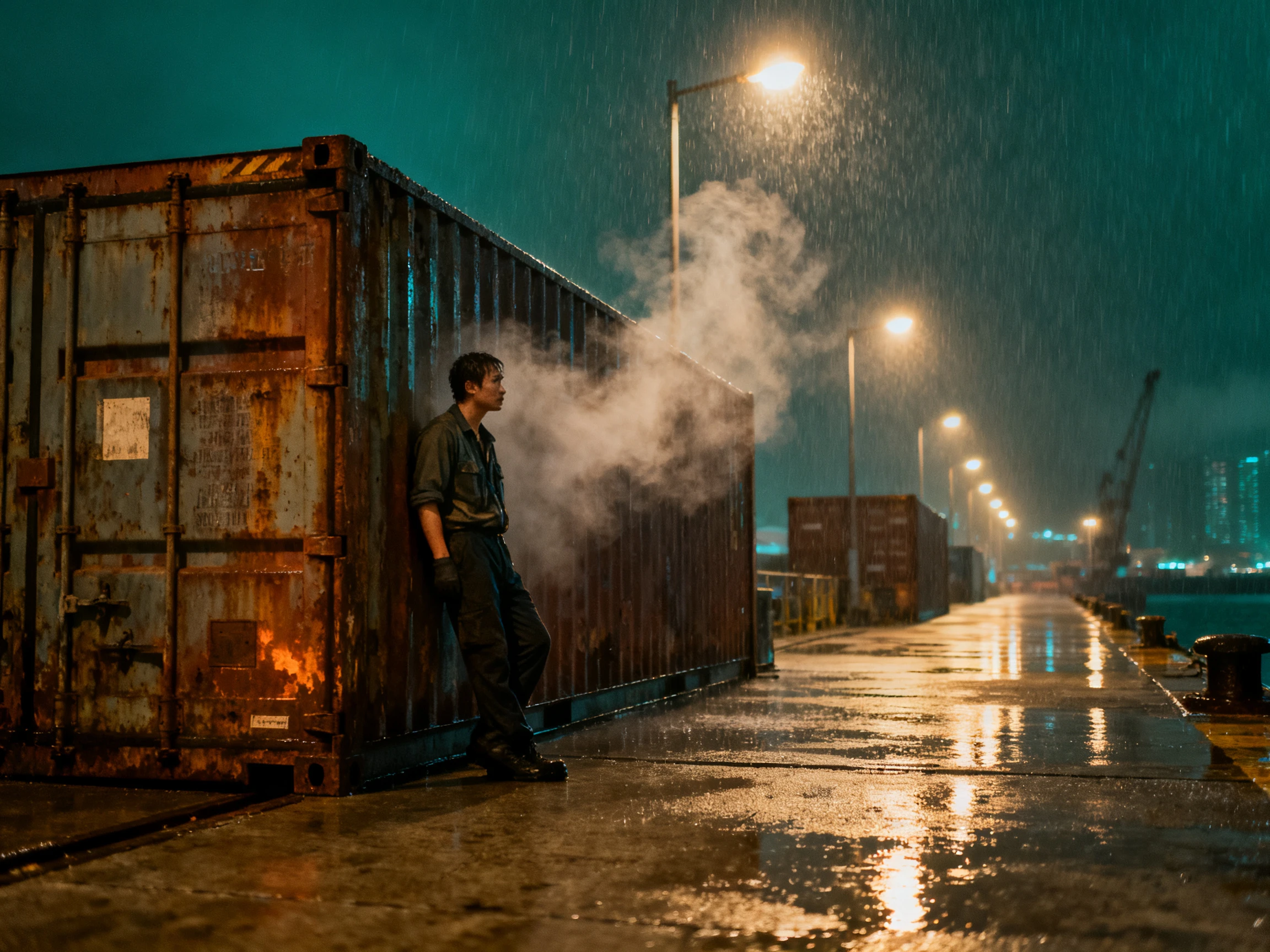
Anything generated from text or library images comes with commercial use under your Storyblocks license. Business plans add broadcast rights and $1 million in indemnification for higher-stakes productions. Storyblocks also lets partners train AI models only on content whose artists have opted in and receive a revenue share.
Try Storyblocks AI For Free
Not every stock platform handles generated footage in the same way. The comparison sets Storyblocks AI video generator beside 4 alternatives, focusing on library size, video models, and editing options.
| Platform | Stock Library | AI Video Engine | AI Editing | Users |
|---|---|---|---|---|
| Storyblocks | 8M+ human-made assets | Google Veo 3.0 | Runway Aleph edits on library clips | Video editors and YouTubers |
| Magiclight AI | 1M+ Templates and Assets | Script-driven story engines | Nano Storyboard scene edits | Long-form storytellers |
| Envato | 29M+ stock assets | 11 models routed by ModelMatch | AI video editing on Plus and above | Creators needing every asset type |
| Canva | 141M+ premium assets | Veo 3 clips with sound | Video Editor with Magic Resize | Marketers designing in Canva |
| Freepik | 250M+ stock assets | 30+ video models | Clip Editor and 4K upscaler | Designers creating campaigns |
A missing clip does not have to hold up your edit. Storyblocks AI video generator lets you create one from the AI Toolkit in 4 straightforward steps.
Sign in to your Storyblocks subscription and open the AI Toolkit, then choose the AI Video Generator. Decide whether your clip will begin with written words or a picture.
Describe the subject, action, setting, style, and shot type, or pick a library image as the first frame. With an image, keep the prompt focused on the motion you want.
Choose 16:9 or 9:16, a length of 4, 6, or 8 seconds, and 720p or 1080p. Then click Generate and give the clip a few minutes to finish before you review the result.
Download the finished clip and drop it into your timeline, or open it in Maker. If a stock clip is close but not quite right, rework it with the AI Video Editor instead.

Director
Storyblocks gives me the creative assets I need for customer projects, while its internal editing tools help me finish short videos quickly in one place.

Content Creator
Storyblocks saves me time because I can find useful photos and video clips without searching several sites, and the assets fit easily into my editing work.

Entertainment
Storyblocks keeps licensing simple for my published videos. I can reuse footage across projects without registering every download against a separate project.

Program Specialist
Storyblocks helps me add footage around a speaker to make videos more engaging, while its range of clips saves hours I would otherwise spend searching online.
The Storyblocks AI video generator is part of every individual plan, starting with Essentials at 3,000 AI credits a month. Unlimited All Access and Small Business add more credits to the account.
Google Veo 3.0 powers the video generator, while Runway’s Aleph handles AI edits to existing footage. Runway Gen-4 creates images, and ElevenLabs supplies the voiceovers.
Yes, when they start from text or a Storyblocks library image, since those outputs fall under your Storyblocks license. Anything you upload yourself must follow the Terms of Service.
No. Storyblocks keeps its stock library 100% human-made and does not accept generative AI submissions. You can report any asset that looks AI-generated so the team can review it.
Each generated clip runs 4, 6, or 8 seconds in 16:9 or 9:16, at 720p or 1080p. That length works well for cutaways, transitions, and establishing shots in a longer edit.
It works on footage from the Storyblocks library. Use a text prompt to change the background, remove an object, or restyle the shot, with Runway’s Aleph model doing the editing.



Search the human-made library first, and generate only the shots it cannot supply. Storyblocks AI video generator keeps both kinds of footage under one license.