Top Features of the Magiclight AI Caricature Generator
The best caricatures stay funny and still look like the person. Caricature generator in Magiclight AI starts from a selfie and lets you choose the joke.
Turn your selfie into a fun caricature with MagicLight AI. Upload a photo and describe the style or exaggerated features you want. Create a playful caricature in seconds, no drawing skills needed.
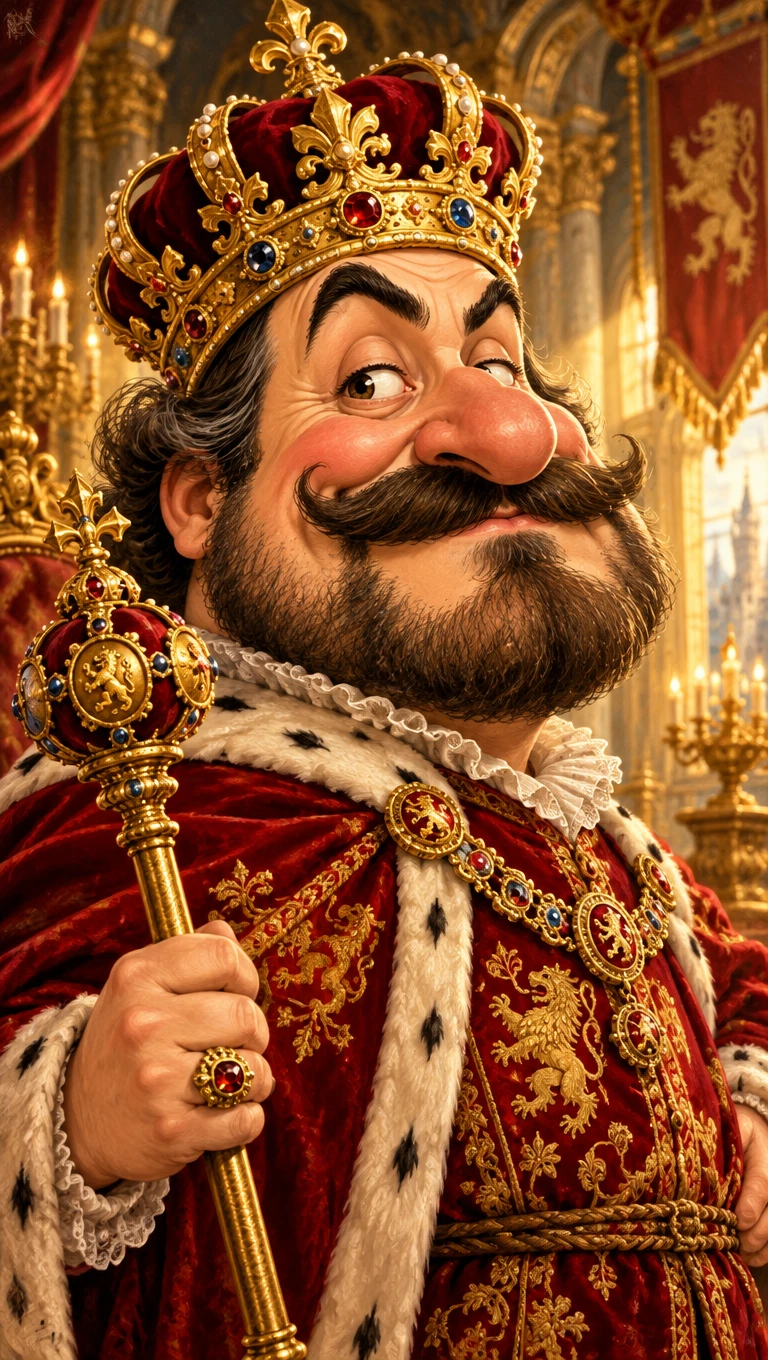
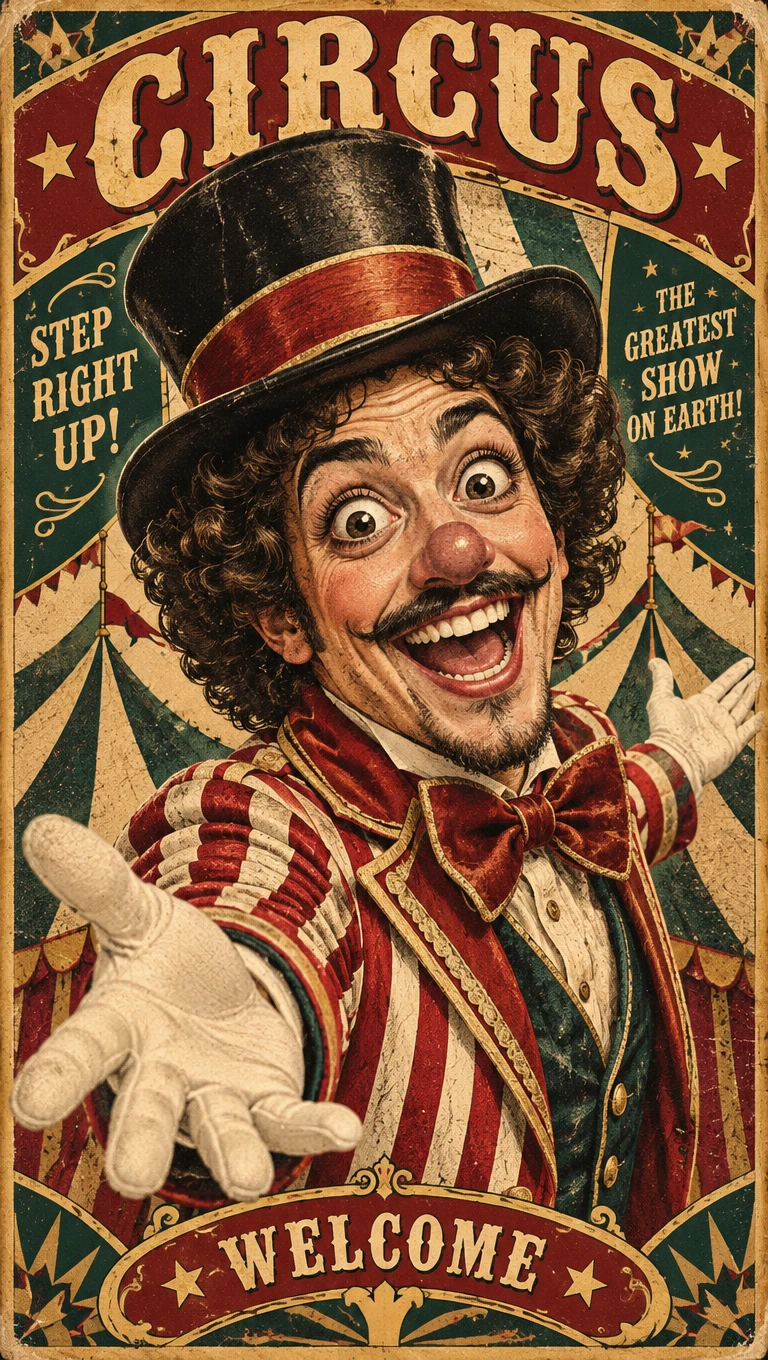
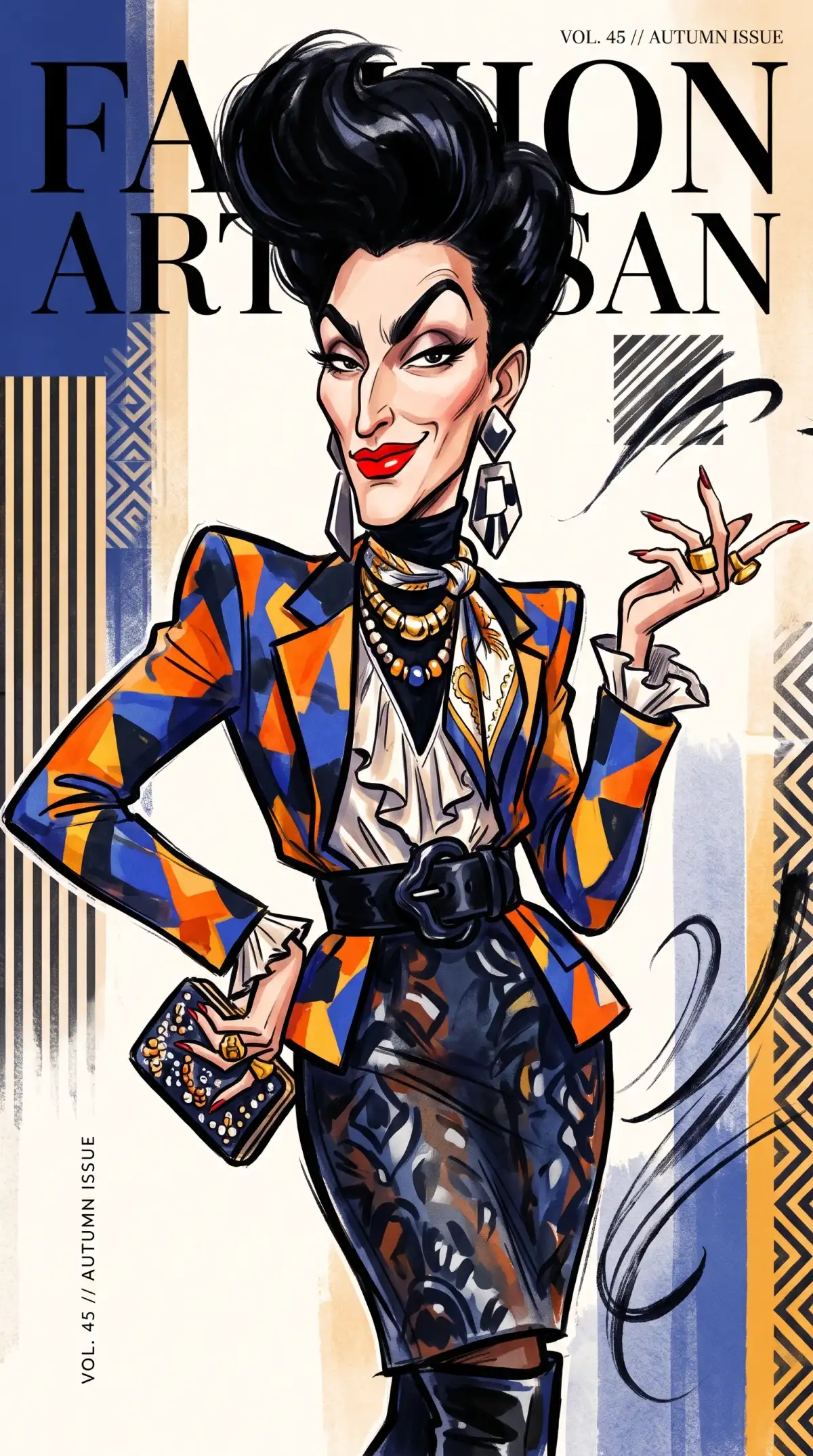
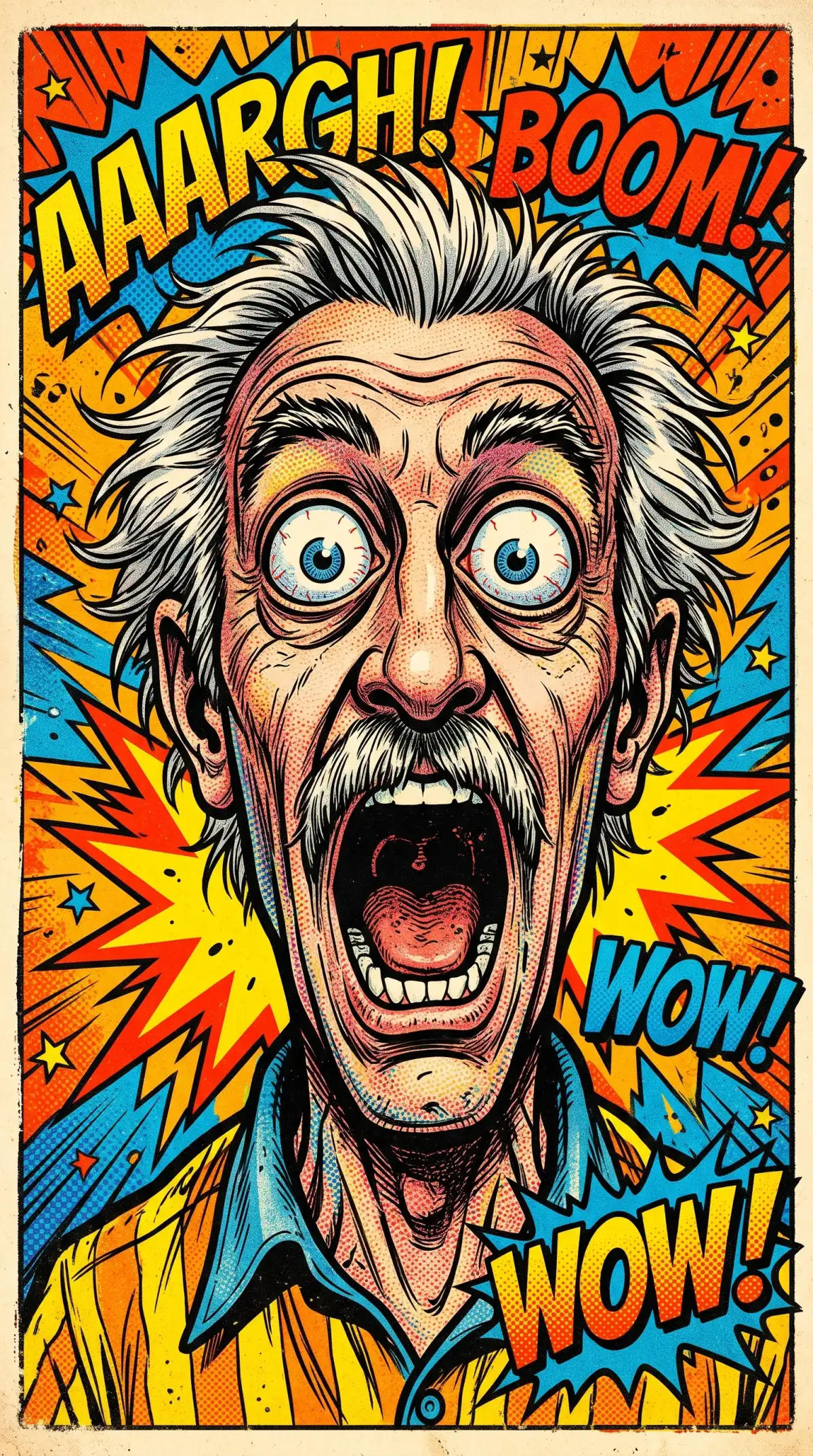
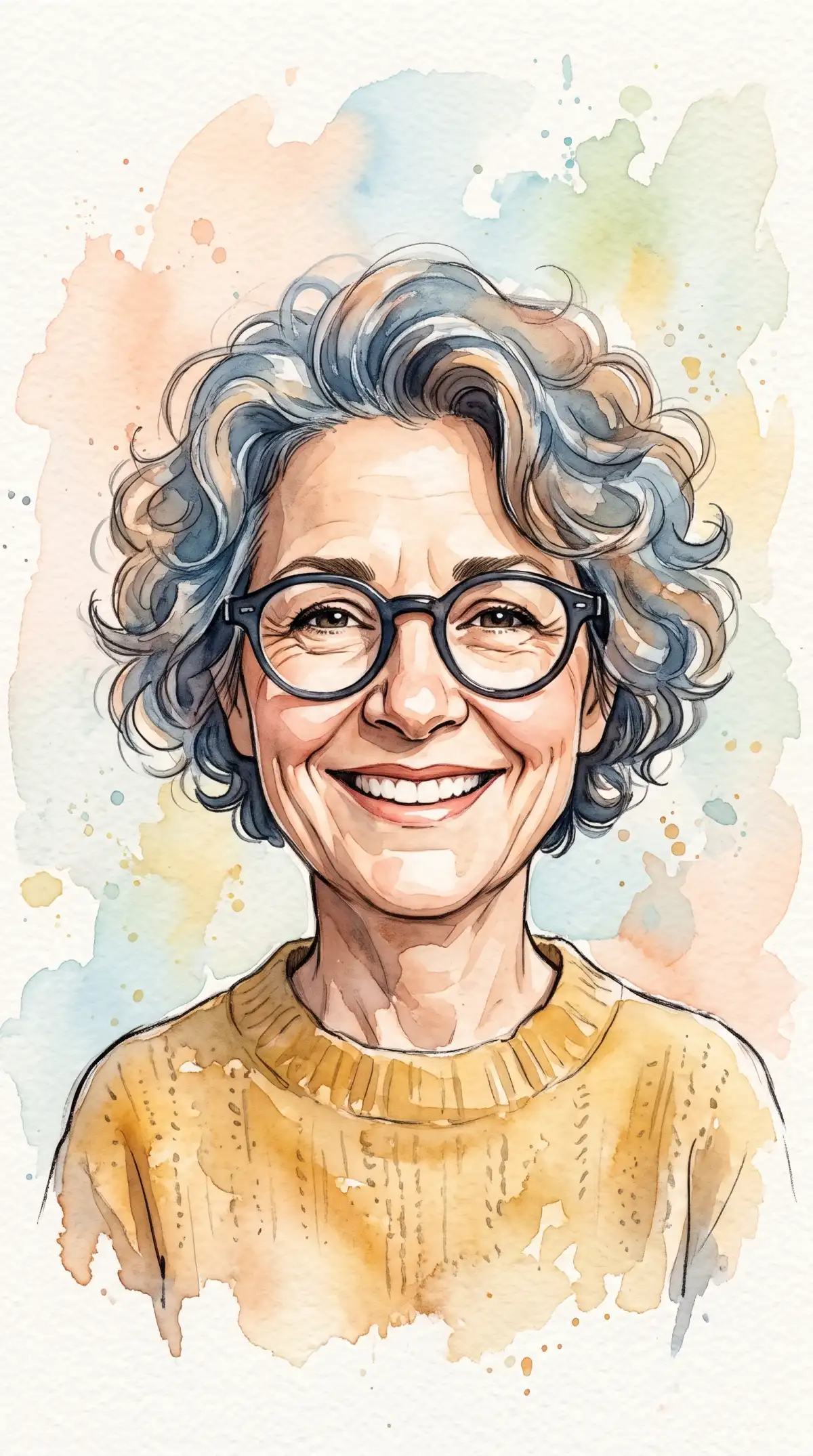
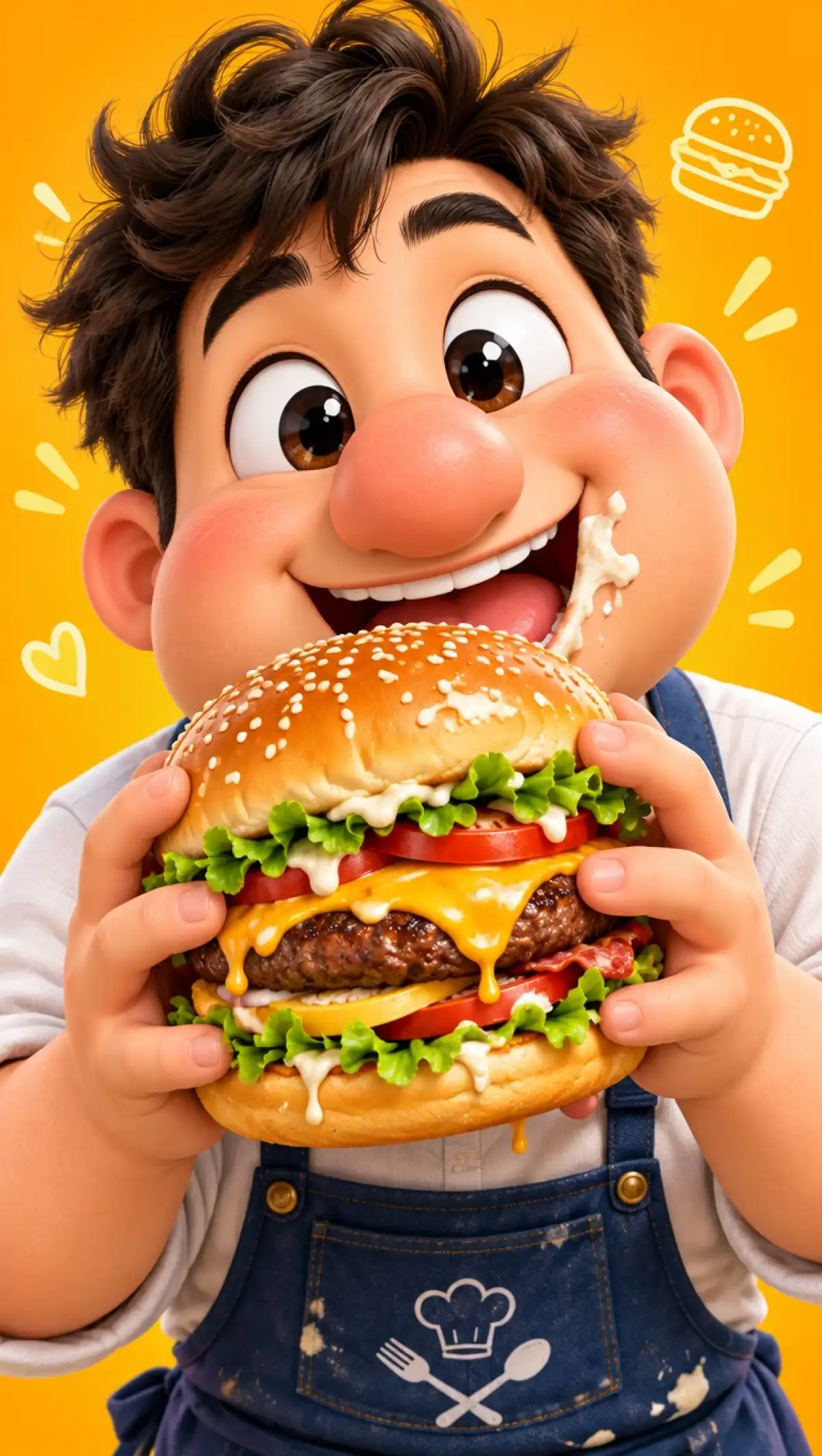
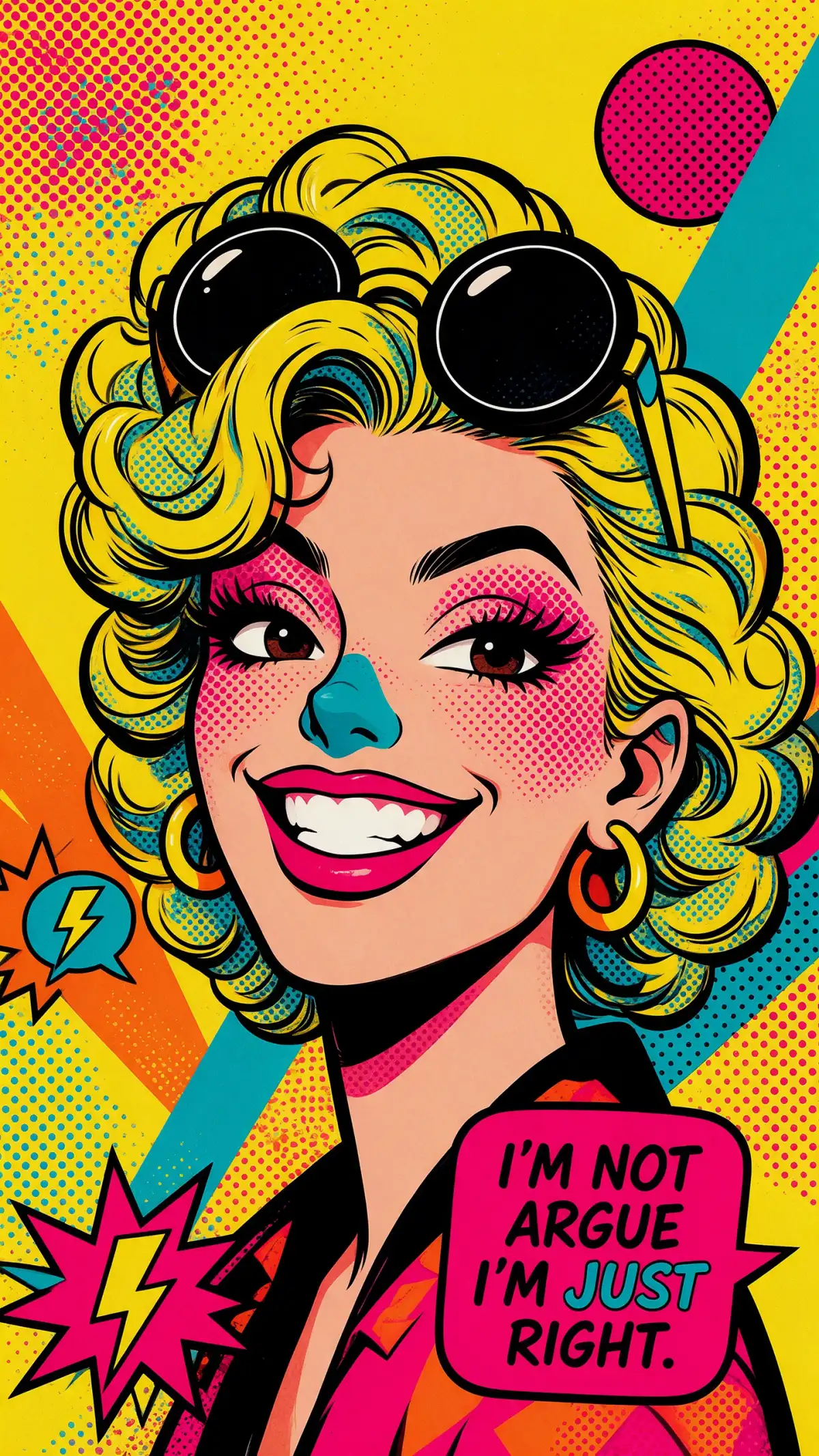
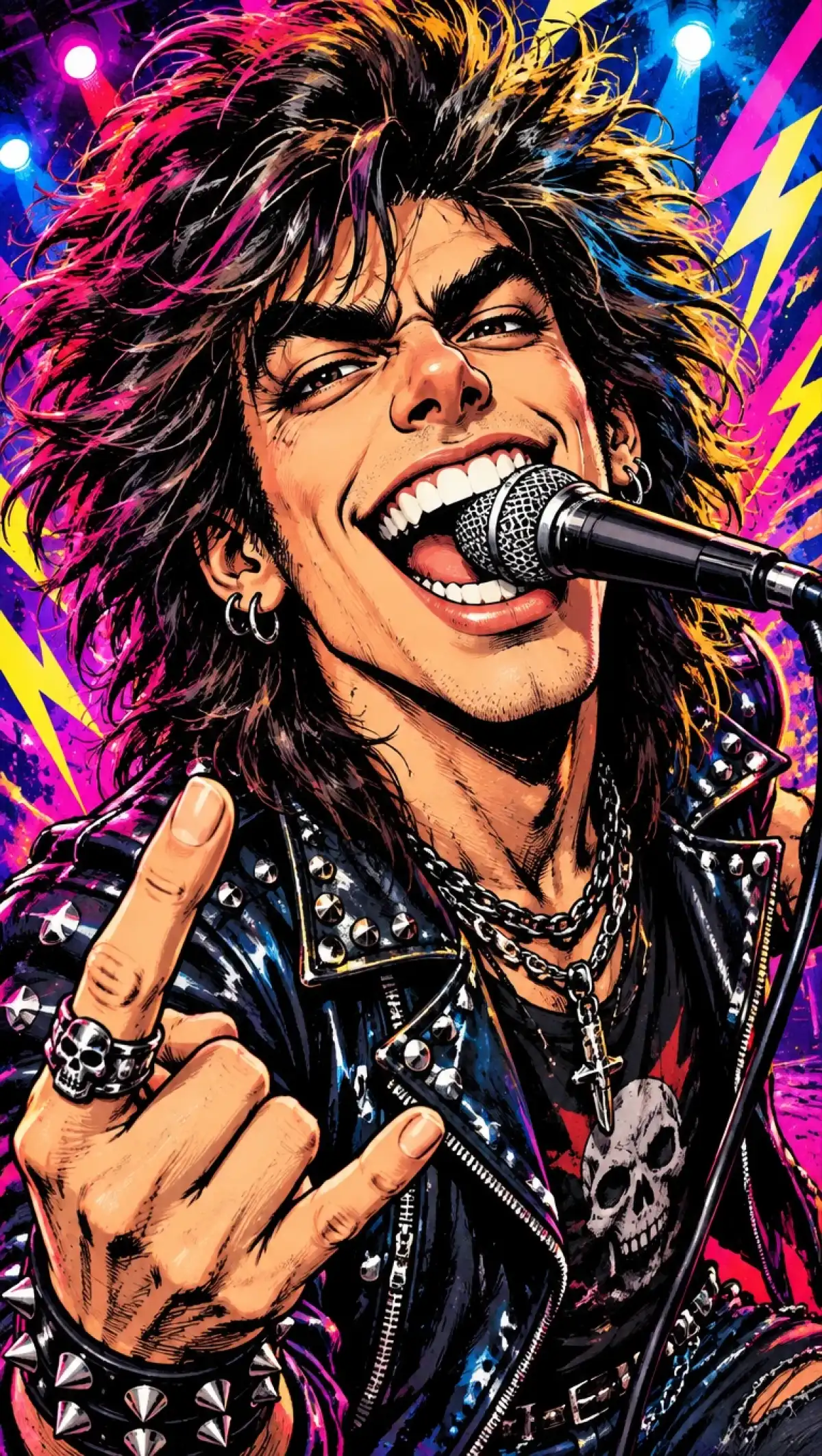
The best caricatures stay funny and still look like the person. Caricature generator in Magiclight AI starts from a selfie and lets you choose the joke.
Name the oversized ears, the huge grin, or the tiny body. Then add the hobby, the outfit, and the setting in the 500-character prompt. A longer prompt gives the drawing a clearer punchline.
Choose the tall frame when the joke is a tiny body or huge shoes. Fit the whole figure from head to toe. Discover the 9:16 frame in Magiclight AI out of the 4 aspect ratio options available.
Add one photo per friend, coworker, or family member. Ask for big heads and a shared prop in the prompt. Include more than 10 reference photos for quick and precise generations in Magiclight AI.
JPG, PNG, and WEBP photos are all accepted as image references. Sharper pictures give the drawing more detail to work with so each image file can be of up to 20MB.


Your caricature takes 3 steps from selfie to finished joke. Choosing what to exaggerate in step 2 gives Magiclight AI's caricature generator direction.
Decide which features and props make the caricature funny. Then open Image in the Toolbox. Choose Reference Image to Image for a photo or Text to Image for a made-up character. 
Write the features to enlarge, the prop, and the setting in up to 500 characters. Pick 1:1 for a profile picture or 9:16 for a full-body gag. Then select a model from the list. 
Press Create Image and choose the funniest result. Download it to print, post, or send as a card. Try a second model if the joke misses.
A clear, front-facing photo gives the Magiclight AI caricature generator the best base. Name the features to exaggerate in the prompt. Results vary, so try a second model if the face is not close.
Yes, add one photo per person with up to 9 references in one request. Ask for oversized heads and a shared prop. Describe the setting so the group fits one scene.
Caricatures of real public figures can raise legal and platform issues. Use the tool for yourself or for friends and family and coworkers who agreed. Check a platform’s rules before you post.
Name the style in the prompt, such as a pencil sketch, bold cartoon, or painted boardwalk art. Try a 3D toy to look for something different. Compare 2 models to see how each draws it.
Yes, download the image and print it on a card, a mug, or a poster. Choose the 4:3 frame for a framed print. Selling prints needs a plan with commercial rights.
A new account starts with starter credits that cover your first tries. Spend them on one joke and judge the result. Upgrade only if you want more drawings or commercial rights.


Every friend has a feature worth teasing. Try the caricature generator in Magiclight AI and send the portrait to the person who deserves it.