About the Bella vlog
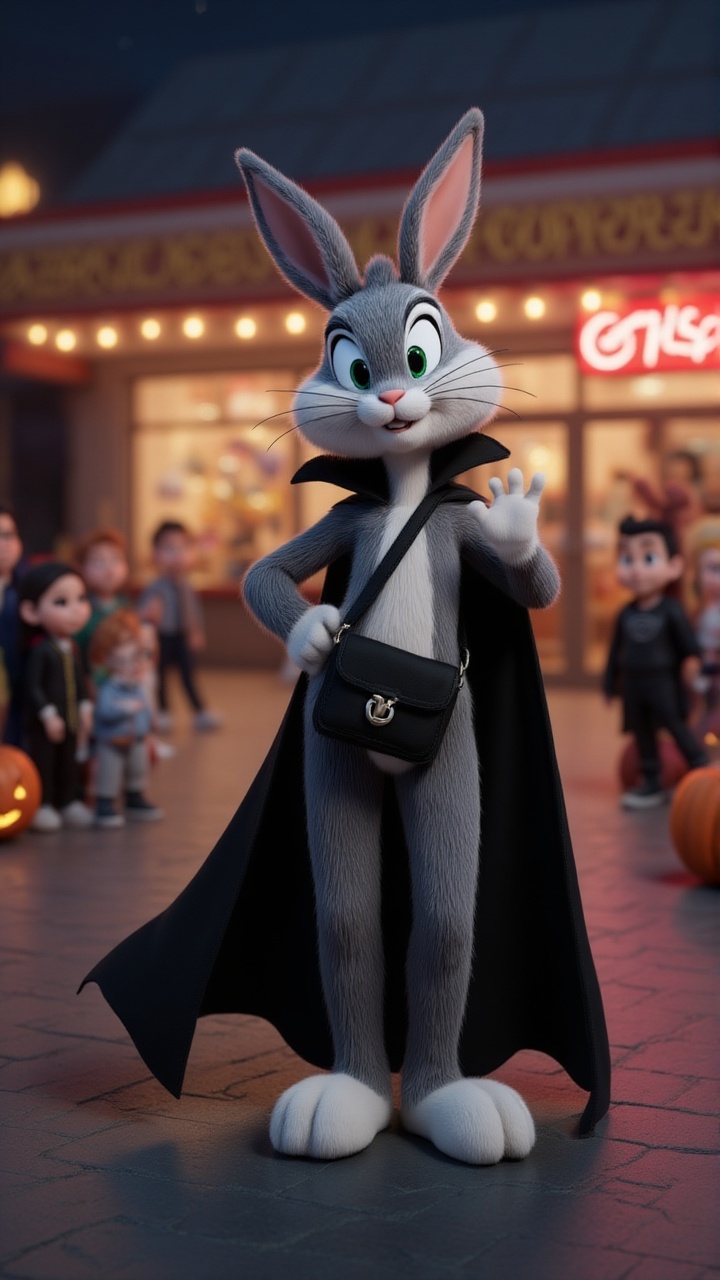
Bugs Bunny's Halloween night takes a wild turn! After a killer glow-up, he's ready to flex his vampire look, but the night throws non-stop scares his way—pumpkin heads, candy mobs, and a carrot chase?! From graveyard hideouts to surprise candy attacks and viral dance-offs, can Bugs survive the Halloween chaos? What spooky surprises await him next?
Video script prompt
It’s Halloween night, and Bugs Bunny is not ready—until a dramatic glow-up turns him into a vampire icon. He hits the streets to flex, only to be jump-scared by a pumpkin head, mobbed by candy-hungry kids, and chased after handing out... carrots? Chaos unfolds as Bugs hides in a graveyard, claps back with a surprise candy machine, and ends it all with a viral-worthy dance party. Fast cuts, meme zooms, and pure Halloween madness—this is the vlog you didn’t know you needed.
How to use this Vlog video template
Template Name: Bella vlog
Step 1
Click the "Use Template" button to load the "Bella vlog" preset.
Step 2
Review the default settings. This template is pre-configured with the Hailuo 02 model and Disney 2.0 style. Click "Run Script" to generate your initial draft.
Step 3
Enter your scene description in the text box. The One-Click engine is powered by Hailuo 02 to interpret complex prompts instantly. Toggle the Directing Modes if you need specific camera movements.
Step 4
Browse the Video Style carousel to pick a look. Ensure your Aspect Ratio is set correctly (9:16) for your target platform.
Step 5
Hit the "Create Video" button. The AI will process your script and style simultaneously to deliver a finished video.
Bella vlog Video Template
Start to use this template
Template Specifications
Frequently Asked Questions
What kind of vlogs can I create with Magiclight?
You can create fun animal and cartoon-style vlogs, featuring pets, wildlife, or fictional characters in playful scenes.
Can I create a personalized animal vlog?
Yes. Magiclight's animal vlog templates come with built-in cartoon animals and scenes that you can customize with text, captions, and effects to make each video unique.
Are these templates suitable for social media sharing?
Absolutely. They are optimized for TikTok, Instagram Reels, and YouTube Shorts in popular aspect ratios.
Are vlog templates optimized for YouTube and TikTok?
Yes. They are designed in popular aspect ratios like 16:9 and 9:16 for social media sharing.
Can I monetize videos made from Magiclight templates?
Yes. You can create content ready for monetization on YouTube, TikTok, or other platforms.
You might also like
these trending designs