About the The Whispering Oak Rescue
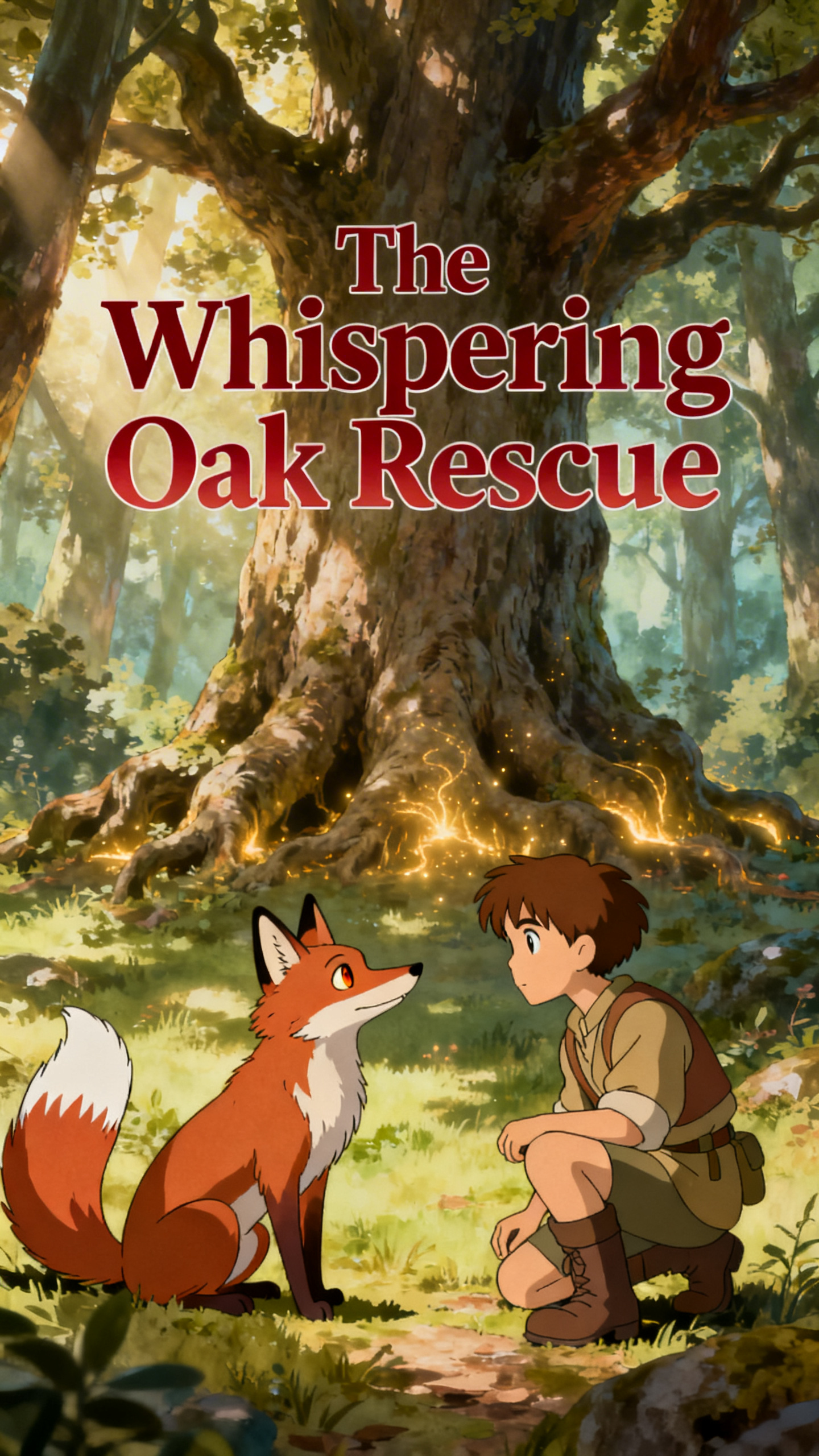
When Riko, a young fox, finds his mother ensnared by the ancient oak's magical roots, he knows he needs help. His only hope? A kind woodsman, rumored to understand the forest's deepest secrets. Can this unlikely duo bridge the divide between their worlds to save a life, or will the forest claim another victim?
Video script prompt
In a quiet valley nestled between misty mountains, a little fox named Riko played near the edge of an ancient forest. One morning, as sunlight filtered through the leaves, Riko discovered his mother trapped beneath the roots of a giant, enchanted oak. The tree’s twisting roots had grown strangely, binding her in a magical grip that pulsed faintly with a golden light. Riko tried to pull her free, but the roots were too strong. Determined, he ran to the nearby village, darting between cobblestone paths and whispering streams. Along the way, he caught the attention of a young woodsman named Kael, whose eyes were kind and curious, and who had always believed in the old forest spirits. Following Riko’s urgent gestures and pained cries, Kael arrived at the enchanted oak. He noticed the strange glow around its roots and realized that brute strength alone would not help. He knelt, whispered words of respect to the forest spirits, and carefully untangled the magical vines with his tools and gentle hands. As the final root gave way, Riko’s mother leapt free, shaking off the golden threads. She nuzzled Riko in relief, and together they danced beneath the oak, which now shimmered softly, as if smiling. The forest seemed to breathe a sigh of contentment, and Kael watched, feeling the quiet magic that exists where courage, respect, and love meet.
How to use this Cartoon video template
Template Name: The Whispering Oak Rescue
Step 1
Click the "Use Template" button to load the "The Whispering Oak Rescue" preset.
Step 2
Review the default settings. This template is pre-configured with the Hailuo 02 model and Ghibli style. Click "Run Script" to generate your initial draft.
Step 3
Enter your scene description in the text box. The One-Click engine is powered by Hailuo 02 to interpret complex prompts instantly. Toggle the Directing Modes if you need specific camera movements.
Step 4
Browse the Video Style carousel to pick a look. Ensure your Aspect Ratio is set correctly (9:16) for your target platform.
Step 5
Hit the "Create Video" button. The AI will process your script and style simultaneously to deliver a finished video.
The Whispering Oak Rescue Video Template
Start to use this template
Template Specifications
Frequently Asked Questions
What kind of cartoons can I create with Magiclight?
You can create short animated stories, funny clips, and character-driven scenes using Magiclight's cartoon templates. Styles range from classic 2D animation to stylized digital cartoons.
Do I need animation experience to use these templates?
No experience is needed. Magiclight's cartoon templates are pre-built with animations, characters, and backgrounds, so you can create videos in minutes.
Can I customize characters and scenes in cartoon templates?
Yes! You can edit characters, change colors, add props, and adjust backgrounds to fit your story.
Are cartoon templates suitable for social media posts?
Absolutely. They are optimized for TikTok, Instagram Reels, YouTube Shorts, and more.
Can I add my own voiceovers to cartoon videos?
Yes. Magiclight allows you to add voiceovers, music, or sound effects to bring your cartoon to life.
You might also like
these trending designs