About the The Brain's Amazing Warehouse
Ever wonder how your brain dreams up the impossible? It's all about remixing memories! Imagine your brain as a giant warehouse, storing every sight and sound. When you imagine, it grabs pieces—a horse, wings—and mashes them together. The result? A flying horse! But what other hidden creations are lurking in your mind's warehouse?
Video script prompt
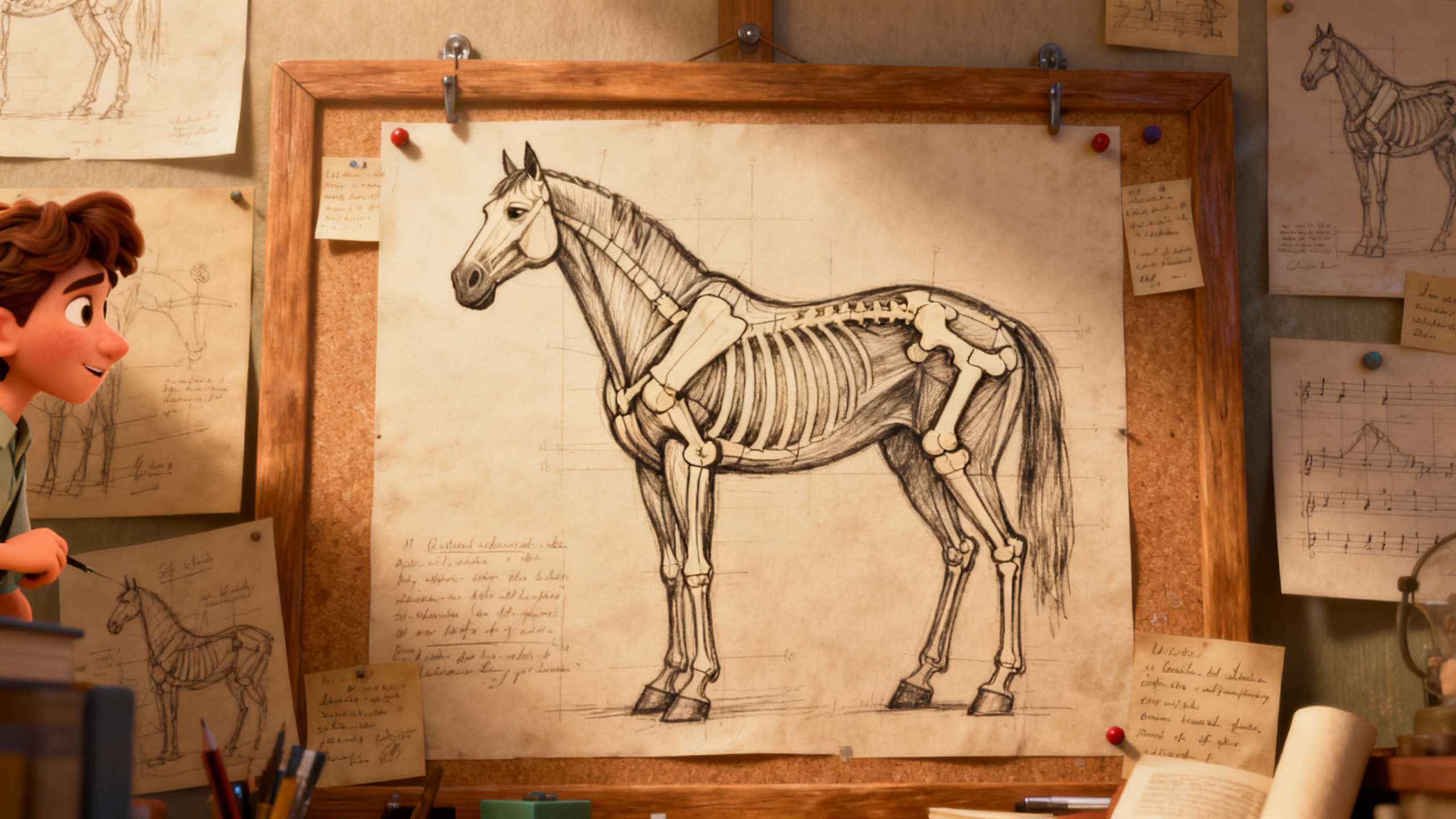
Our brain is a wonderful "warehouse." It "remembers" everything it has seen, touched, and heard. It remembers what a "horse" looks like, and it remembers what a "bird" looks like and the structure of "wings." When the brain starts to "imagine," it walks into this "warehouse" and takes out the memory of a "horse" and the memory of "wings." Then, it tries to "piece" these two different things together. In this way, a "flying horse"—something it has never seen in reality—is "thought" up. This is just the brain using old memories to combine into a new picture.
How to use this Explainer video template
Template Name: The Brain's Amazing Warehouse
Step 1
Click the "Use Template" button to load the "The Brain's Amazing Warehouse" preset.
Step 2
Review the default settings. This template is pre-configured with the Hailuo 02 model and Pixar style. Click "Run Script" to generate your initial draft.
Step 3
Enter your scene description in the text box. The One-Click engine is powered by Hailuo 02 to interpret complex prompts instantly. Toggle the Directing Modes if you need specific camera movements.
Step 4
Browse the Video Style carousel to pick a look. Ensure your Aspect Ratio is set correctly (16:9) for your target platform.
Step 5
Hit the "Create Video" button. The AI will process your script and style simultaneously to deliver a finished video.
The Brain's Amazing Warehouse Video Template
Start to use this template
Template Specifications
Frequently Asked Questions
What is an explainer video template?
Explainer templates are pre-designed videos that help you explain ideas, products, or services clearly and visually.
Do I need design skills to use these templates?
No. Magiclight templates come ready-to-use; you only need to add your text, images, or voiceovers.
Can I customize the text and visuals in explainer videos?
Yes. Magiclight lets you edit text, replace images, and adjust visual elements to clearly present your ideas or products.
Are explainer templates suitable for business presentations?
Absolutely. They are perfect for marketing, training, product demos, or investor pitches.
What can I use explainer templates for?
Magiclight's explainer templates are perfect for product demos, service introductions, training videos, or sharing ideas in a clear and engaging way.
You might also like
these trending designs