About the Fox & Grapes
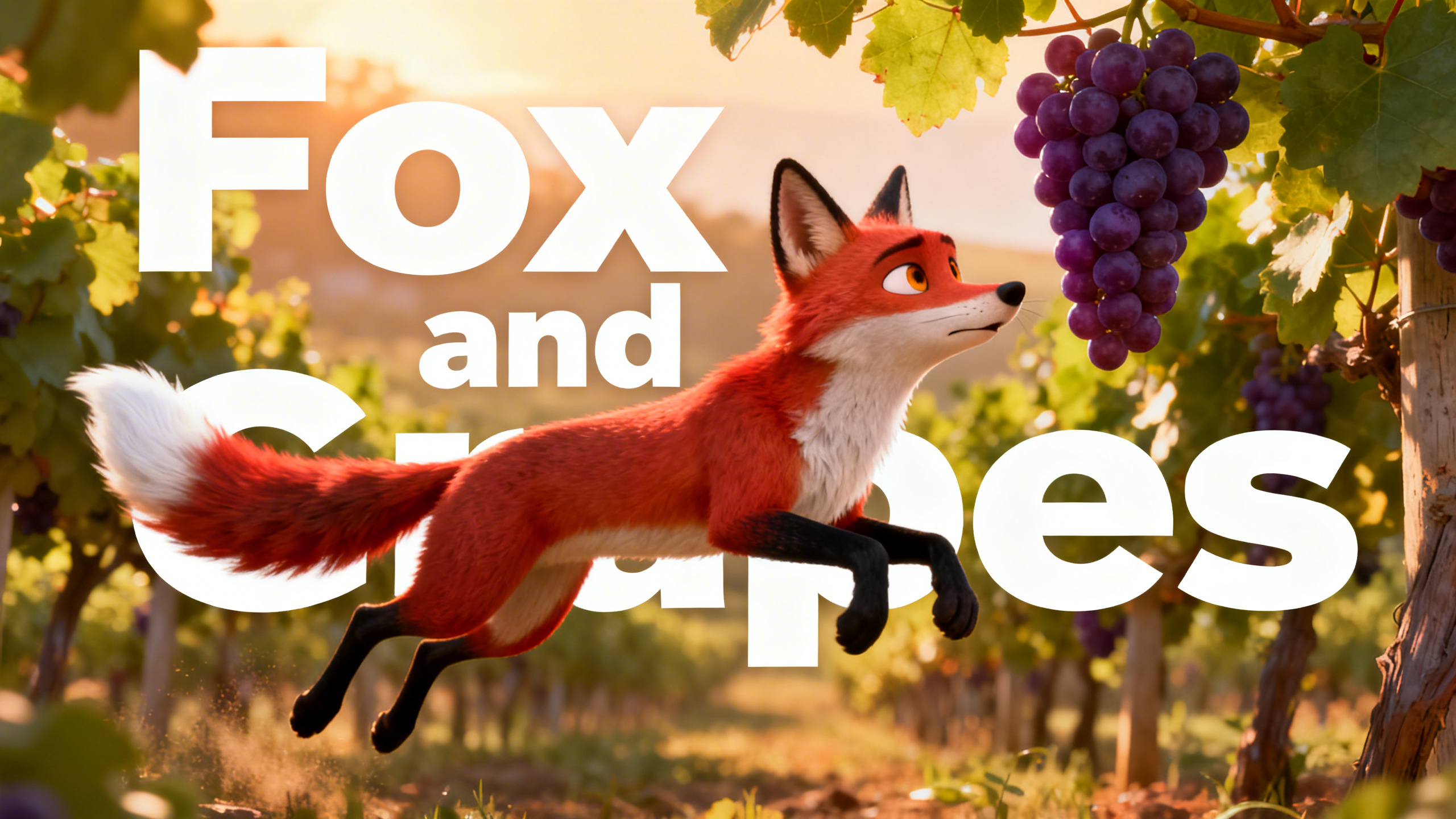
A hungry fox spots a luscious bunch of grapes, but they're just out of reach. After many failed attempts, he gives up, claiming they were probably sour anyway. But what if he had tried just one more time? Was it truly sour grapes, or a lesson in perseverance?
Video script prompt
One warm afternoon, a hungry fox was wandering through a quiet vineyard at the edge of the forest. The sun shone brightly, and the air smelled sweet and fresh. As the fox walked along the path, something caught his eye. Hanging from a tall vine was a beautiful bunch of grapes. They were large, round, and deep purple, glistening in the sunlight. The fox stopped and licked his lips. "Those grapes look delicious," he said to himself. "They must be the sweetest grapes in the whole vineyard." The fox stepped back, bent his legs, and jumped as high as he could. Snap! But he missed the grapes. He landed on the ground and tried again. Jump! Still too low. The fox tried again and again. He ran faster, jumped higher, and stretched his neck as far as he could. But the grapes were hanging just a little too high. Soon the fox was breathing heavily. His legs were tired, and his tail drooped with frustration. He looked up at the grapes one last time. They still hung there, shining in the sunlight, just out of reach. The fox sniffed and turned away proudly. "Hmph!" he said loudly. "Those grapes are probably sour anyway.I wouldn't want them even if I could reach them." And with that, the fox walked away, pretending he had never wanted the grapes at all.
How to use this Cartoon video template
Template Name: Fox & Grapes
Step 1
Click the "Use Template" button to load the "Fox & Grapes" preset.
Step 2
Review the default settings. This template is pre-configured with the MagicLight 1.0 model and Pixar style. Click "Run Script" to generate your initial draft.
Step 3
Enter your scene description in the text box. The One-Click engine is powered by MagicLight 1.0 to interpret complex prompts instantly. Toggle the Directing Modes if you need specific camera movements.
Step 4
Browse the Video Style carousel to pick a look. Ensure your Aspect Ratio is set correctly (16:9) for your target platform.
Step 5
Hit the "Create Video" button. The AI will process your script and style simultaneously to deliver a finished video.
Fox & Grapes Video Template
Start to use this template
Template Specifications
Frequently Asked Questions
What kind of cartoons can I create with Magiclight?
You can create short animated stories, funny clips, and character-driven scenes using Magiclight's cartoon templates. Styles range from classic 2D animation to stylized digital cartoons.
Do I need animation experience to use these templates?
No experience is needed. Magiclight's cartoon templates are pre-built with animations, characters, and backgrounds, so you can create videos in minutes.
Can I customize characters and scenes in cartoon templates?
Yes! You can edit characters, change colors, add props, and adjust backgrounds to fit your story.
Are cartoon templates suitable for social media posts?
Absolutely. They are optimized for TikTok, Instagram Reels, YouTube Shorts, and more.
Can I add my own voiceovers to cartoon videos?
Yes. Magiclight allows you to add voiceovers, music, or sound effects to bring your cartoon to life.
You might also like
these trending designs